Professional distribution · Morocco
Technical support

Category references

Networks & connectivity

303 references in Networks & connectivity.

303 references

UNDERSTAND · COMPARE · PREPARE

Choose a network around its uses, not just its speed.

Offices, shops and homes have different devices and busy periods. Before comparing routers, switches, access points and racks, describe who connects, where and for what purpose. Then prepare a coherent equipment list without confusing Internet access, the local network and Wi-Fi.

Go to references

This brief helps prepare a quotation request. It promises neither coverage per square metre, actual throughput nor compatibility between listed references.

From connection to endpoint: four roles

  1. 1 · Access and routing

    Locate the provider connection and router. Ask which networks should communicate and which should remain separate: staff, guests and technical equipment.

  2. 2 · Distribution and power

    The switch connects local-network equipment. PoE adds power over the Ethernet cable: check each device’s accepted mode, the port’s capacity and the switch’s total budget.

  3. 3 · Physical route

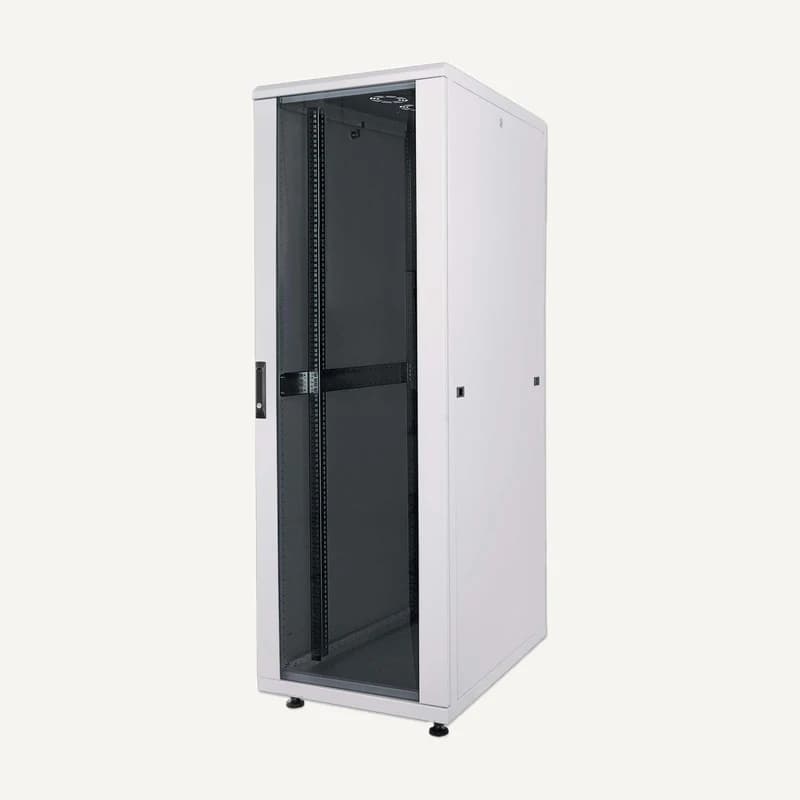
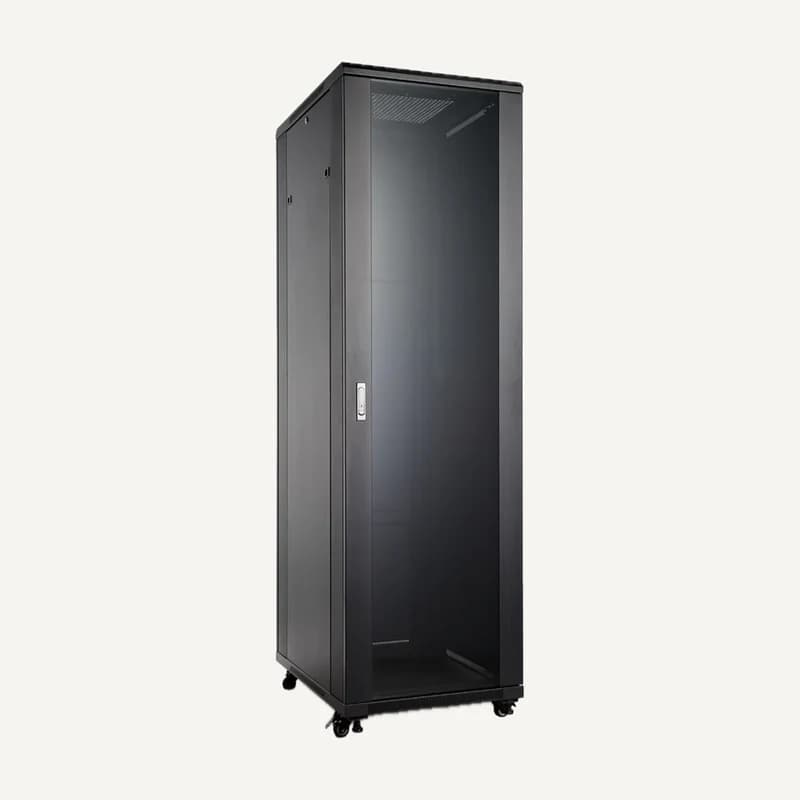
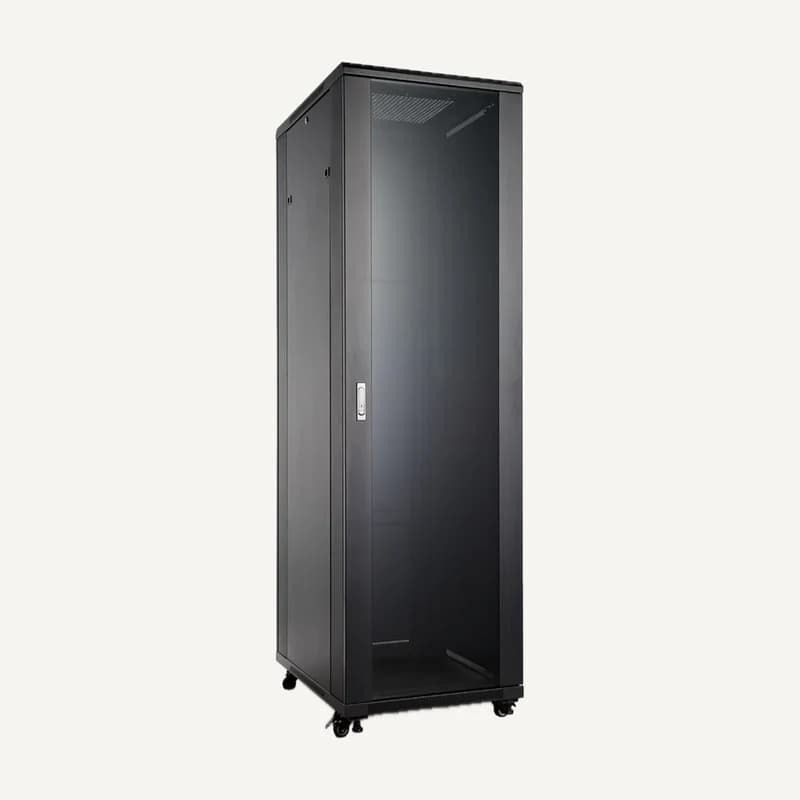
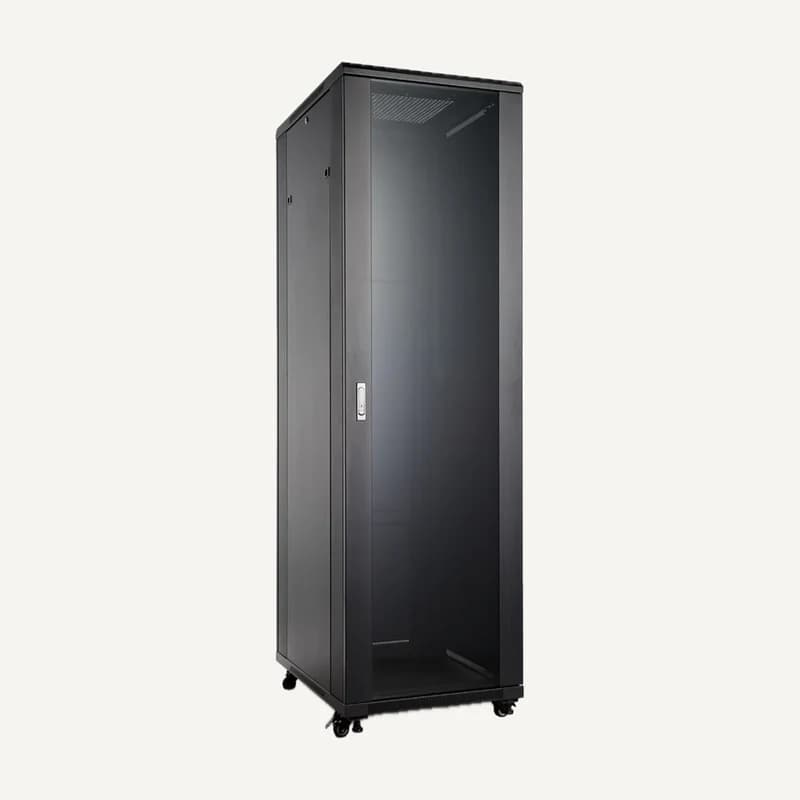
    Mark outlets, copper or fibre links, patch panels and rack location on the plan. Confirm exact connectors and modules before assembling the link.

  4. 4 · Wireless access

    Distinguish coverage from capacity: where the connection is usable, then which simultaneous uses it must support. A site survey examines obstacles, interference and devices; floor area alone cannot determine access-point count.

Which families should you compare together?

On small screens, scroll the table to compare all three columns.

NeedConsider togetherQuestion to resolve
Fixed workstationsSwitch, outlets, leads, patchingHow many occupied ports and future workstations?
Access points and IP camerasPoE switch, devices, power supplyDo we have power requirements for every model?
Multiple zones or floorsUplinks, copper/fibre, modulesWhat is the actual route and what are its endpoints?
Guests and staffRouter, managed switch, access pointsWho defines and tests access rules?

The brief to attach to your selection

  1. Plan and locations

    Include floors, partitions, available cable routes and outdoor areas. Add photos of the existing rack without passwords or sensitive configuration screenshots.

  2. Concurrent uses

    Distinguish tills, calls, video meetings, video and guest access. List fixed and mobile devices, busy periods and planned expansion.

  3. Operation and acceptance

    Specify who will administer the network. Request port labels, a link diagram and tests in important areas; record what still needs on-site measurement.

What a specification sheet cannot establish

A free port does not prove that enough PoE power remains. An advertised Wi-Fi rate is not a measurement in your building. Validate the selection using exact documentation and site-appropriate tests.

Separate equipment supply, expected configuration and acceptance testing. A request for “better Wi-Fi” leaves all three unresolved; an annotated plan makes the quotation clearer without inventing performance.

Questions before completing your project

Can I keep existing equipment?

Prepare exact references, known versions, available ports and current limitations. Identify what must stay so the quotation can distinguish reuse to verify, additions and replacement.

What should I request for a guest network?

Write down allowed and denied access: Internet, printers, tills or technical equipment. Ask the designer how these rules will be applied and tested rather than specifying only a Wi-Fi name.

Sources and scope

Reading references, not kit validation: citing a manufacturer implies neither a commercial partnership nor compatibility of all products. External links; no documents rehosted.

  1. Ubiquiti · PoE Availability and ModesConsulted on
  2. Cisco · Cisco Unified Wireless Network Solution GuideConsulted on