
 ↗
↗Multi-brand selection123859
123859 — Access control & intercom
Range illustration
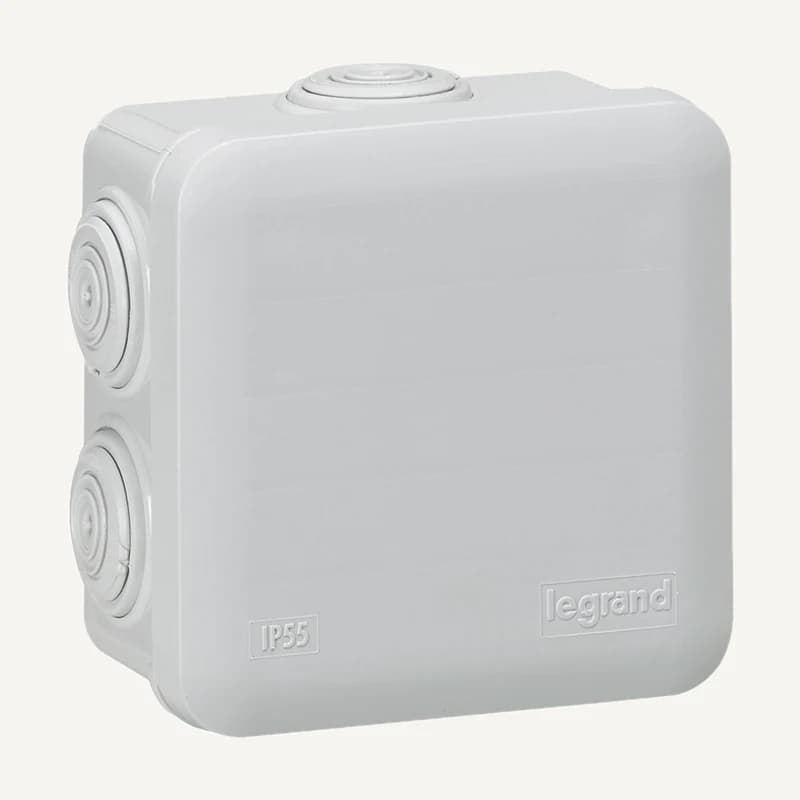
Protects and organises a connection for the intended mounting.
Professional terms after sign-in
Availability: On request
Category references
81 references in Access control & intercom.
81 referencesUNDERSTAND · COMPARE · PREPARE
An entrance combines mechanics, power, identification and access rules. An intercom answers visitors; access control manages permissions. Describe each opening before choosing readers, entry stations, controllers, locks or monitors: a product list is not a door schedule.
Go to referencesLocking, escape and power-loss behaviour must be validated for the site by a qualified professional. This brief is neither a wiring diagram nor a safety approval.
List expected users: staff, residents, visitors and contractors. Specify their intended method: call, credential, code or another identifier to verify.
Distinguish the reader from the controller that applies permissions. Reader protocol, generation and functions must match the selected controller.
Request explicit labelling: reception control, commanded output and corresponding door. For multiple entrances, write the expected result of every command.
An unlocking relay and a door-position contact have different roles. “Command sent” does not mean “door open”; specify the feedback you need.
On small screens, scroll the table to compare all three columns.
| Function | Elements to consider | Required verification |
|---|---|---|
| Visitor reception | Entry station, indoor unit or IP telephony | Test the full call, audio/video and command chain, including codecs and command method when using SIP. |
| Regular access | Reader, credential, controller | Which users, schedules and revocation procedures? |
| Locking | Lock or magnet, bracket, power supply | Mechanical fit for the door and validated failure behaviour. |
| Operation | Permission management and available log | Who adds users, revokes credentials and reviews events? |
Add a photo, opening direction, material, number of leaves and indoor/outdoor use. Identify existing locking hardware and known mounting constraints.
Describe a normal arrival, a refused visitor, a lost credential and a service outage. Identify who should decide, intervene or receive information.
Locate power, network, existing cables and the equipment room. Assign mechanical and safety validation responsibilities; request documented testing of every door at acceptance.
SIP alone does not guarantee every intercom function with a PBX. Confirm calling, media and access commands for the selected models and versions.
Do not turn a selection into a compliance or uninterrupted-service promise. List decisions requiring validation instead: occupant exit, failure-state access, administration rights and service restoration. Products in this category are not a prevalidated system.
Provide controller, reader and software references and the capacity already used. Ask which licences, extensions or interfaces are still needed before simply adding a quantity to your project selection.
Plan the door list, labelling, authorised permission administrators and a user-departure procedure. Share sensitive credentials through an agreed channel, never in a public quotation request.
Reading references, not kit validation: citing a manufacturer implies neither a commercial partnership nor compatibility of all products. External links; no documents rehosted.
Narrow by brand or family and compare up to four references. Missing facts still need confirmation.
↗Range illustration
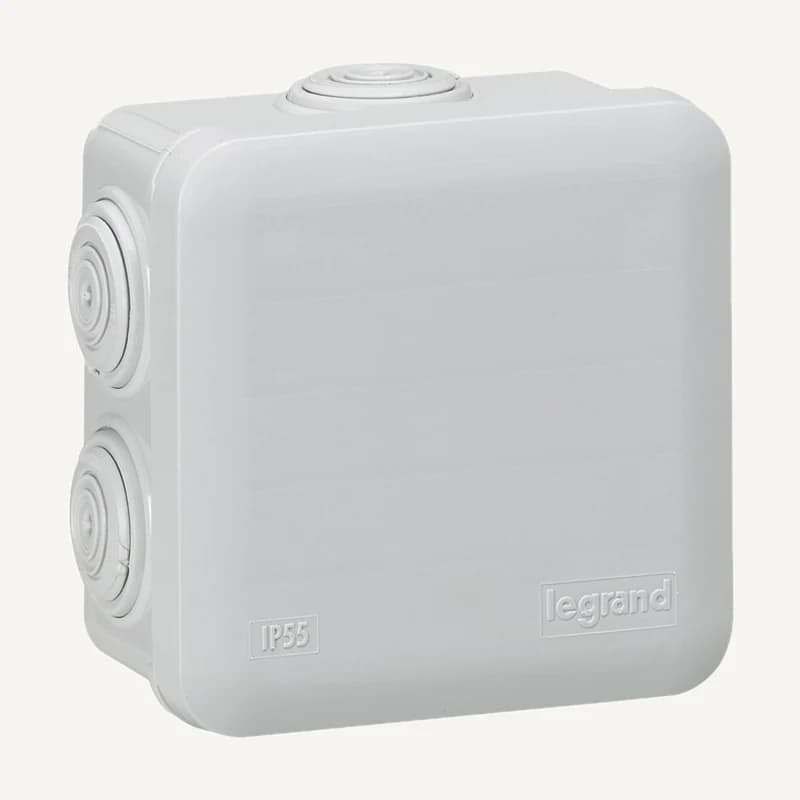
Protects and organises a connection for the intended mounting.
Professional terms after sign-in
Availability: On request
 ↗
↗Range illustration
Protects and organises a connection for the intended mounting.
Professional terms after sign-in
Availability: On request
 ↗
↗Range illustration
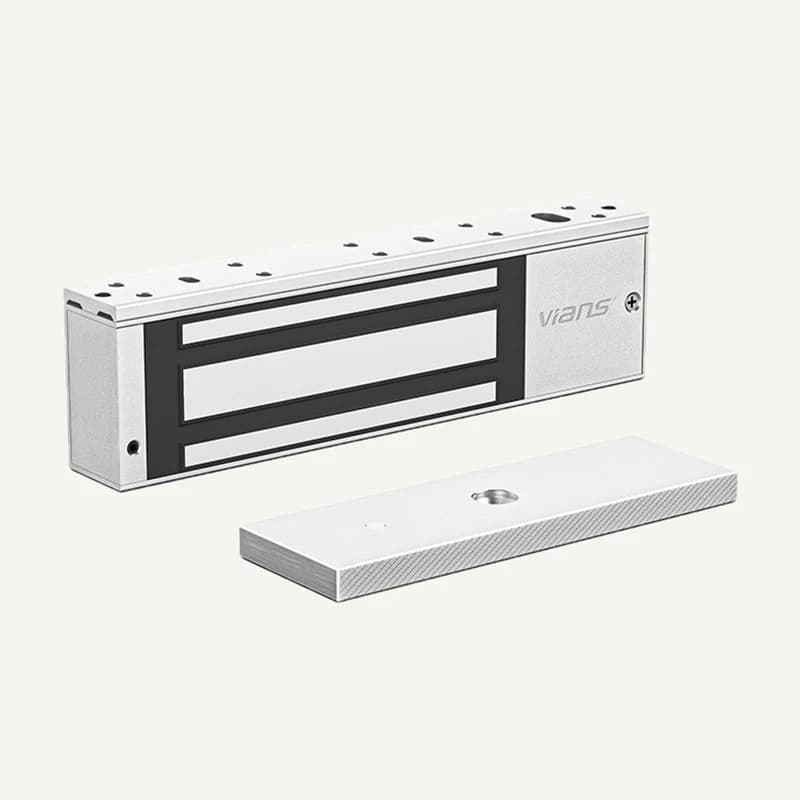
Electromagnetic locking device for an access-control project.
Professional terms after sign-in
Availability: On request
 ↗
↗Range illustration
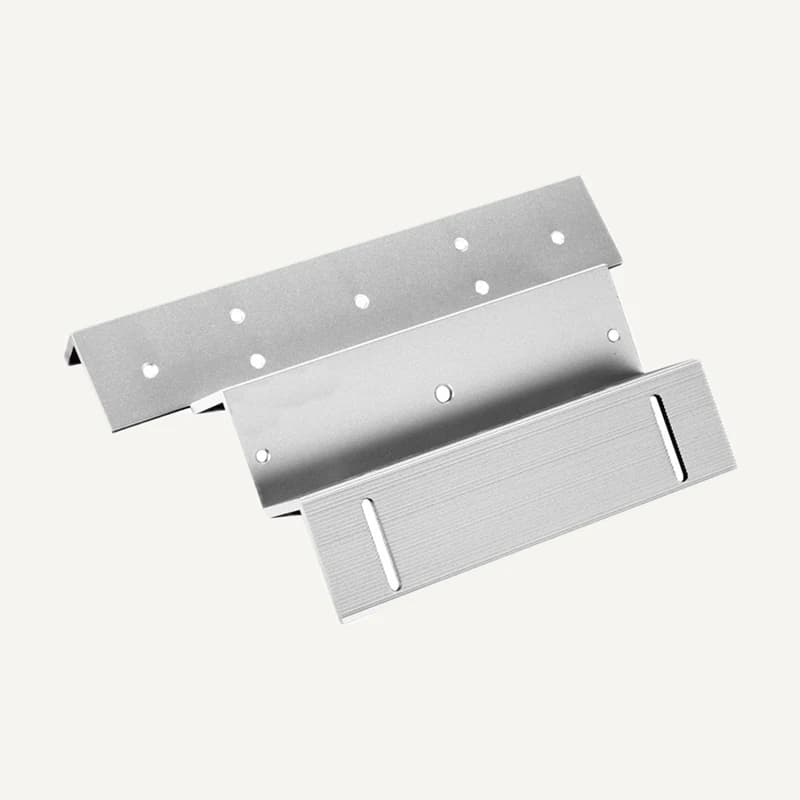
Mechanical adaptation of a magnetic lock to the door and frame.
Professional terms after sign-in
Availability: On request
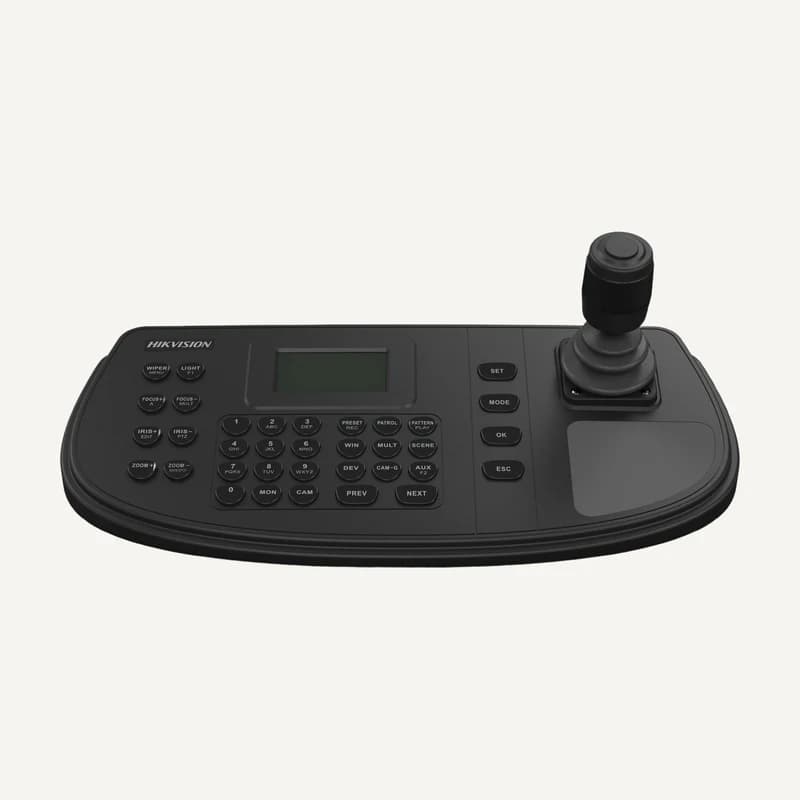 ↗
↗Video-control keyboard with a 4-axis joystick, 128 × 64 display and network/serial interfaces.
Professional terms after sign-in
Availability: On request
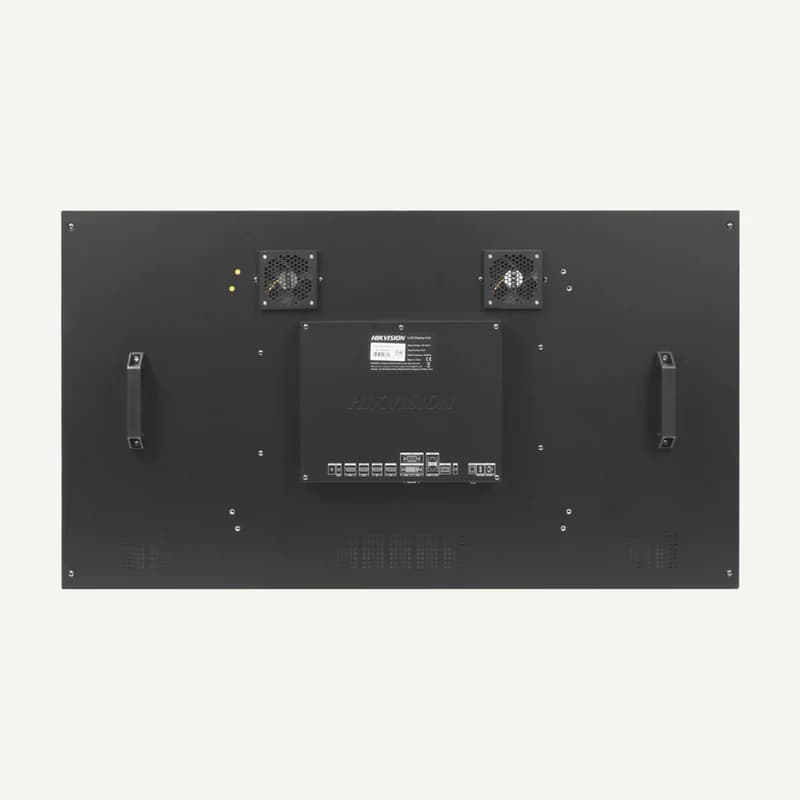 ↗
↗Inventory reference DS-D2055UL-1B by Hikvision, catalogued under Access control and intercom. Compatibility and final configuration are confirmed during the project study.
Professional terms after sign-in
Availability: On request
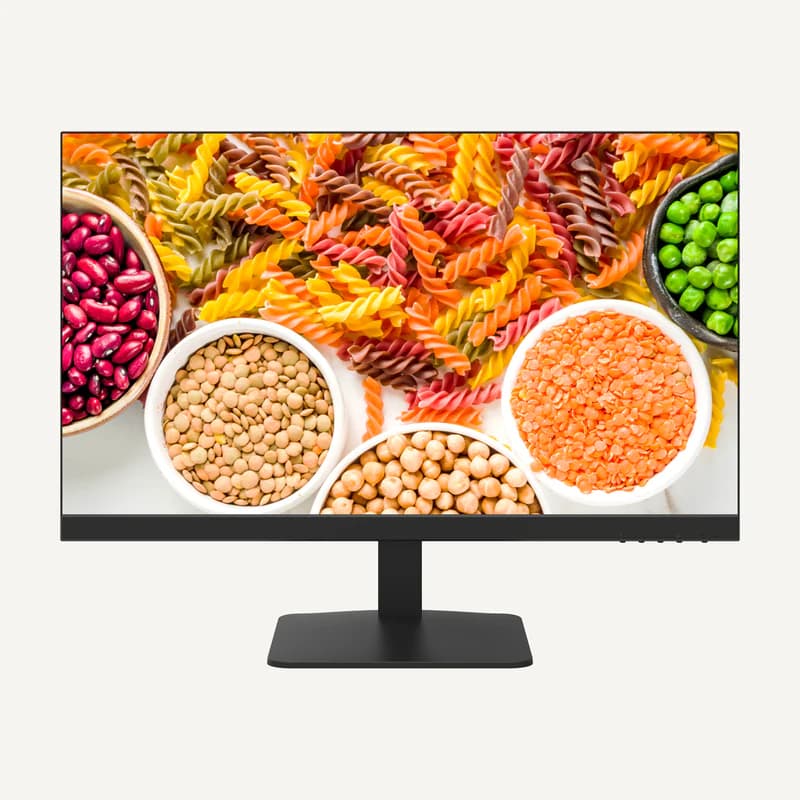 ↗
↗23.8-inch Full HD IPS monitor with HDMI and VGA inputs and 100 × 100 mm VESA mounting.
Professional terms after sign-in
Availability: On request
 ↗
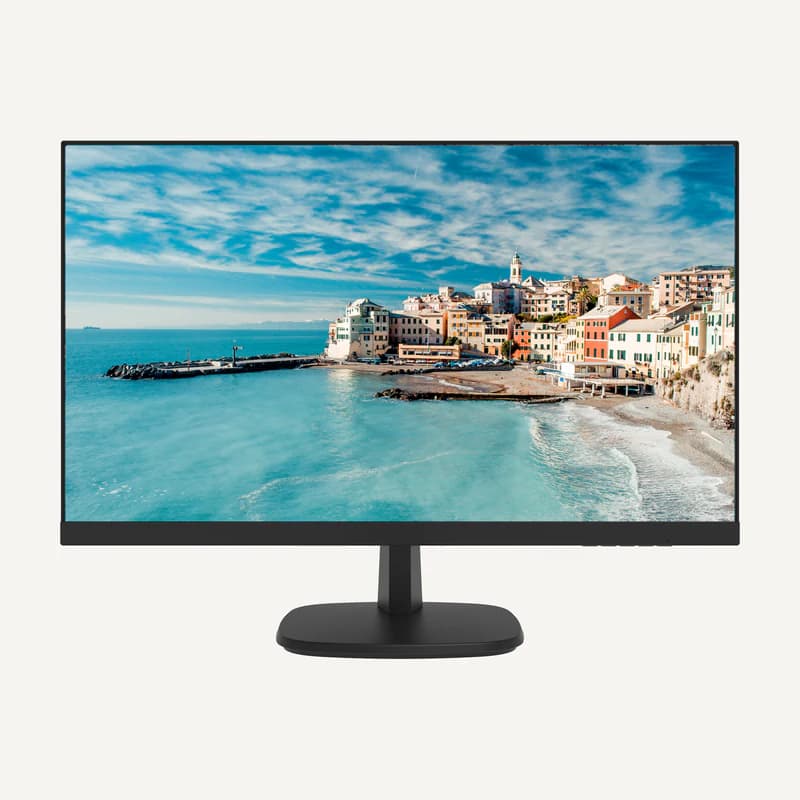
↗Inventory reference DS-D5027F2-1P2 by Hikvision, catalogued under Access control and intercom. Compatibility and final configuration are confirmed during the project study.
Professional terms after sign-in
Availability: On request
 ↗
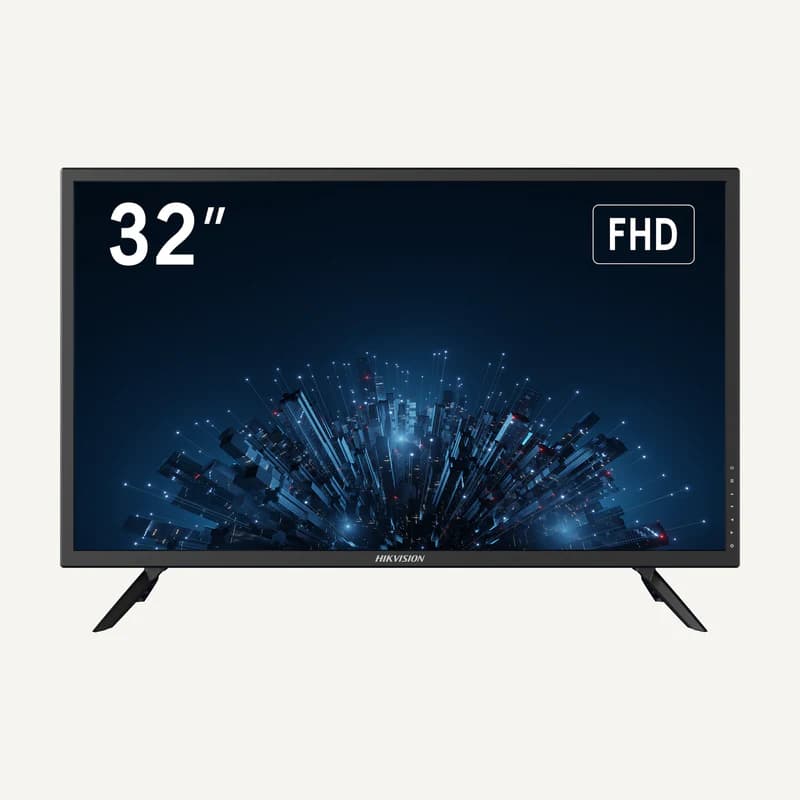
↗Inventory reference DS-D5027FN by Hikvision, catalogued under Access control and intercom. Compatibility and final configuration are confirmed during the project study.
Professional terms after sign-in
Availability: On request
 ↗
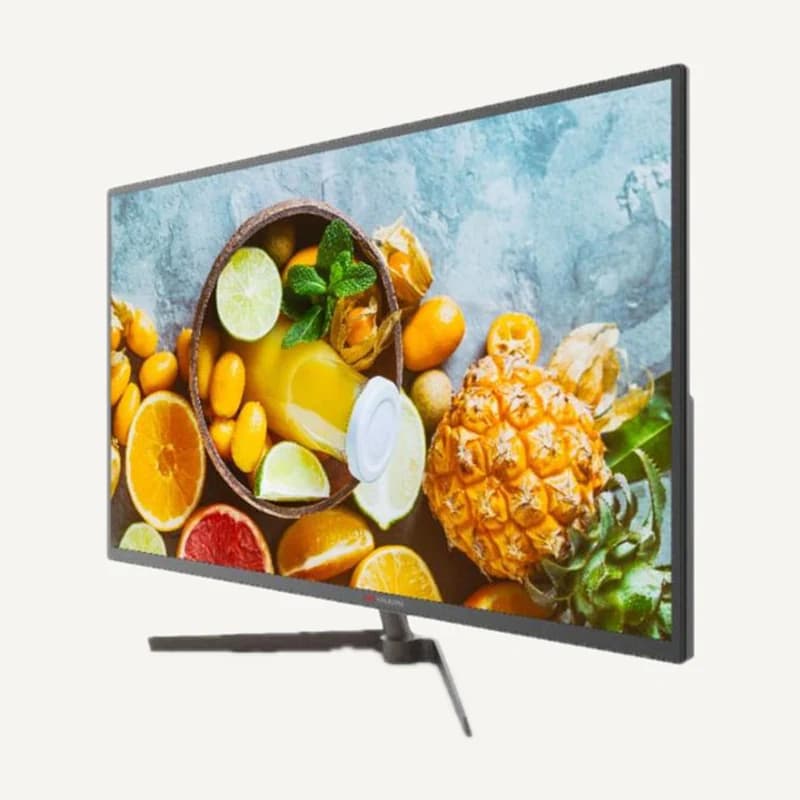
↗Inventory reference DS-D5032F3-1V0S by Hikvision, catalogued under Access control and intercom. Compatibility and final configuration are confirmed during the project study.
Professional terms after sign-in
Availability: On request
 ↗
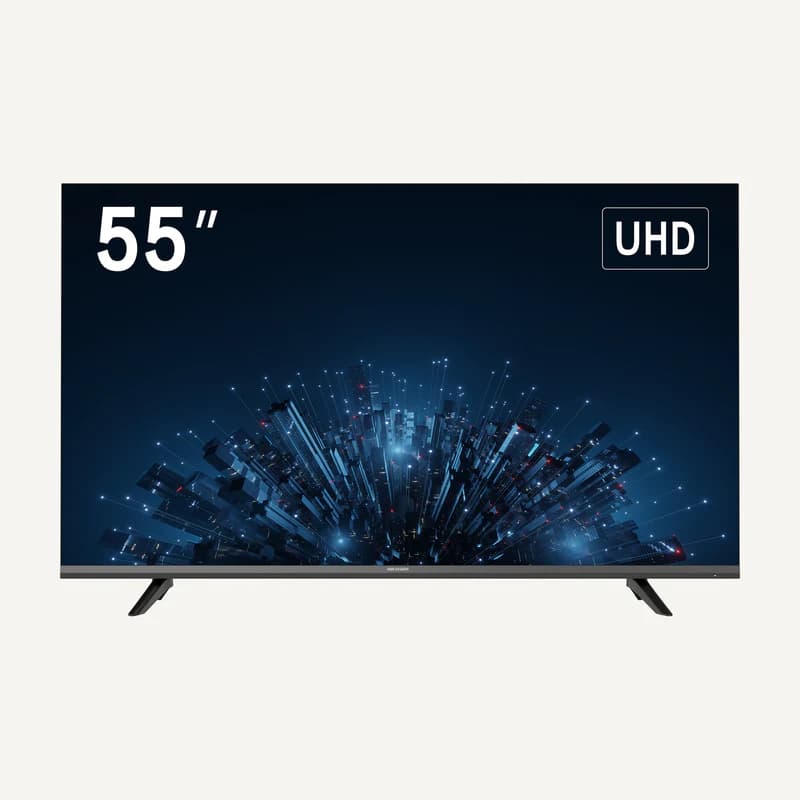
↗Inventory reference DS-D5043QE by Hikvision, catalogued under Access control and intercom. Compatibility and final configuration are confirmed during the project study.
Professional terms after sign-in
Availability: On request
 ↗
↗Inventory reference DS-D5055U3-1V0S by Hikvision, catalogued under Access control and intercom. Compatibility and final configuration are confirmed during the project study.
Professional terms after sign-in
Availability: On request
 ↗
↗Range illustration
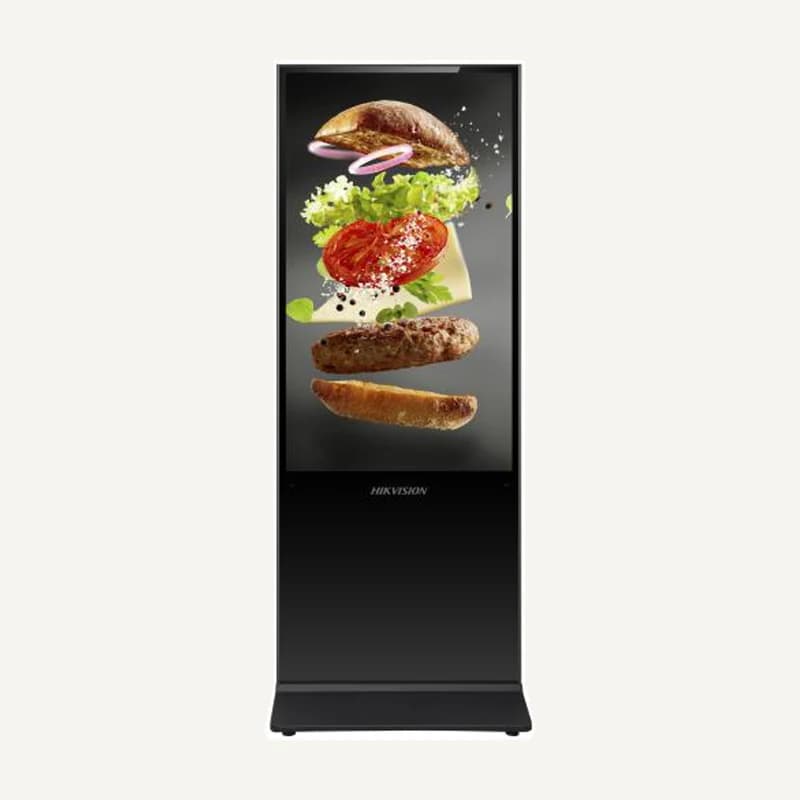
Inventory reference DS-D6055UL-B/S by Hikvision, catalogued under Access control and intercom. Compatibility and final configuration are confirmed during the project study.
Professional terms after sign-in
Availability: On request
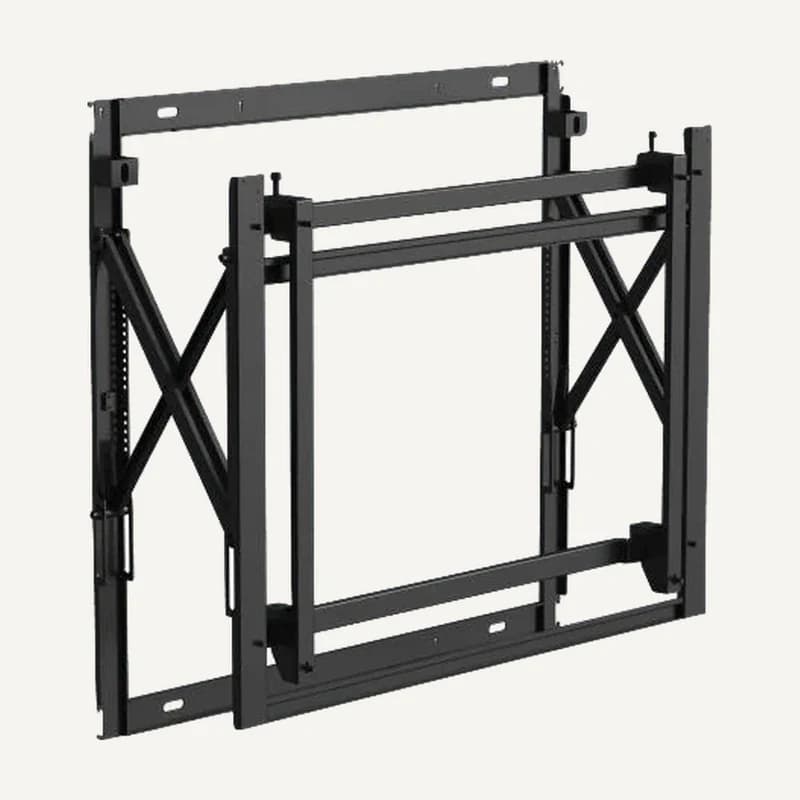 ↗
↗Inventory reference DS-DN5501W by Hikvision, catalogued under Access control and intercom. Compatibility and final configuration are confirmed during the project study.
Professional terms after sign-in
Availability: On request
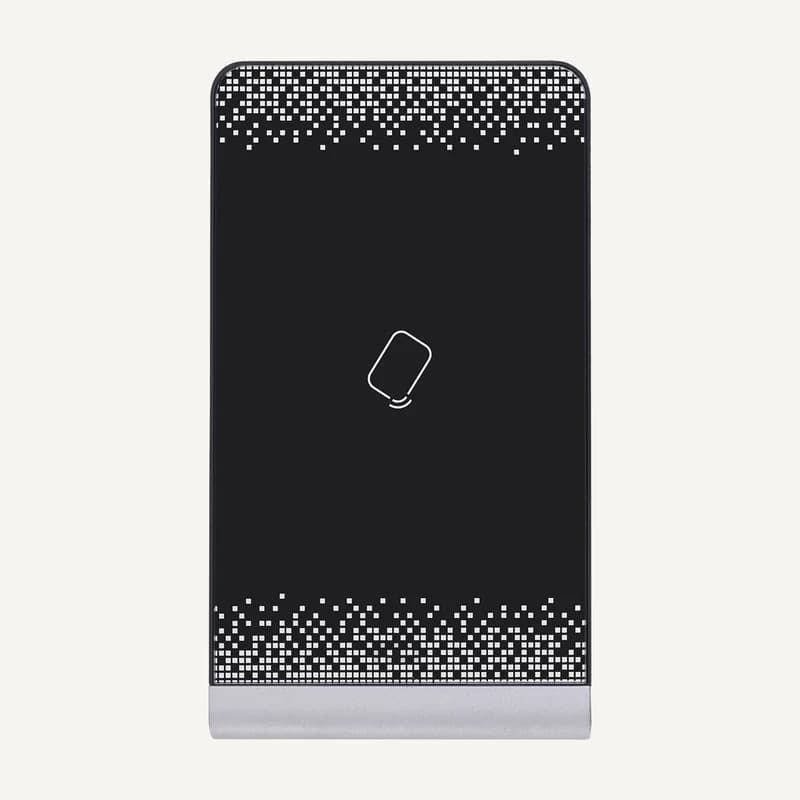 ↗
↗USB enrolment station for IC, CPU and EM cards at 13.56 MHz and 125 kHz, with two PSAM slots.
Professional terms after sign-in
Availability: On request
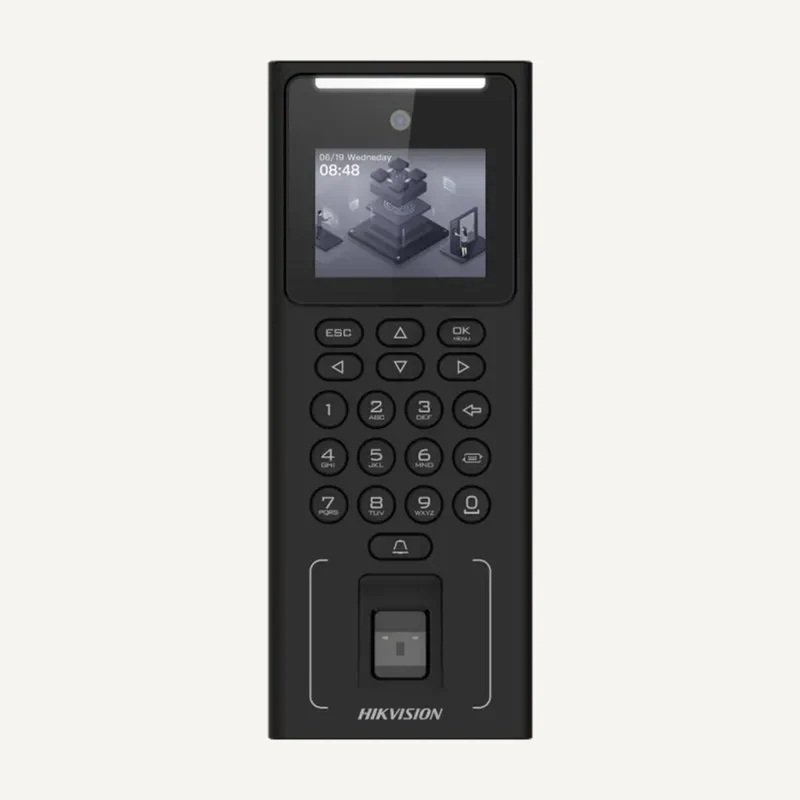 ↗
↗Inventory reference DS-K1T321MFWX by Hikvision, catalogued under Access control and intercom. Compatibility and final configuration are confirmed during the project study.
Professional terms after sign-in
Availability: On request
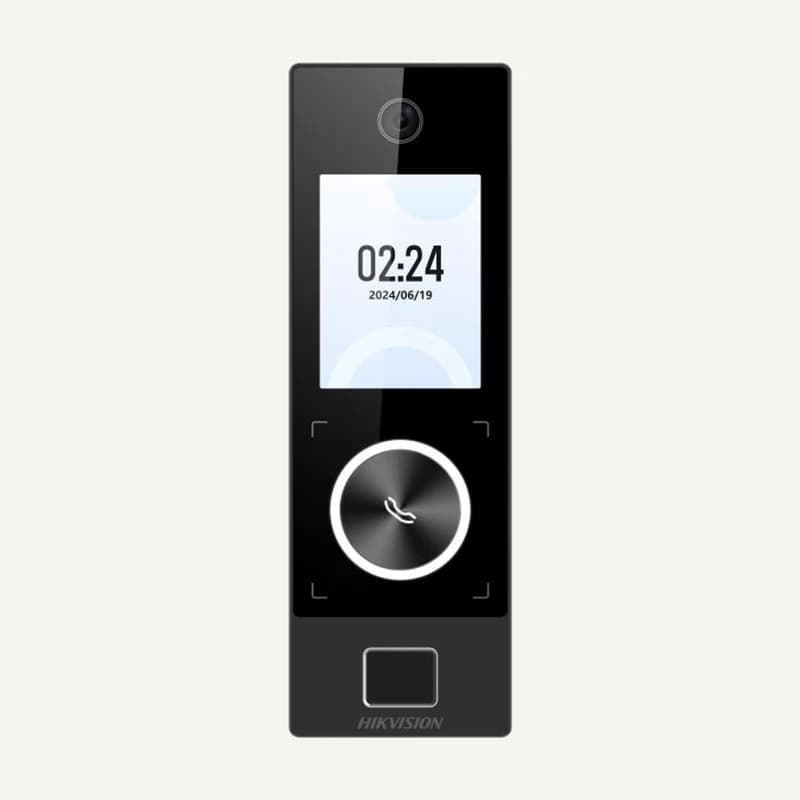 ↗
↗Range illustration
Inventory reference DS-K1T323MBFWX-E by Hikvision, catalogued under Access control and intercom. Compatibility and final configuration are confirmed during the project study.
Professional terms after sign-in
Availability: On request
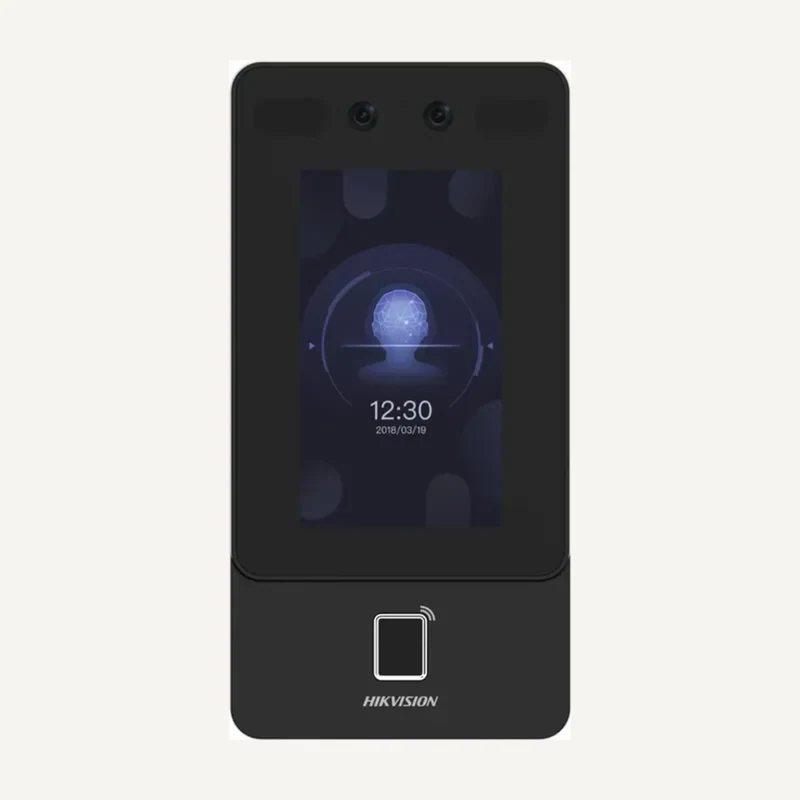 ↗
↗Inventory reference DS-K1T342MFWX-E1 by Hikvision, catalogued under Access control and intercom. Compatibility and final configuration are confirmed during the project study.
Professional terms after sign-in
Availability: On request
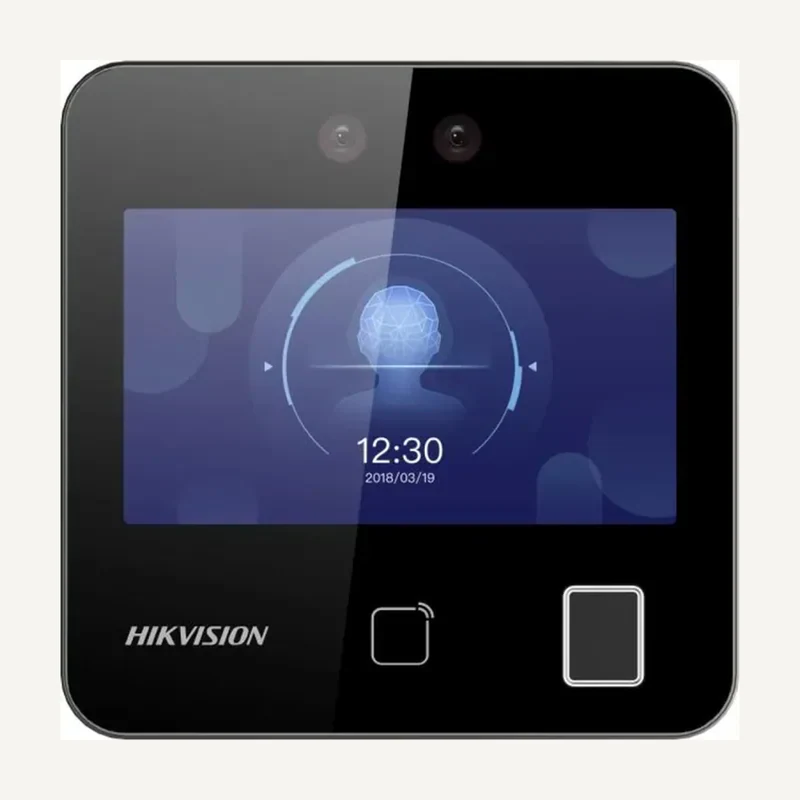 ↗
↗Inventory reference DS-K1T343MFWX by Hikvision, catalogued under Access control and intercom. Compatibility and final configuration are confirmed during the project study.
Professional terms after sign-in
Availability: On request
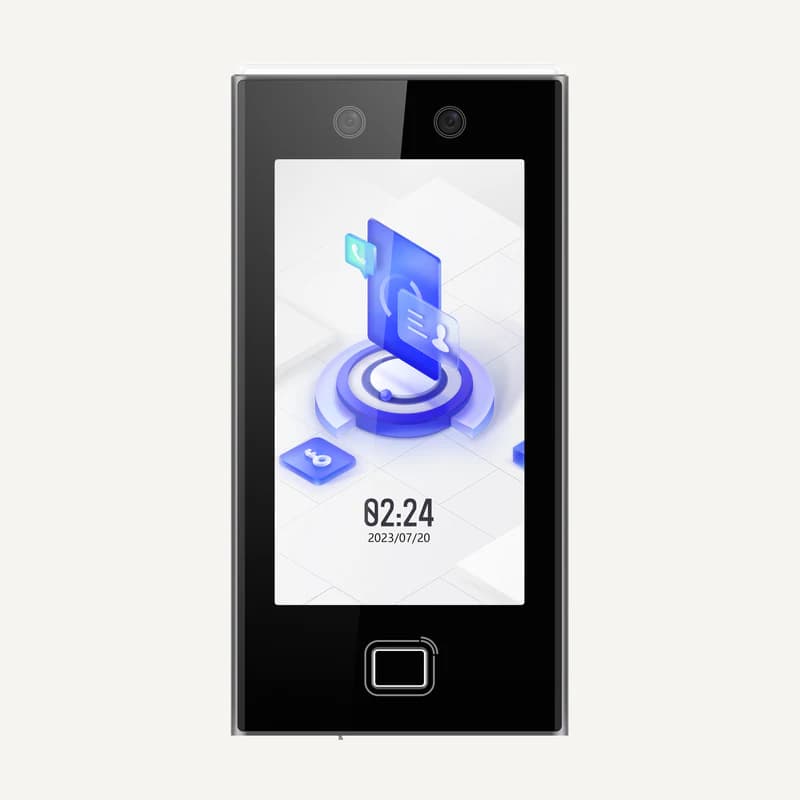 ↗
↗Access-control terminal with a 7-inch touch screen, face recognition, fingerprint and M1 card support.
Professional terms after sign-in
Availability: On request
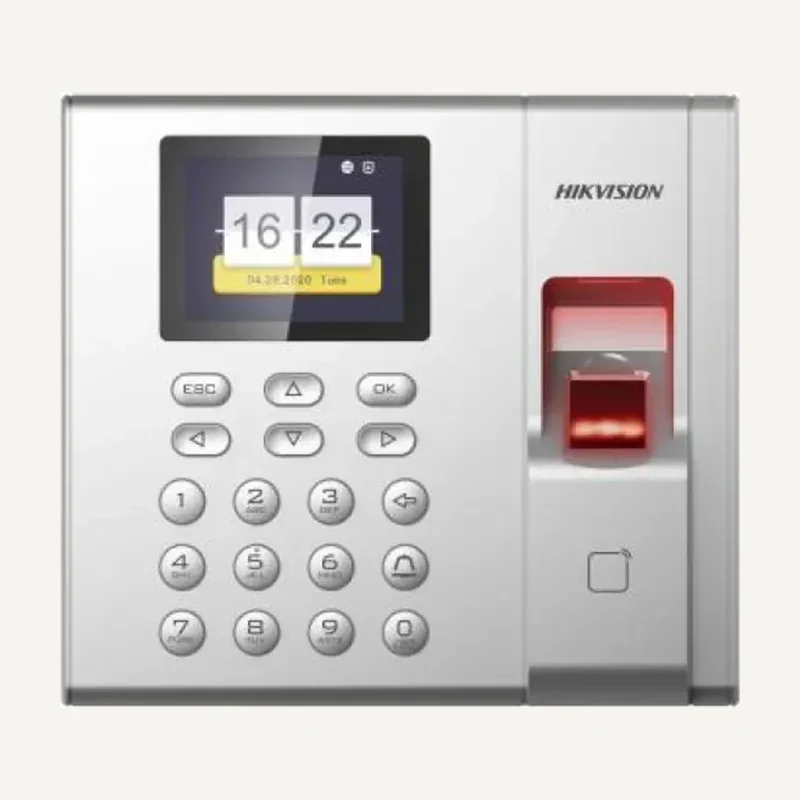 ↗
↗Inventory reference DS-K1T8003MF by Hikvision, catalogued under Access control and intercom. Compatibility and final configuration are confirmed during the project study.
Professional terms after sign-in
Availability: On request
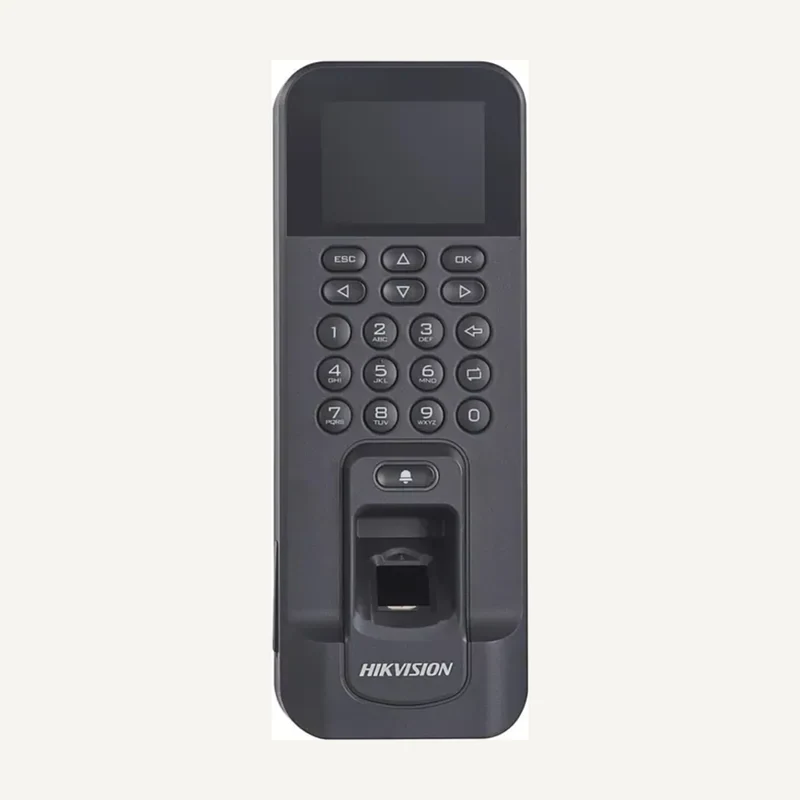 ↗
↗Inventory reference DS-K1T804AMF by Hikvision, catalogued under Access control and intercom. Compatibility and final configuration are confirmed during the project study.
Professional terms after sign-in
Availability: On request
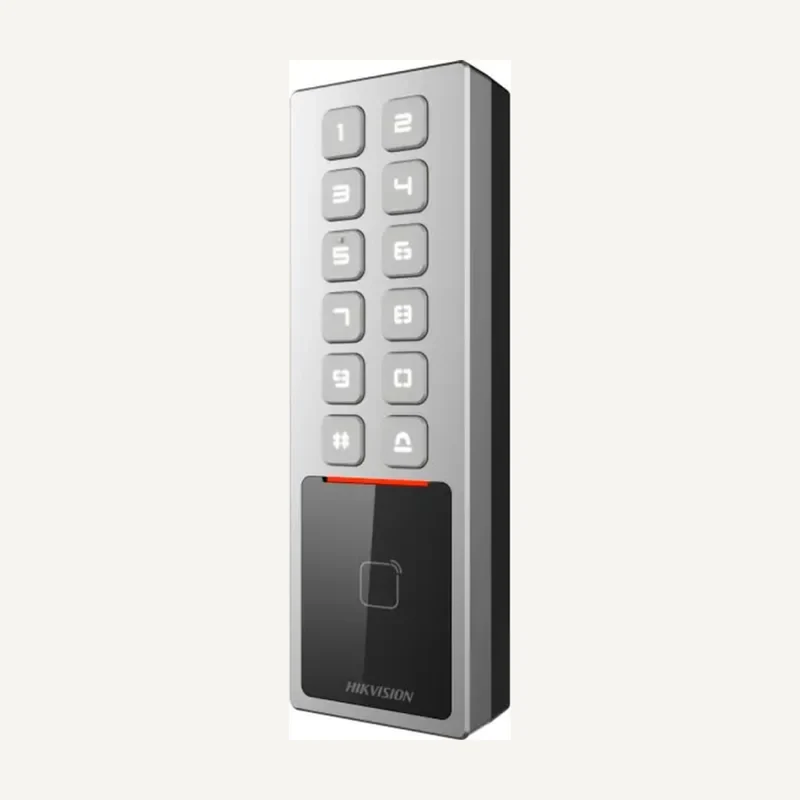 ↗
↗Inventory reference DS-K1T805MX by Hikvision, catalogued under Access control and intercom. Compatibility and final configuration are confirmed during the project study.
Professional terms after sign-in
Availability: On request
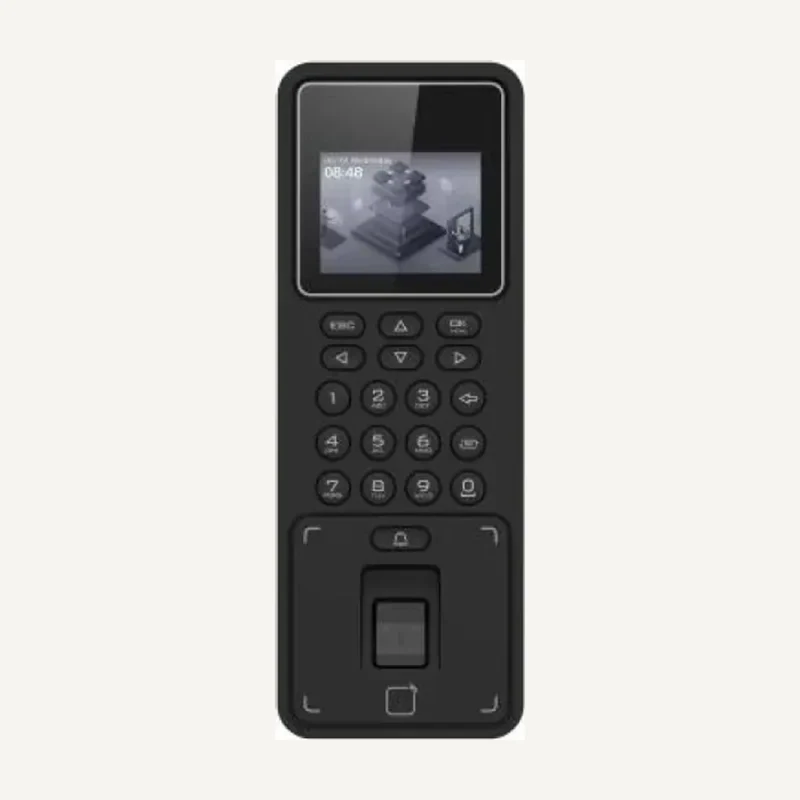 ↗
↗Inventory reference DS-K1T808MFWX-B by Hikvision, catalogued under Access control and intercom. Compatibility and final configuration are confirmed during the project study.
Professional terms after sign-in
Availability: On request