Professional distribution · Morocco
Technical support

Resource centre

The right information at the right time.

INOVEXIA / DISTRIBUTION

Design guides, datasheets, selection tools and commissioning documents organised by project.

CHOOSE WHERE TO START

What do you need to prepare?

Choose a concrete outcome, then use the relevant guides and tools. Examples remain preparation aids; project values must be confirmed on site and in the applicable documents.

A site brief

You have a requirement but the information is scattered. Begin with zones, uses and existing equipment; then turn observations into questions and equipment-list items.

Your output: an identified plan, an unknowns list and a first versioned equipment list.
A technical check

You know the required function and need to clarify its dependencies. Follow an equipment chain, identify required inputs and use the appropriate worksheet with explicit values.

Your output: an explained assumption and the specifications to confirm for each model.

A decision and its acceptance

You have received a proposal or are preparing system handover. Align scopes, make options explicit and plan tests, documents and responsibilities before the final stage.

Your output: a clear comparison and a deliverable list with remaining reservations.

RESOURCES / TECHNICAL GLOSSARY

Understand the language of your installation.

Clear definitions, their role in your project and what to check before choosing equipment.

Technical glossary

PROJECT WORKSHEETS / FIELD TOOLS

Survey the site. Sharpen the brief.

Worksheets to turn a visit into precise questions. Choose a system, see what to record and prepare your brief.

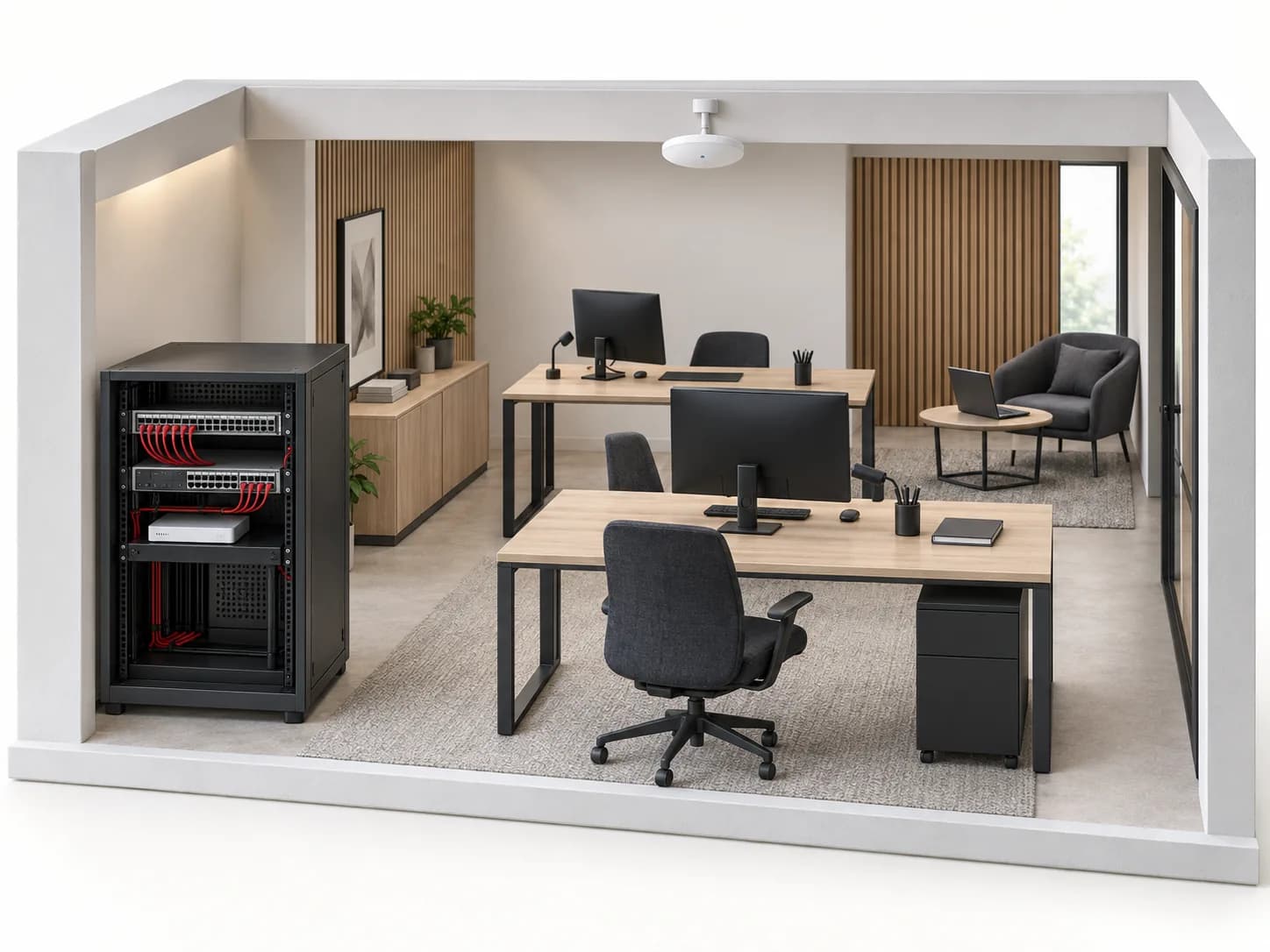
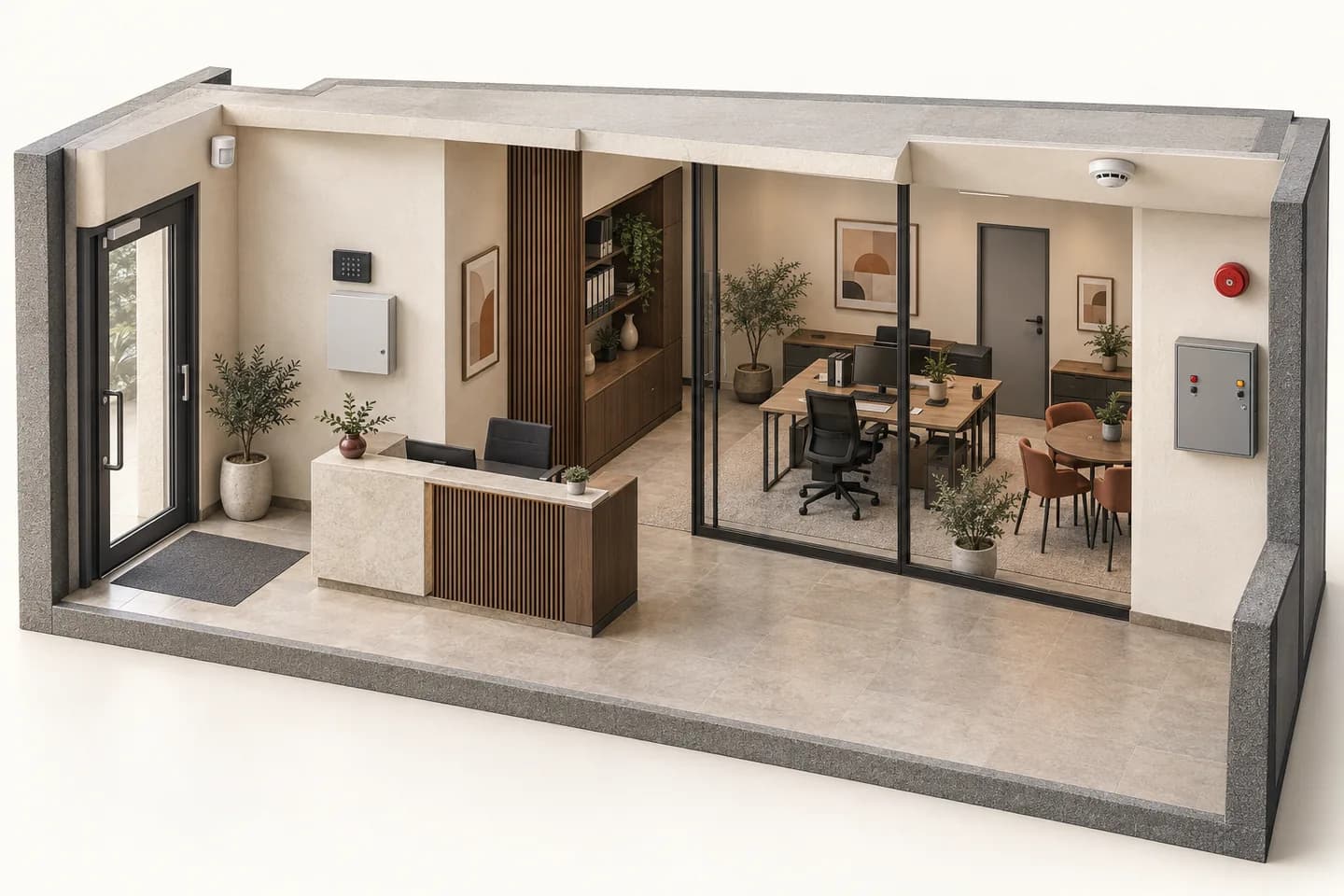
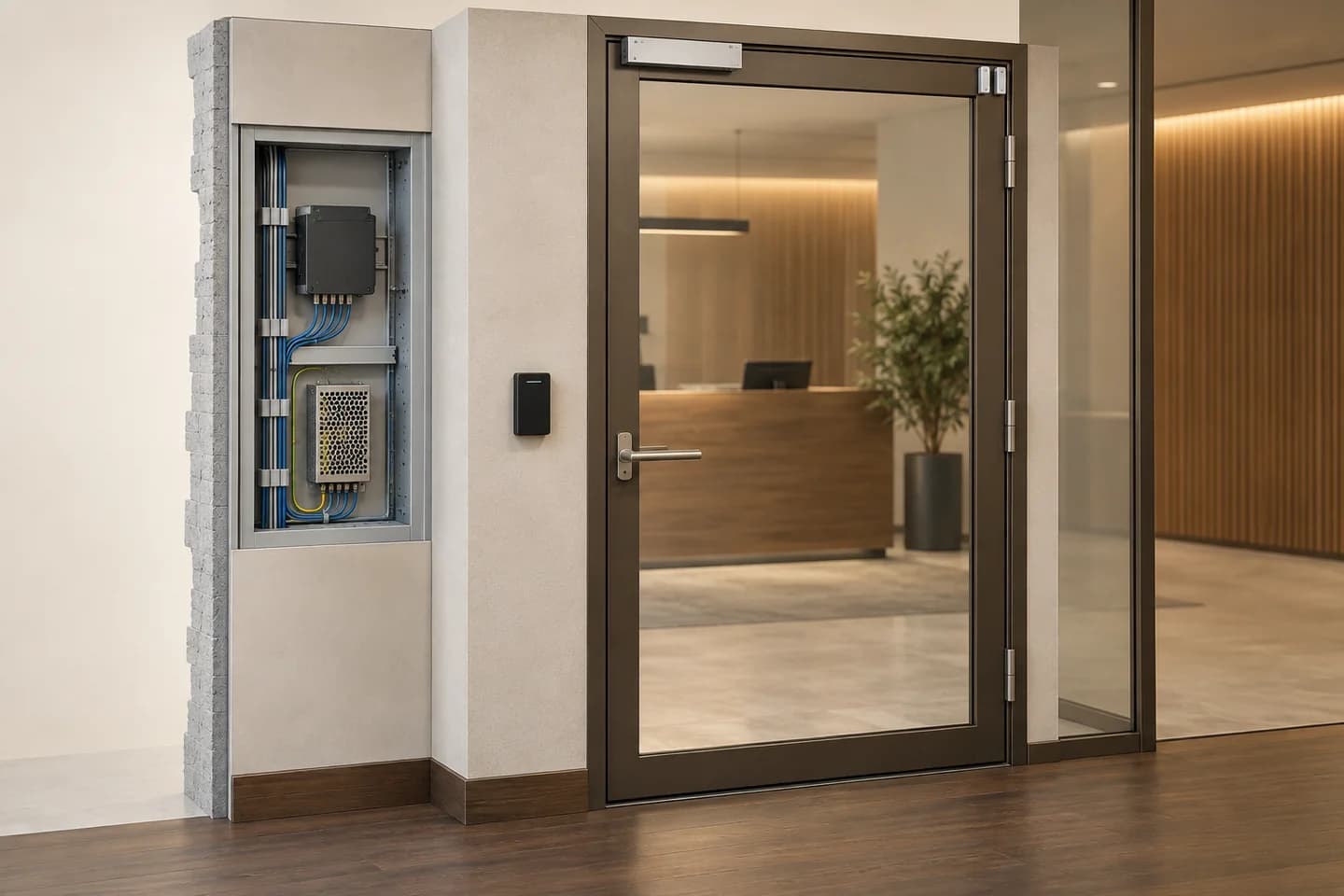
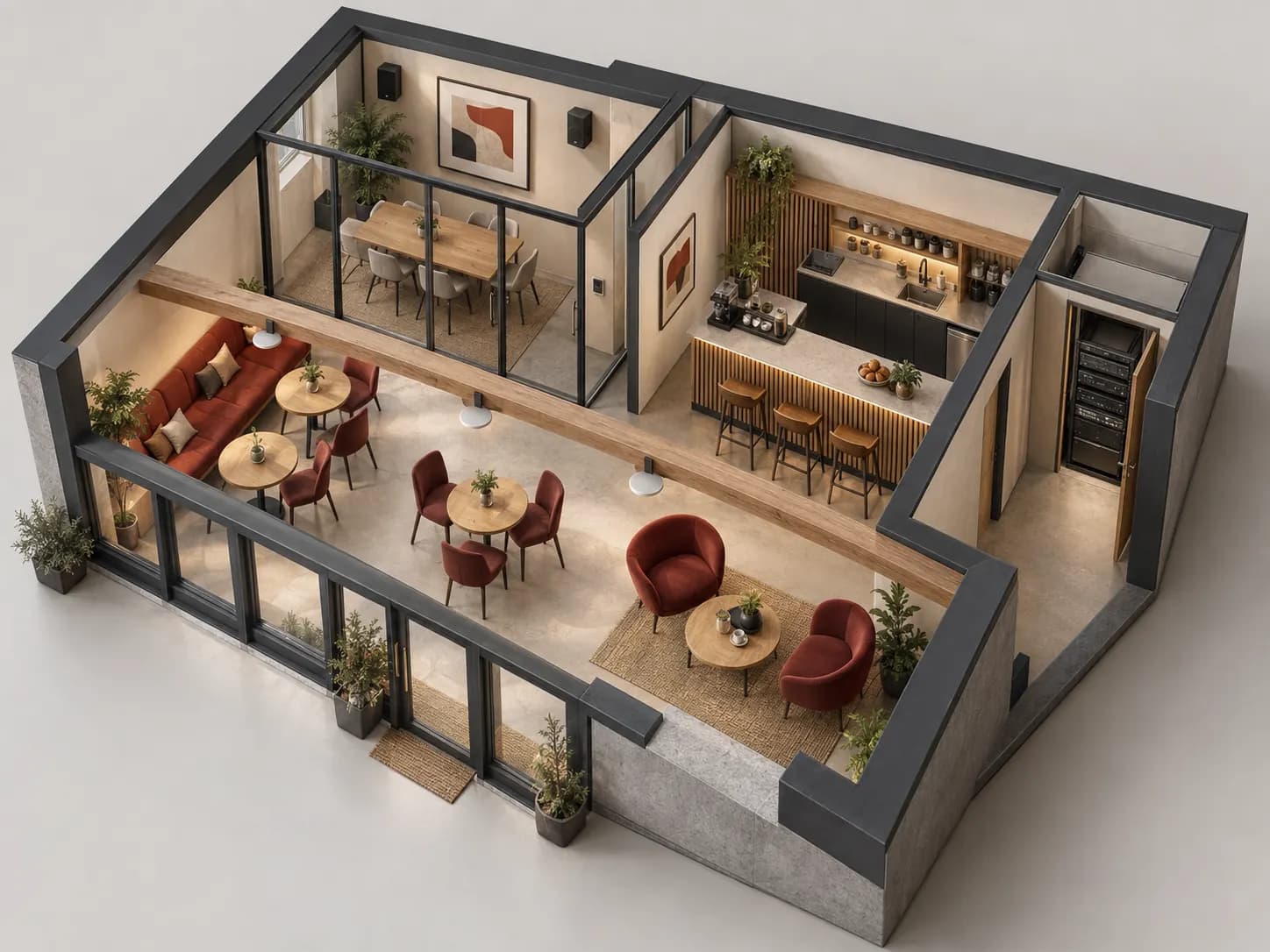
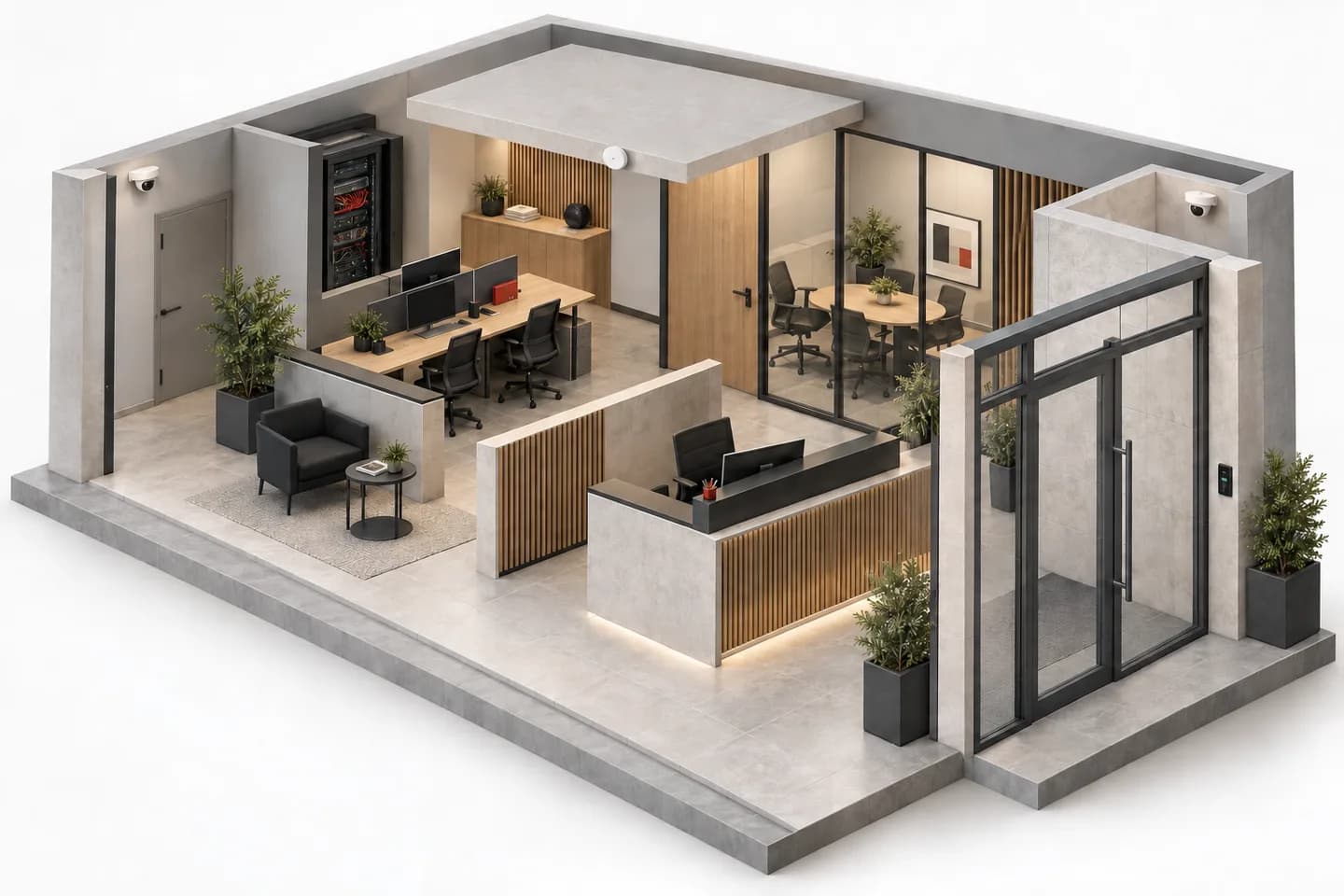
Illustrative office cutaway: cameras, network rack, access point and card reader.
Generated concept illustration. Markers orient the reader; they are not calculated coverage or an installation plan.

Video surveillance

Describe the useful scene before choosing a camera: purpose, lighting, mounting, network and retention to confirm.

Open worksheet

Complete the technical brief

A separate record for each system: occupancy modes, safety requirements and audio uses need different questions.

Intrusion alarm

Connect each opening or room to occupancy modes, the panel and the intended event response.

Open worksheet

Fire detection

Gather drawings, uses, constraints and responsibilities before design: detection, warning and interfaces still require review.

Open worksheet

Installed sound & multiroom

Define who hears what, in which zone and with which controls before choosing amplifiers and speakers.

Open worksheet

Rack & patching

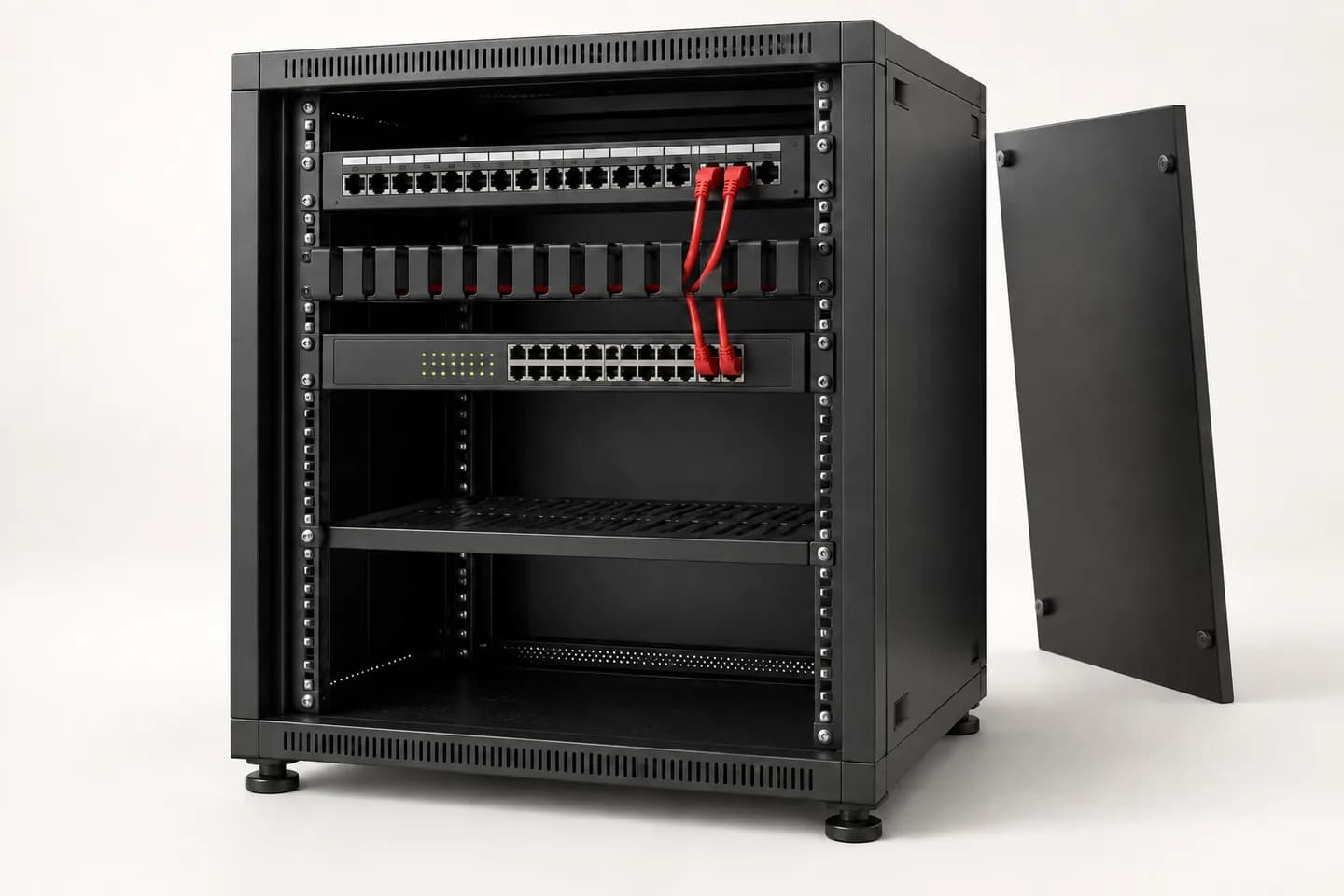
Trace each outlet to its panel and active port. Connect labels, rack constraints and test evidence.

Open worksheet

Quotation & handover

Define required records at quotation stage, then track their version, evidence and open issues before handover.

Open worksheet

INOVEXIA / PRACTICAL GUIDES

Clear ideas. Coherent systems.

Observe the site, ask useful questions and prepare a workable brief. Methods, examples and checklists to move through each stage.

26 guides · 5 topics · French, English and Arabic

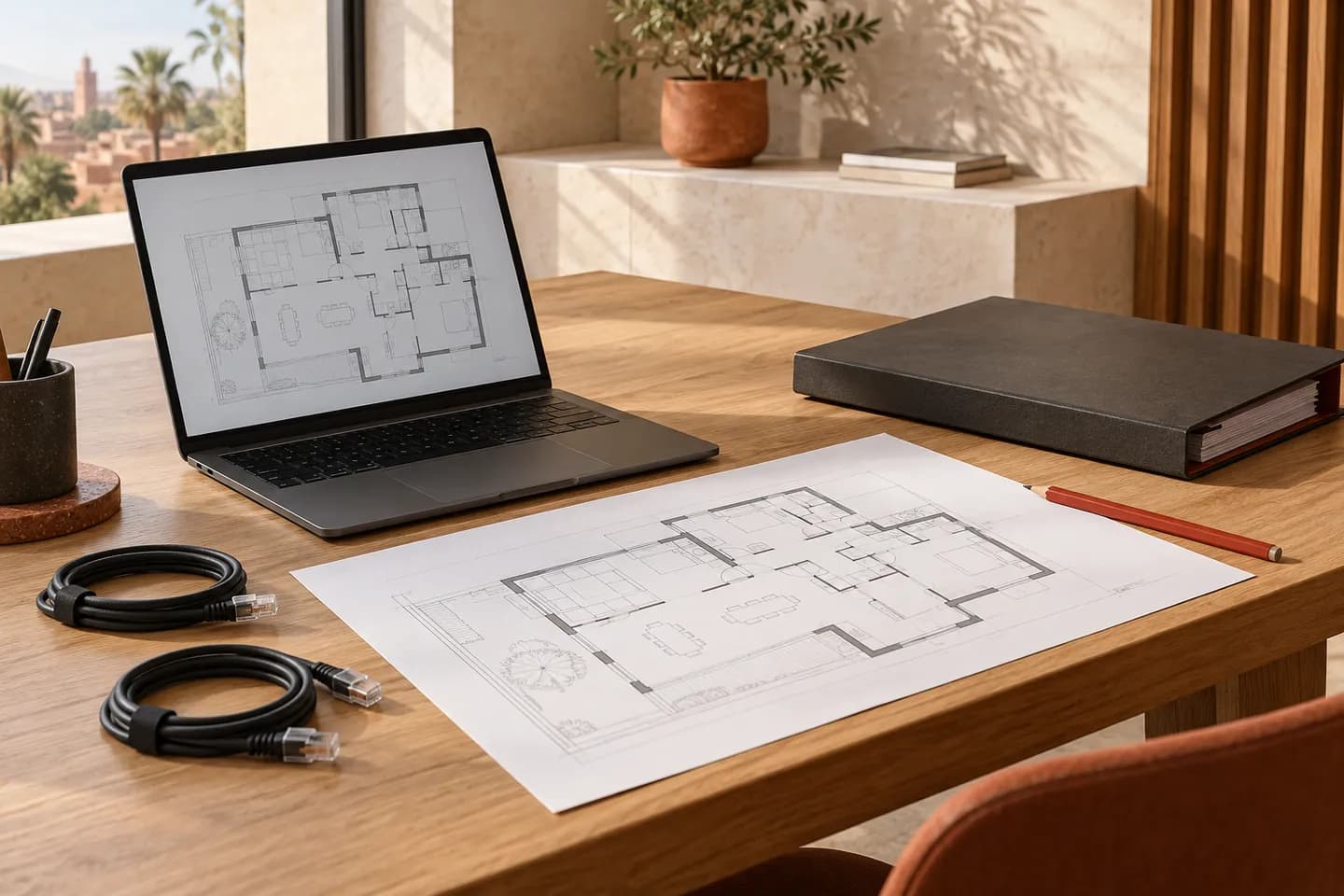
Floor plan, laptop and preparation folder on a worktable.
Generated conceptual illustrations; generic equipment.

Prepare and hand over

From the first site brief to the operator’s handover file.

Networks and infrastructure

Connect usage, links and technical capacity planning.

Security and access

Define expected functions and the checks to plan.

11 / 07 CHAPTERS

From site plan to a precise quotation brief.

Seven steps to define requirements, document zones, plan recording and hand over an equipment list without hidden assumptions.

Open guide
12 / 07 CHAPTERS

Choose the framing before the megapixels.

Dome, bullet, PTZ or panoramic: connect the camera form, lens and scene to the detail you actually need to see.

Open guide
13 / 07 CHAPTERS

A bright image is not always a useful image.

Low light, backlight, motion and infrared: prepare a test of the detail you need, not just how the screen looks.

Open guide
14 / 07 CHAPTERS

Calculate the volume. Verify what will be retained.

Turn streams and schedules into an explicit estimate. Separate video volume, usable capacity, actual recording and permitted retention before choosing storage.

Open guide
15 / 07 CHAPTERS

Wired or wireless: let the site inform the choice.

Compare cable routes, radio links, power and maintenance. Prepare a verifiable architecture rather than choosing on installation convenience alone.

Open guide
16 / 07 CHAPTERS

An event must identify the right place.

Distinguish contacts, detectors, zones and partitions. Prepare a schedule connecting each point to building use, expected states and acceptance evidence.

Open guide
17 / 07 CHAPTERS

Locate the event. Understand the architecture.

Conventional or addressable: compare identification, associated equipment and operating needs. Prepare the information needed for specialist design without confusing panel selection with system approval.

Open guide
18 / 07 CHAPTERS

One record per door. Permissions for each use.

Prepare entrances, user profiles and expected responses before selecting readers, controllers and intercoms. A call, an authorisation and an open door are different facts.

Open guide
19 / 07 CHAPTERS

Intercom: start with the site, not the cable.

Two-wire bus, Ethernet, indoor station or app: compare dependencies across the whole chain. Record entrances, recipients and functions before selecting equipment.

Open guide

Audio, meetings and displays

Follow the signal and plan the experience in each zone.

Automation and gate systems

Start with the building, its interfaces and constraints.

01

Design guides

Guides structure questions, system components and selection criteria. Each guide links to references available in the catalogue.

Discover
02

Datasheets

Read published product specifications and actually listed documents. Missing data must be confirmed, never inferred from an image.

Discover
03

Manuals & firmware

Search documents accessible to your account. For missing software versions or manuals, open a request with the relevant reference and version.

Discover
04

Compatibility matrices

Check protocols, interfaces, versions and licensing options before combining equipment. Send exact references to support when documentation is insufficient.

Discover
05

Requirements & bills of materials

Define requirements by zone and use, then build a versioned bill of materials. Import CSV lines and attach relevant quotation-preparation files.

Discover
06

Sizing tools

Prepare estimates with available technical tools for storage, networking, sound and power. Results depend on inputs and require validation.

Discover

No fictional downloads: when a document is unavailable, the page says so and offers an appropriate contact.

How it works

From requirement to a quote-ready bill of materials.

  1. 1
    Qualify the project
  2. 2
    Design the system
  3. 3
    Select products
  4. 4
    Quote and support
INOVEXIA PARTNER

Add our expertise to your team.

Become a partner