
Protect & control access
Four functions to plan separately, with interfaces to verify together.

Your technical project partner
Security, networks, access and audiovisual: a multi-brand catalogue for professionals.
1,642 catalogue references
The catalogue, by function
Start with a family, then compare references and available documents. A shared category is not evidence of compatibility.
Four functions to plan separately, with interfaces to verify together.
Infrastructure and signal paths, all the way to their destination.
Controls, movement, IT and backup power to specify.
Accessories, additional references and services to specify in your enquiry.
Your starting point
A reference in mind, a system to plan or a list to quote? Start with what you already know.
Public catalogue. Account-specific prices remain restricted to approved professionals.
Understand roles, connections and choices before selecting equipment.
Explore solutionsOffices, shops, hotels and homes: start with the site's uses and constraints.
Choose my sectorOpen my projects and prepare a quotation enquiry. Sign-in and an approved account are required.
Open my projectsProfessional systems
Illustrative architecture · compatibility to be checked
Loading the demonstration…
Security · understand each role
A camera is not an alarm panel. A reader alone does not determine how a door should unlock. Plan each function, then verify interfaces between systems.
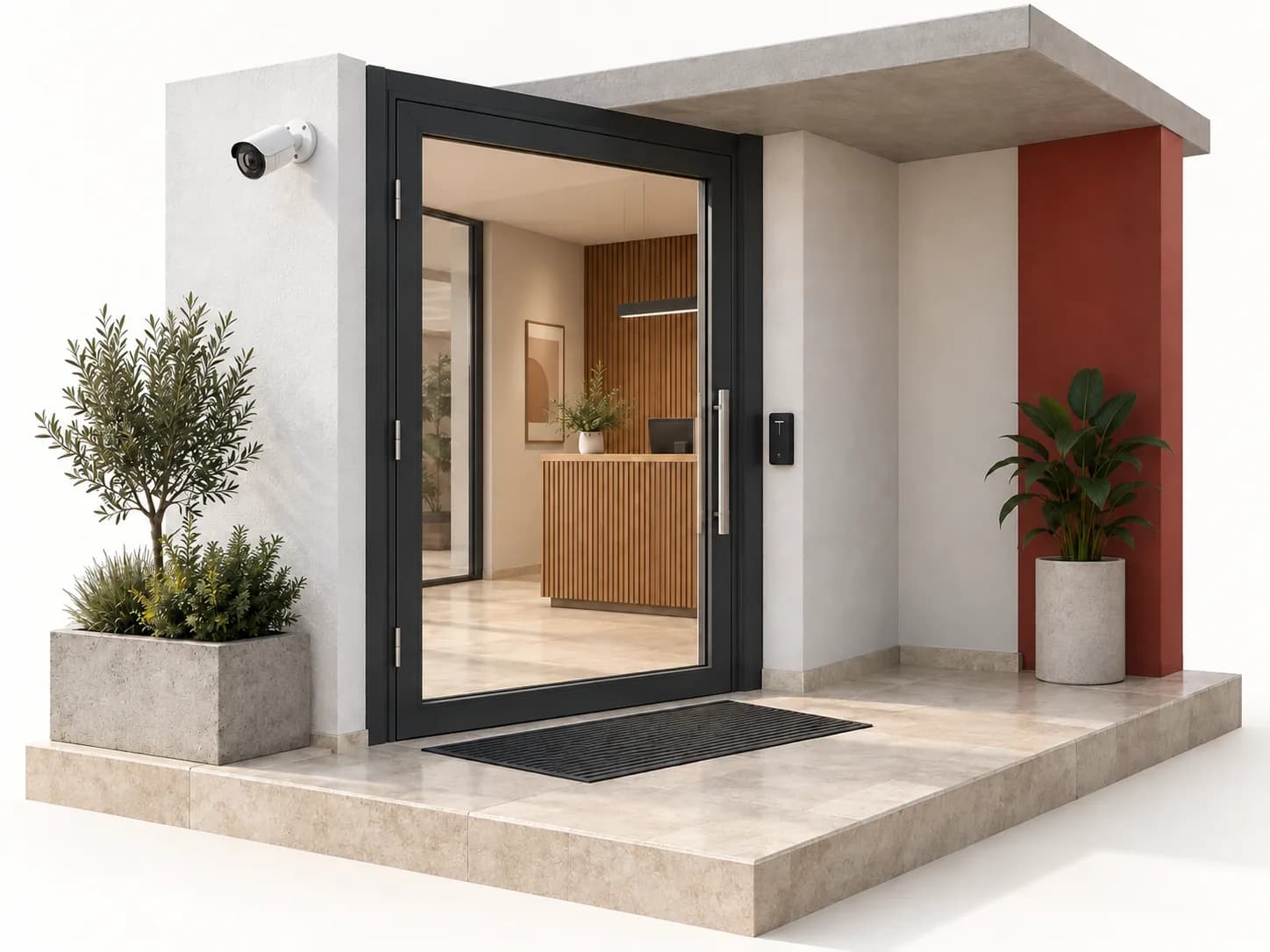
Observe an area and view images according to permissions. Live viewing and recording are separate functions.
Camera · network · recorder · viewing station
Scene, image purpose, lighting, storage and image access.
Detect an event in a defined zone and handle it according to the system mode. Gate position does not prove the alarm is armed.
Contacts / detectors · panel · signalling
Zones, occupancy, animals, communications and panel compatibility.
Identify a visitor or credential, apply a permission and control the entrance. Also verify door-state feedback.
Reader / intercom · control · locking
Door type, exit, power, schedules and access permissions.
A separate brief: detection, a dedicated panel and warning devices. Intrusion alarms or automation do not replace it.
Detection · fire panel · warning
Building use, architecture, documented equipment and validation by competent parties.
Selection guidance, not a security or fire-safety design. The briefs explain their limits and link to technical sources.
Networks · plan the whole chain
Counting sockets is not enough. Connect uses to ports, power, cabling and management. These four surveys make an equipment enquiry more precise.
Bring a plan, an inventory of existing equipment and intended uses. Keep unconfirmed references and measurements clearly marked.
Sound & picture
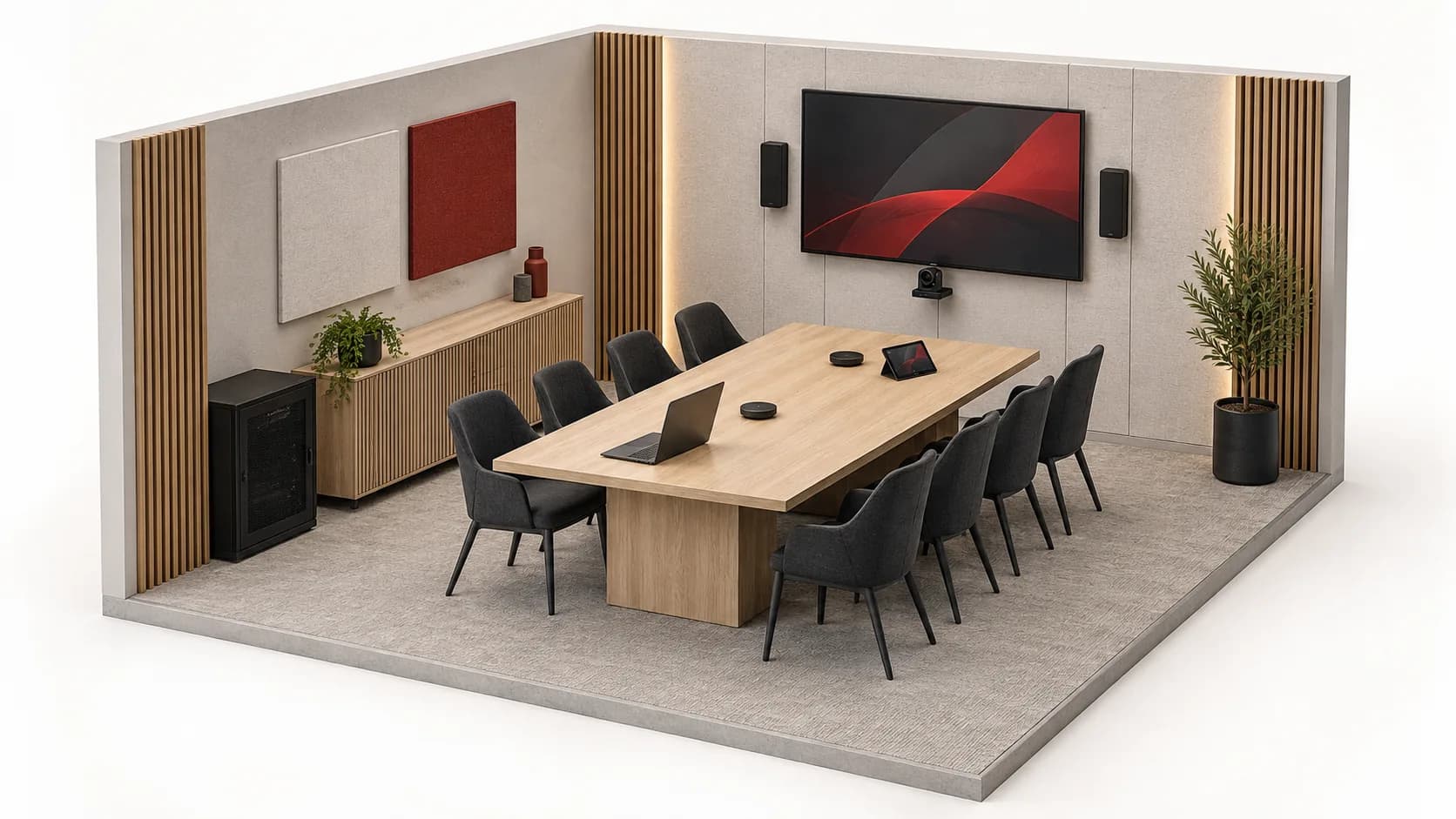
Background music, a hybrid meeting or information on a display: start with what each person needs to hear, see and control.
Source → amplification → speakers
Reception and rooms can need different sources, levels and schedules. Record zones and speaker load before choosing outputs and amplification.
Speech · remote playback · camera · content
A lit screen does not validate the meeting. Check outgoing speech, remote playback, sharing and actual microphone muting separately.
Source → distribution → display
Distinguish a local display, AV distribution and TV reception. Document formats, distances, interfaces and content rights.
Controls & continuity
Two essentials for an operable system: know what actually happened, then identify what must remain powered.
A button, schedule or condition triggers a request, with permissions and exceptions.
The actuator controls a compatible load. Specify protocol, supported function and local control.
A sensor or documented feedback confirms a state. Without it, show ‘requested’, not ‘completed’.
Safety functions and their requirements remain separate from comfort scenarios. This guidance replaces neither electrical design nor interface validation.
Plan building controlsConcept simulation · no equipment connected
Mains power supplies the devices. The presence of a UPS does not, by itself, confirm service status.
Assumptions: an available, charged and correctly sized UPS; compatible PoE equipment. No runtime is calculated. Powered equipment does not prove operator access, correct configuration or service availability.
Your site, your uses
Eight briefs for recording the site's uses and constraints. Planning scenarios, not claims of completed client installations.
An office hosts staff, guests and contractors, often at the same time. Plan networking, rooms, access and continuity around their actual journeys, not a socket count per square metre.
Open the briefEntrance, counter, sales floor and stockroom each have different uses, users and constraints. Structure your brief before choosing cameras, networking or sound equipment.
Open the briefReception, rooms, dining and service areas have different hours and permissions. Organise networking, sound, displays and access around those differences to prepare a usable enquiry.
Open the briefConnect the lobby, apartments, parking and technical areas without confusing shared and private spaces. Start with users, existing systems and management responsibilities before choosing entry panels and credentials.
Open the briefComfortable lighting, understandable controls, a connected home office and managed access: first describe what each space should enable. References follow, with their interfaces and limits.
Open the briefA mobile terminal, a loading-bay camera and an administrative workstation follow different paths. Plan labelled links, documented environments and clear responsibilities before selecting equipment.
Open the briefPlan reception, administrative desks, guest networking and building equipment without confusing general IT with medical devices. A good brief also identifies what must not change.
Open the briefEquipment should remain understandable from the first connection to the end of class. Plan teacher, learner, visitor and administrative needs to select networking, AV and access on practical grounds.
Open the brief


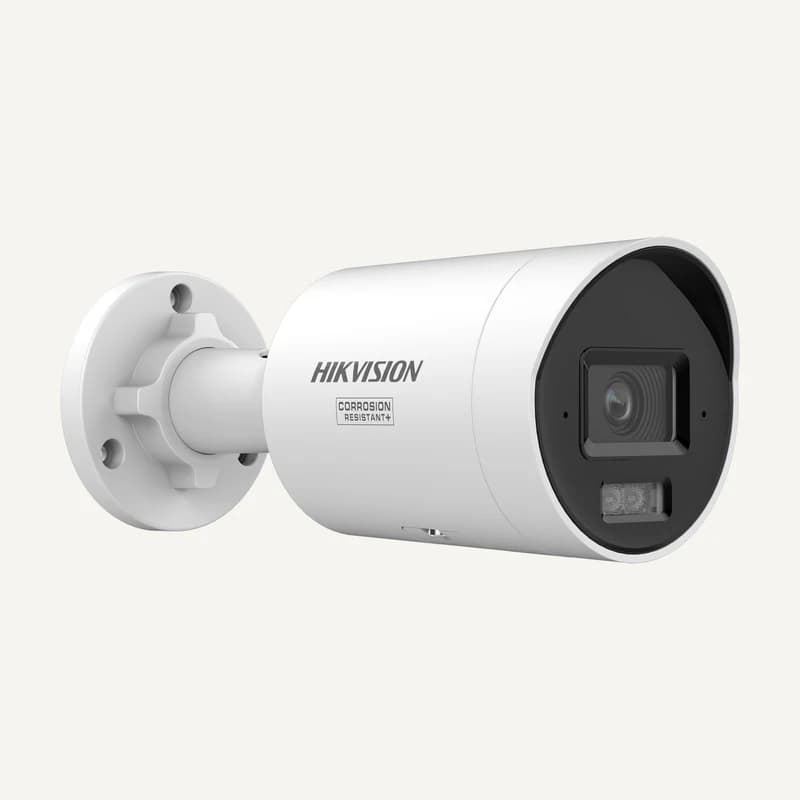
DS-2CD20123G2-LIUYProfessional pricing after approval
Availability to be confirmed
View product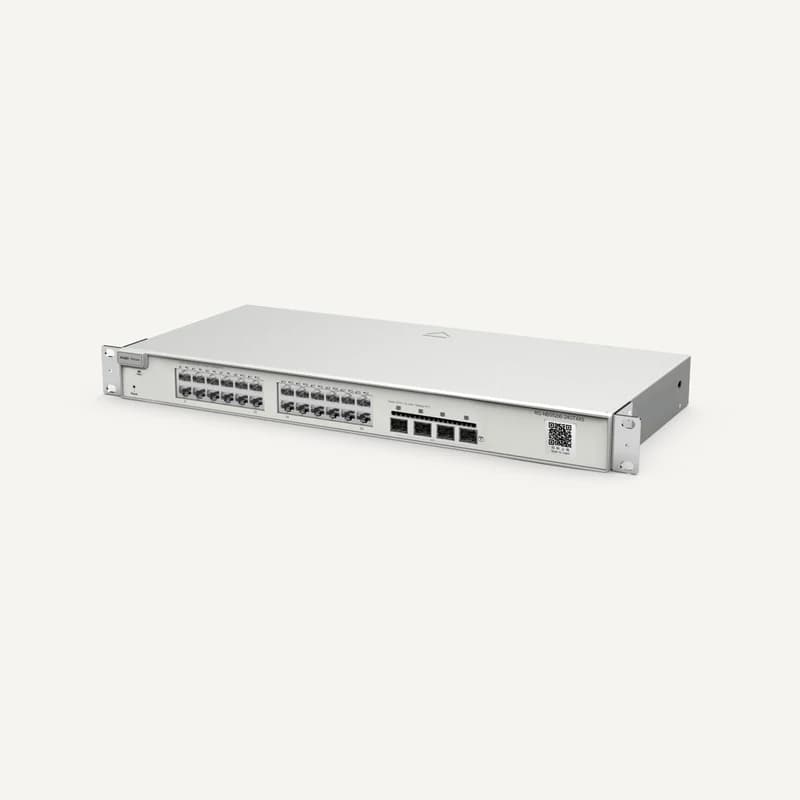
RG-NBS5200-24GT4XSProfessional pricing after approval
Availability to be confirmed
View product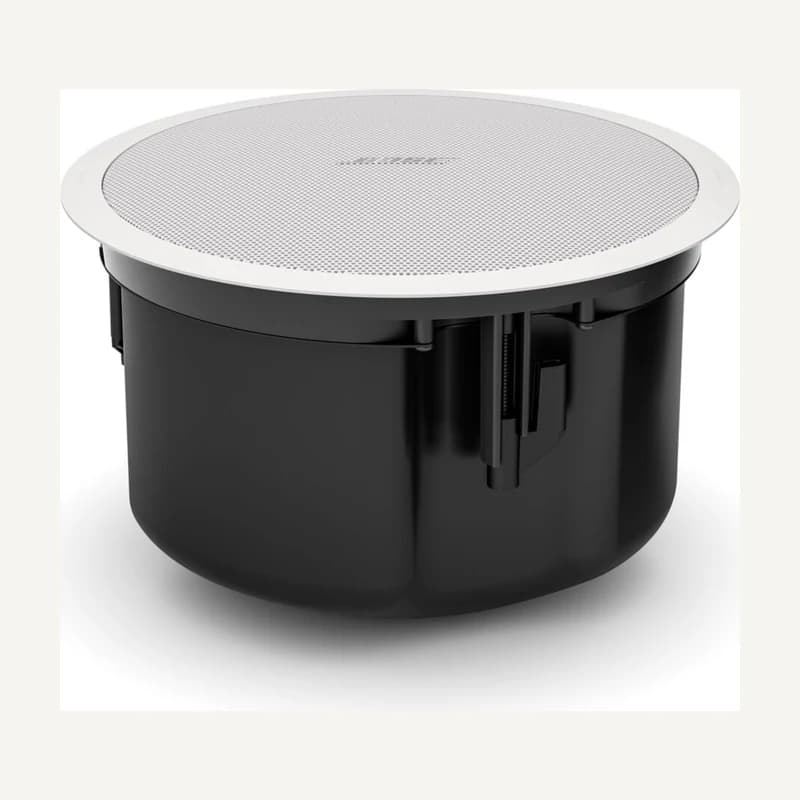
841156-0420Professional pricing after approval
Availability to be confirmed
View product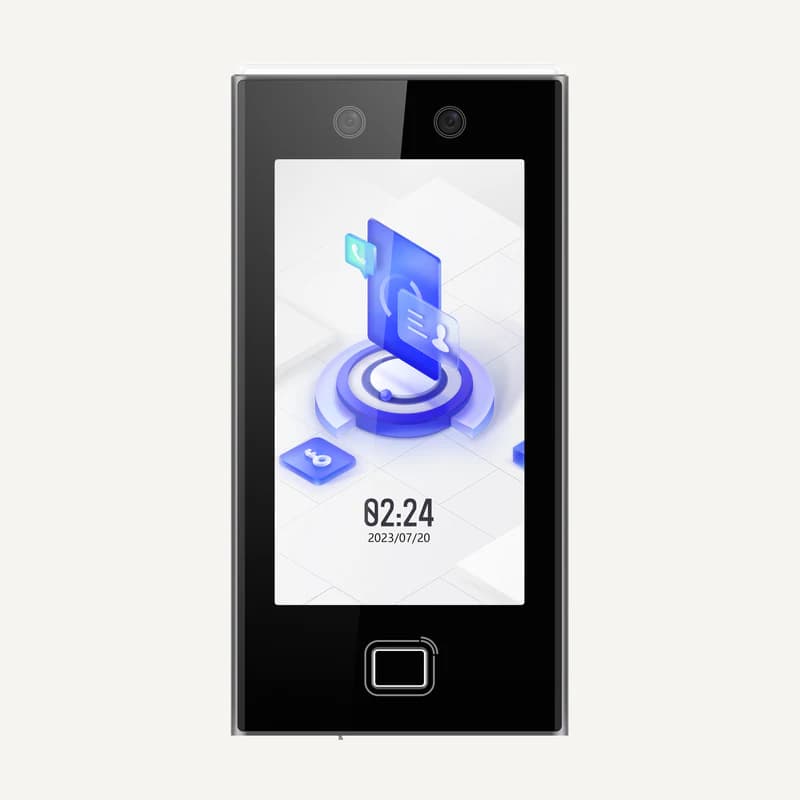
DS-K1T670MFWXProfessional pricing after approval
Availability to be confirmed
View productReferences from the active catalogue. Open each sheet to distinguish inventory data, available documents and information still to confirm. This selection is not a validated kit.
Gather references, prepare quotation requests and find documents in your professional workspace.
Lists, quantities and revisions for each project.
Your requests and our team's proposals.
Available documents for your references.
Conversations and request tracking.

Illustrative preview · no client data
DS-2CD20123G2-LIUYHikvision DS-2CD20123G2-LIUY — 12 MP fixed IP camera
RG-NBS5200-24GT4XSRuijie RG-NBS5200-24GT4XS — managed 24-port Gigabit switch, 4 SFP+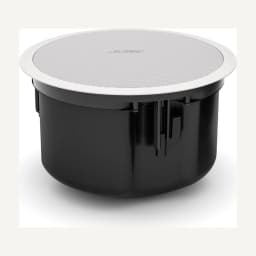
841156-0420Bose Professional white FS4CE — 841156-0420By reference, brand or use.
Gather products and quantities.
Confirm technical choices and constraints.
Submit a clear bill of materials.
| Reference | Description | Quantity |
|---|---|---|
DS-2CD20123G2-LIUY | Hikvision DS-2CD20123G2-LIUY — 12 MP fixed IP camera | 8 |
RG-NBS5200-24GT4XS | Ruijie RG-NBS5200-24GT4XS — managed 24-port Gigabit switch, 4 SFP+ | 2 |
841156-0420 | Bose Professional white FS4CE — 841156-0420 | 6 |
Illustrative preview · no client data · Prepare your project, request a quotation and decide on the proposal. Every order request requires separate Inovexia confirmation.
Professional resources
Guides and technical pointers for your choices. Assumptions and compatibility must be confirmed for each project.
Architecture, cabling and equipment: what to check before deployment.
Read guide
Cameras, recording and storage: ask the right questions.
Read guide
Spaces, uses and zones: prepare a coherent layout.
Read guideFour public tools for sizing and preparing your brief. Assumptions stay visible; results do not validate an installation.
Frequently asked questions
Answers to common questions. Need technical advice? Our team is here to help.
Contact technical supportInstallers, integrators, resellers and technical teams preparing professional purchases.
Create an account and submit an application. Once approved, validated prices from your assigned list are available only in your workspace. Products without validated prices remain quotation-only.
Yes. Approved accounts can create projects, enter quantities or import CSV files. Row-level errors are shown before requesting a quote.
No. The platform is for preparing and requesting quotations. Purchases and order acceptance are handled directly with Inovexia.
Describe the use, existing equipment and site constraints in your project. Products appearing together in the catalogue are not automatically compatible.
Professional client workspace
Find your projects, conversations and assigned commercial terms.
Create an account, verify your email and describe your activity.
Our team reviews your professional profile and informs you of its decision.
After approval, find the features and pricing authorised for your account.
Access, roles and terms are confirmed after approval.
Share references, quantities and constraints. For on-site design and installation, explore WEXON, our dedicated integration website.
Installation & integration · WEXON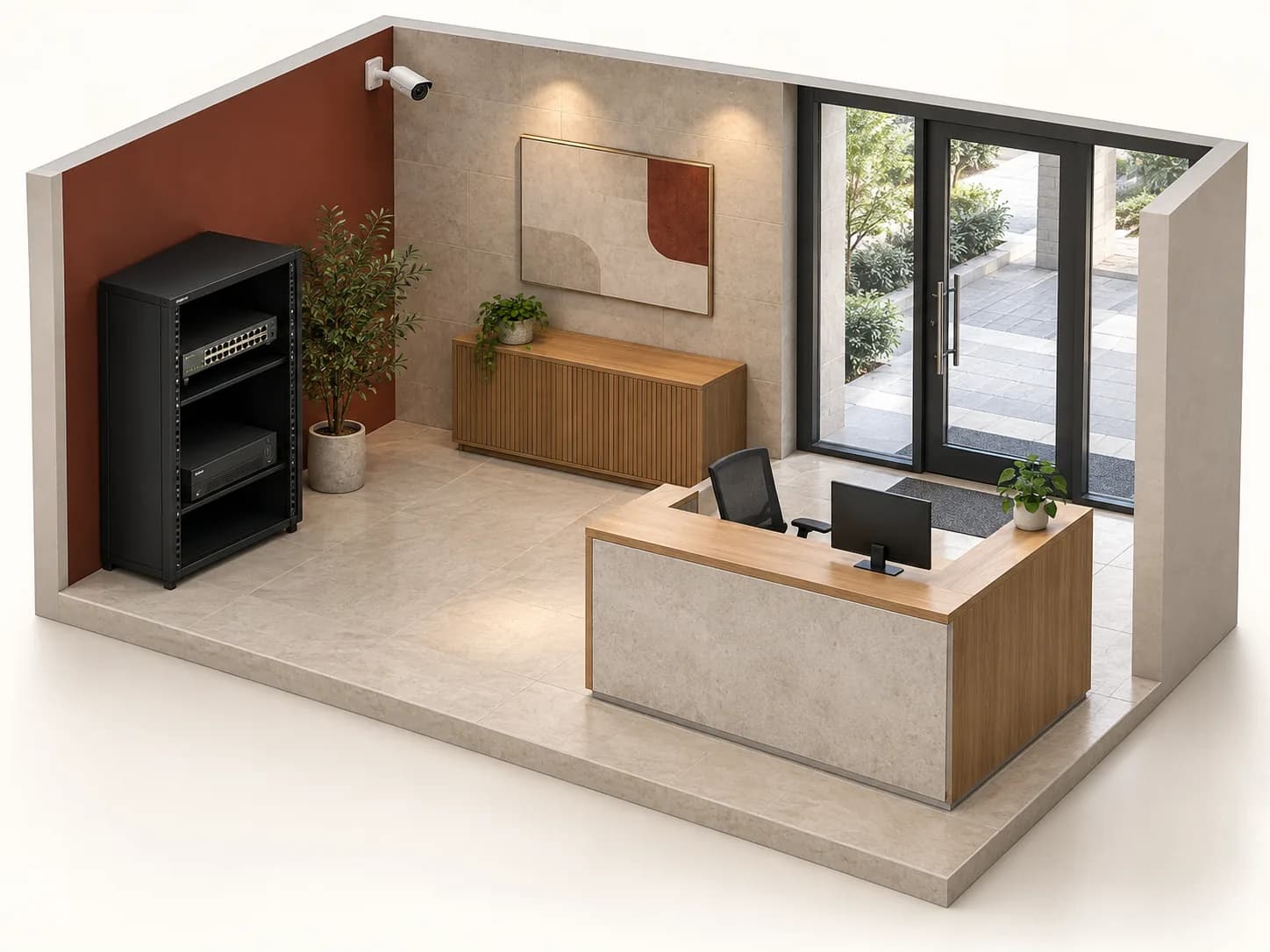
Test the link and the recording command. See which functions remain available.
The network carries the image to the viewing station and recorder. Their settings remain separate.
Captures the monitored area.
AI-generated concept · generic equipment, illustrative only.
Lines: functional data paths. Red dashes: disconnected link. This is not a cabling plan.
Assumptions: separately powered camera, no onboard storage or backup link. No real equipment is controlled; no video is created.
References are selection leads, not a validated kit. Check interfaces, bandwidth, power, viewing permissions and storage together.