
 ↗
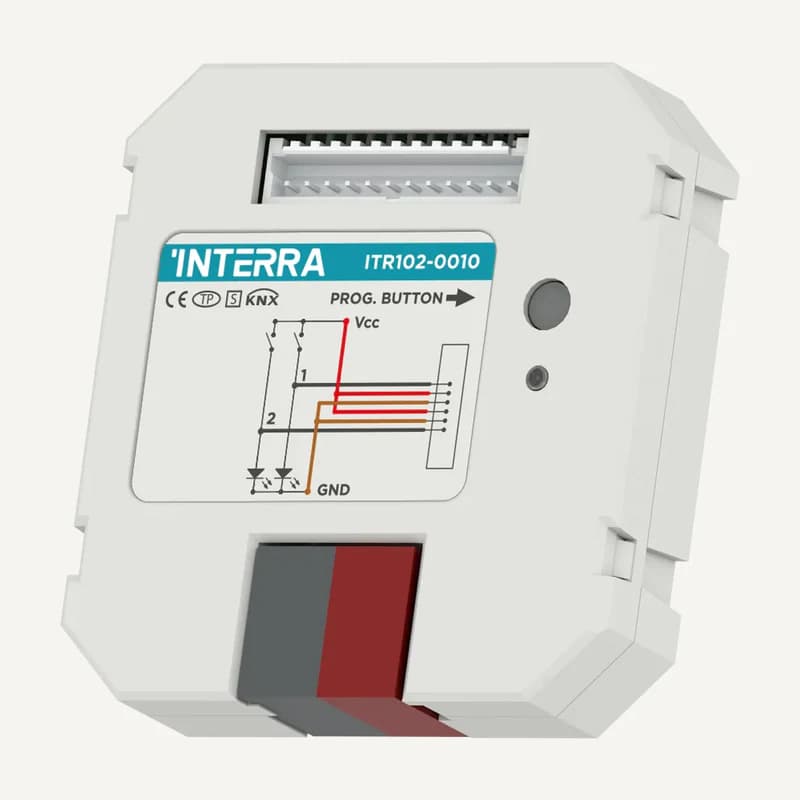
↗InterraITR102
Interra ITR102 — 2-input KNX interface
Range illustration
KNX interface with 2 dry-contact inputs, powered from the bus and configured in ETS.
Professional terms after sign-in
Availability: On request
 SELECTION FIELDNOTES
An ‘away’ button only makes sense when lights, blinds and setpoints respond as intended. Plan a KNX installation by linking each use to an identified control, actuator and load. Then define what the user will actually see as feedback.
View referencesIntegrators · homes, offices and buildings with coordinated controls.
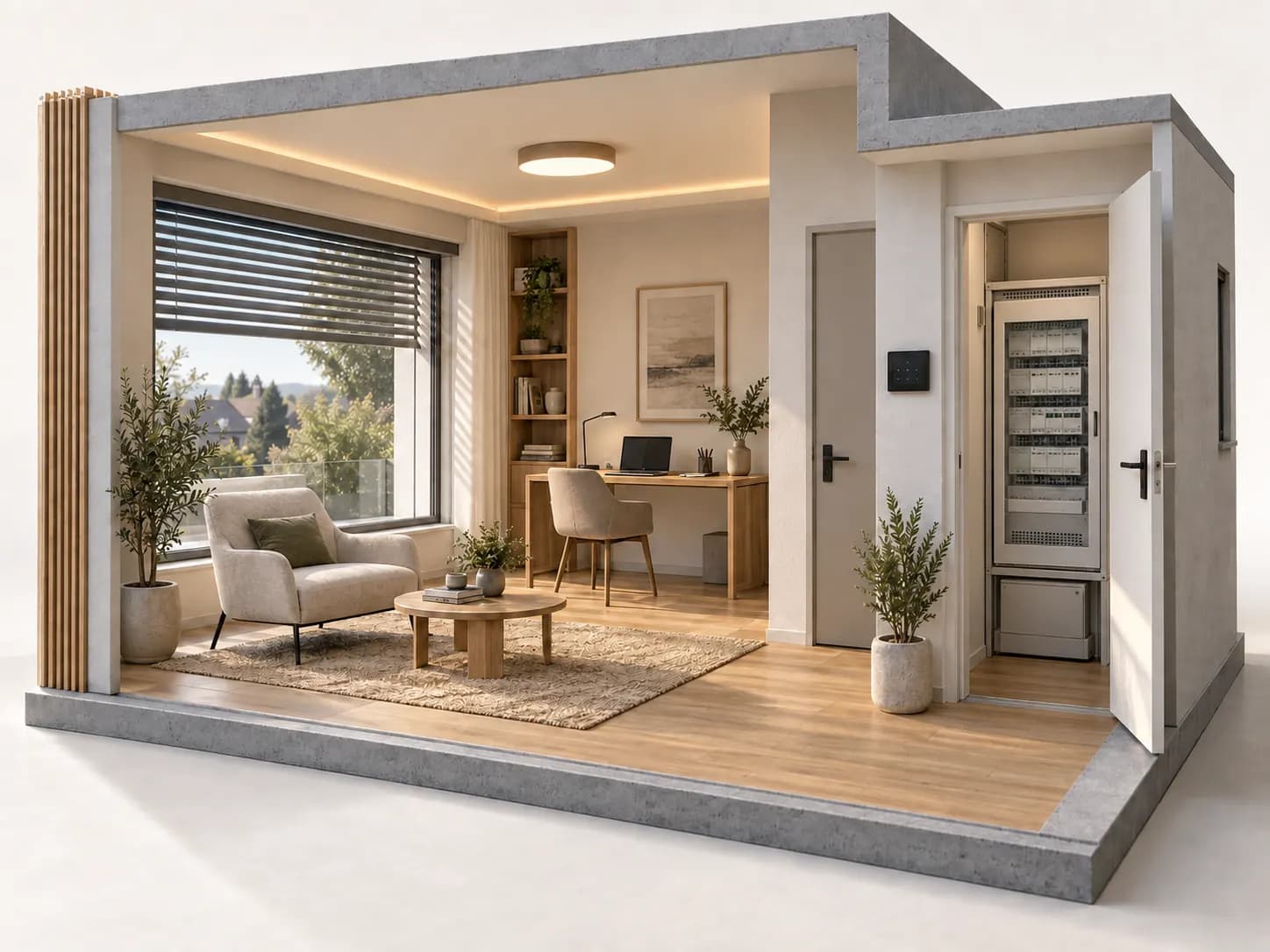
Before you choose. KNX, DALI and IP have distinct roles. Their presence in a range guarantees neither every function nor every pairing. A sent command is not proof of measured position, temperature or state.
ROLES TO PLAN · PREPARATION OUTLINE
A button, screen or event expresses an intent. Specify short press, long press, visual feedback and who may change the scene.
The project links commands, addresses and functions. Plan topology, bus power and interfaces; network access alone is not the building logic.
The output performs a load-appropriate function: switching, dimming or movement. Channel count does not establish which functions can be combined simultaneously.
Distinguish requested state, actuator-reported state and actual measurement. A blind displayed as closed may require evidence beyond a close command.
Interra presents controls, actuators, system components and gateways as separate families. Selection still depends on model and application: a family name is not a wiring design.
| Use | Describe | Verify |
|---|---|---|
| Lighting | Circuits, drivers, required dimming and shutdown behaviour. | Load type, inrush current, dimming method and each output’s limits. |
| Blinds and curtains | Motor, movements, travel limits and manual priority. | Outputs intended for this use, interlocking and documented position feedback. |
| Comfort | Rooms, sensors, controlled equipment and permitted setpoints. | Actual heating or cooling interface; a screen alone does not provide it. |
| Gateways | Functions to exchange between KNX, DALI or an IP device. | References, capacity, available objects and versions; not universal compatibility. |
For each room list lighting, blinds, comfort, controls and expected feedback. Identify functions that must remain usable if supervision is unavailable.
Include motor, luminaire, driver and climate-interface manuals. Have loads and combinations checked: a 16 A label alone does not validate every load on a channel.
Define priority between schedules, sensors, scenes and local control. Specify when an override ends so lighting does not react against the user’s intention.
Plan the ETS file, versions, labels, backups and access handover to the authorised owner. Transfer keys and passwords securely, not in a public form.
Fictional case: close blinds and switch off shared areas while retaining office lighting. Describe this scene before choosing outputs.
The office does not join the general switch-off. Define who activates the exception and whether it remains valid next time.
The interface should show the applied scene without inventing measurements. If blind position is estimated, do not present it as a closed-position sensor.
Switch a room on locally, then check the agreed priority rule. Document recovery after an outage before user handover.
A specification example, not a universal configuration. The integrator validates available functions, programming and tests on the selected equipment.
Interra’s download centre separates datasheets, product documentation, drawings and the ETS database. For a retrofit, retain the file actually used and exact reference; a recent catalogue does not prove an older installed device’s functions.
The schedule should trace every channel, load and project label. Do not transfer a newer Secure generation’s functions to an older reference because the front looks similar.
Not necessarily. Channel allocation, enabled functions, loads and application need exact-model verification. Describe each output’s requirement first.
No. Network, bus, power and programming have different roles. The required interface depends on the architecture and exchanged functions.
Scene tests, manual priority, explained status feedback, labels, files and backup procedure. Clarify who holds access and who may change programming.
Official documents are linked, not rehosted. Preparation advice is editorial; sources validate neither every catalogue reference nor a commercial partnership. Terms and variants still need checking.
Sources consulted on
This classification reflects loaded data, not technical validation or availability. Open the exact product page to check published information.
↗Range illustration
KNX interface with 2 dry-contact inputs, powered from the bus and configured in ETS.
Professional terms after sign-in
Availability: On request
 ↗
↗Range illustration
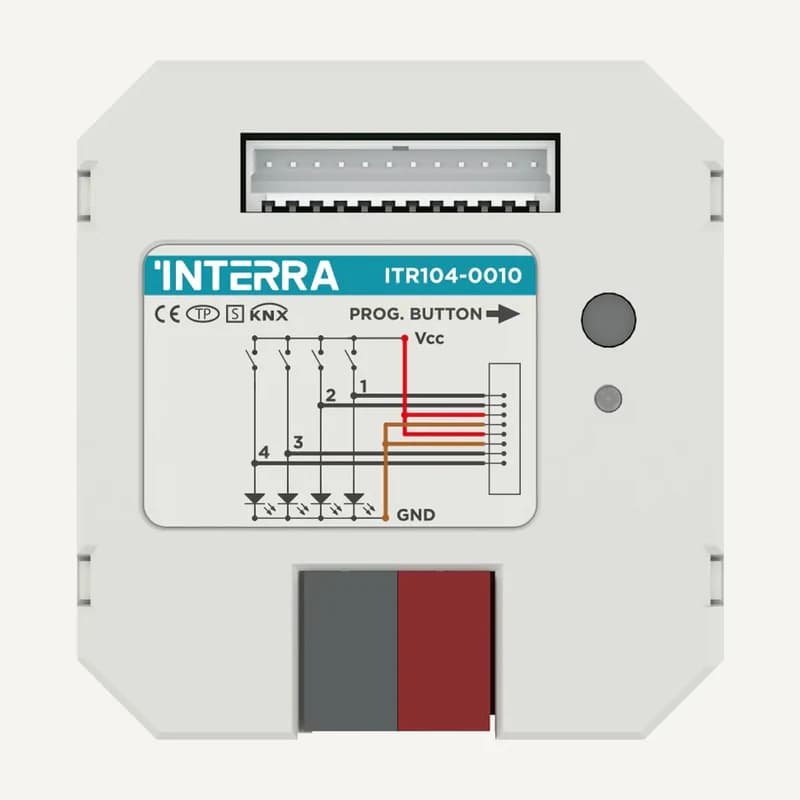
KNX interface with 4 dry-contact inputs, powered from the bus and configured in ETS.
Professional terms after sign-in
Availability: On request
 ↗
↗Range illustration
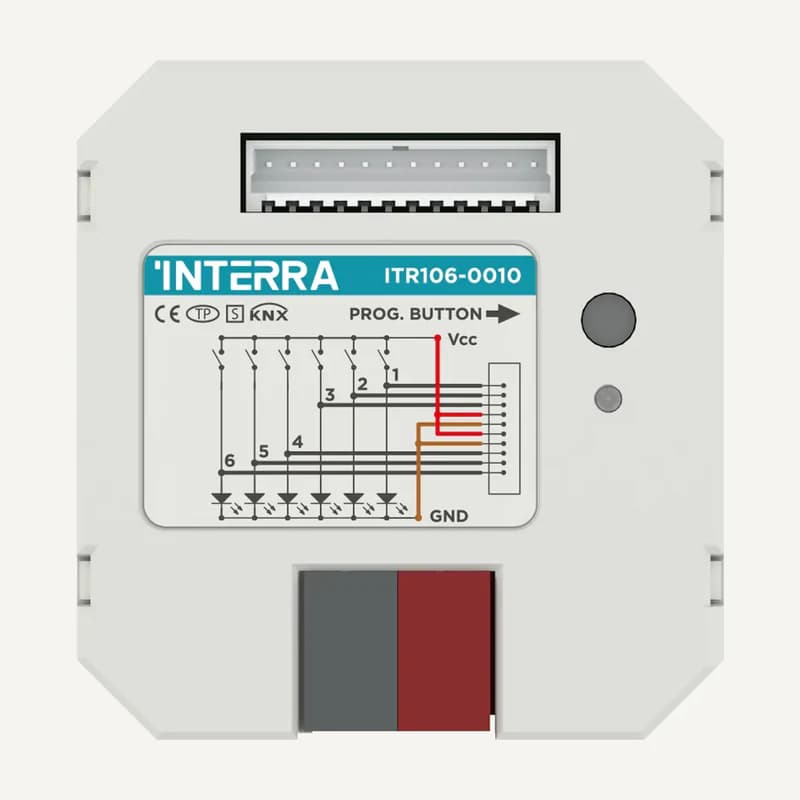
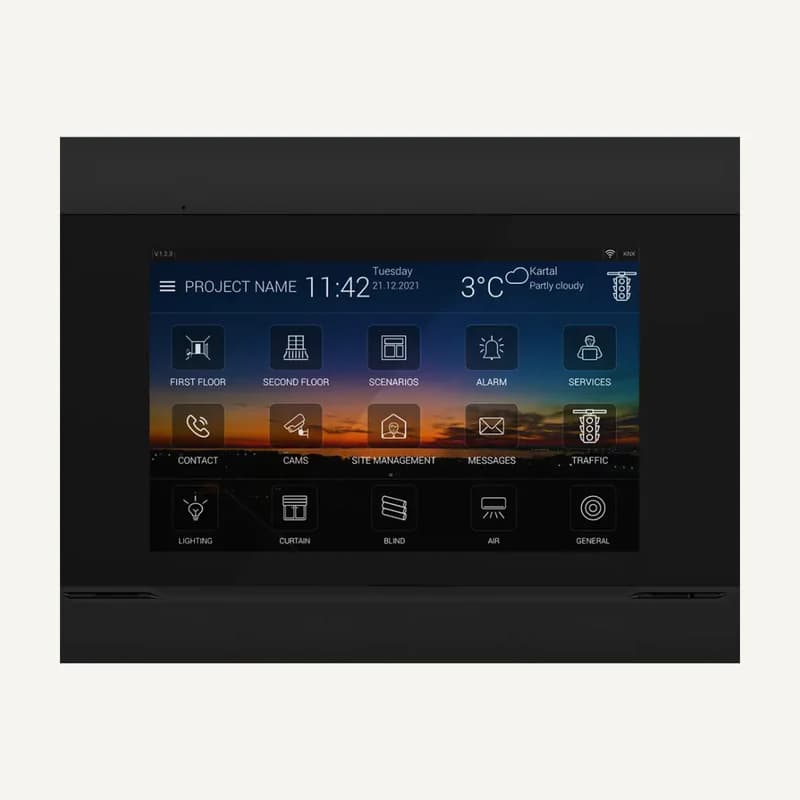
Inventory reference ITR106 by Interra, catalogued under Smart building control. Compatibility and final configuration are confirmed during the project study.
Professional terms after sign-in
Availability: On request
 ↗
↗Range illustration
Inventory reference ITR110-0104 by Interra, catalogued under Smart building control. Compatibility and final configuration are confirmed during the project study.
Professional terms after sign-in
Availability: On request
 ↗
↗Range illustration
Inventory reference ITR340-0011 by Interra, catalogued under Smart building control. Compatibility and final configuration are confirmed during the project study.
Professional terms after sign-in
Availability: On request
 ↗
↗Range illustration
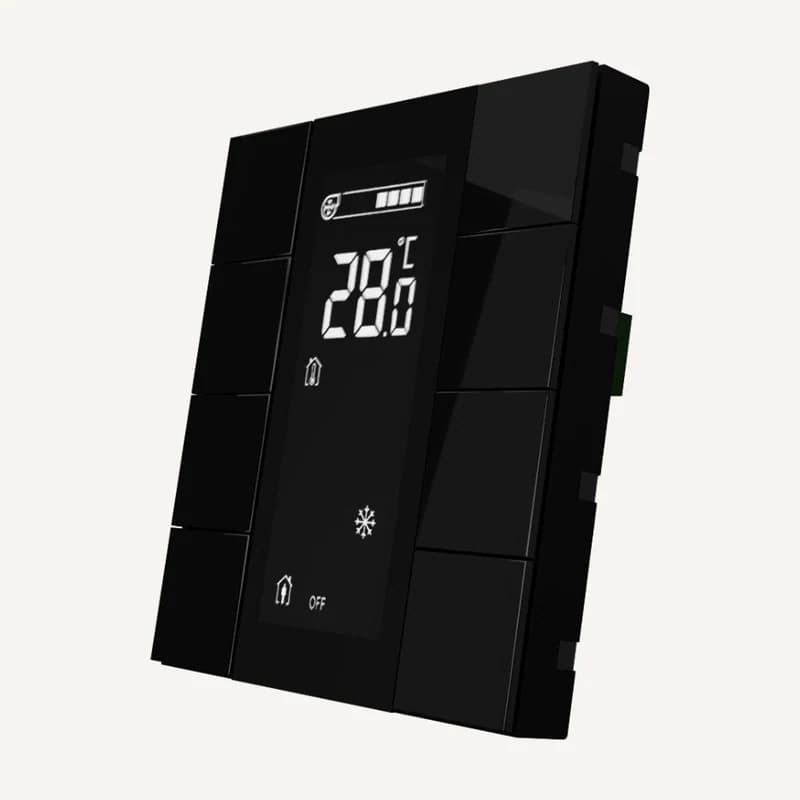
Inventory reference ITR340-0811 by Interra, catalogued under Smart building control. Compatibility and final configuration are confirmed during the project study.
Professional terms after sign-in
Availability: On request
 ↗
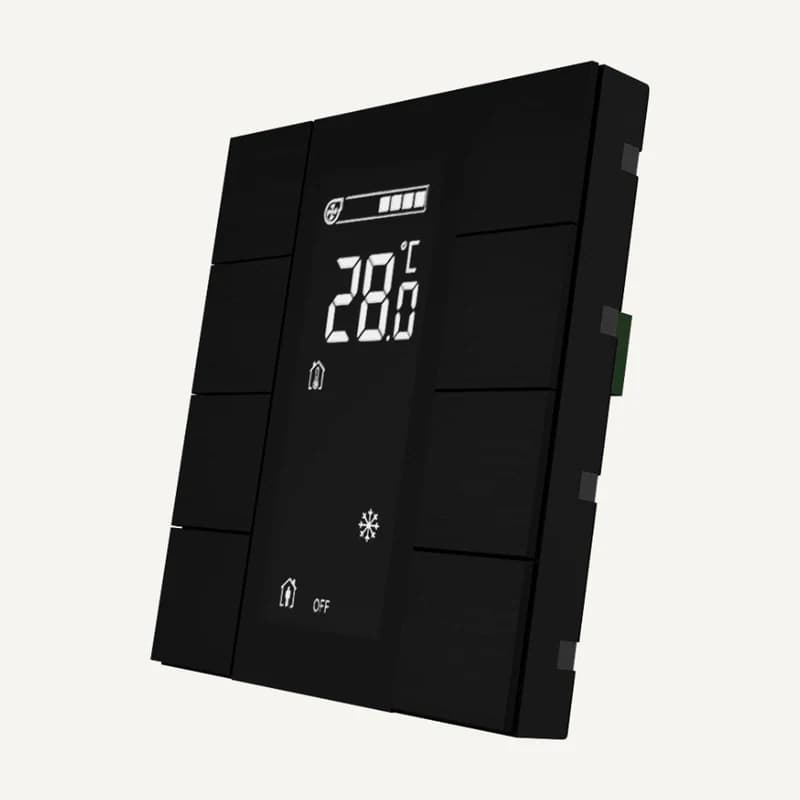
↗Inventory reference ITR340-1801 by Interra, catalogued under Smart building control. Compatibility and final configuration are confirmed during the project study.
Professional terms after sign-in
Availability: On request
 ↗
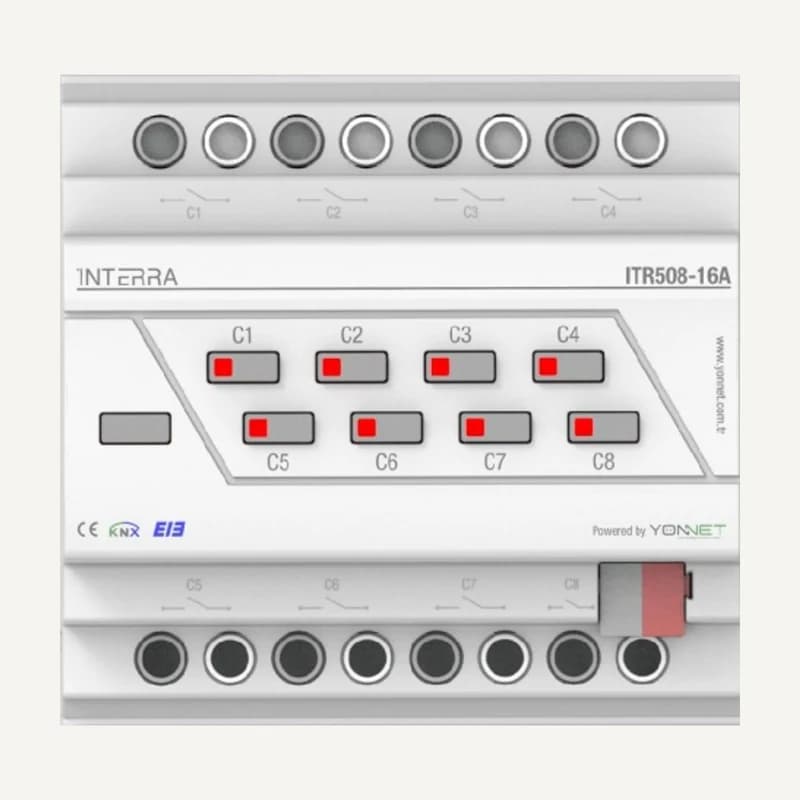
↗Inventory reference ITR340-1811 by Interra, catalogued under Smart building control. Compatibility and final configuration are confirmed during the project study.
Professional terms after sign-in
Availability: On request
 ↗
↗Inventory reference ITR508-16A by Interra, catalogued under Smart building control. Compatibility and final configuration are confirmed during the project study.
Professional terms after sign-in
Availability: On request
 ↗
↗Range illustration
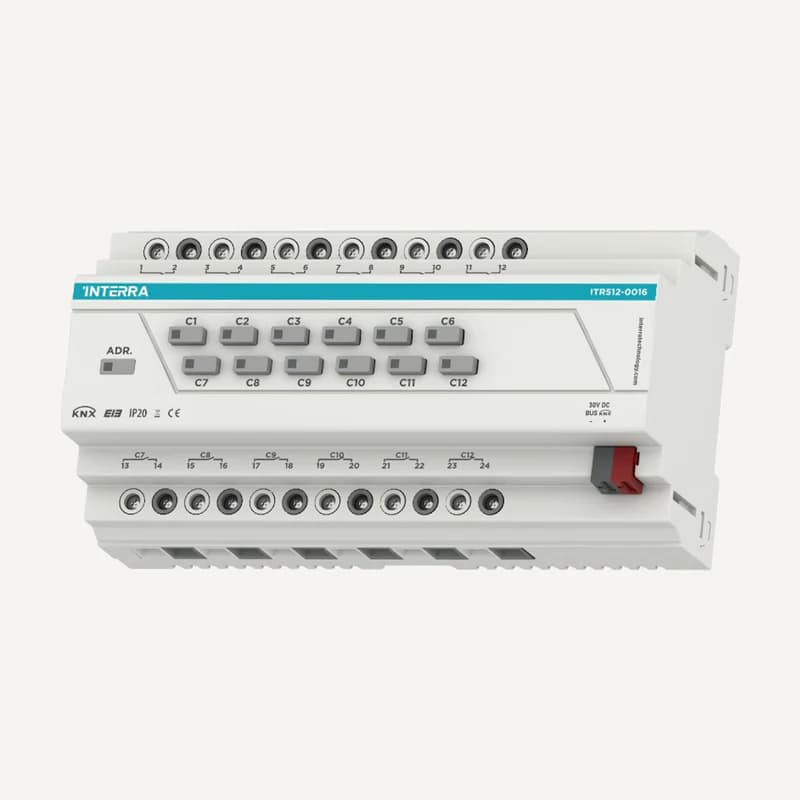
Inventory reference ITR512-16A by Interra, catalogued under Smart building control. Compatibility and final configuration are confirmed during the project study.
Professional terms after sign-in
Availability: On request
 ↗
↗Range illustration
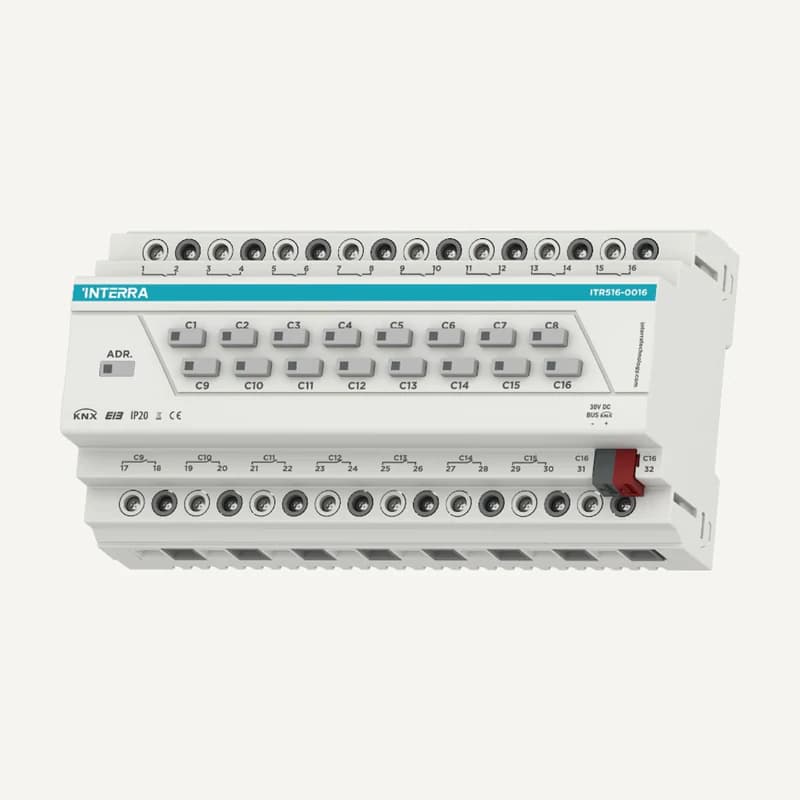
Inventory reference ITR516-16A-R1 by Interra, catalogued under Smart building control. Compatibility and final configuration are confirmed during the project study.
Professional terms after sign-in
Availability: On request
 ↗
↗Range illustration
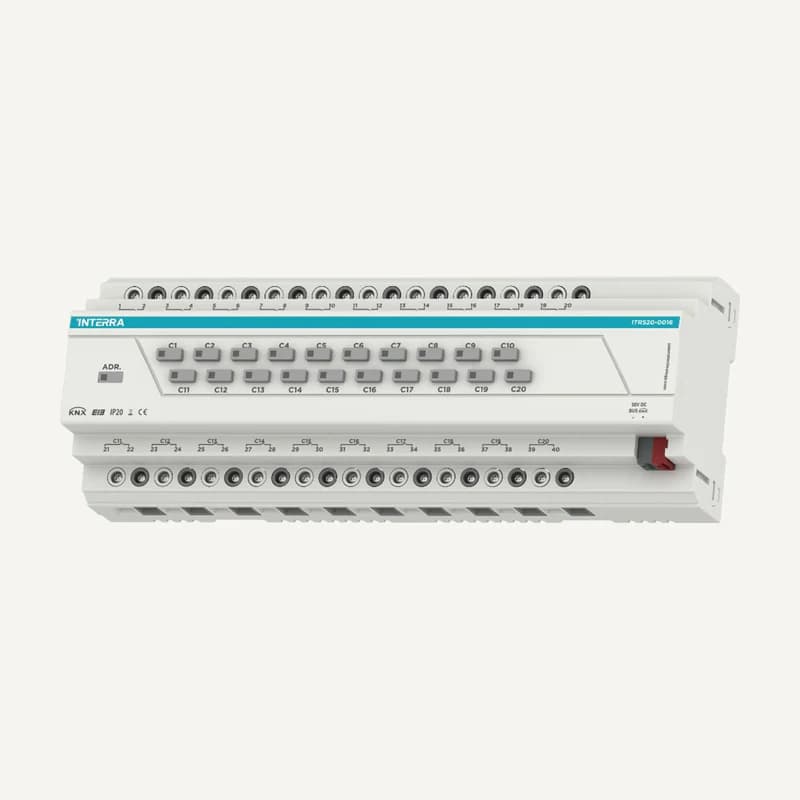
Inventory reference ITR520-16A by Interra, catalogued under Smart building control. Compatibility and final configuration are confirmed during the project study.
Professional terms after sign-in
Availability: On request
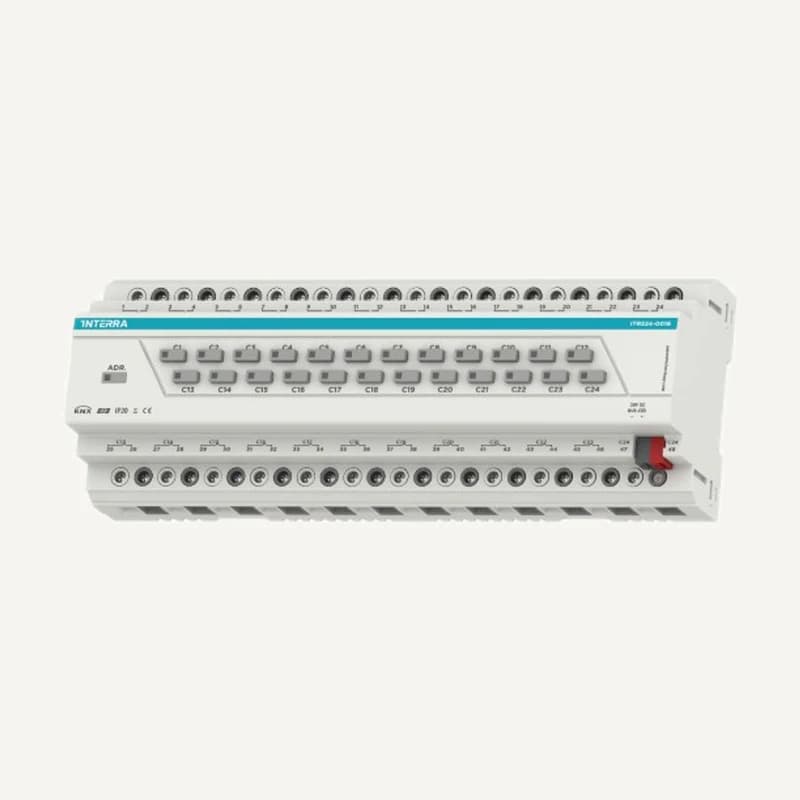 ↗
↗Inventory reference ITR524-16A by Interra, catalogued under Smart building control. Compatibility and final configuration are confirmed during the project study.
Professional terms after sign-in
Availability: On request
 ↗
↗Range illustration
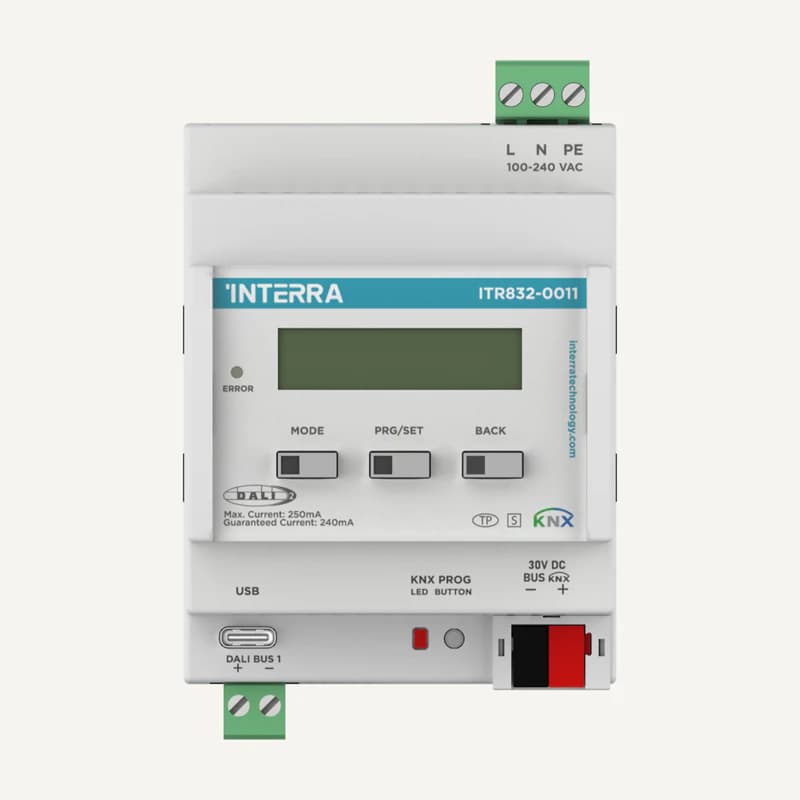
Inventory reference ITR832-001 by Interra, catalogued under Smart building control. Compatibility and final configuration are confirmed during the project study.
Professional terms after sign-in
Availability: On request
 ↗
↗Range illustration
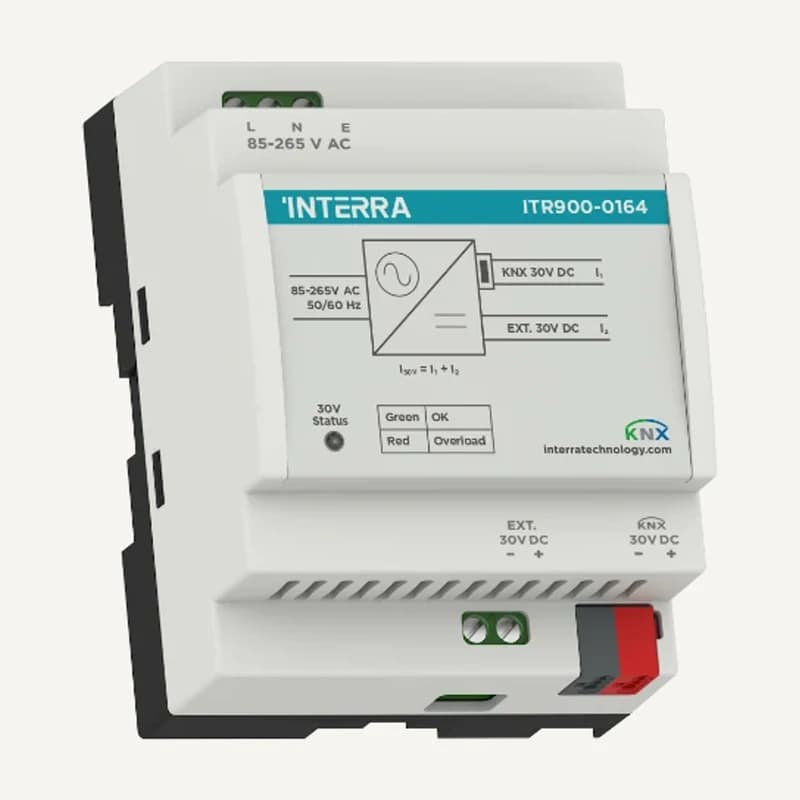
Inventory reference ITR900-164 by Interra, catalogued under Smart building control. Compatibility and final configuration are confirmed during the project study.
Professional terms after sign-in
Availability: On request