
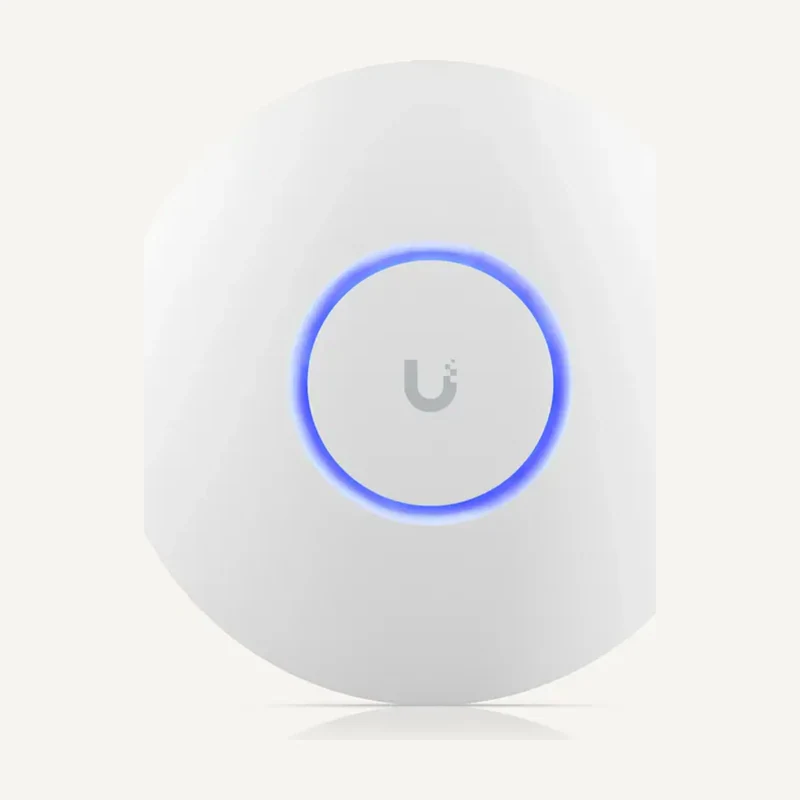
 ↗
↗UbiquitiU6+
Ubiquiti U6+ — Networks and connectivity
Wireless access connected to a compatible network and power source.
Professional terms after sign-in
Availability: On request
 SELECTION FIELDNOTES
The right access point is not enough. Decide where network decisions are made, how devices receive power and who will take over the installation. Start with use cases, then connect gateway, switch, access points and management in one equipment schedule.
View referencesIntegrators and IT managers · offices, retail and connected residences.
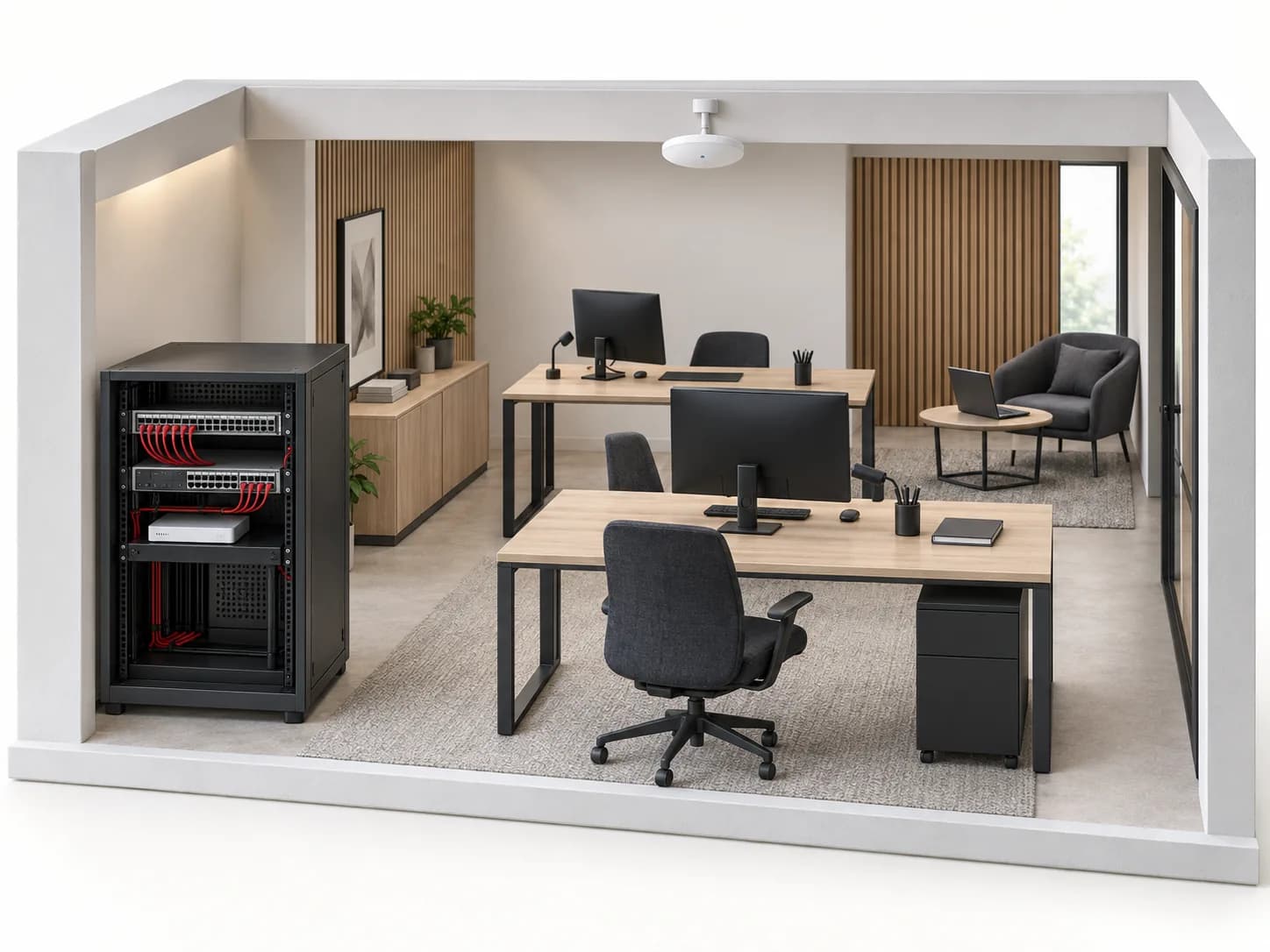
Before you choose. The loaded catalogue includes UniFi references. This validates neither a particular combination, on-site throughput nor availability of other Ubiquiti ranges. Keep every reference and suffix until documentary confirmation.
UniFi distinguishes gateway and Network management roles. Cloud Gateways include Network; an access point does not replace this function. The outline below is a planning aid, not an approved wiring design.
ROLES TO PLAN · PREPARATION OUTLINE
Locate the provider handoff, networks allowed to communicate and any VPN requirement. Do not retain two successive routers without understanding their roles.
Assign every outlet to a port and use. Check speed, uplink, PoE type and total available power separately.
Place access points around occupied areas, materials and client devices. A recent Wi-Fi designation does not guarantee clients can use every capability.
Identify the Network host, owner and service permissions. This role manages configuration; it is not another cable in the data path.
| Decision | Information to record | Required check |
|---|---|---|
| Management host | Existing console, intended hosting, site owner. | Exact-model functions; avoid competing management instances. |
| Access point and mounting | Ceiling, wall, outdoors, cable route and mounts. | Permitted environment, power and variant-specific accessories. |
| Switch and PoE | AP count, other endpoints and planned spare capacity. | Total budget and per-port limits; the word PoE is not enough. |
| Taking over a site | Models, versions, owner accounts and available backups. | Migration and rollback plan before any reset. |
Mark fixed desks, busy areas, rack, provider handoffs and obstacles. Include mounting photos; total floor area alone cannot size Wi-Fi.
Write who needs Internet, printer, server or technical-device access. Distinguish staff, visitors and management.
For each device: location, proposed model, link speed and power requirement to confirm. Add uplinks, patch leads and outlets missing from AP-only lists.
Plan naming, port maps, named permissions, backup and acceptance tests. The person creating the site should not remain its only recovery contact.
Fictional example: staff use internal printers; visitors only need Internet. No AP count or throughput is assumed.
Draw the two groups and management network. Confirm exceptions, such as a meeting-room display available to guests.
Map each AP to its planned port and each network to its rules. A guest SSID alone does not prove printers are inaccessible.
From a guest device, test Internet and denied internal access; from an authorised workstation, test printing. Also inspect occupied areas and record results.
Planning scenario, not an importable configuration or coverage guarantee. The integrator validates rules and on-site measurements.
Ubiquiti documentation reserves Cloud Gateway cloud-backup management to its owner. Plan the right account, a recovery method and a responsible person; having an administrator does not establish ownership of the backups.
Separate hardware, accessories and configuration services in the quotation. An ambiguous reference, missing software version or previously adopted device needs resolution before intervention, not a guessed replacement. Related guides help prepare ports, PoE and acceptance checks.
Do not confuse radio access, routing and hosting Network. Record the exact proposed model’s functions and existing devices before removing a role from the project.
No. First check placement, interference, wired links and client capabilities. Acceptance checks must test real uses; a product sheet is not a coverage measurement.
Exact inventory, diagram, versions, backup status and account owner. Transfer credentials through a designated secure channel, never in a public quotation enquiry.
Official documents are linked, not rehosted. Preparation advice is editorial; sources validate neither every catalogue reference nor a commercial partnership. Terms and variants still need checking.
Sources consulted on
This classification reflects loaded data, not technical validation or availability. Open the exact product page to check published information.
↗Wireless access connected to a compatible network and power source.
Professional terms after sign-in
Availability: On request
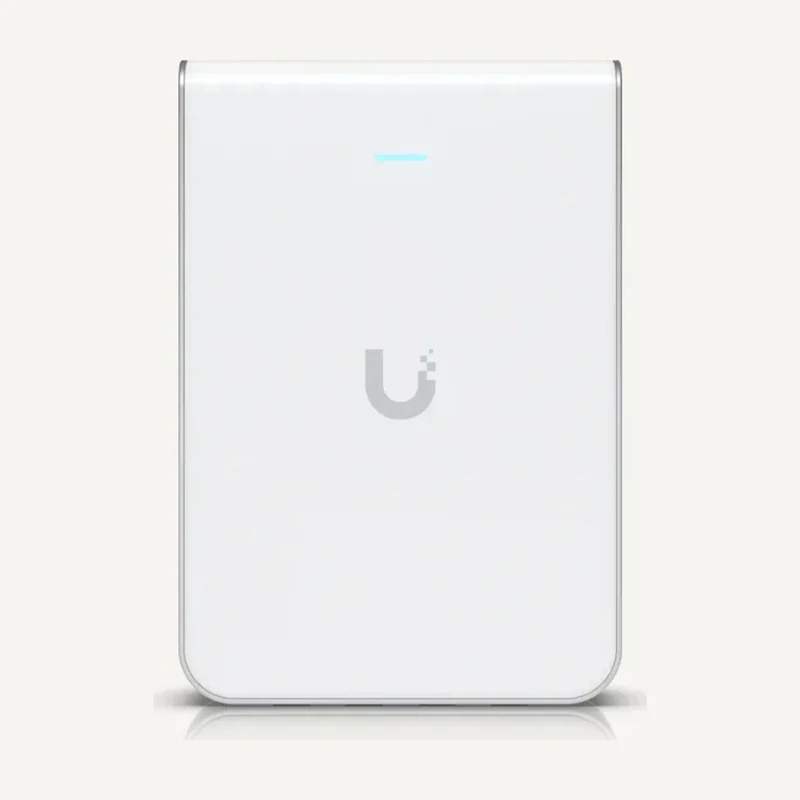 ↗
↗Local wireless coverage integrated with wall cabling.
Professional terms after sign-in
Availability: On request
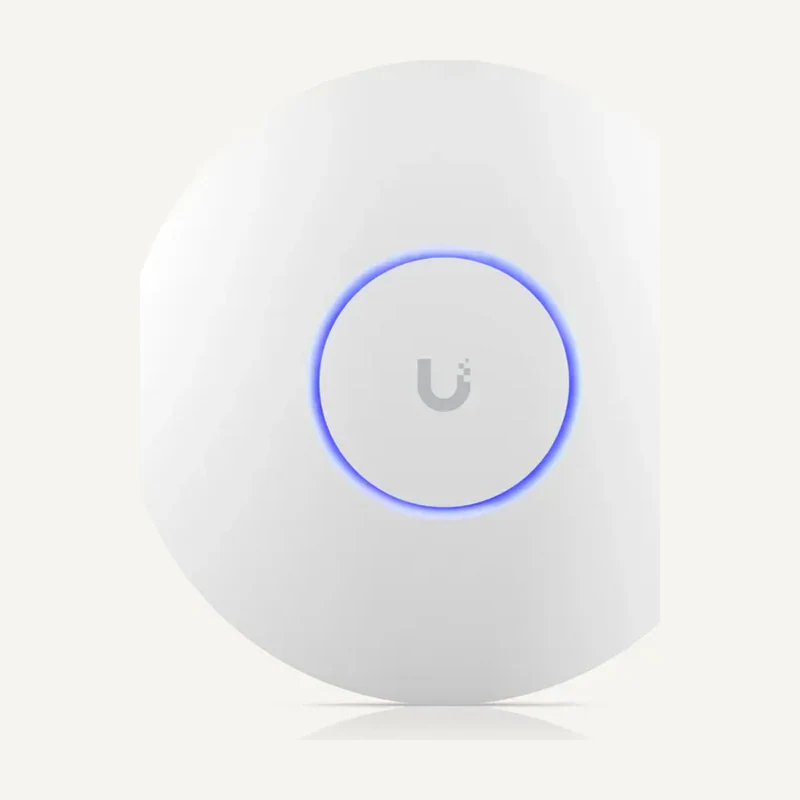 ↗
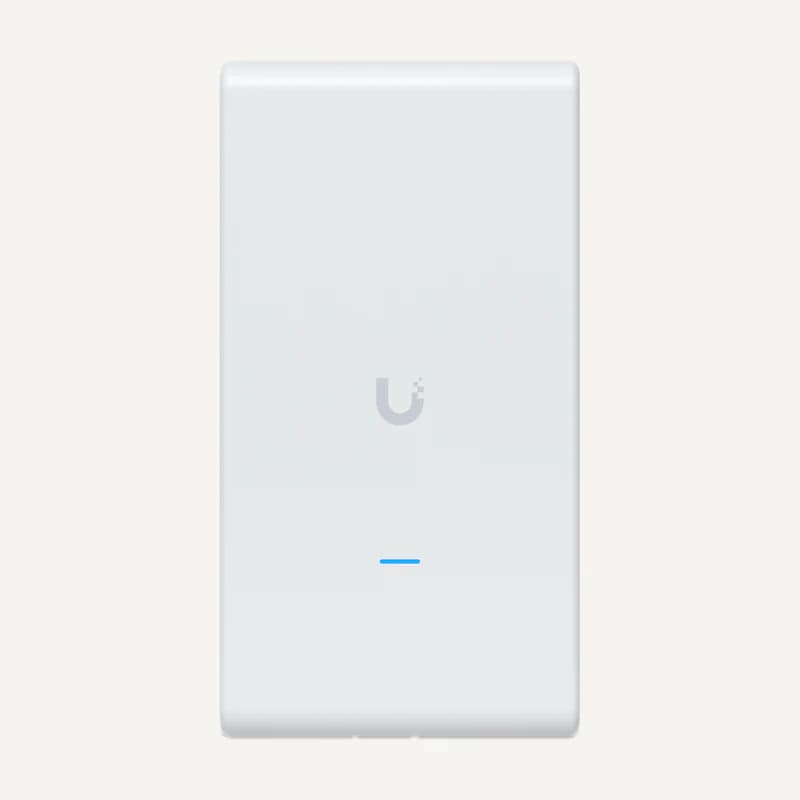
↗Wireless access connected to a compatible network and power source.
Professional terms after sign-in
Availability: On request
 ↗
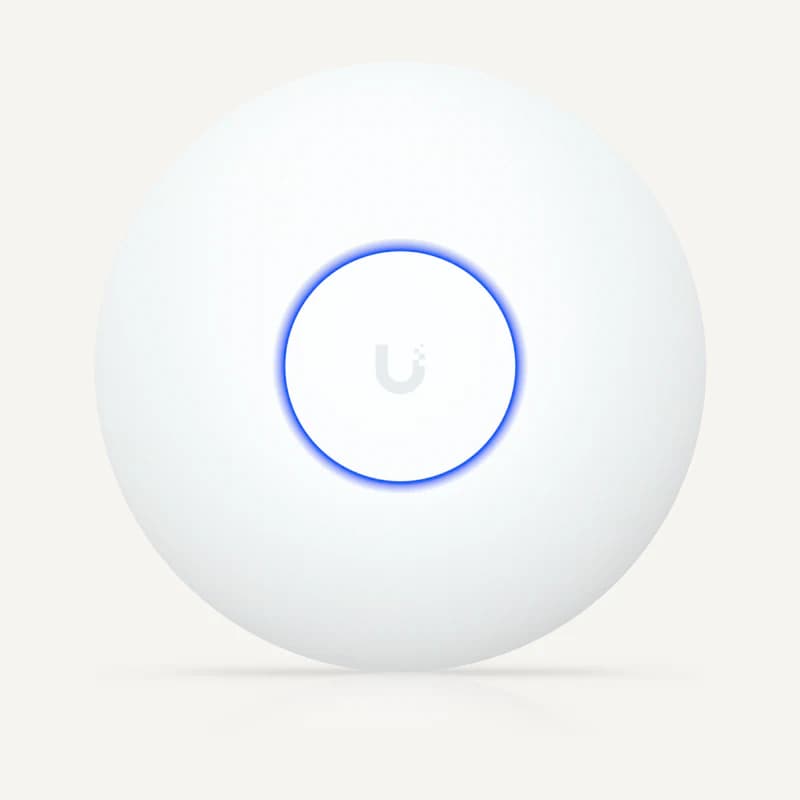
↗Inventory reference U6-PRO_MESH by Ubiquiti, catalogued under Networks and connectivity. Compatibility and final configuration are confirmed during the project study.
Professional terms after sign-in
Availability: On request
 ↗
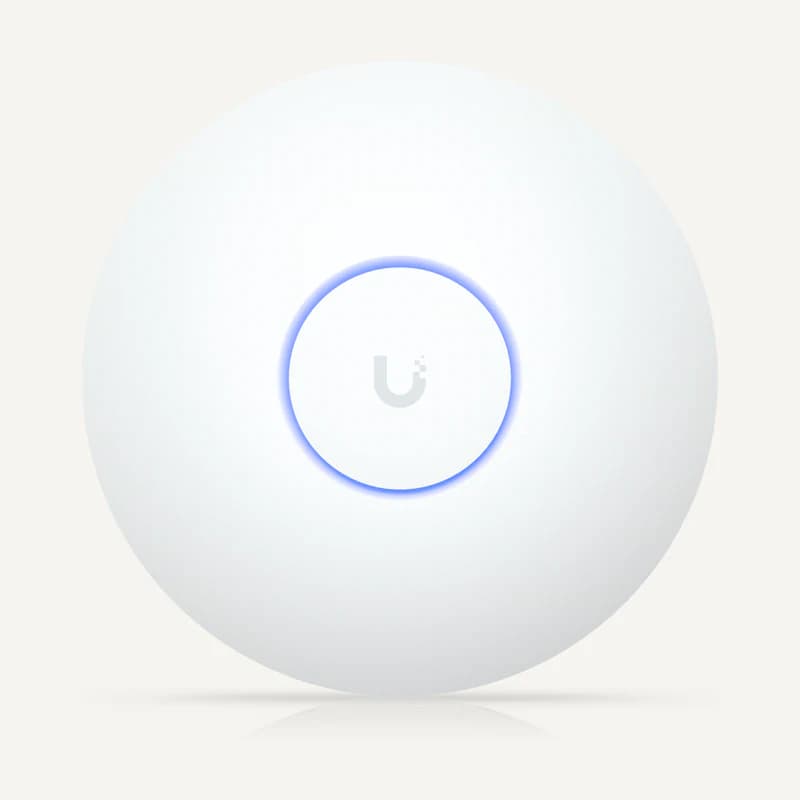
↗Wireless access connected to a compatible network and power source.
Professional terms after sign-in
Availability: On request
 ↗
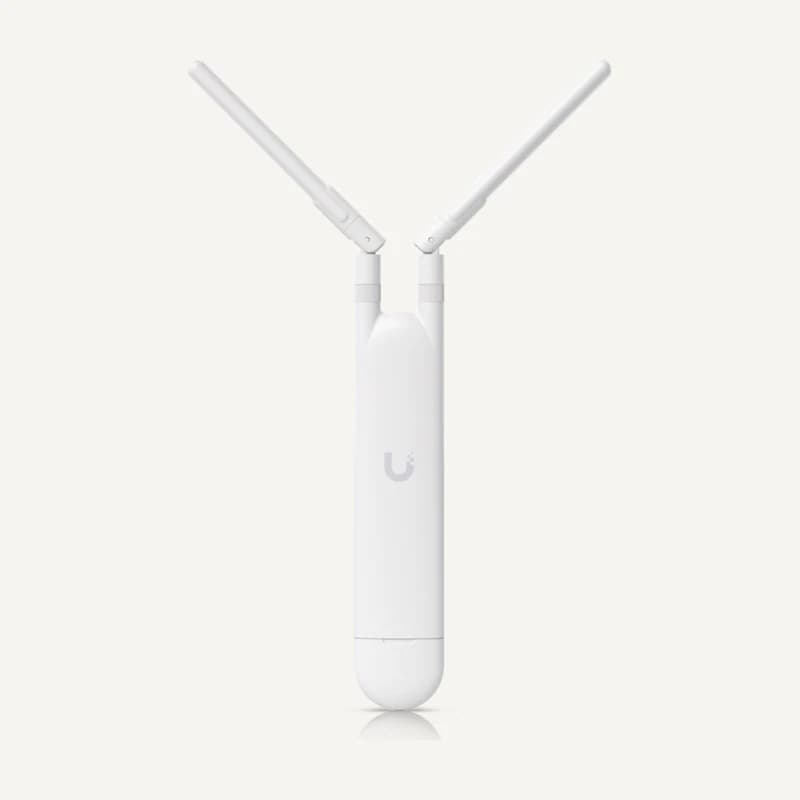
↗Dual-band 2.4/5 GHz UniFi access point with five spatial streams and PoE power.
Professional terms after sign-in
Availability: On request
 ↗
↗Wireless coverage planned around mounting, cabling and actual exposure.
Professional terms after sign-in
Availability: On request
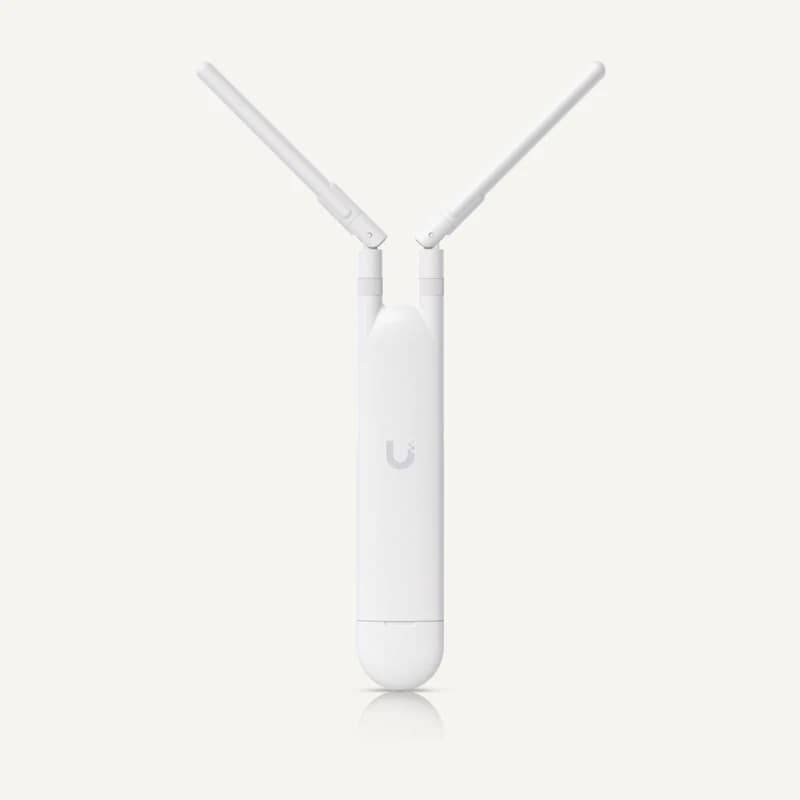 ↗
↗Wireless coverage planned around mounting, cabling and actual exposure.
Professional terms after sign-in
Availability: On request
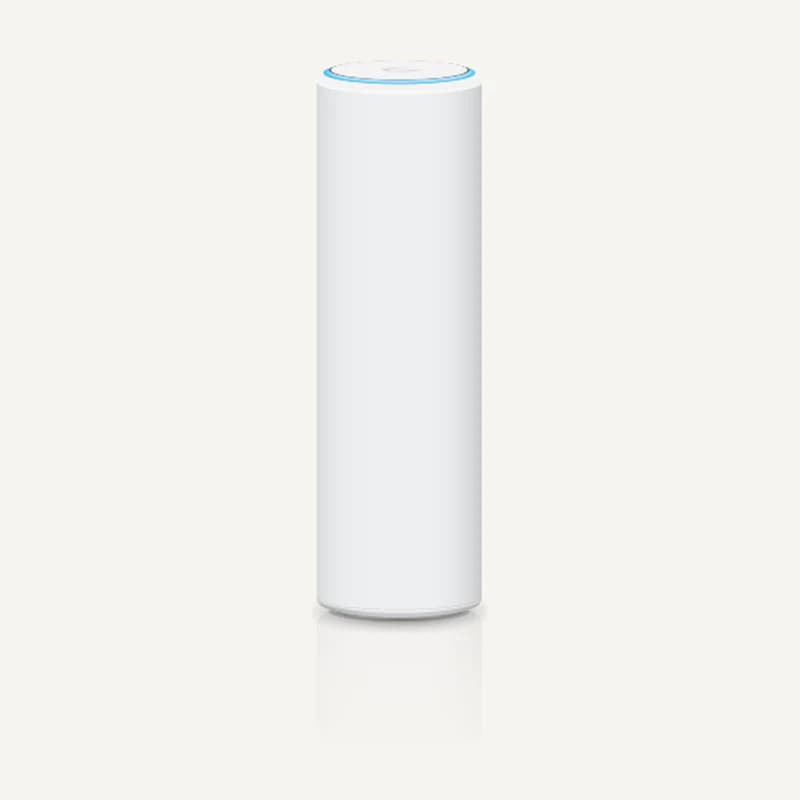 ↗
↗Wireless coverage planned around mounting, cabling and actual exposure.
Professional terms after sign-in
Availability: On request
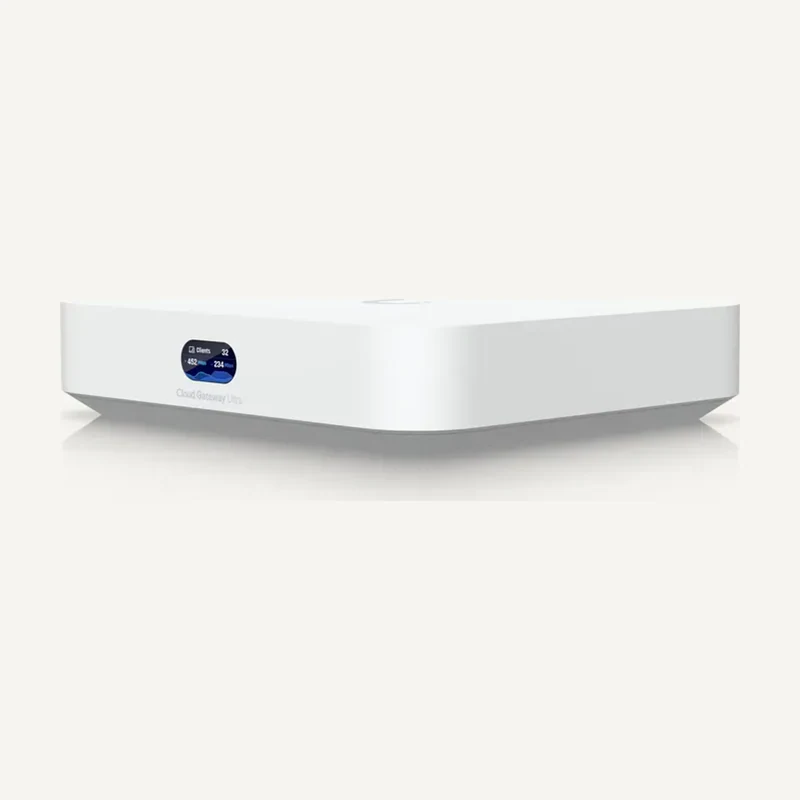 ↗
↗Routes Internet and local-network connections under a planned configuration.
Professional terms after sign-in
Availability: On request
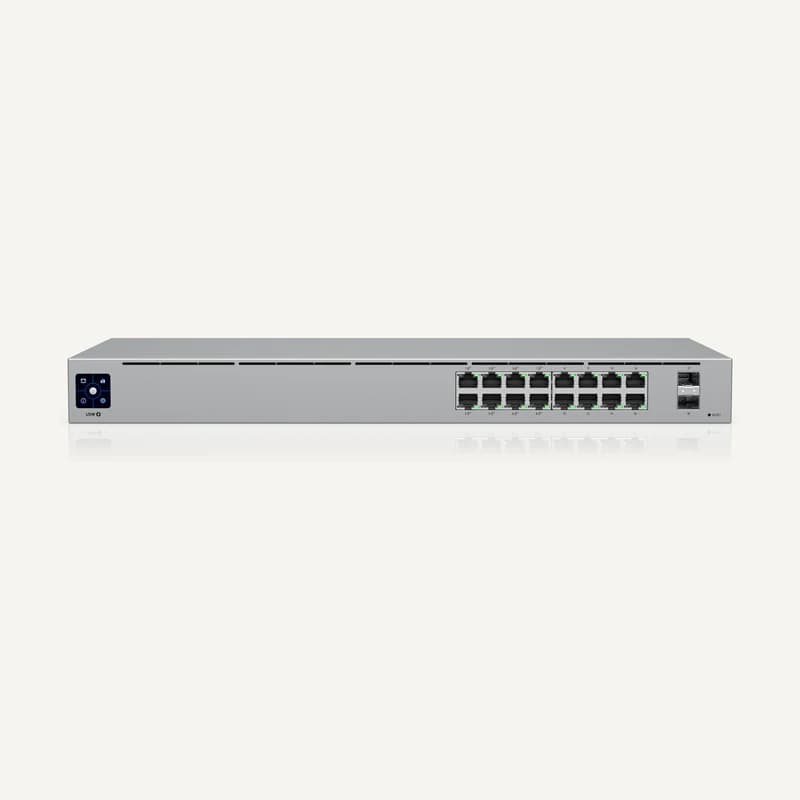 ↗
↗Inventory reference USW-16-POE by Ubiquiti, catalogued under Networks and connectivity. Compatibility and final configuration are confirmed during the project study.
Professional terms after sign-in
Availability: On request
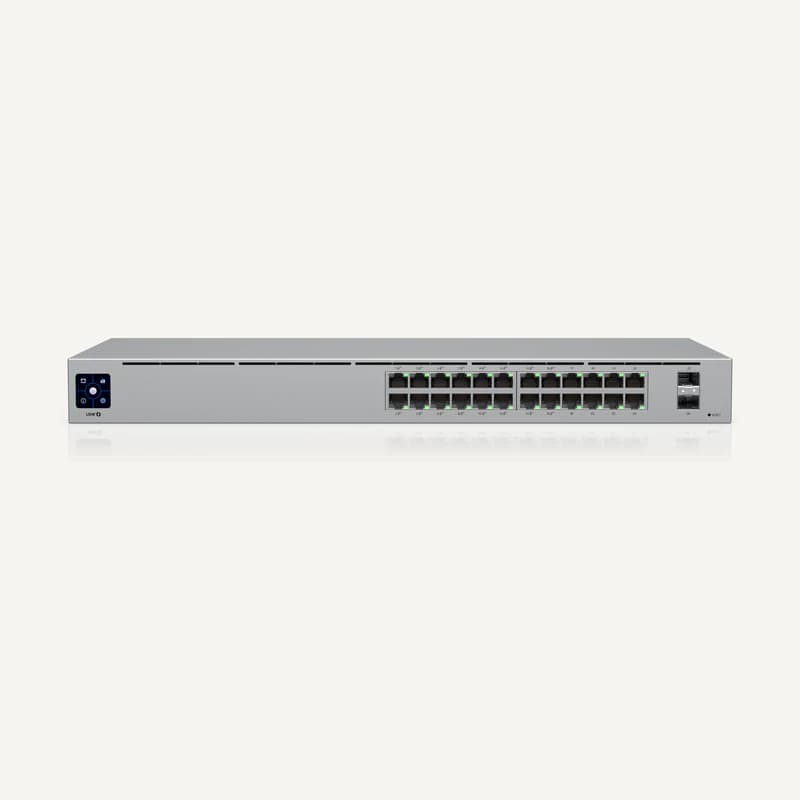 ↗
↗Data and power for compatible PoE equipment.
Professional terms after sign-in
Availability: On request
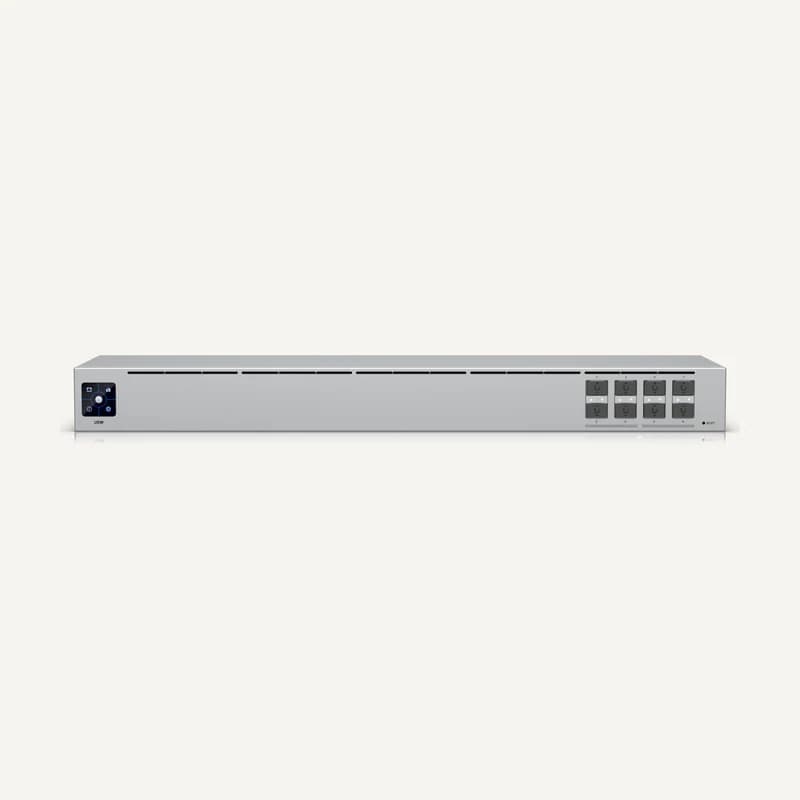 ↗
↗Aggregates network links using suitable modules or cables.
Professional terms after sign-in
Availability: On request
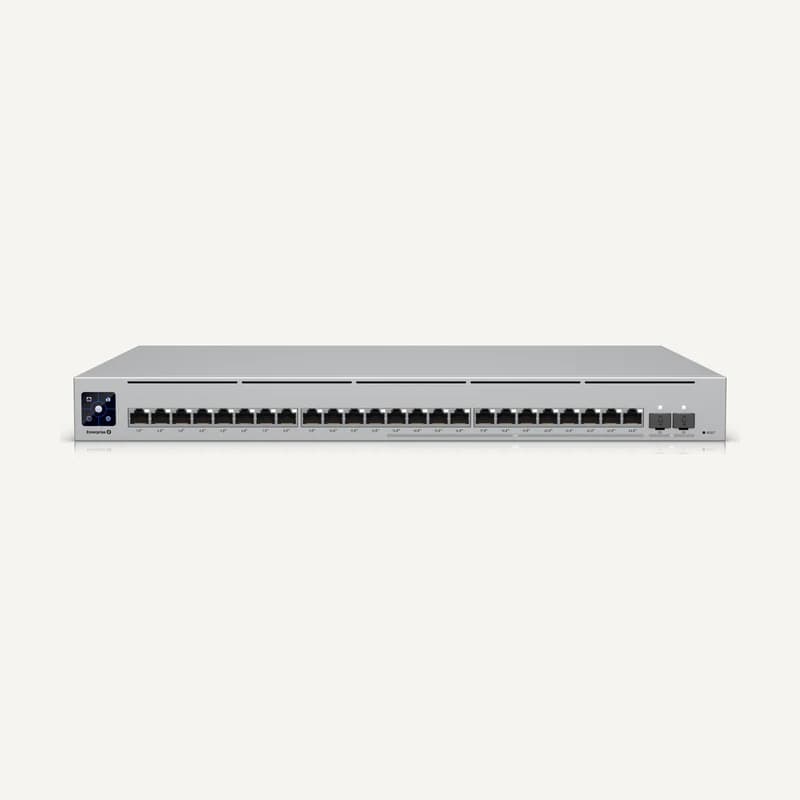 ↗
↗Inventory reference USW-ENTER-24-POE by Ubiquiti, catalogued under Networks and connectivity. Compatibility and final configuration are confirmed during the project study.
Professional terms after sign-in
Availability: On request
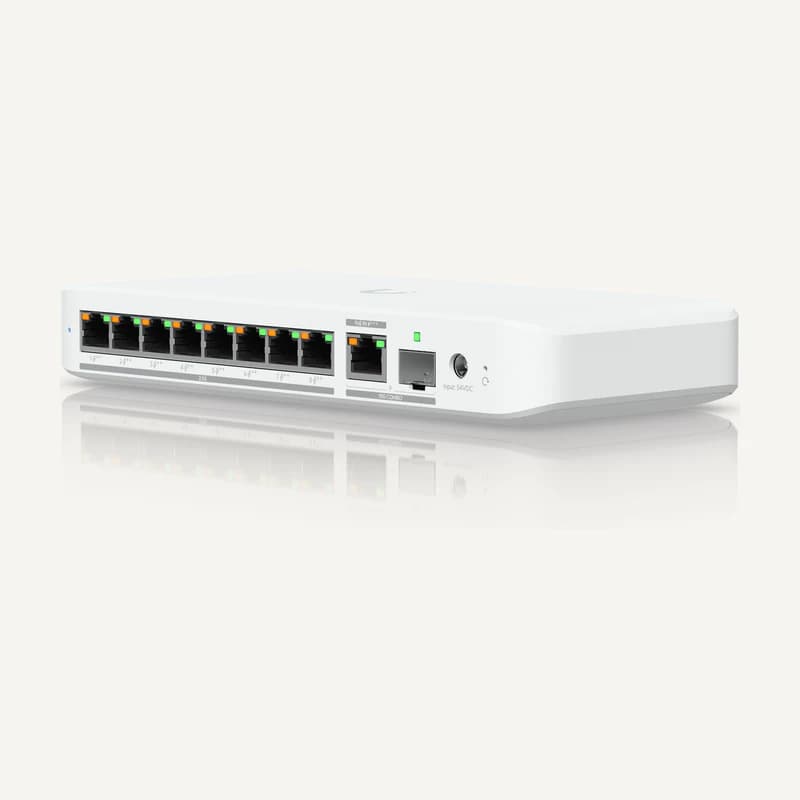 ↗
↗Data and power for compatible PoE equipment.
Professional terms after sign-in
Availability: On request
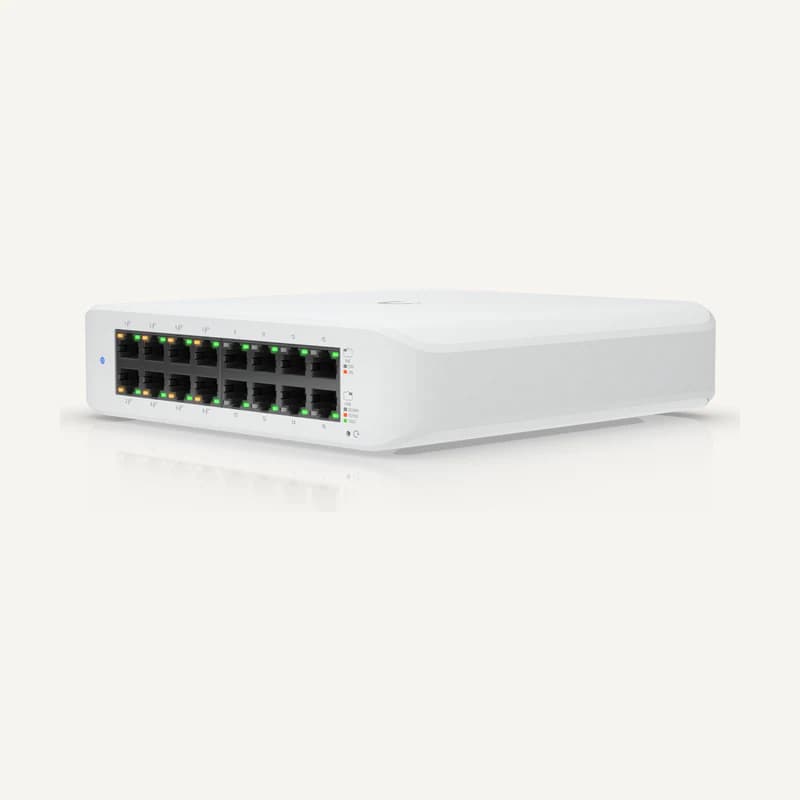 ↗
↗Data and power for compatible PoE equipment.
Professional terms after sign-in
Availability: On request