
 ↗
↗Multi-brand selection179212412
179212412 — Installation accessories
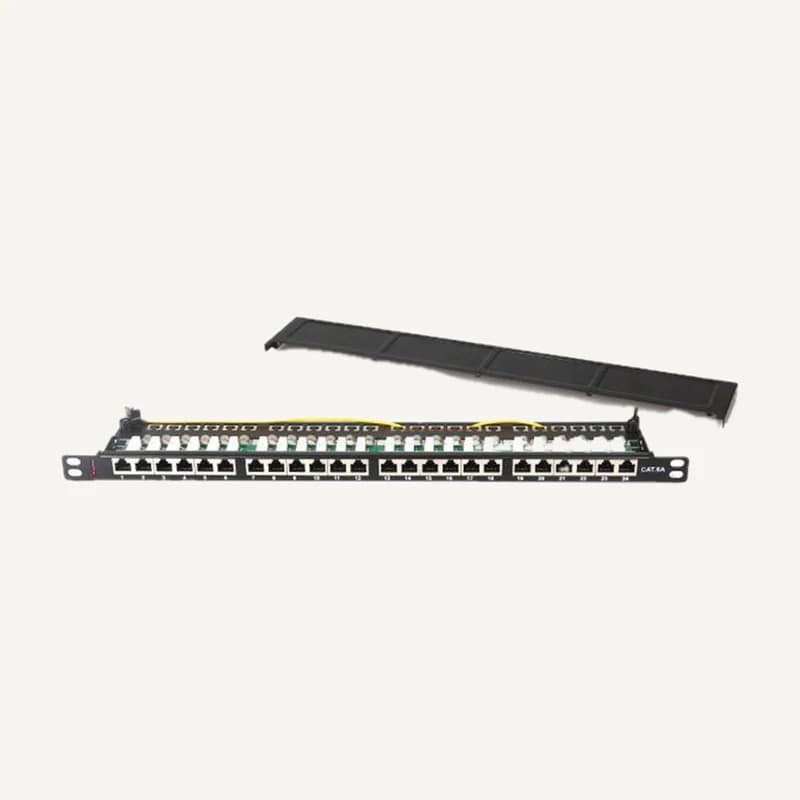
Organises copper cable terminations in a network cabinet.
Professional terms after sign-in
Availability: On request
Category references
41 references in Installation accessories.
41 referencesUNDERSTAND · COMPARE · PREPARE
A device alone does not make an installation: it needs mounting, protected connections and organised links. This category includes mounts, junction boxes, rack parts and transmission accessories. Prepare each combination using the exact device and installation position, not just a similar-looking photograph.
Go to referencesA shared appearance or brand does not prove compatibility. The supporting structure, fixings and installation conditions require on-site verification. No combination on this page is presented as a prevalidated kit.
Record the full model, variant and manual. Camera accessory selection can depend on both model and mounting position: wall, ceiling, corner or pole. Keep the selected accessory reference alongside the device reference.
Specify position, supporting surface, available dimensions and service access. Have allowable load and suitable fixings confirmed. Matching hole spacing alone does not validate the wall, ceiling or supporting structure.
List cable entries, connector space, seals and required routes. A cable can face humidity or condensation even under shelter. Request documented conditions for the assembled system rather than inferring weather protection from one enclosure.
Separate included parts, retained parts and additions. Record quantity per point and total quantity; distinguish a pair from one item. Include labels and access to connections so later replacement remains understandable.
On small screens, scroll the table to compare all three columns.
| Accessory | Specify | Confirm |
|---|---|---|
| Camera mount and box | Model, position, cable route | Manufacturer combination and intermediate parts |
| Rack, shelf and patching | Space, depth, equipment to house | Load, mounting, ventilation and connectors |
| Display mount | Display reference, orientation, adjustments | Interface, permitted weight and wall construction |
| AV extender or splitter | Source, destination, format and route | Signal direction, power and distance conditions |
Attach the overall view, fixing location and readable technical labels. Mask passwords, access codes and unnecessary images of people. Include useful dimensions: a photo alone provides no scale.
Associate each device with its zone, mount, box and links. Identify what exists and what is missing. Explicitly ask whether fasteners, adapters and leads are included in the proposal.
Describe the intended result: accessible connections, required orientation, organised rack or the requested image format. Specify who checks the on-site assembly. The number of delivered boxes is not a substitute for that check.
Terms such as “universal”, “waterproof” or a distance in a title are insufficient. Request exact documentation and usage conditions. A mechanical adapter does not establish signal compatibility; a matching cable shape does not guarantee the whole chain works.
Existing catalogue references are preserved. Inclusion in this section is neither an automatic recommendation nor installation authorisation. Structural and safety constraints require installer validation.
No. Check model, mounting, connector space and usage conditions. A neighbouring reference may require a different part; retain the proposal and its justification.
Provide the original reference and constraint: space, environment, timing or function. Ask which parts and tests change. “Available” does not mean “suitable for this installation”.
Reading references, not kit validation: citing a manufacturer implies neither a commercial partnership nor compatibility of all products. External links; no documents rehosted.
Narrow by brand or family and compare up to four references. Missing facts still need confirmation.
↗Organises copper cable terminations in a network cabinet.
Professional terms after sign-in
Availability: On request
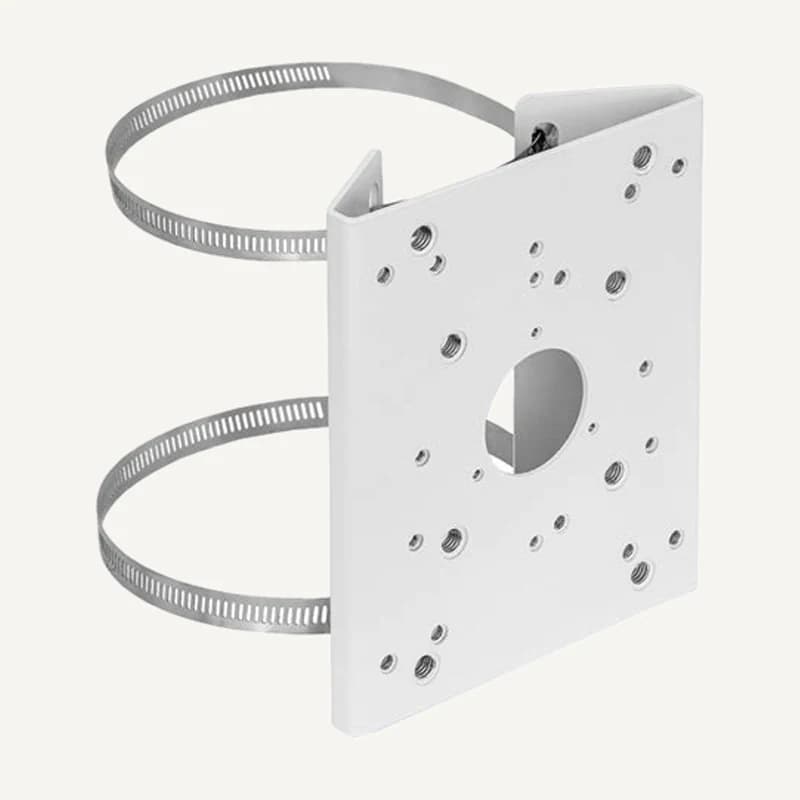 ↗
↗Inventory reference A36_V6.0, catalogued under Installation accessories. Compatibility and final configuration are confirmed during the project study.
Professional terms after sign-in
Availability: On request
 ↗
↗Range illustration
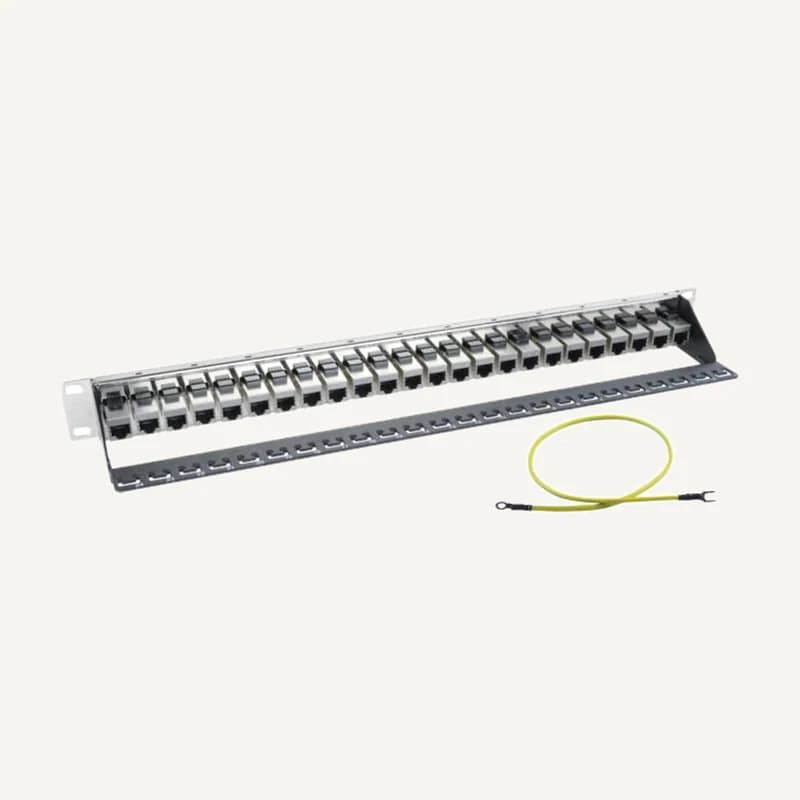
Organises copper cable terminations in a network cabinet.
Professional terms after sign-in
Availability: On request
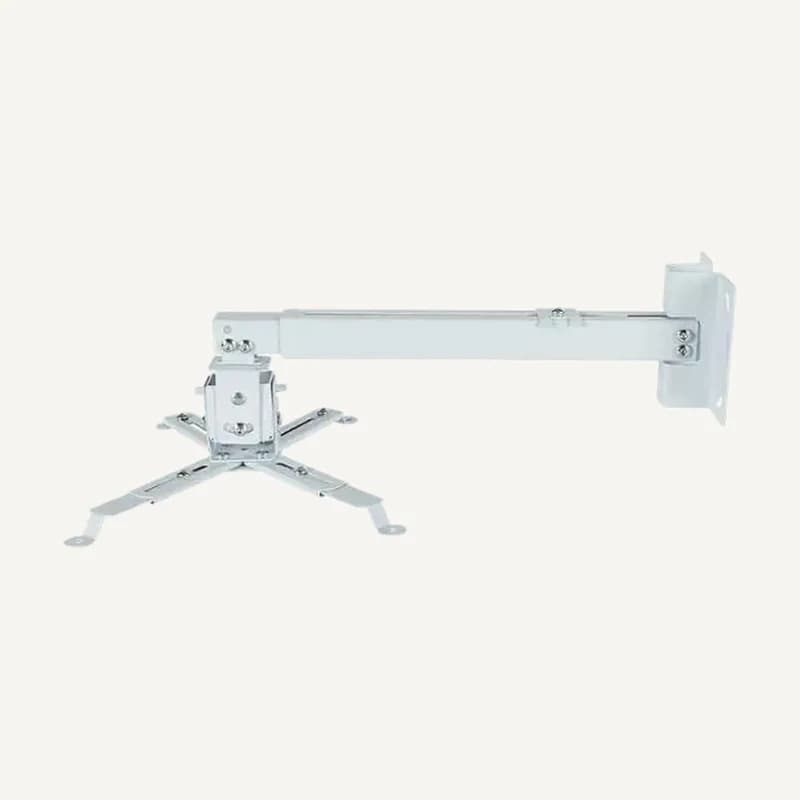 ↗
↗Inventory reference BM-4365F, catalogued under Installation accessories. Compatibility and final configuration are confirmed during the project study.
Professional terms after sign-in
Availability: On request
 ↗
↗Range illustration
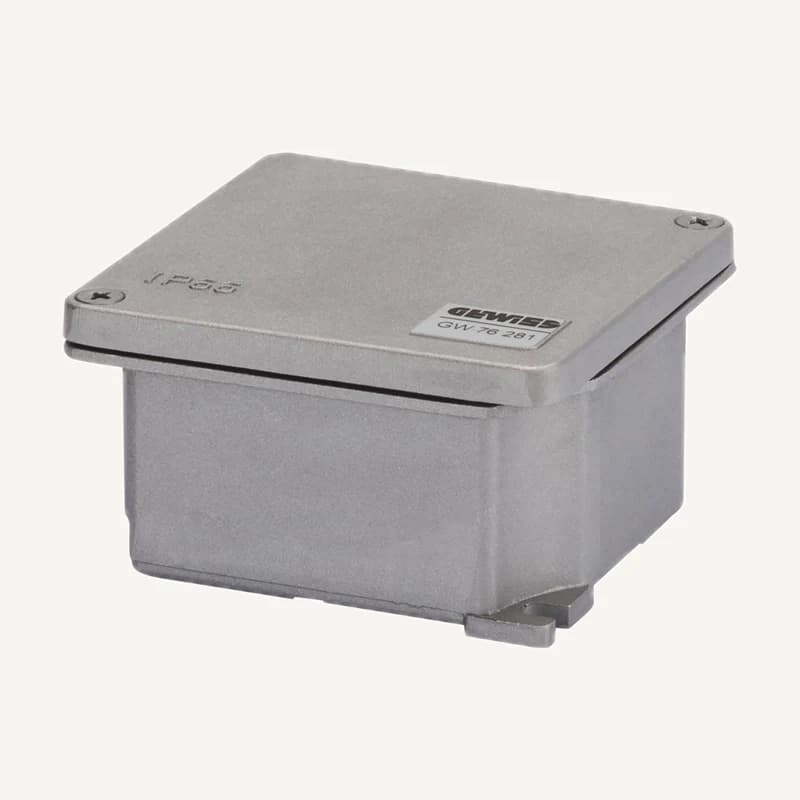
Inventory reference BOITE ETANCHE-M, catalogued under Installation accessories. Compatibility and final configuration are confirmed during the project study.
Professional terms after sign-in
Availability: On request
 ↗
↗Range illustration
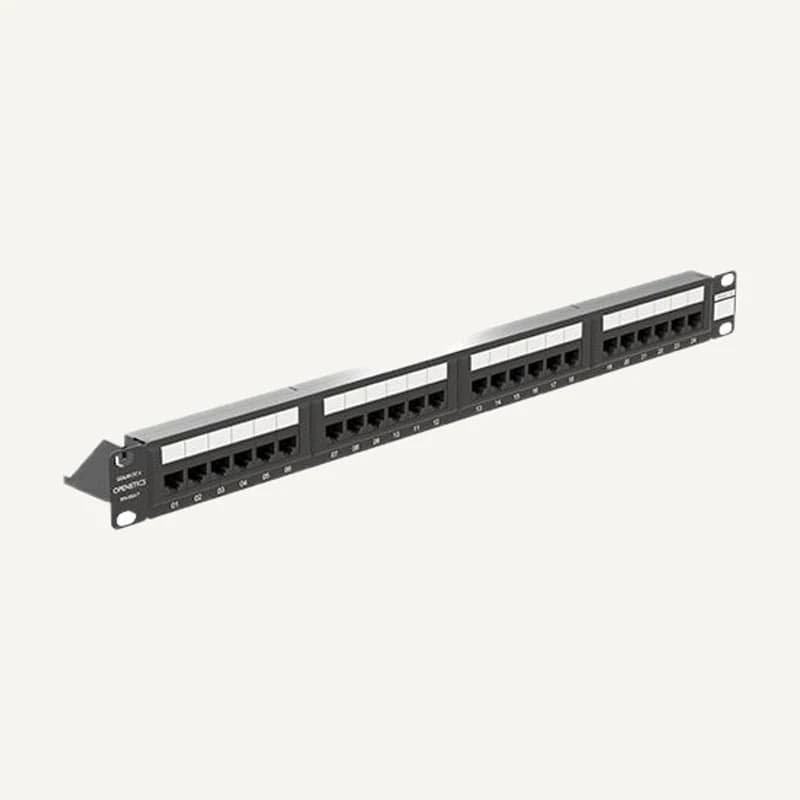
Inventory reference CUI-PBCAT6UG1UE, catalogued under Installation accessories. Compatibility and final configuration are confirmed during the project study.
Professional terms after sign-in
Availability: On request
 ↗
↗Range illustration
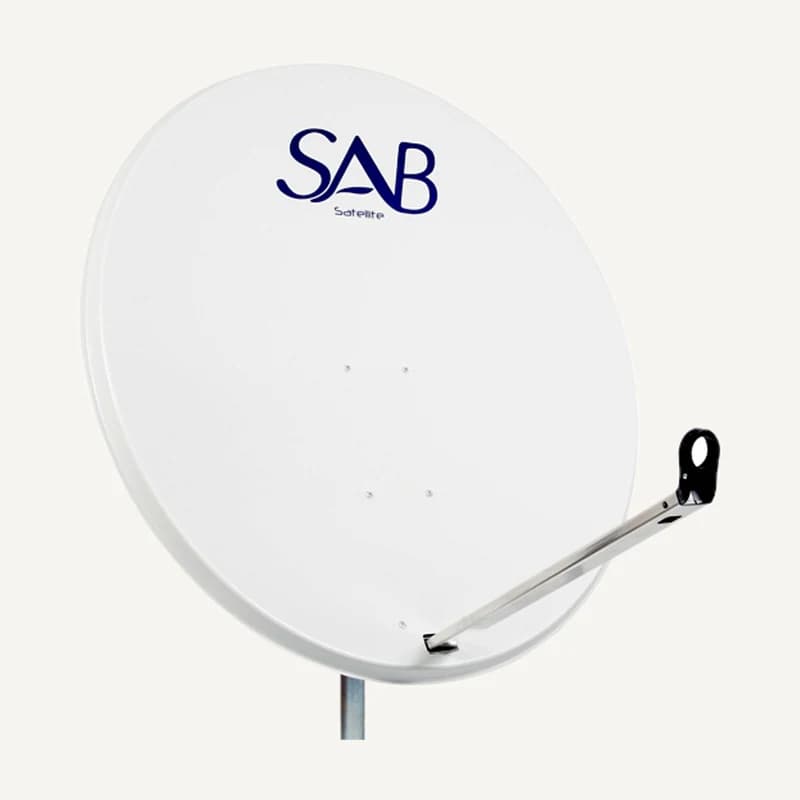
Inventory reference DISH-SAB, catalogued under Installation accessories. Compatibility and final configuration are confirmed during the project study.
Professional terms after sign-in
Availability: On request
 ↗
↗Range illustration
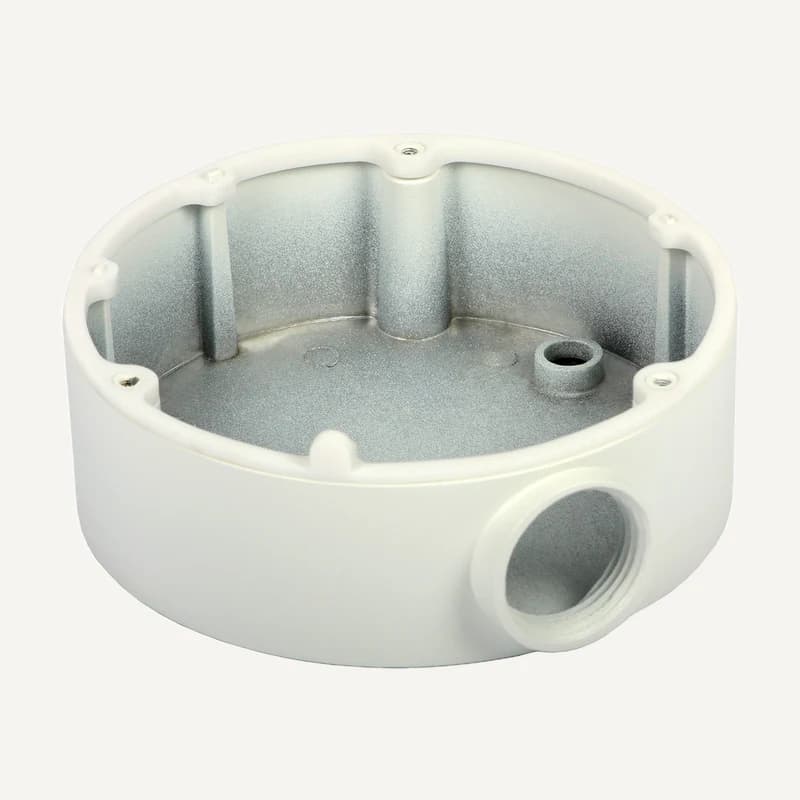
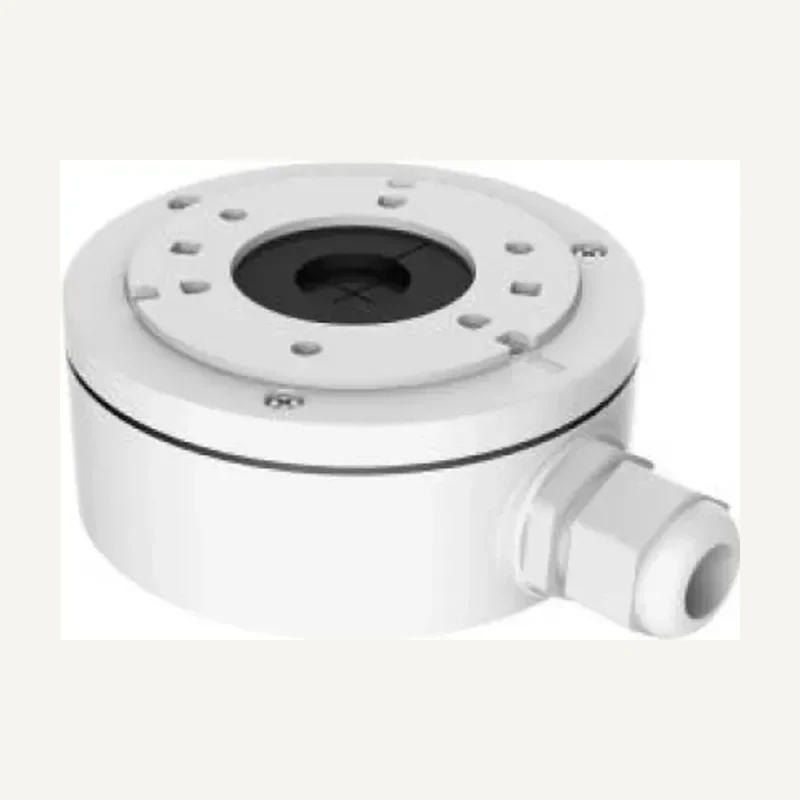
Junction box for a compatible camera connection.
Professional terms after sign-in
Availability: On request
 ↗
↗Junction box for a compatible camera connection.
Professional terms after sign-in
Availability: On request
 ↗
↗Range illustration
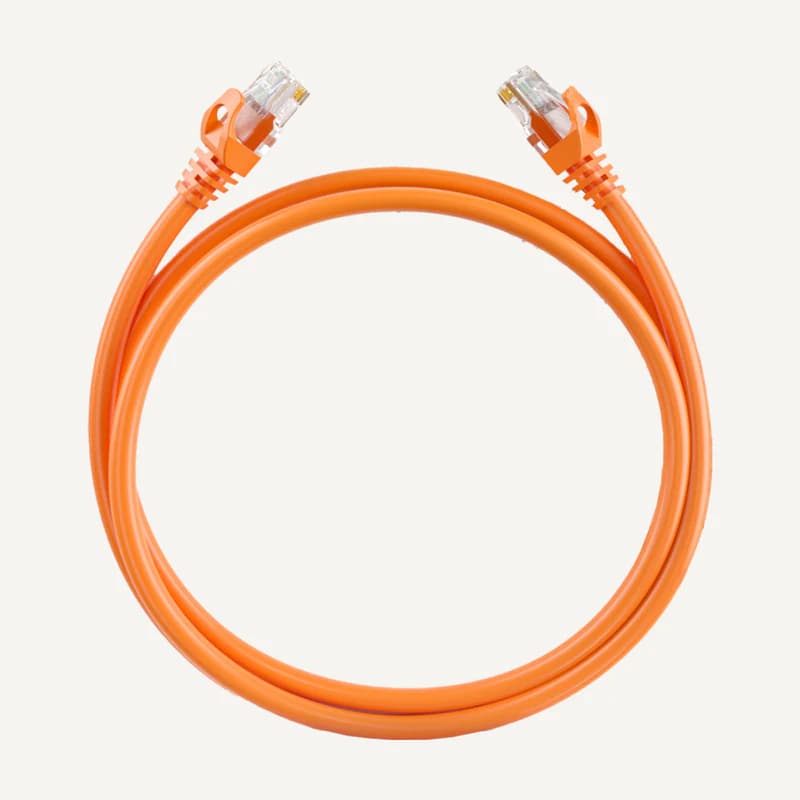
DS-1NP6UEC0-family patch cord with 24 AWG copper conductors, U/UTP construction and a PVC jacket.
Professional terms after sign-in
Availability: On request
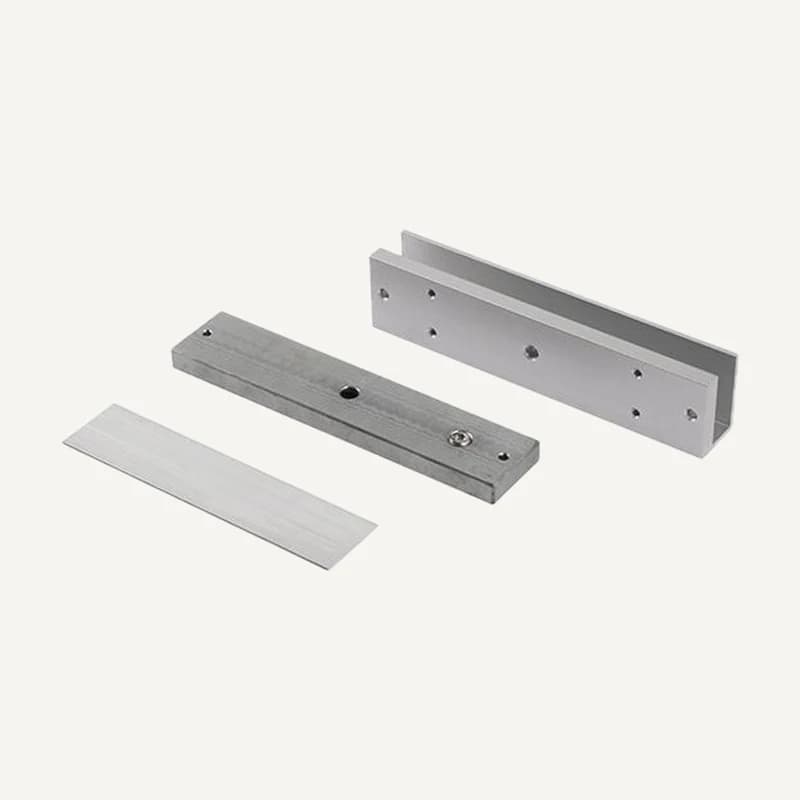 ↗
↗Magnetic-lock mounting accessory for a frameless glass door.
Professional terms after sign-in
Availability: On request
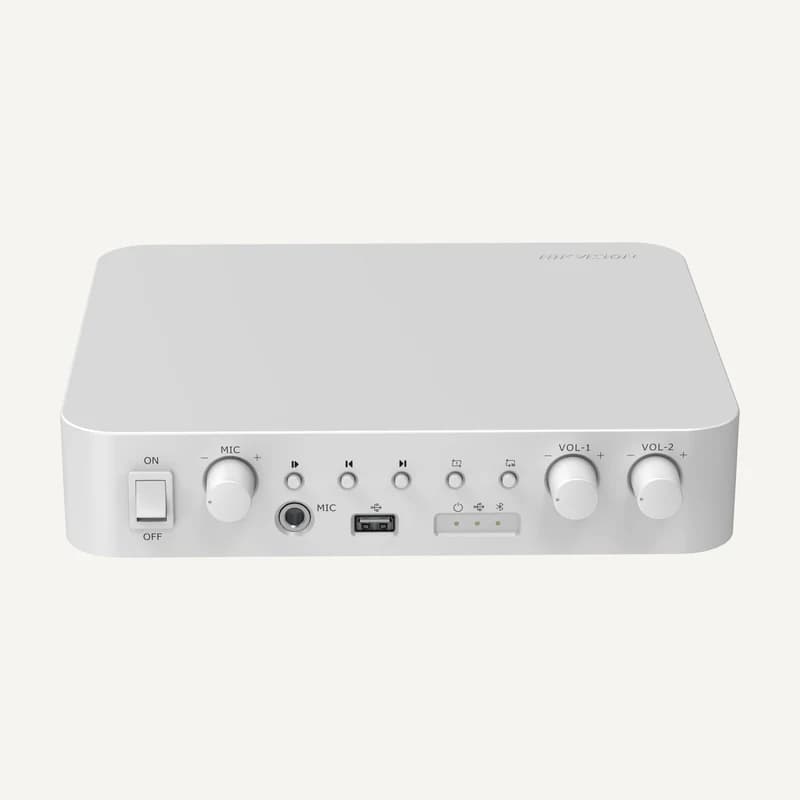 ↗
↗60 W analog amplifier with Bluetooth, USB, microphone and RCA inputs and separate two-zone volume controls.
Professional terms after sign-in
Availability: On request
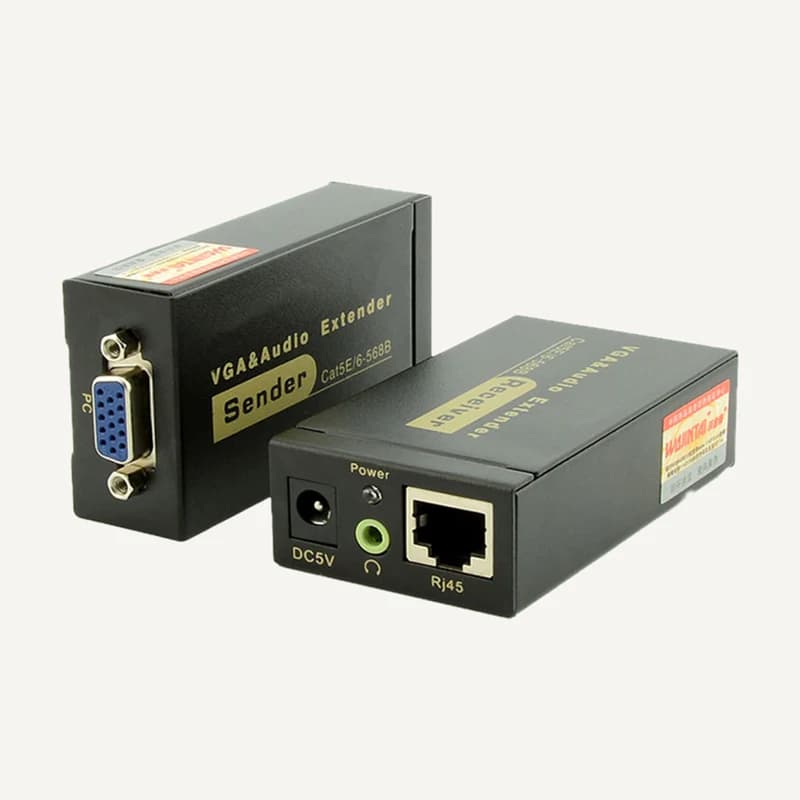 ↗
↗Range illustration
Inventory reference EXTENDER_VGA-100M, catalogued under Installation accessories. Compatibility and final configuration are confirmed during the project study.
Professional terms after sign-in
Availability: On request
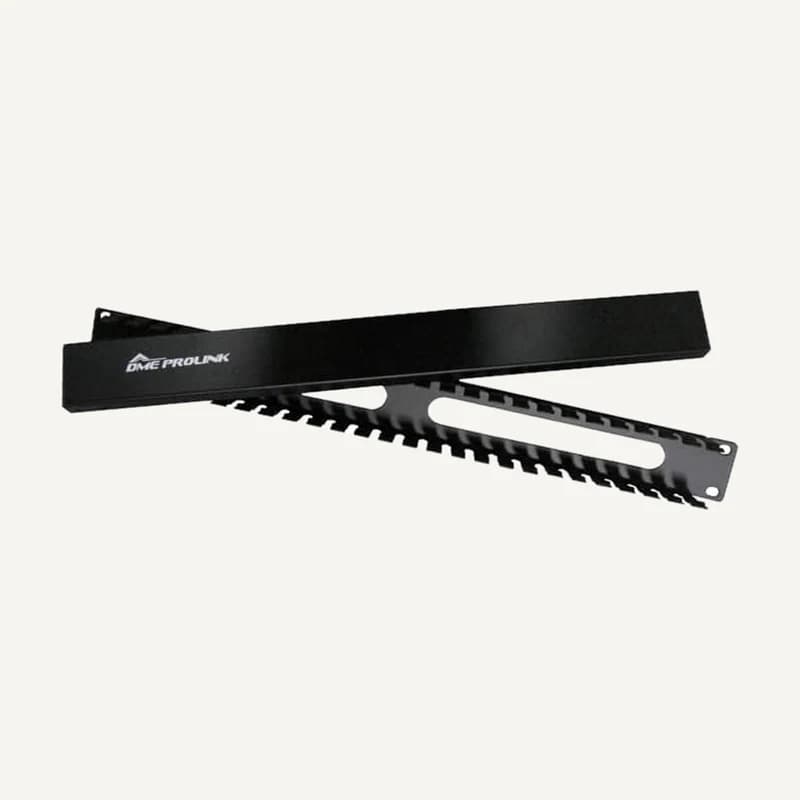 ↗
↗Range illustration
Inventory reference GI-CUBR-19, catalogued under Installation accessories. Compatibility and final configuration are confirmed during the project study.
Professional terms after sign-in
Availability: On request
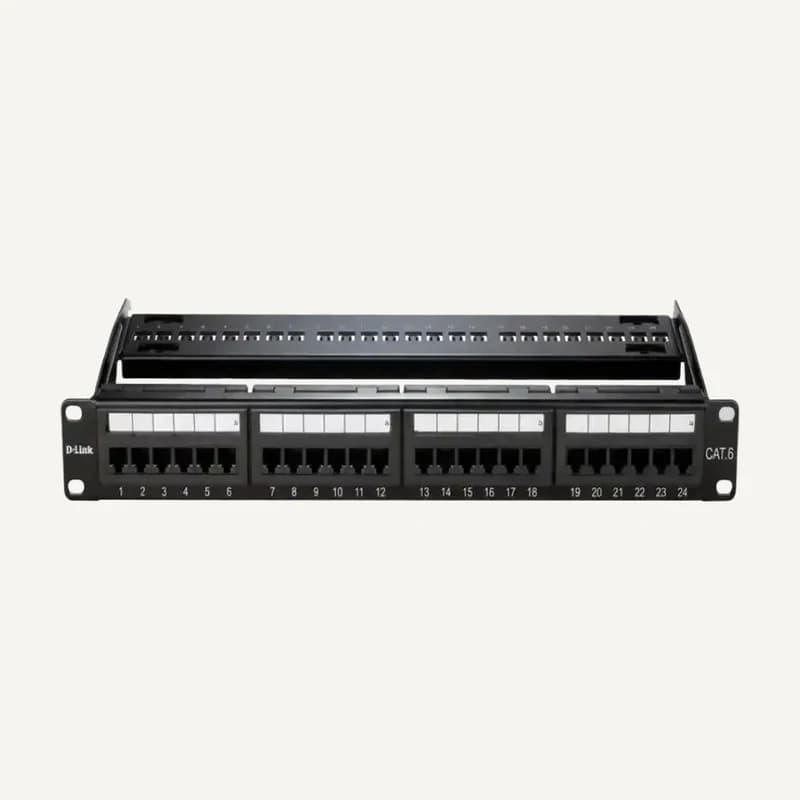 ↗
↗Range illustration
Inventory reference GI-CUPATCH-L6U, catalogued under Installation accessories. Compatibility and final configuration are confirmed during the project study.
Professional terms after sign-in
Availability: On request
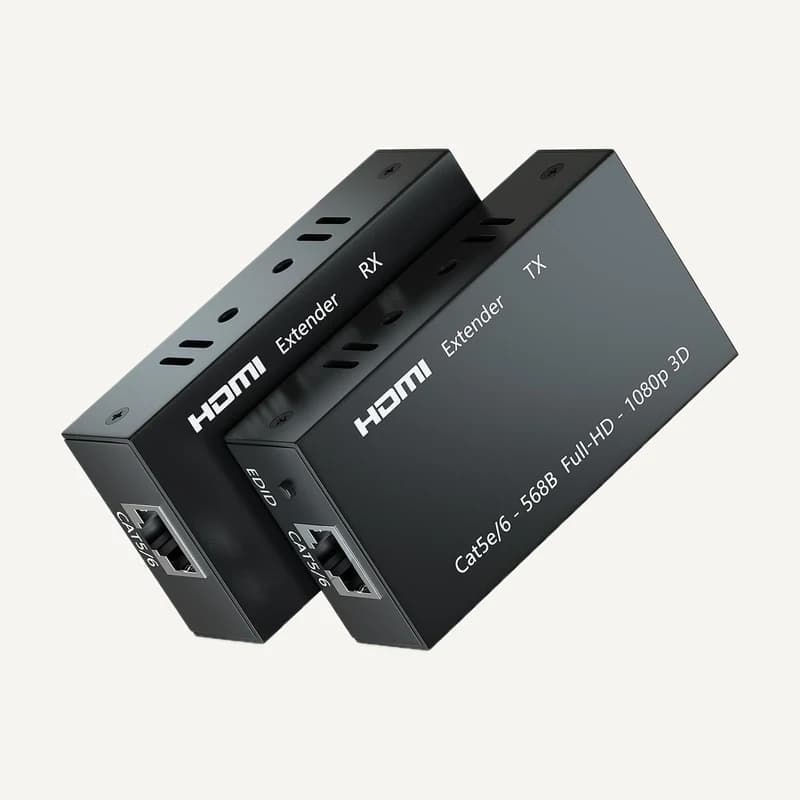 ↗
↗Range illustration
Inventory reference HDMI_EXTENDER-60M, catalogued under Installation accessories. Compatibility and final configuration are confirmed during the project study.
Professional terms after sign-in
Availability: On request
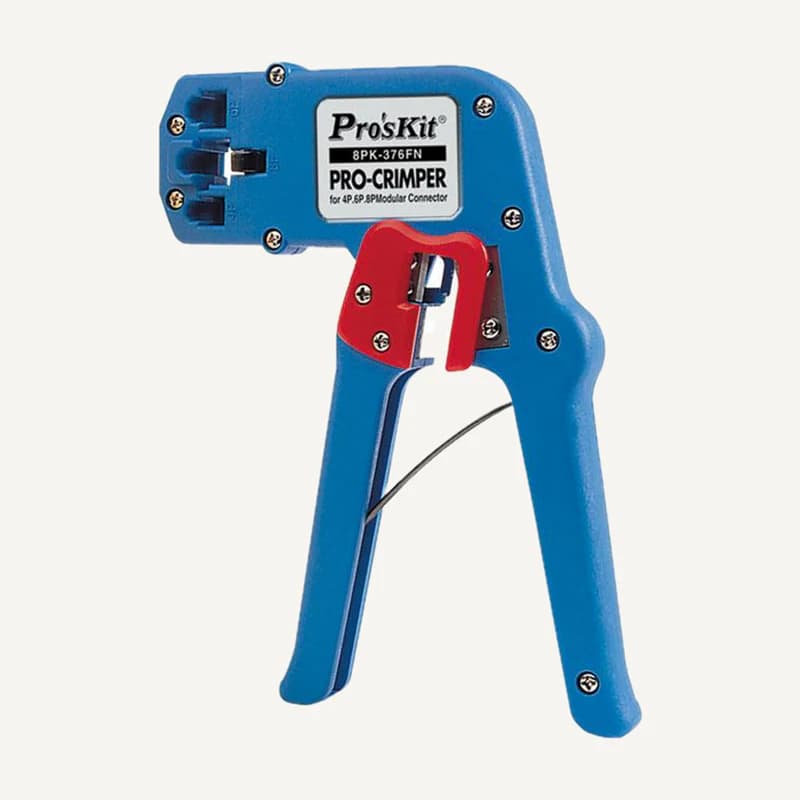 ↗
↗Range illustration
Inventory reference HT-324, catalogued under Installation accessories. Compatibility and final configuration are confirmed during the project study.
Professional terms after sign-in
Availability: On request
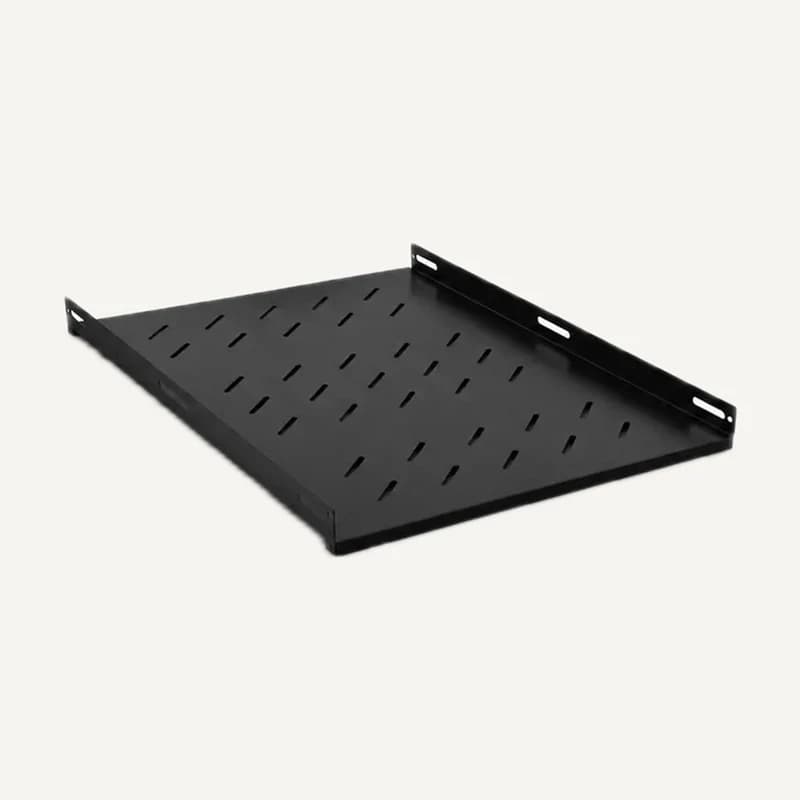 ↗
↗Range illustration
Inventory reference IS-ETAGER, catalogued under Installation accessories. Compatibility and final configuration are confirmed during the project study.
Professional terms after sign-in
Availability: On request
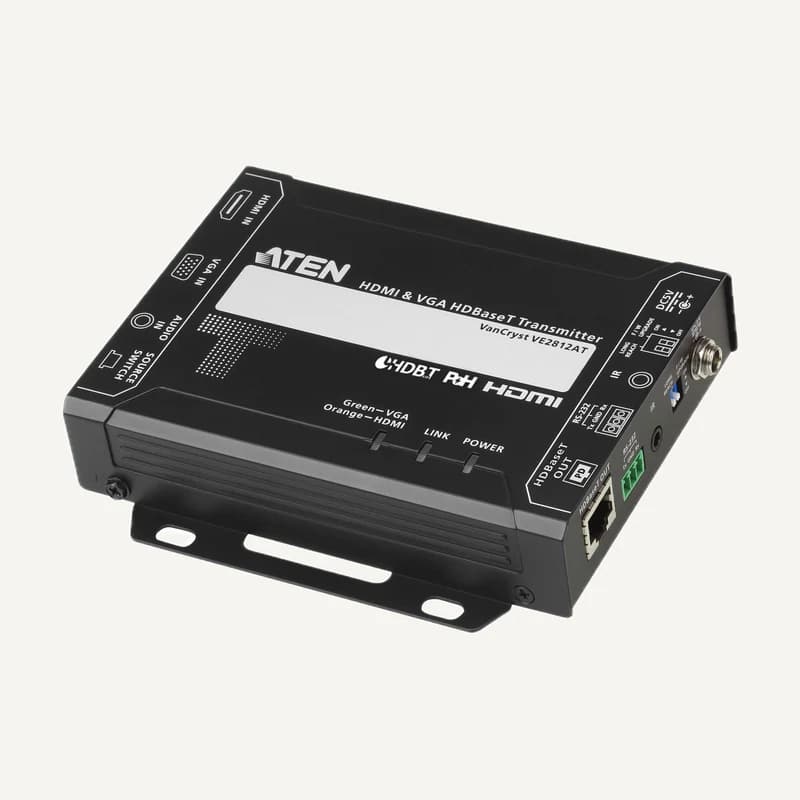 ↗
↗Range illustration
Inventory reference IS-EXTEND_VGA-HDMI, catalogued under Installation accessories. Compatibility and final configuration are confirmed during the project study.
Professional terms after sign-in
Availability: On request
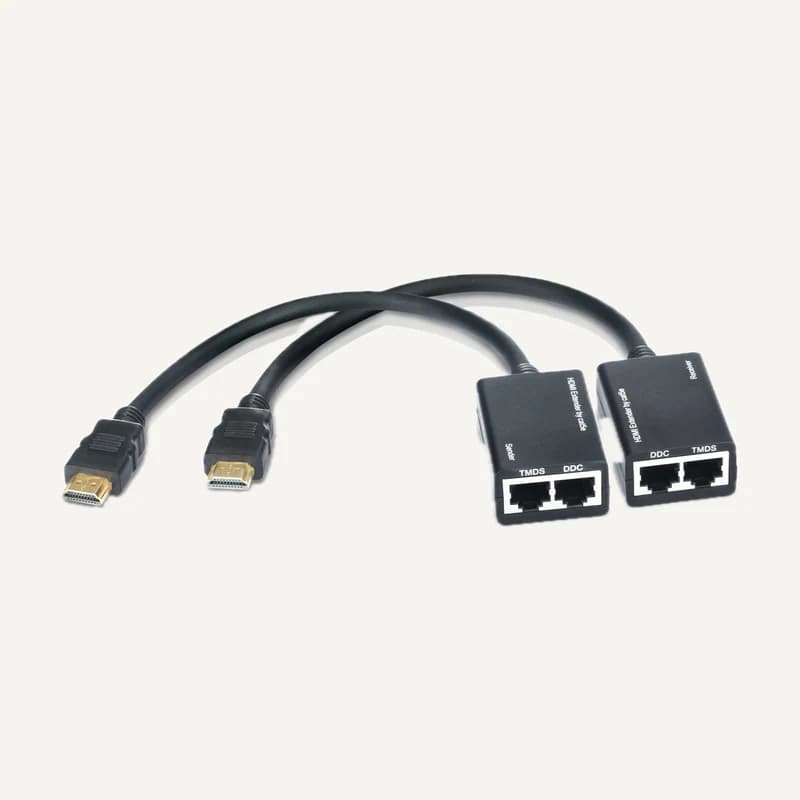 ↗
↗Range illustration
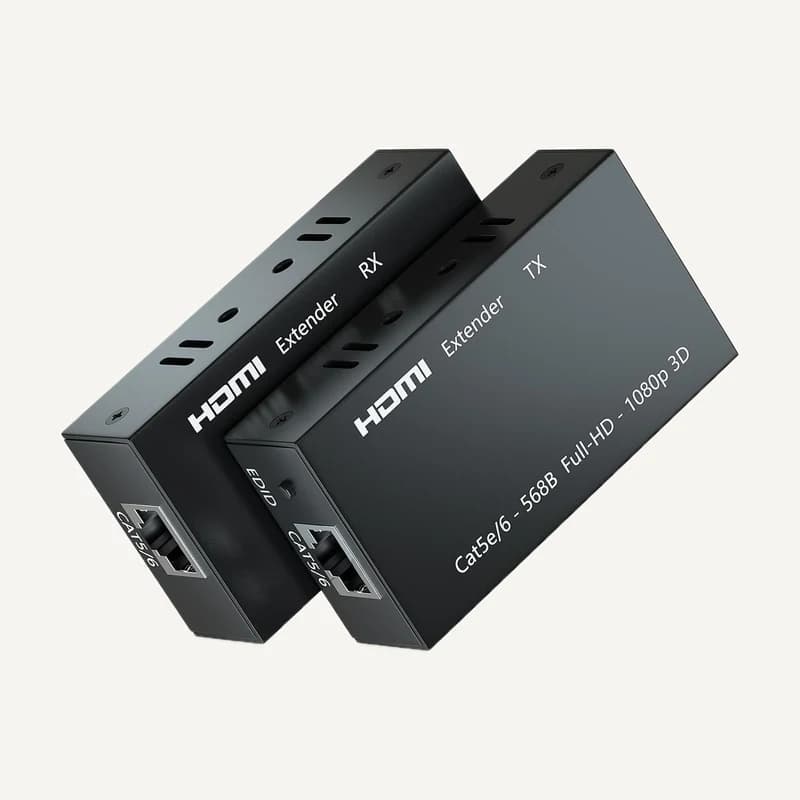
Inventory reference IS-EXTEN_HDMI-30M, catalogued under Installation accessories. Compatibility and final configuration are confirmed during the project study.
Professional terms after sign-in
Availability: On request
 ↗
↗Range illustration
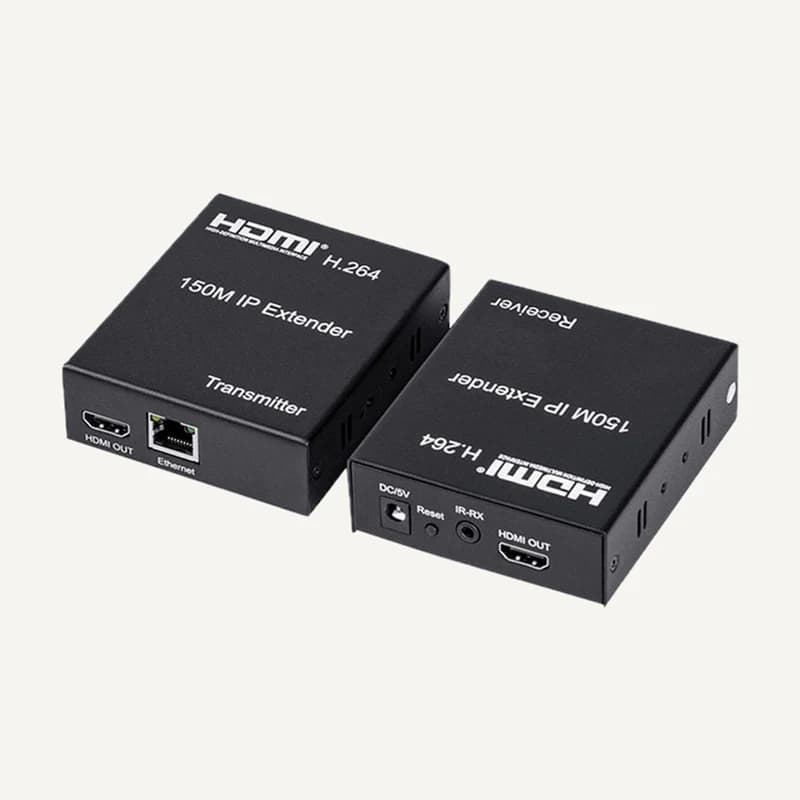
Inventory reference IS-HDMI_EXTEDER-60, catalogued under Installation accessories. Compatibility and final configuration are confirmed during the project study.
Professional terms after sign-in
Availability: On request
 ↗
↗Range illustration
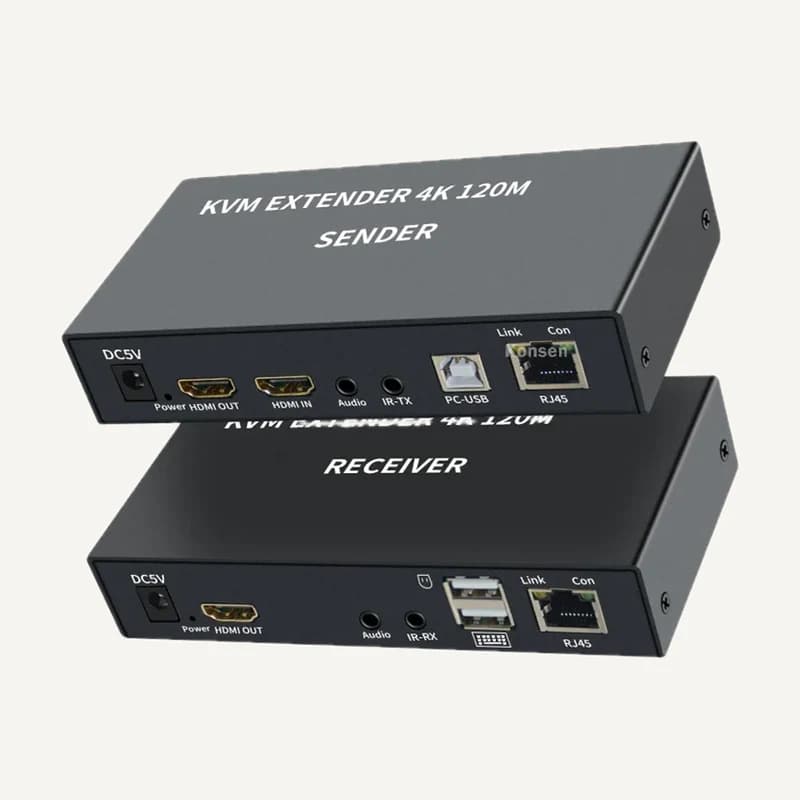
Inventory reference IS-HDMI-EXTEND-150, catalogued under Installation accessories. Compatibility and final configuration are confirmed during the project study.
Professional terms after sign-in
Availability: On request
 ↗
↗Range illustration
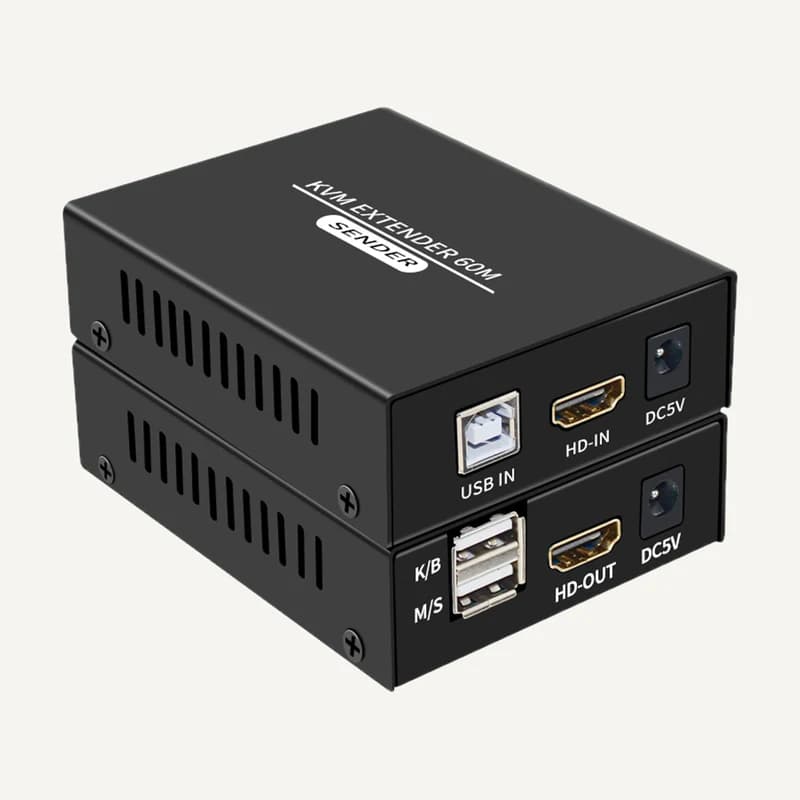
Inventory reference IS-KVM120M-EXTENDE, catalogued under Installation accessories. Compatibility and final configuration are confirmed during the project study.
Professional terms after sign-in
Availability: On request
 ↗
↗Range illustration
Inventory reference IS-KVM60M-EXTENDE, catalogued under Installation accessories. Compatibility and final configuration are confirmed during the project study.
Professional terms after sign-in
Availability: On request