
 ↗
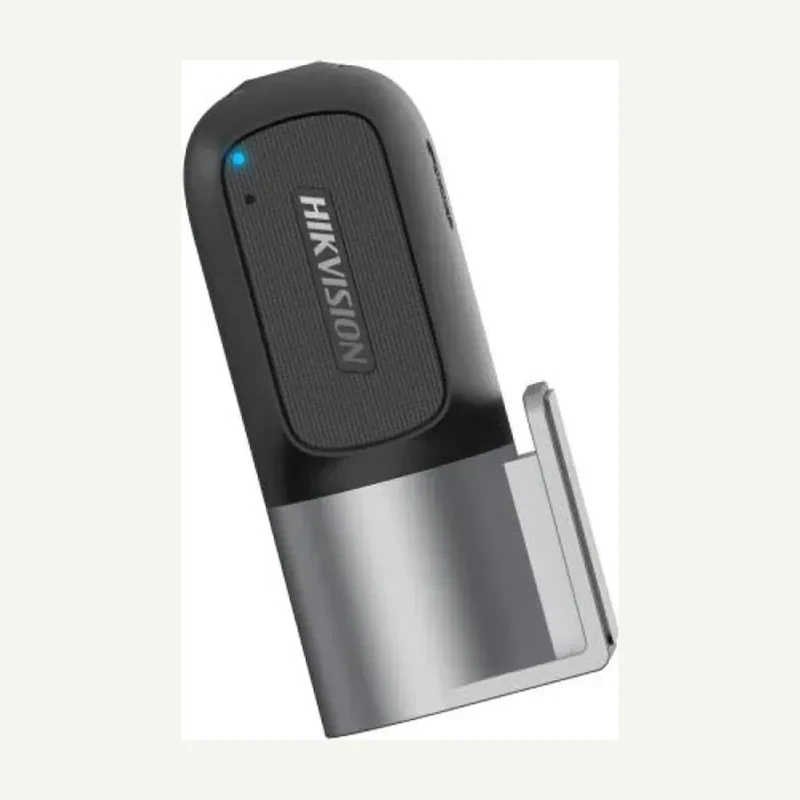
↗HikvisionAE-DC2018-D1
Hikvision AE-DC2018-D1 — Video surveillance
Dashboard camera for journey recording.
Professional terms after sign-in
Availability: On request
 SELECTION FIELDNOTES
A camera reference alone does not define an installation. Link each viewpoint to a task: understand an entrance, review a passage or observe an area. This profile helps distinguish families, prepare recording and identify the information still needed before requesting a quotation.
View referencesInstallers, designers and site managers planning video surveillance.
Before you choose. The manufacturer’s portfolio and catalogue references are different scopes. Neither brand presence nor this profile proves reseller authorisation, stock or compatibility of a system.
ROLES TO PLAN · PREPARATION OUTLINE
Describe what must be visible, at what distance and in which lighting. Annotate the plan: resolution alone does not define the required framing.
Identify the IP network or analogue infrastructure to retain. Include cable routes and power: changing a camera can also change those requirements.
State simultaneous streams, recording mode and desired retention. Check the recorder, its drives and its limits before choosing capacity.
Name the users allowed to view, search and export. Prepare an acceptance sequence that verifies each task, not just whether an image appears.
The manufacturer distinguishes network cameras, Turbo HD, PTZ and accessories. These groupings do not give every reference all their functions.
| Need | Compare | Deciding question |
|---|---|---|
| IP installation | Camera, network and NVR | Are the required streams and functions documented for both models? |
| Analogue renovation | Turbo HD and suitable recorder | Which signal, cabling and mode are actually present? |
| Area needing reframing | Fixed, varifocal or PTZ | Who controls the view, and what remains visible while it moves? |
| Outdoor mounting | Housing, mount and power | Are exact references, exposure and cable entries checked? |
Record full references, suffixes and versions of retained equipment. Include a legible label photo without passwords or login identifiers.
Note day, night, backlight, distance and excluded areas. Request an on-site check of critical views instead of a general performance promise.
Separate desired retention, export, permissions and remote access. Clarify who manages accounts and how subsequent changes will be recorded.
Inovexia receives the selection through the quotation workflow. Design, installation and commissioning need separate scope; a product list is not an installation service.
Fictional situation: an existing camera shows the entrance, but the manager cannot retrieve a passage. No product is preselected.
Ask whether framing, recording or search permission is missing. These three problems do not necessarily require the same purchase.
Document camera, recorder, drives and versions. Keep missing information as open questions in the project brief.
Have the intended user search for a test event and export it with the correct time. Record the result and observed limits.
This scenario guides questions; it is neither a remote diagnosis nor an identification guarantee.
Hikvision support describes model-based firmware lookup. The cited resource is regional: it explains the lookup, but does not validate a file for a device sold elsewhere.
Before intervention, confirm the variant, prerequisites and possible rollback. Keep configuration and document references in the maintenance file; do not start an update from the marketing name alone.
No. Request validation of exact references, versions and required functions. Seeing an image does not establish that event search, audio or control will be available.
Not without an inventory. Separate what remains usable, what needs testing and what no longer meets the need. The final selection should explain each replacement.
No: it counts references in the loaded catalogue. Availability, missing documents and commercial conditions still need confirmation through the professional workflow.
Official documents are linked, not rehosted. Preparation advice is editorial; sources validate neither every catalogue reference nor a commercial partnership. Terms and variants still need checking.
Sources consulted on
This classification reflects loaded data, not technical validation or availability. Open the exact product page to check published information.
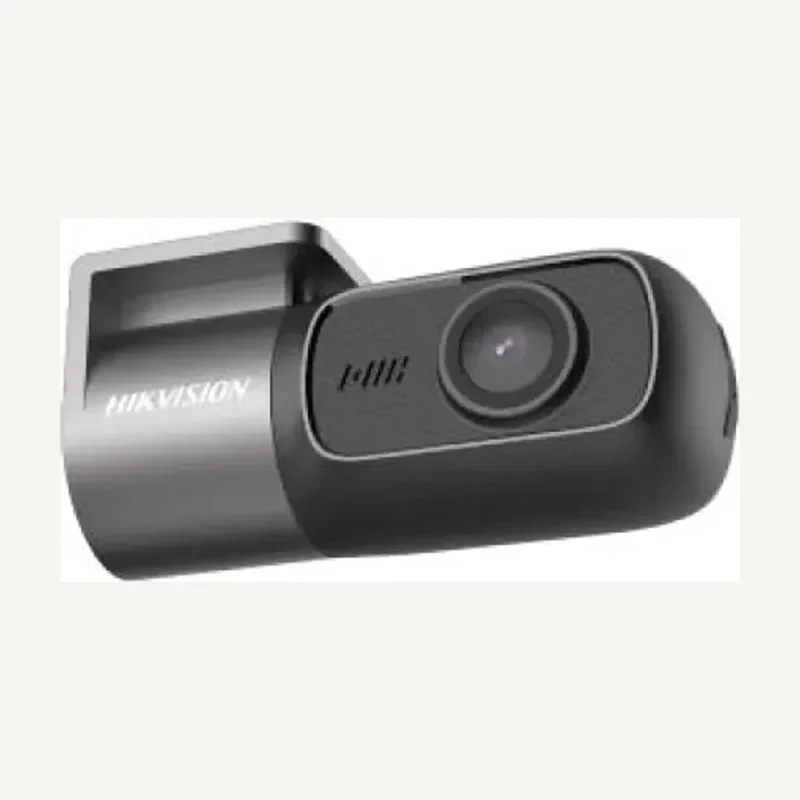
↗Dashboard camera for journey recording.
Professional terms after sign-in
Availability: On request
 ↗
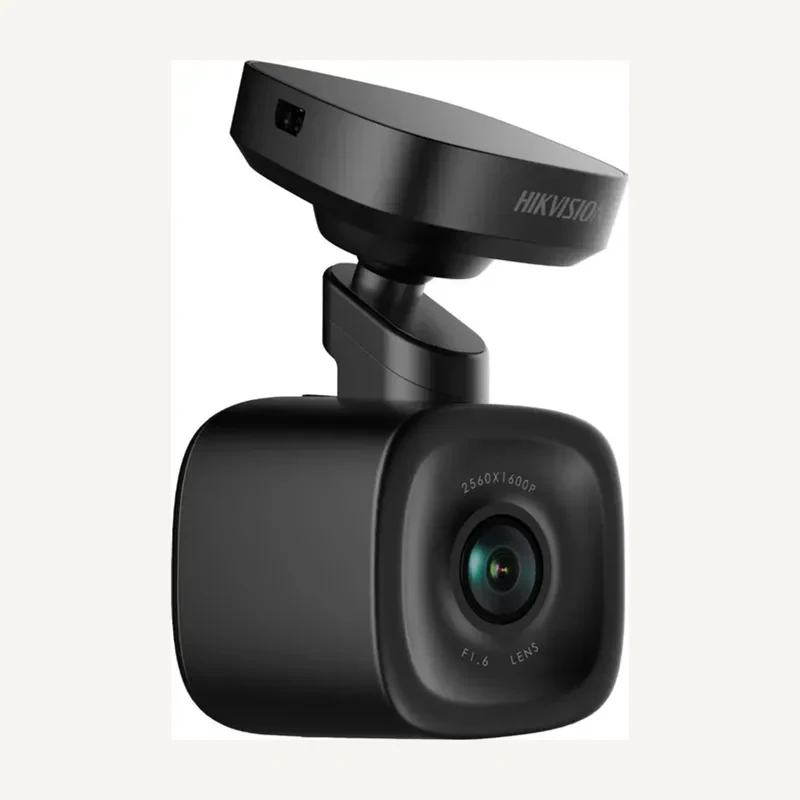
↗Dashboard camera for journey recording.
Professional terms after sign-in
Availability: On request
 ↗
↗Dashboard camera for journey recording.
Professional terms after sign-in
Availability: On request
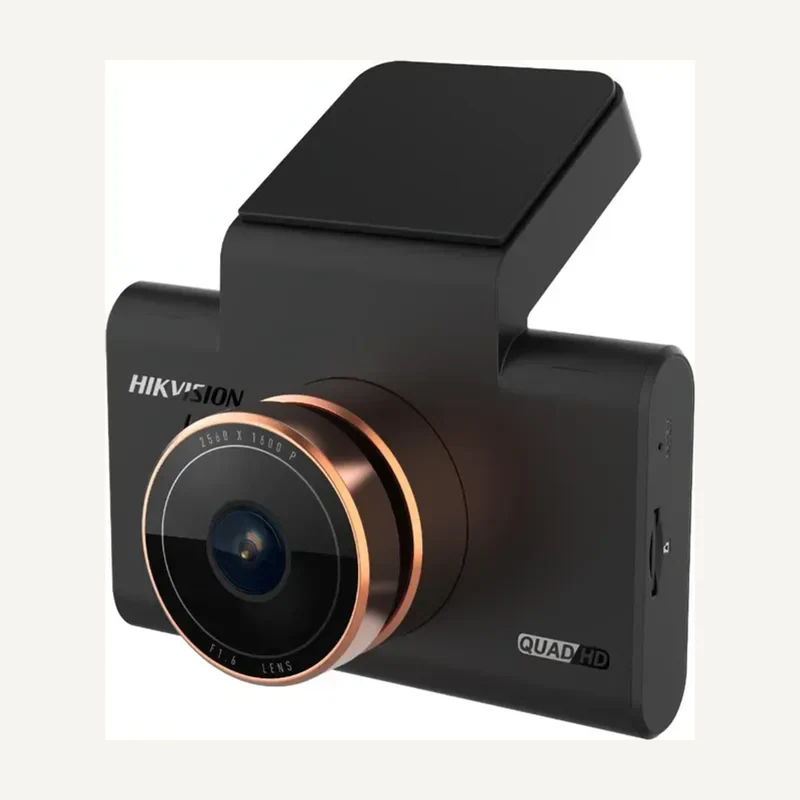 ↗
↗Dashboard camera for journey recording.
Professional terms after sign-in
Availability: On request
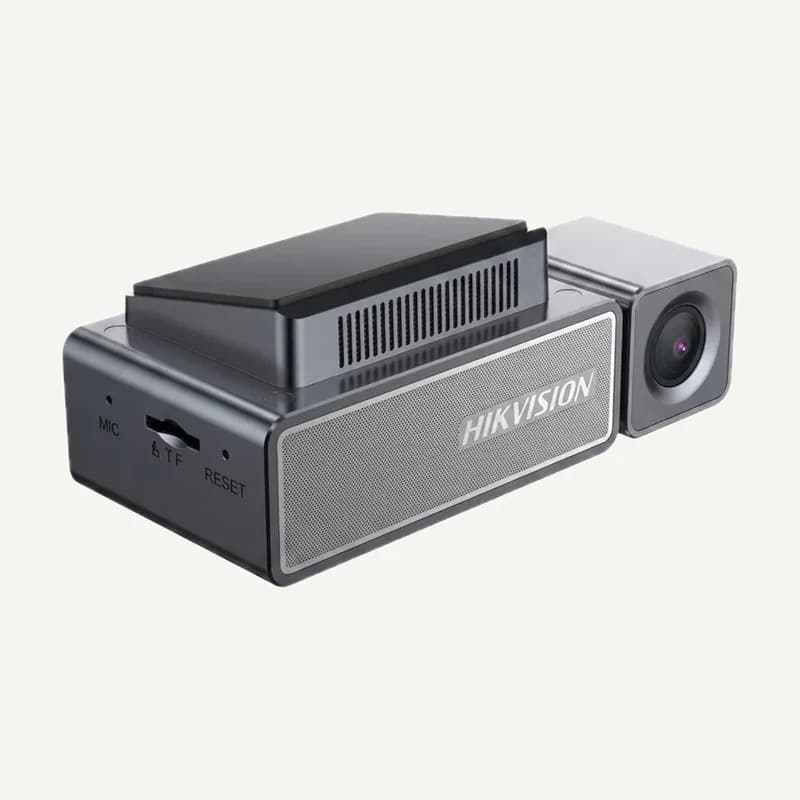 ↗
↗Range illustration
Dashboard camera for journey recording.
Professional terms after sign-in
Availability: On request
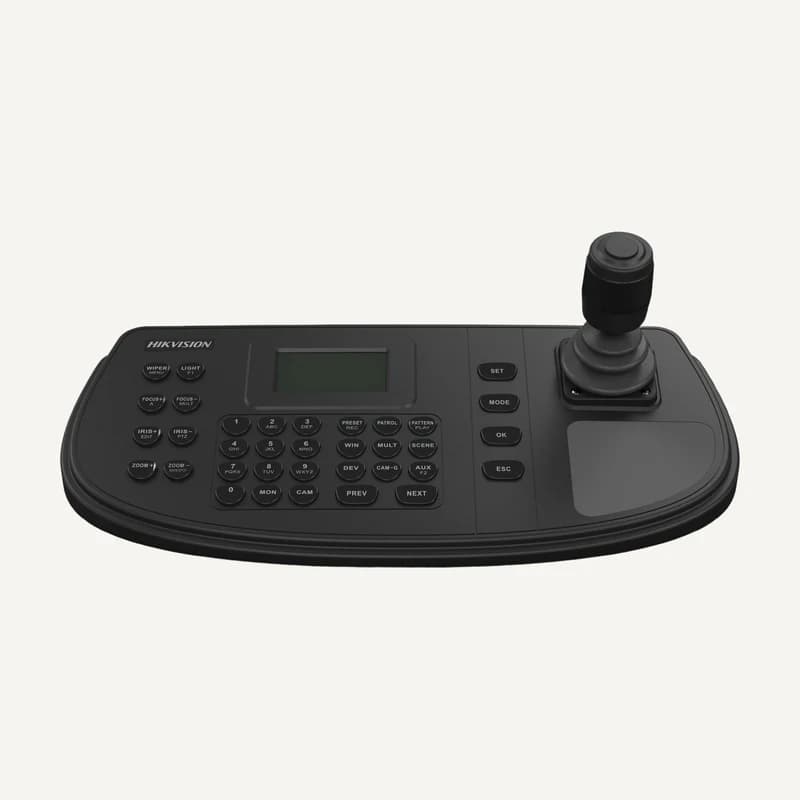 ↗
↗Video-control keyboard with a 4-axis joystick, 128 × 64 display and network/serial interfaces.
Professional terms after sign-in
Availability: On request
 ↗
↗Range illustration
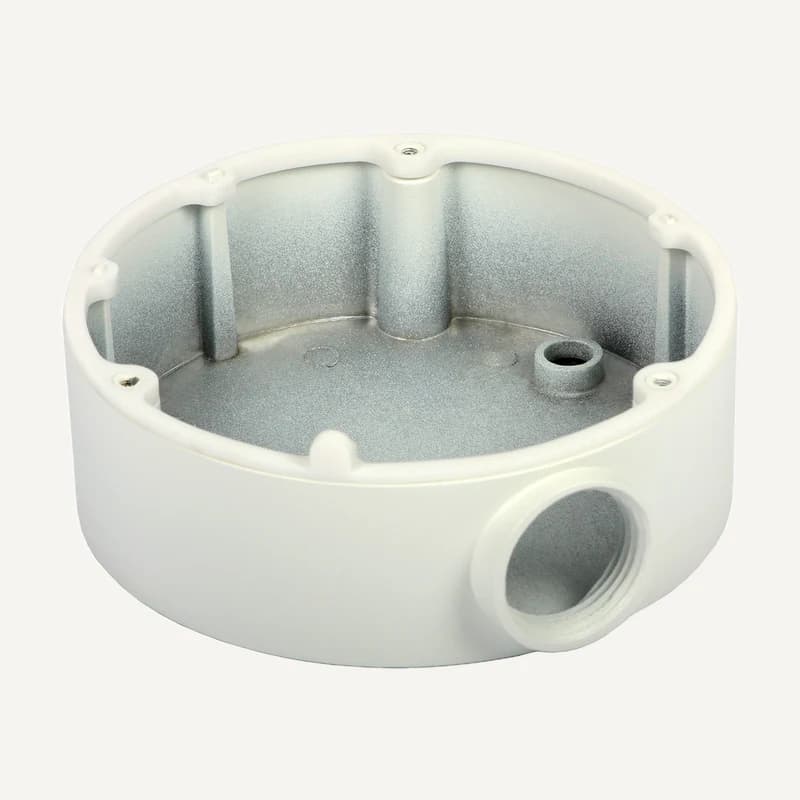
Junction box for a compatible camera connection.
Professional terms after sign-in
Availability: On request
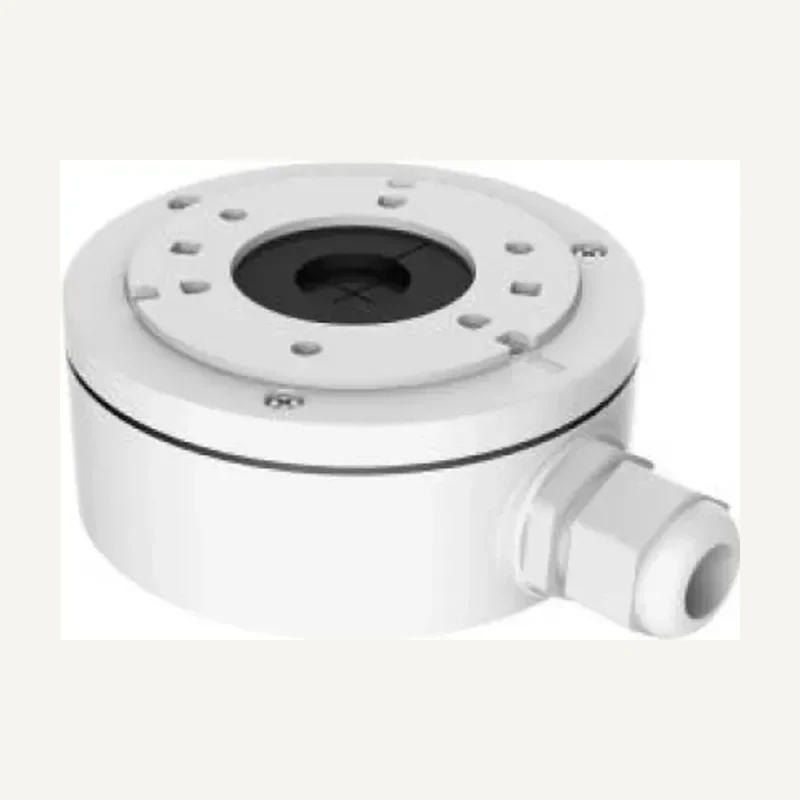 ↗
↗Junction box for a compatible camera connection.
Professional terms after sign-in
Availability: On request
 ↗
↗Range illustration
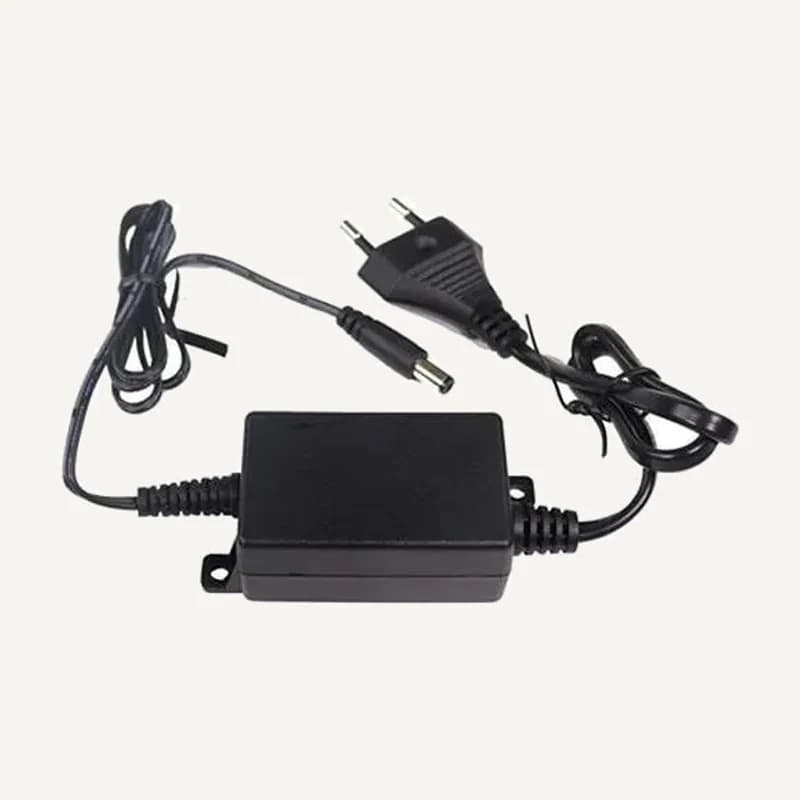
Camera power adapter with ratings still to be confirmed.
Professional terms after sign-in
Availability: On request
 ↗
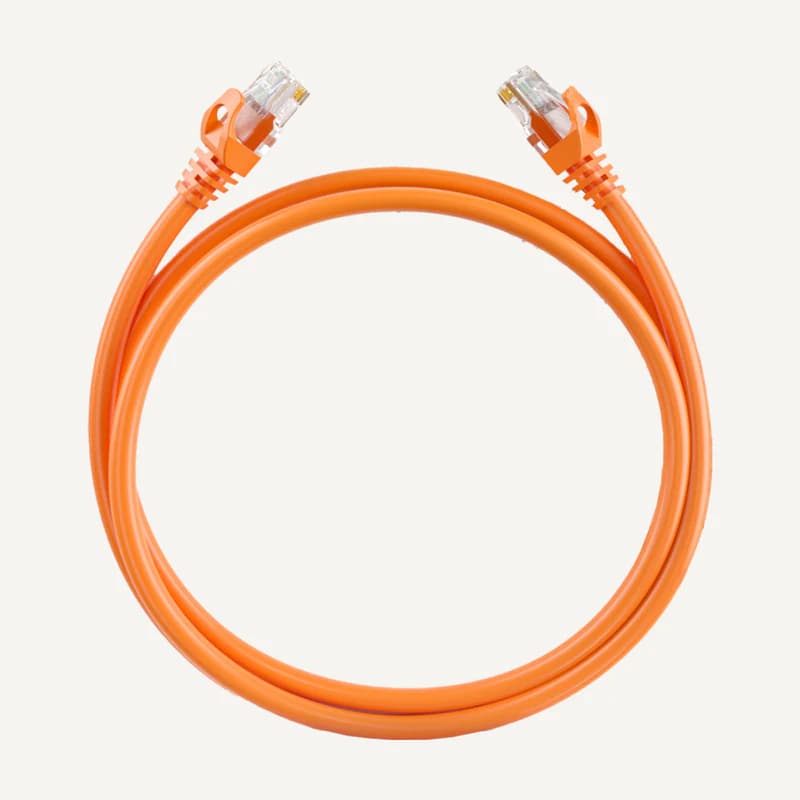
↗Stock network cable to qualify for the intended link.
Professional terms after sign-in
Availability: On request
 ↗
↗Range illustration
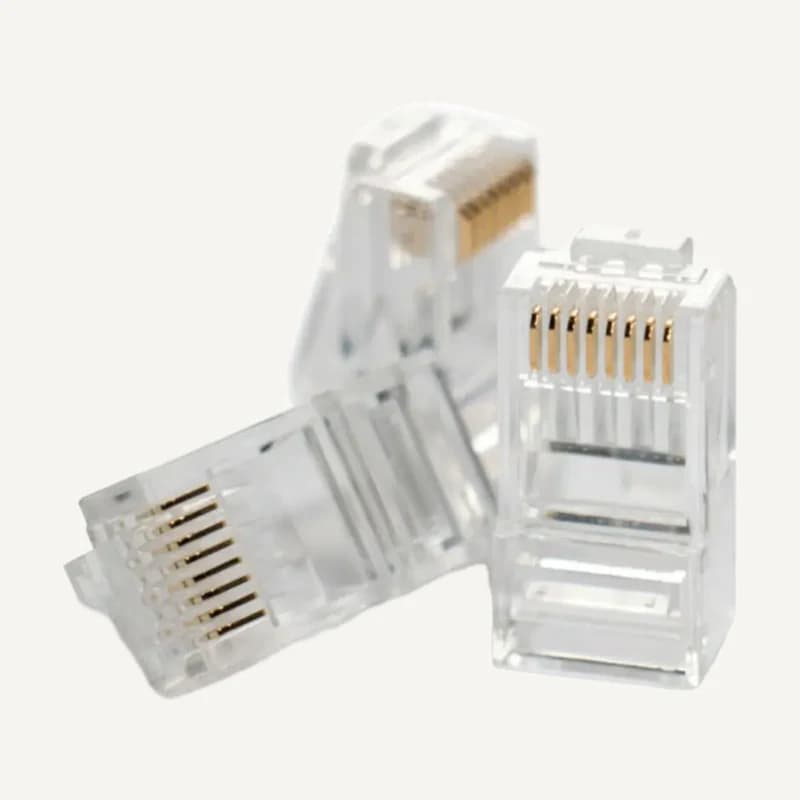
RJ45 connector to match with the cable and fitting tool.
Professional terms after sign-in
Availability: On request
 ↗
↗Range illustration
DS-1NP6UEC0-family patch cord with 24 AWG copper conductors, U/UTP construction and a PVC jacket.
Professional terms after sign-in
Availability: On request
 ↗
↗Range illustration
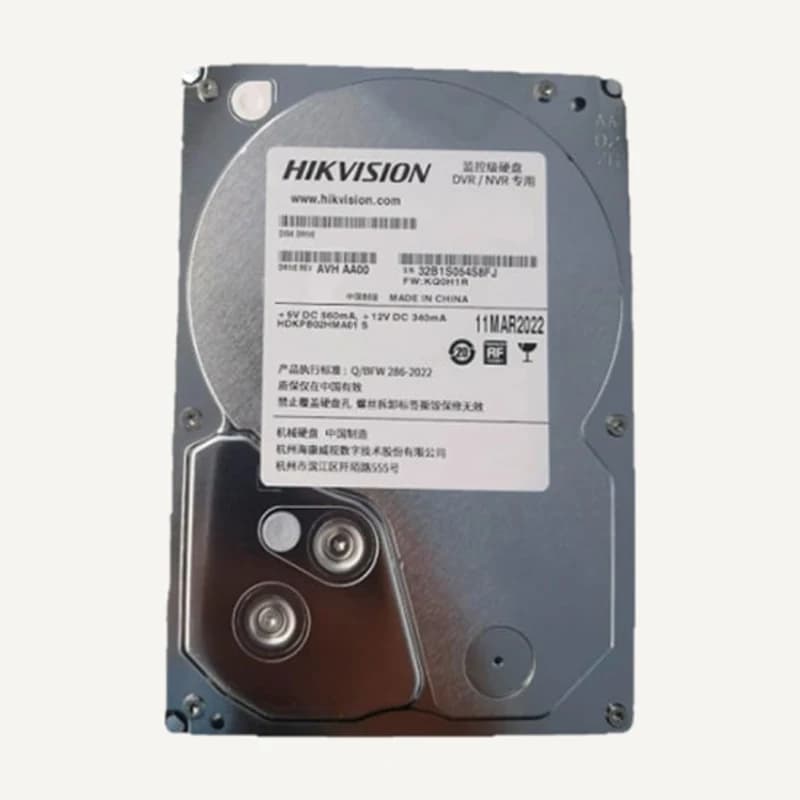
Drive for storing video-surveillance streams.
Professional terms after sign-in
Availability: On request
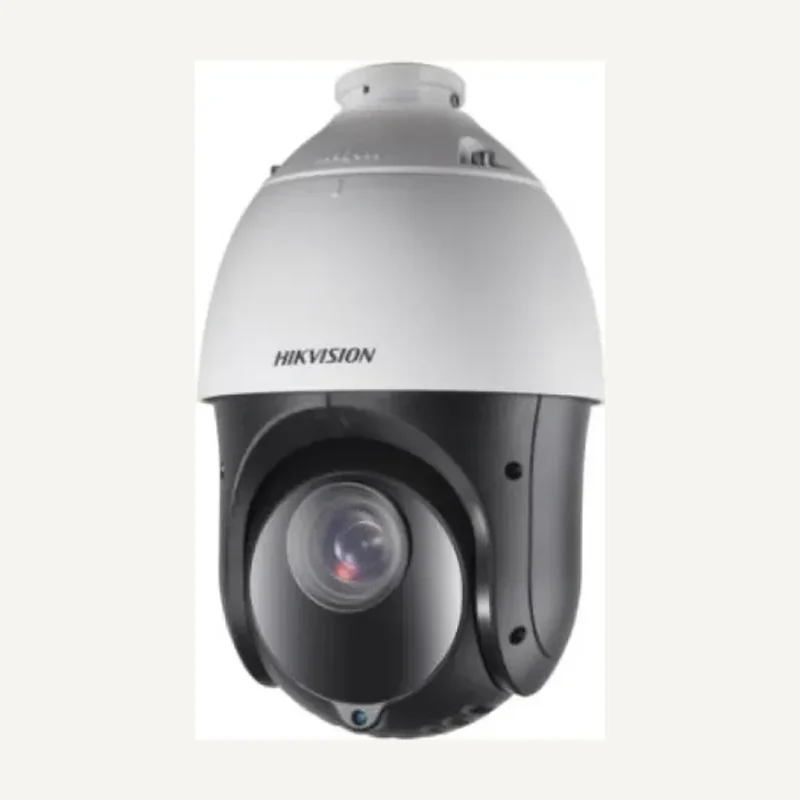 ↗
↗2 MP surveillance speed dome with 25× optical zoom, infrared up to 100 m and IP66 protection.
Professional terms after sign-in
Availability: On request
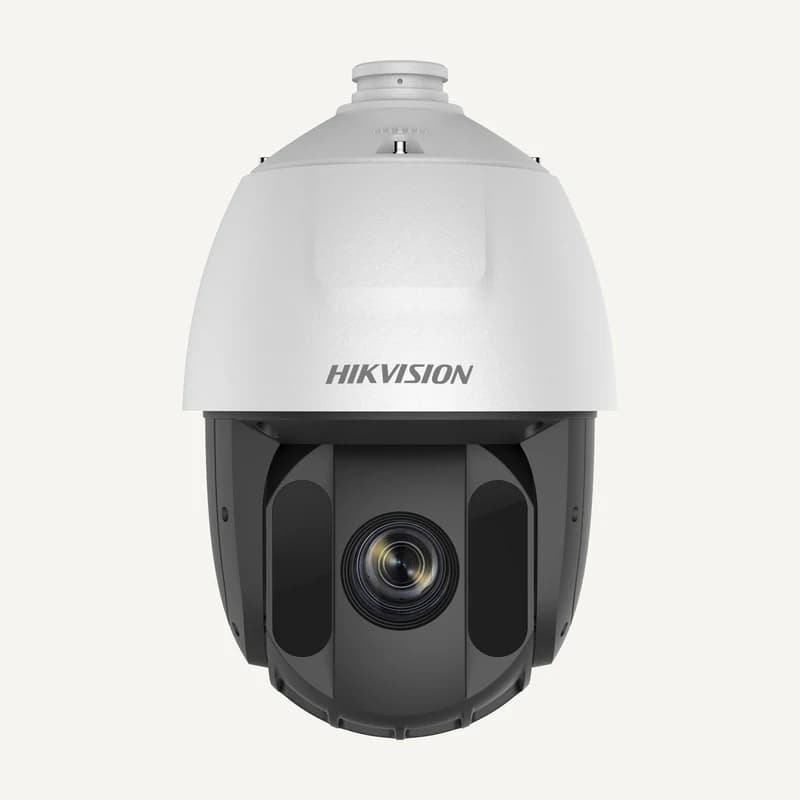 ↗
↗PTZ camera for examining and following a scene.
Professional terms after sign-in
Availability: On request
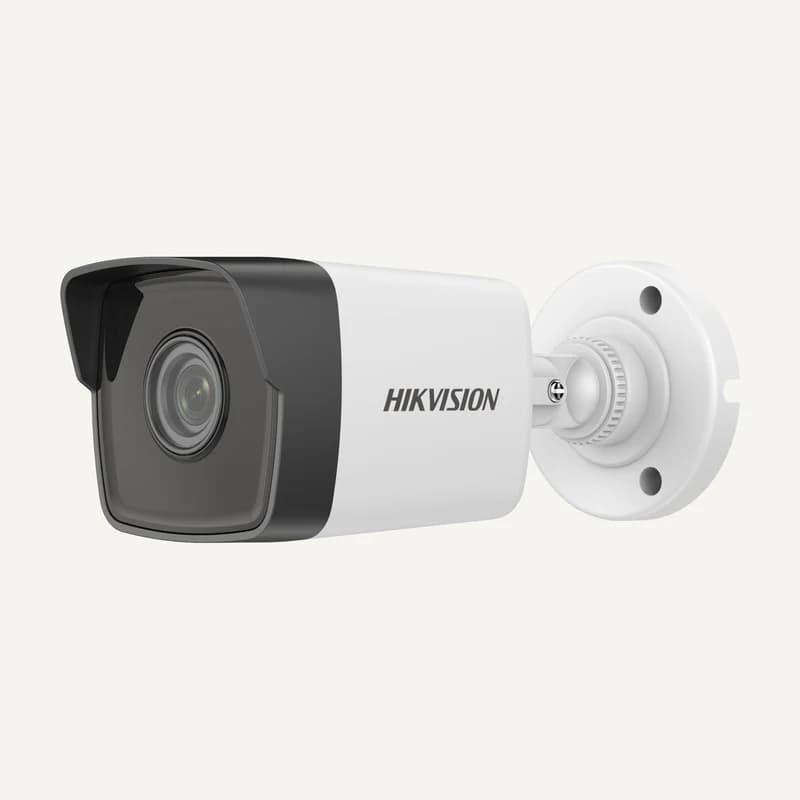 ↗
↗Full HD bullet camera with EXIR infrared up to 30 m, digital WDR and H.265+.
Professional terms after sign-in
Availability: On request
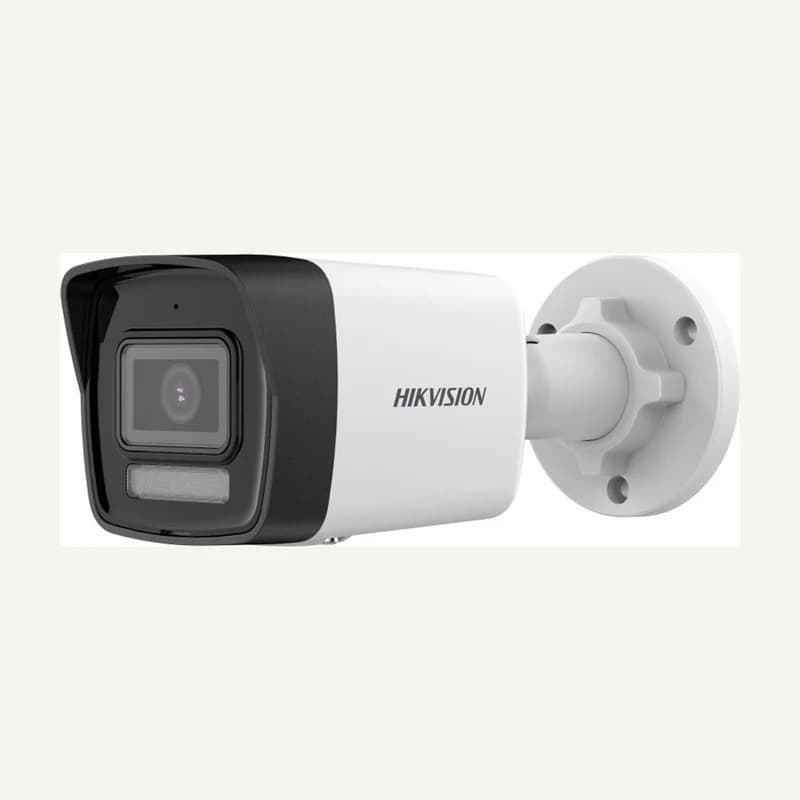 ↗
↗Network bullet camera for a fixed scene.
Professional terms after sign-in
Availability: On request
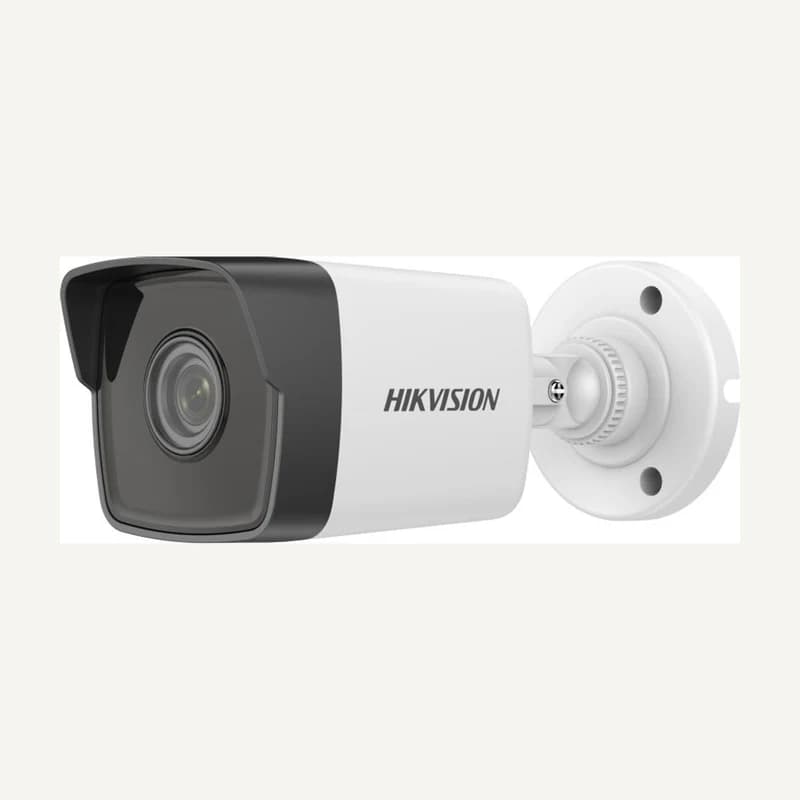 ↗
↗Network bullet camera for a fixed scene.
Professional terms after sign-in
Availability: On request
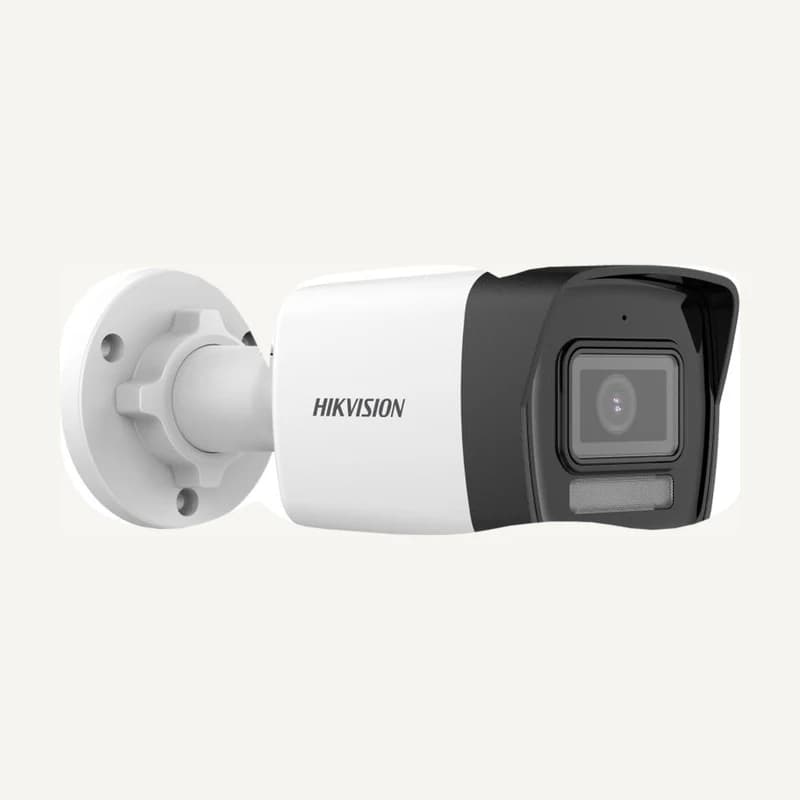 ↗
↗Network bullet camera for a fixed scene.
Professional terms after sign-in
Availability: On request
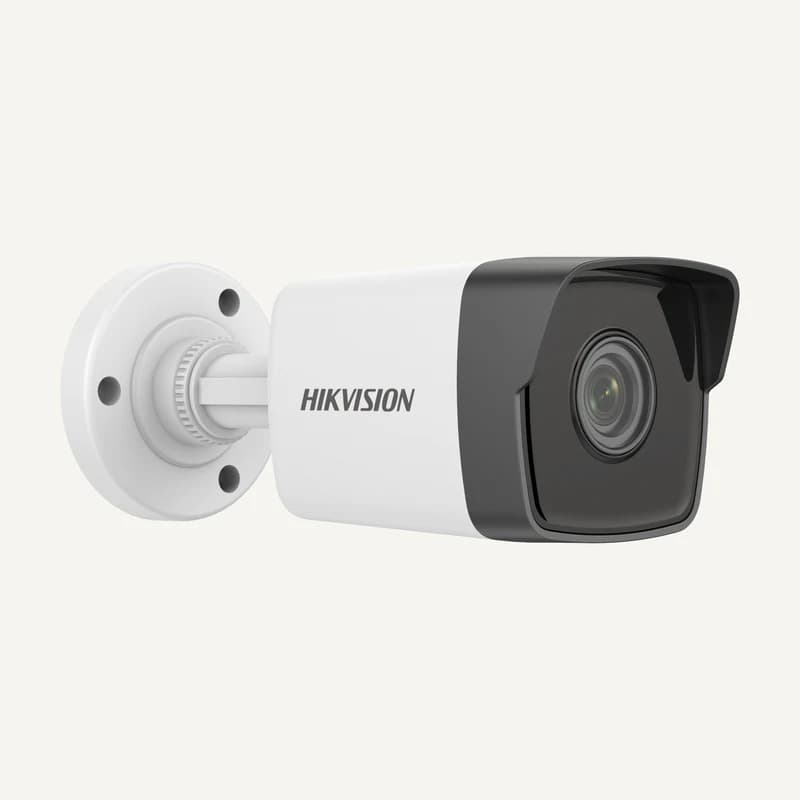 ↗
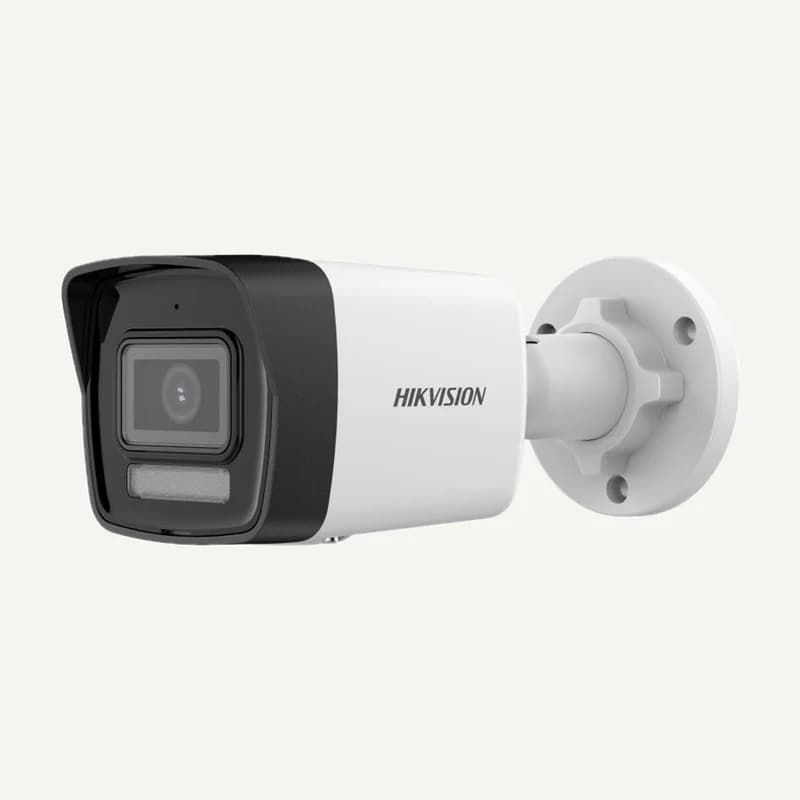
↗5 MP fixed network camera with infrared up to 30 m, 120 dB WDR and an IP67 housing.
Professional terms after sign-in
Availability: On request
 ↗
↗Range illustration
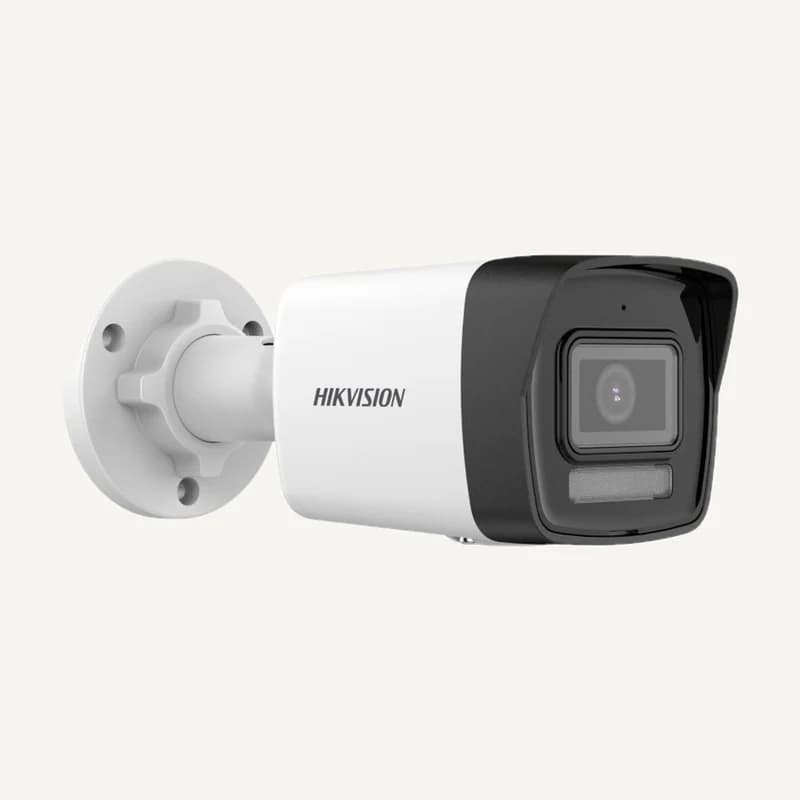
Network bullet camera for a fixed scene.
Professional terms after sign-in
Availability: On request
 ↗
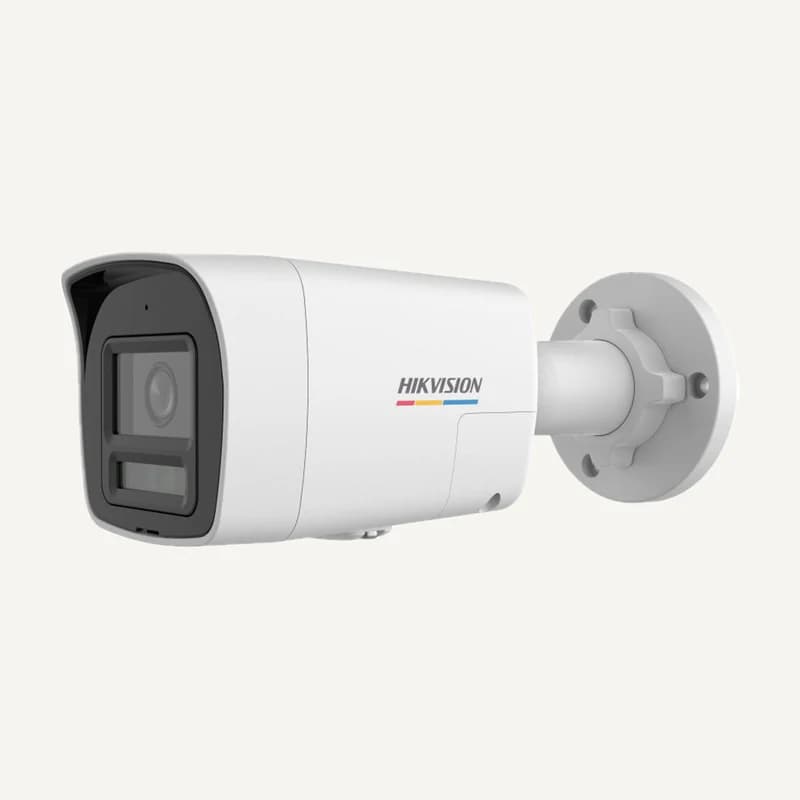
↗Network bullet camera for a fixed scene.
Professional terms after sign-in
Availability: On request
 ↗
↗Range illustration
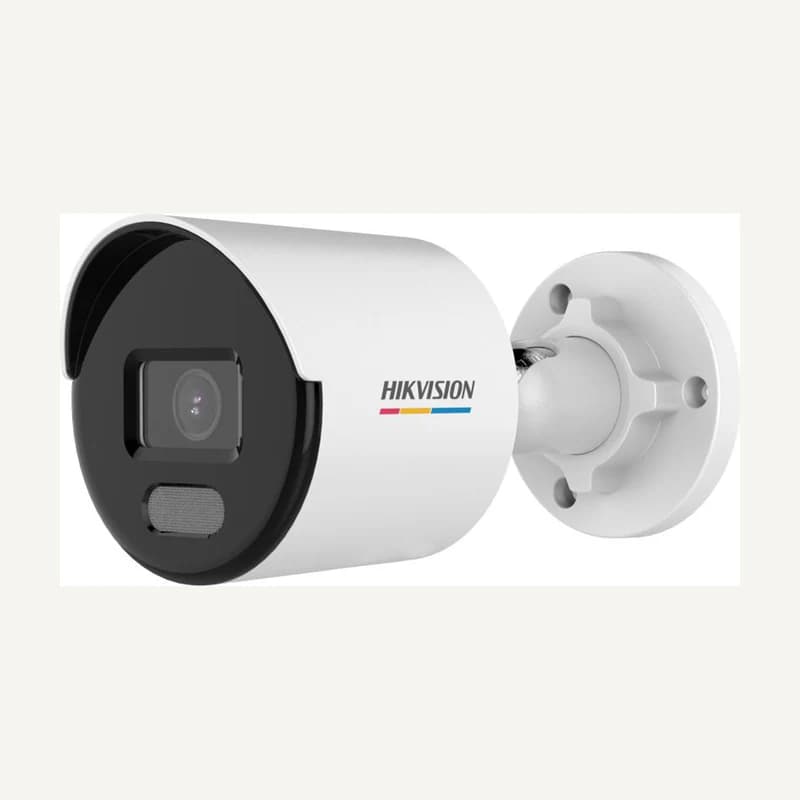
Network bullet camera for a fixed scene.
Professional terms after sign-in
Availability: On request
 ↗
↗Network bullet camera for a fixed scene.
Professional terms after sign-in
Availability: On request