
 ↗
↗Bose Professional344871-2430
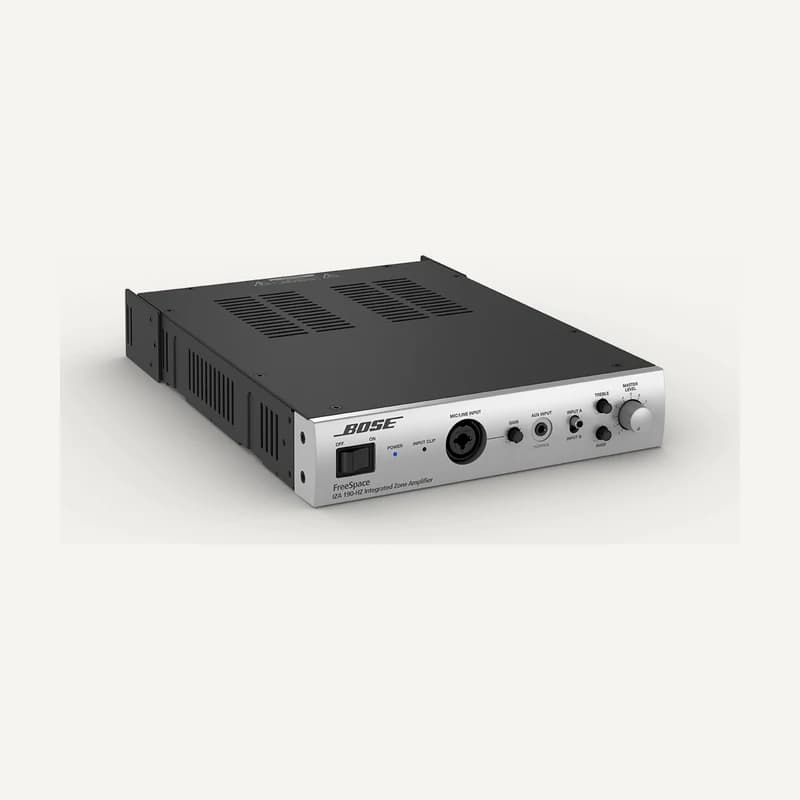
Bose Professional IZA 190-HZ — 344871-2430
Single-zone 90 W amplifier for 70/100 V speaker lines.
Professional terms after sign-in
Availability: On request
 SELECTION FIELDNOTES
A lively restaurant, quiet reception and mobile presentation need different systems. Start with use and space, then connect loudspeakers, amplification and controls. The aim is an explained selection, including accessories, settings and acceptance checks.
View referencesAudio specifiers and installers · hospitality, restaurants, retail and professional spaces.
Before you choose. The catalogue contains installed-sound families and a portable system. Neither brand, illustration nor range name proves coverage, complete compatibility or reseller authorisation.
ROLES TO PLAN · PREPARATION OUTLINE
Specify background music, speech or events. Record available sources and simultaneous uses: one playlist and two independent programmes need different architectures.
Define source selection, level adjustment and any signal processing. A function may be integrated or separate: identify where it will actually be provided.
Match each channel to its load and output mode. Allow rack ventilation, service access and protected settings.
Place speakers for listeners and controls for staff. The control path is not the speaker-power path.
The manufacturer separates installed speakers, amplifiers, processors, controllers and portable PA. FreeSpace and DesignMax appear in installed sound; L1 is portable. This distinction does not replace a variant’s product sheet.
| Family / role | Project question | Check before selection |
|---|---|---|
| FreeSpace / DesignMax | Recessed, surface or pendant mounting? What room constraints? | Exact suffix, mounting dimensions, load and approved accessories. |
| Amplification | How many channels and programmes must run together? | Model, output mode and actual processing; do not infer from a name. |
| Wall control | Will staff adjust level, source or both? | Receiving device, interface and wiring specified in its documents. |
| Portable L1 | Temporary event, transport, inputs and presenter position? | Accessories and exact use; not an automatic substitute for fixed speaker networks. |
Draw tables, counter, circulation and quiet areas. Record height, reflective surfaces and operating noise. An attractive photo does not replace this information.
Check ceiling void, access, support material and coordination with other trades. Add accessories to the schedule instead of assuming they are included.
Decide who can change volume, select sources or access the rack. Define a reference setting and a simple way to return to it.
Test music, speech, mute and restart with users. Record areas needing adjustment; do not accept the system solely because an amplifier indicator is on.
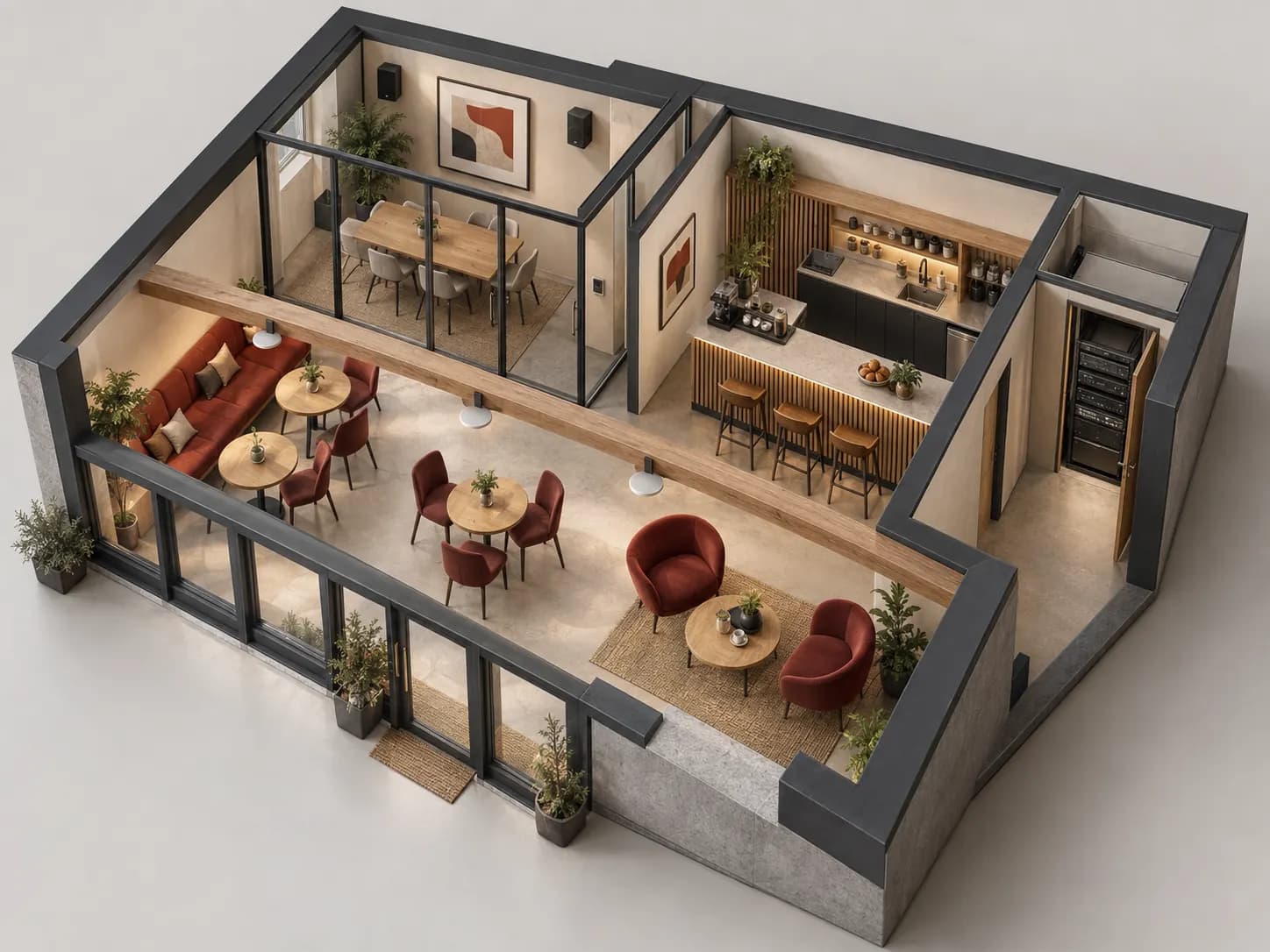
Fictional example: a main dining room and private lounge. The main room keeps its music; the lounge must lower its level without changing the rest.
Ask whether both spaces always share a source. If the lounge sometimes needs different music, explicitly include that independence in the brief.
Show the signal to amplification, outputs to speakers and control link. A compatible control must operate the intended zone, not the entire site.
Lower and mute the lounge; verify the main room remains unchanged. Restore the reference level and hand over clearly labelled controls.
This example validates no reference, power rating or coverage. Acoustic design and electrical checks remain site-specific.
The official IZA preset table distinguishes HZ and LZ variants and their available settings. Do not copy another amplifier’s setting because its name looks similar. Confirm speaker model, output mode, load and setting together.
For the quotation, retain the full numeric reference, suffix and requested finish. Attach mounting plans and access constraints. Editorial profiles provide a preparation method; only validated exact-model information should become procurement specifications.
A family name does not decide a project. Compare variants suited to mounting, environment, uses and planned amplification. Ask for a reasoned selection, not a general ranking.
No. Check the interface, receiving device and functions actually controlled. A connector resembling a network port does not establish its protocol.
It may meet an occasional use, but does not automatically replace permanent wiring, independent zones and staff controls. Describe usage frequency and storage constraints before comparing.
Official documents are linked, not rehosted. Preparation advice is editorial; sources validate neither every catalogue reference nor a commercial partnership. Terms and variants still need checking.
Sources consulted on
This classification reflects loaded data, not technical validation or availability. Open the exact product page to check published information.
↗Single-zone 90 W amplifier for 70/100 V speaker lines.
Professional terms after sign-in
Availability: On request
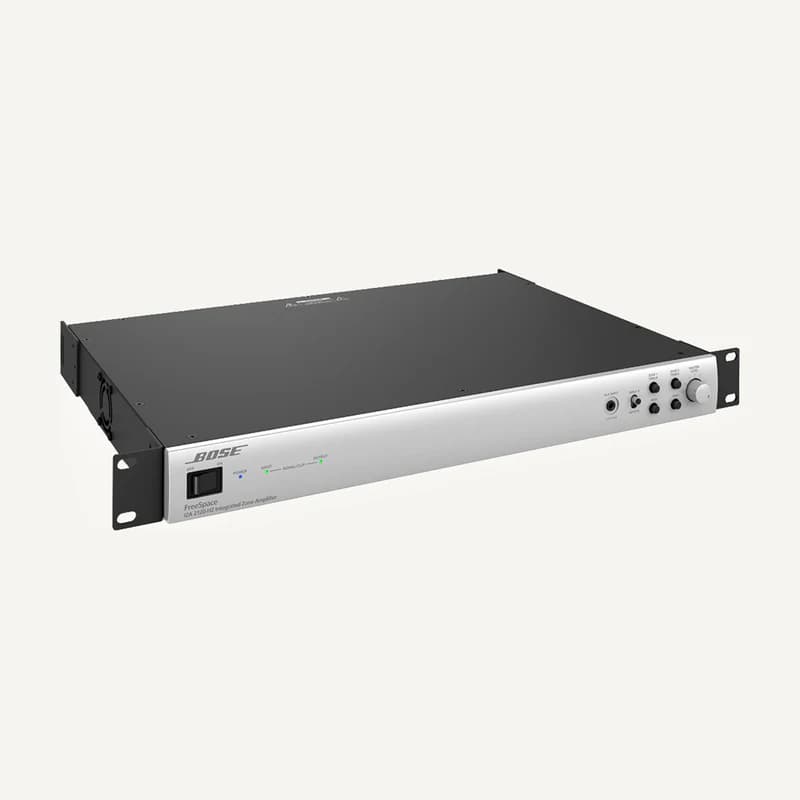 ↗
↗Combines audio sources and amplifies them for compatible loudspeakers.
Professional terms after sign-in
Availability: On request
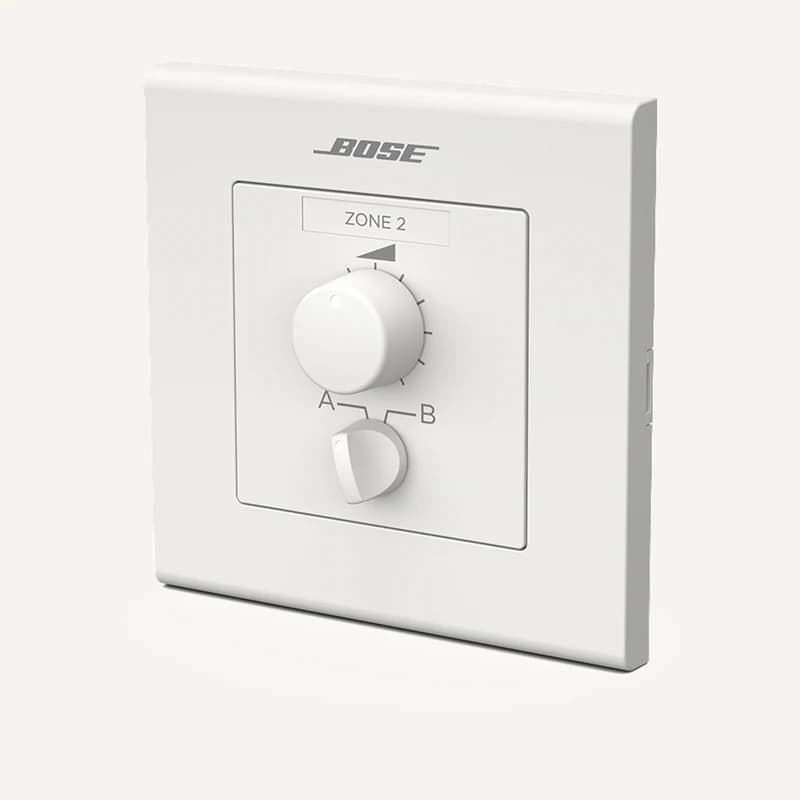 ↗
↗Local control of compatible audio equipment.
Professional terms after sign-in
Availability: On request
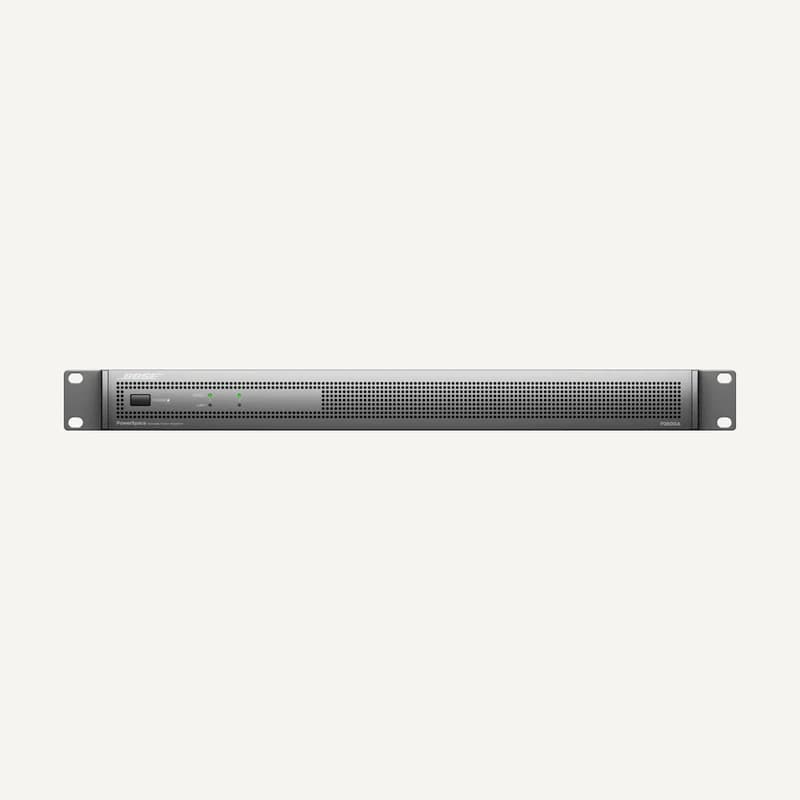 ↗
↗Amplifies audio channels for suitable loads and signal processing.
Professional terms after sign-in
Availability: On request
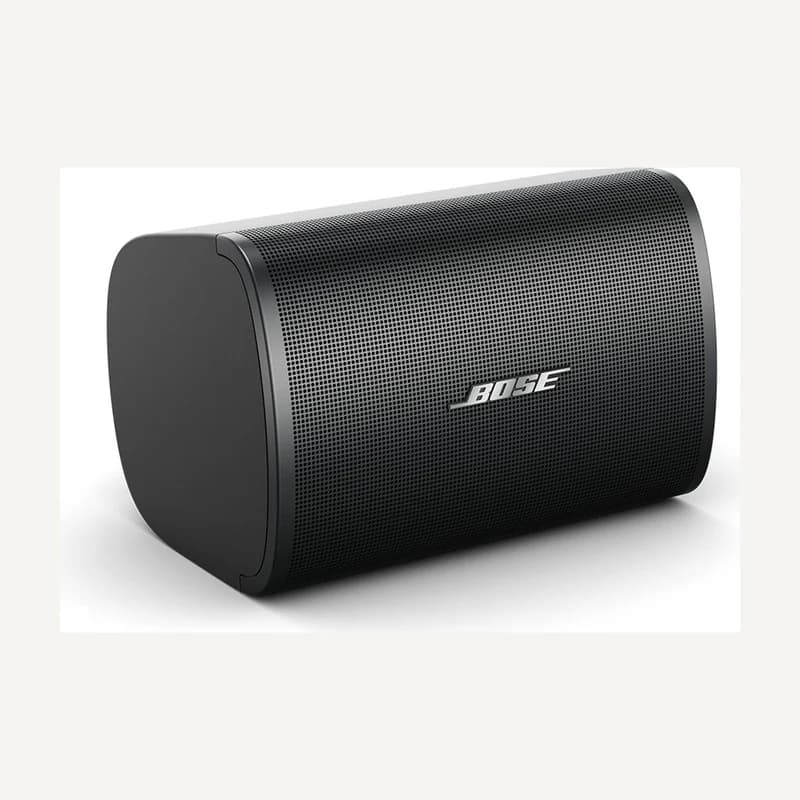 ↗
↗Sound reproduction mounted and aimed for the intended space.
Professional terms after sign-in
Availability: On request
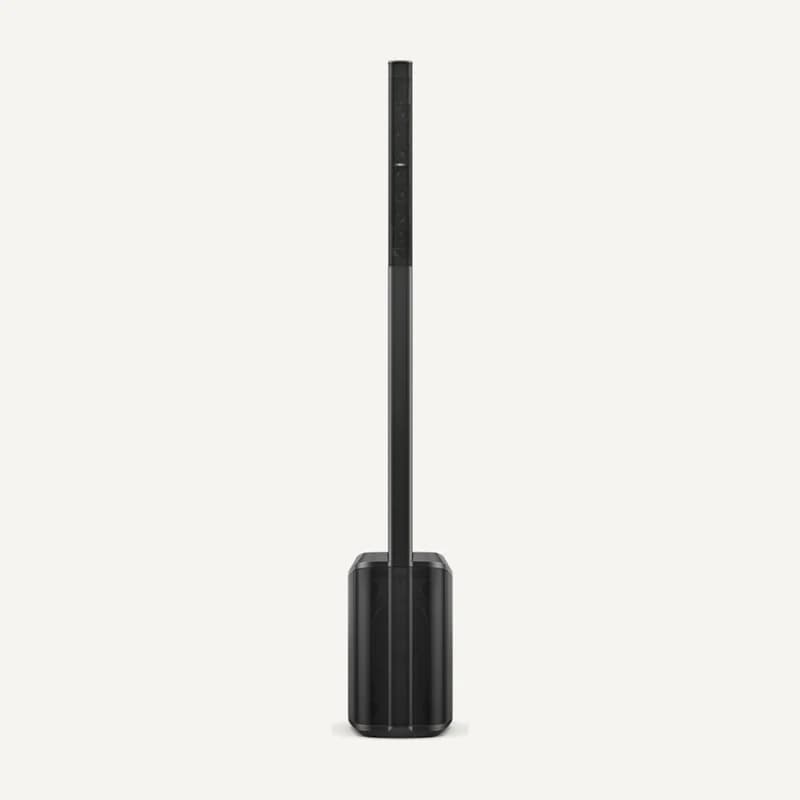 ↗
↗Transportable sound reinforcement planned with sources and power.
Professional terms after sign-in
Availability: On request
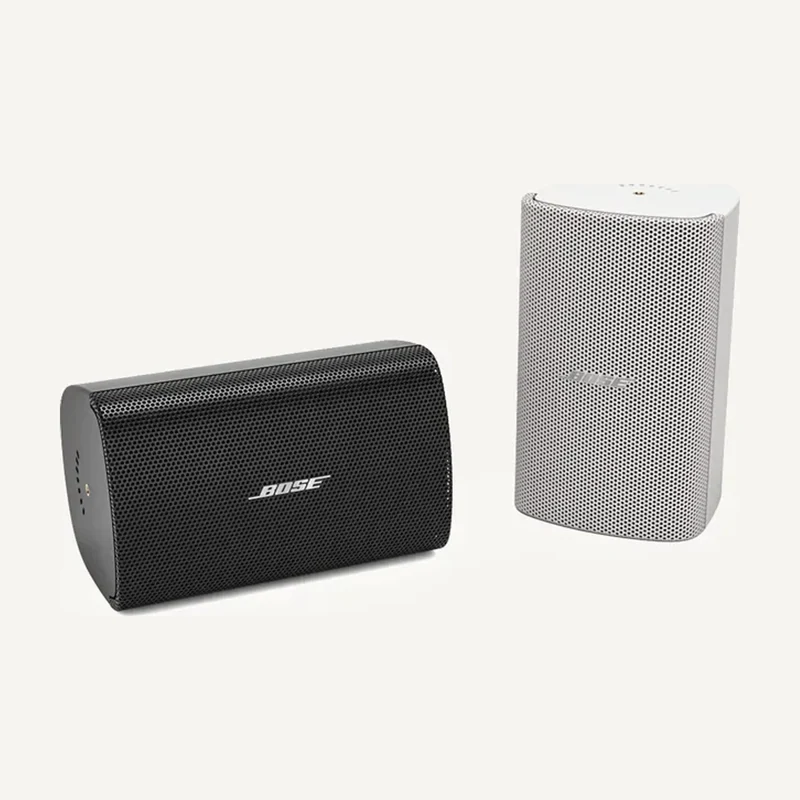 ↗
↗Sound reproduction mounted and aimed for the intended space.
Professional terms after sign-in
Availability: On request
↗Sound reproduction mounted and aimed for the intended space.
Professional terms after sign-in
Availability: On request
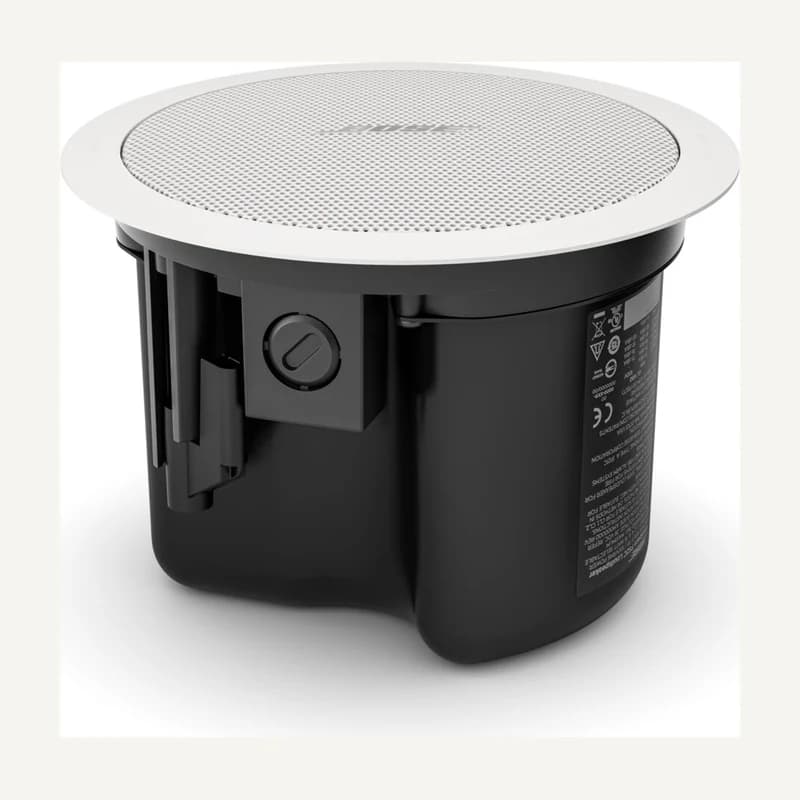 ↗
↗Ceiling-integrated sound with suitable clearance and support.
Professional terms after sign-in
Availability: On request
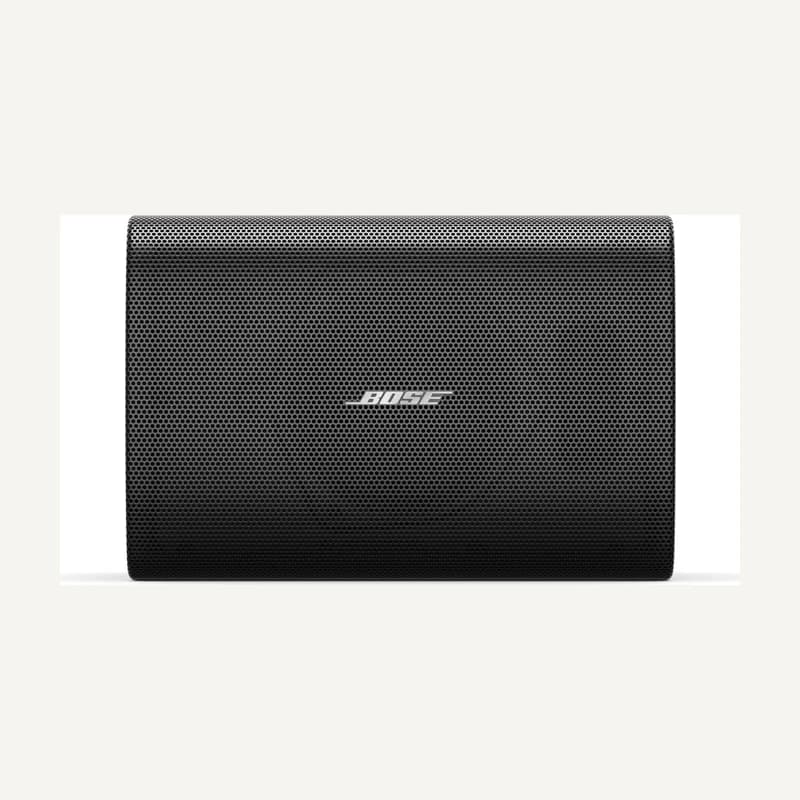 ↗
↗Sound reproduction mounted and aimed for the intended space.
Professional terms after sign-in
Availability: On request
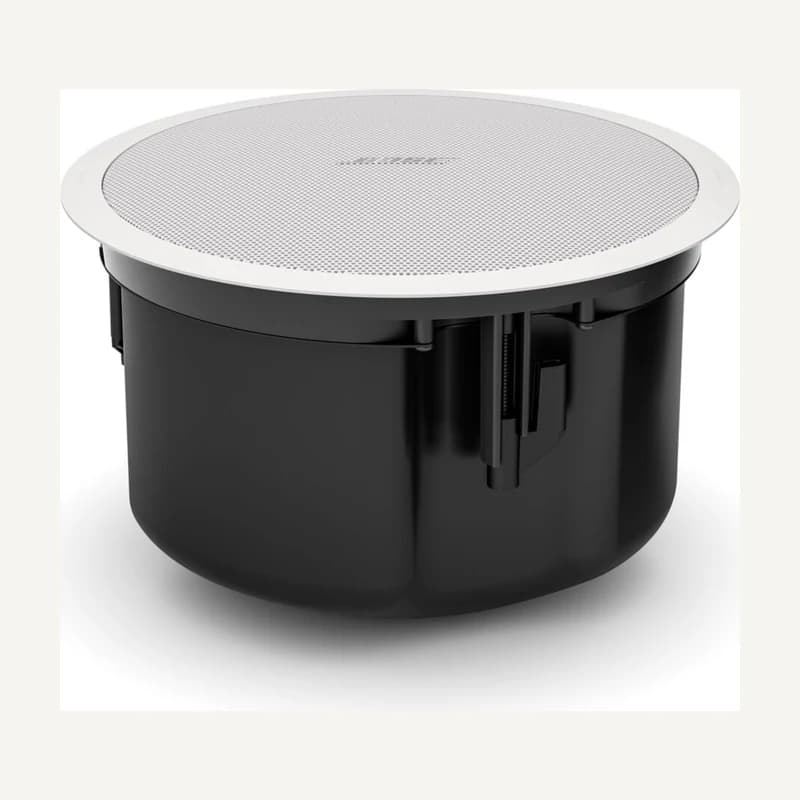 ↗
↗Ceiling speaker with a 114 mm driver and 8 Ω or 70/100 V connection.
Professional terms after sign-in
Availability: On request
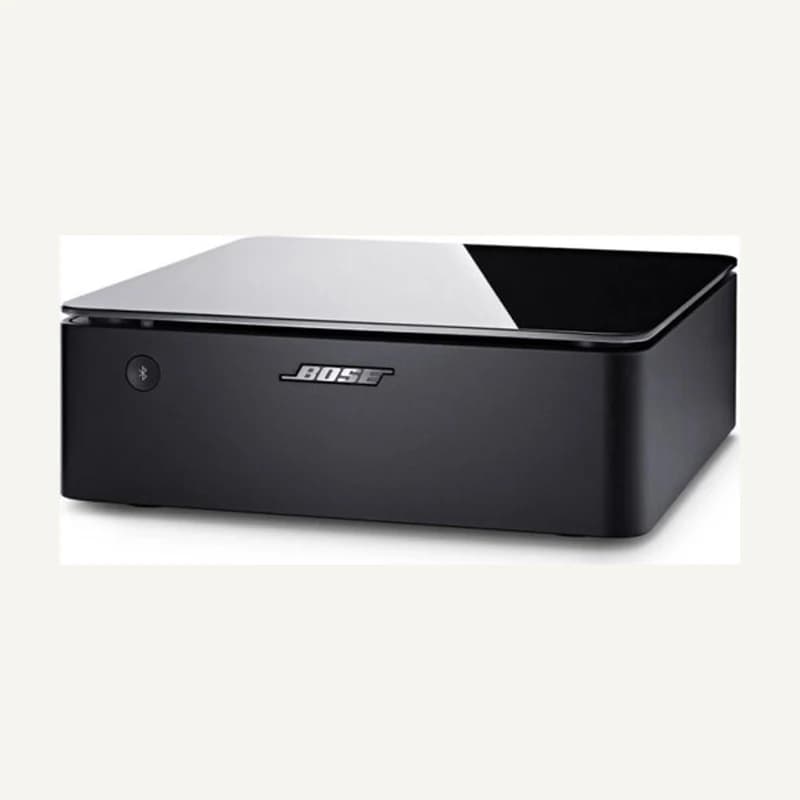 ↗
↗Network sources and amplification for suitable loudspeakers.
Professional terms after sign-in
Availability: On request