
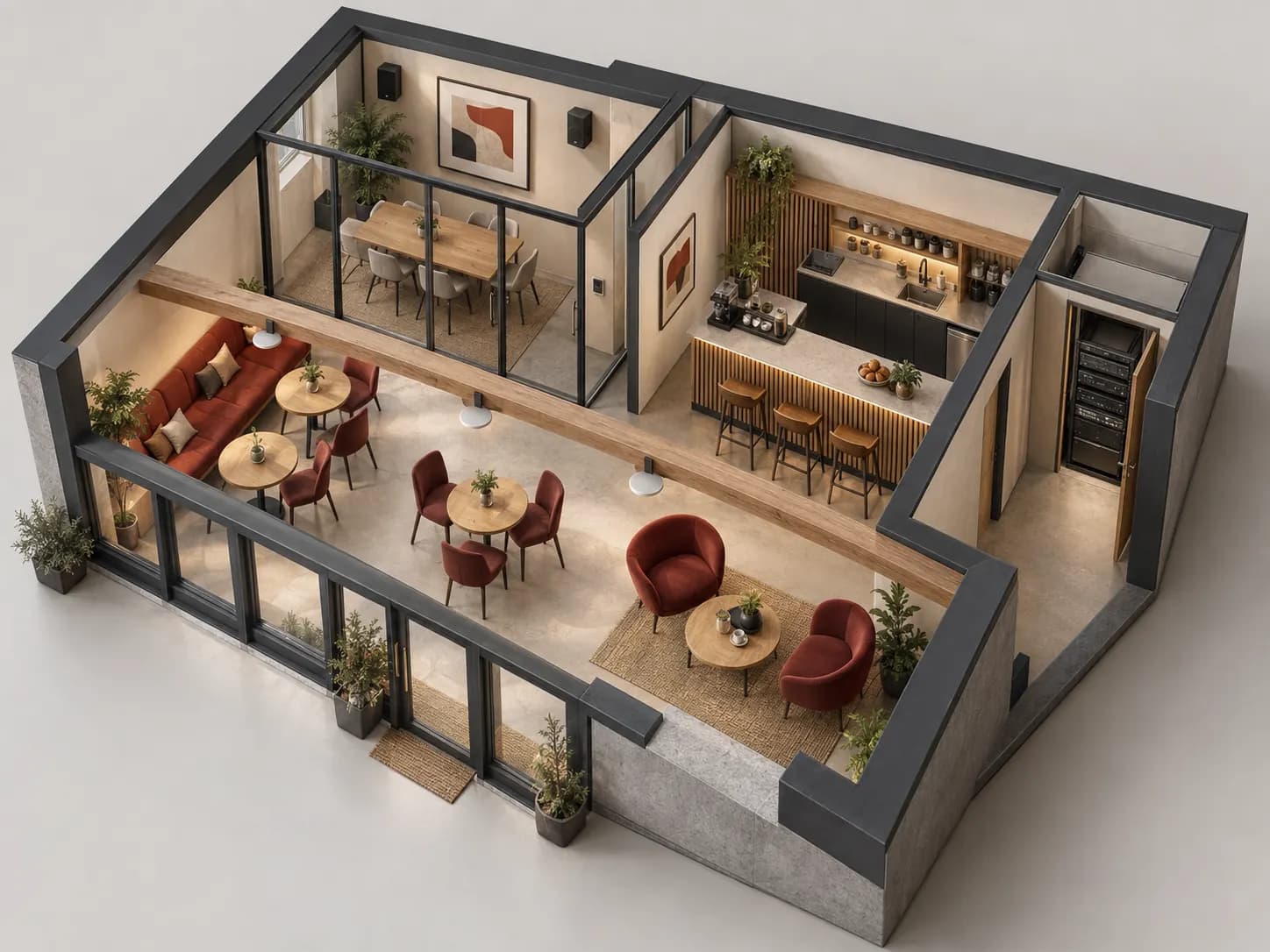
Prepare my site brief: worksheet and printable PDF
01
Describe listening before counting speakers.
Map spaces and operating hours. Reception music, a conversation area and a terrace may need different programmes and levels. Record spaces that must remain quiet and who may change a source. The useful output is a brief per zone, not one context-free power figure.
Identify what is replaced and retained. Record known models, cables, controls and positions, marking unverified information. A retained speaker is not compatible merely because its connector resembles a new output. Keep authorised technical photos and a dated survey to compare proposals.
02
Independent zones need independent controls.
A zone groups an independently controlled use. Rooms, sources and amplifier outputs are not interchangeable counts: check routing and actual equipment functions.
Scroll the table horizontally to compare all three columns.
| Need | Record in the brief | Validation question |
|---|---|---|
| Shared programme | Zones follow one source but may retain separate levels. | Does the control affect one zone or the entire group? |
| Different programmes | Which source is simultaneously available to each zone? | Do the required inputs and routes actually exist? |
| Service announcement | Destination zones, operator and music-resume rule. | What does an excluded zone hear during the announcement? |
| Local control | Available choices, limits and restart behaviour. | Does muting one zone leave the others unchanged? |
03
Build the list output by output.
Sources and interfaces
List players, microphones or network services with output type and intended function. Matching sockets do not guarantee signal level or function. Identify required accounts or subscriptions without sending passwords in a quotation request.
Amplification and loads
For a transformer-distributed line, record speaker taps and total each relevant output. For low impedance, have the resulting wired load checked. Total amplifier capacity does not replace per-channel limits; reserve follows its documentation and planned expansion.
Placement and environment
Record height, ceiling, supports, ambient noise and water/dust exposure. Validate coverage and mounting. More watts do not automatically fix poor intelligibility or uneven sound; request representative listening checks.
Links and operation
Label cable runs, lengths to confirm, ventilation and settings access. Leave connection work to a competent professional. List accessories, licences and services separately for confirmation rather than declaring an unchecked compatible kit.
04
Two spaces, one targeted announcement, no surprises.
ILLUSTRATIVE EXAMPLE
Fictional case: reception Z-A and room Z-B, player S-01 and microphone M-01. The brief requests shared music, independent levels and announcements only in Z-A. These are functions to validate, not a recommended kit.
Trace every destination
S-01 reaches Z-A and Z-B through identified routes. Changing Z-A volume must preserve Z-B’s setting. Hearing sound in both rooms does not prove independence.
Announce in the right place
A service announcement from M-01 reaches only Z-A. Also listen in Z-B, where music must remain unchanged. An announcement there fails routing even if the microphone works. Do not represent amenity priority as voice evacuation.
Resume then isolate
Afterwards Z-A returns to the agreed source and level. Muting Z-A must not stop Z-B. Record the observed setting and any deviation; a button labelled “zone” is not evidence of the result.
This guide plays no audio. The example measures no acoustics, establishes no playback rights and does not replace tests of the chosen equipment.
05
Accept the uses, not just power-on.
Listening and controls
Test each permitted source/destination at representative listening positions under agreed conditions. Check excluded zones too. Record disturbance and limits rather than claiming perfect coverage from the control position.
Return to a known state
Describe recovery after source changes, source loss and an authorised restart. Staff should restore normal operation without technical settings access. Muting is not the same as powering equipment off.
Handover pack
Retain zone plans, final equipment list, cable labels, accepted settings and backup procedure. Name change/alert owners. Confirm maintenance commitments, music accounts and playback permissions separately; no subscription is included by default.
06
Submit an actionable brief.
Attach the plan, zone schedule, requested sources and existing models. Separate retained equipment, new supply, accessories and services for discussion. Keep unknowns explicit. Inovexia supports equipment selection and the commercial enquiry; design, installation and acceptance belong to the agreed integrator scope, including WEXON if requested.
07
Before asking “how many speakers?”
Is a zone always one room?
No. It represents a control requirement. Two rooms may share a source but need separate levels or mute states. Specify functions before deciding output count.
Can existing speakers be retained?
After checking identity, condition, load, wiring and intended use. A photo or watt total is insufficient. Mark unidentified models for inspection without promising reuse.
Does Wi-Fi make everything wireless?
No. Separate source transport, control, amplification and power. Document network dependencies and offline behaviour; speaker links depend on the chosen architecture.
Is a service announcement a voice alarm?
No. Amenity sound proves neither functions nor requirements for a safety system. Refer any alarm/evacuation requirement to the competent designer separately.
What makes two quotations comparable?
The same zone/function brief, identified models, included accessories, exclusions and acceptance checks. Equal speaker counts do not make an undocumented quotation equivalent.
Technical sources
External reading references. These documents explain principles; they do not certify catalogue products or their combination.
- FreeSpace IZA 2120-HZ — Integrated zone amplifierBose Professional · Sources consulted on
- PC-D / PC-DI Owner’s Manual — ConnectionsYamaha · Sources consulted on