Ruijie: choose the network roles before the boxes.
An access point, switch and router solve different problems. First describe users, equipment and networks that must remain separate. This profile helps place Ruijie and Reyee ranges, prepare links and ask the right questions about managing the installation.
Integrators, installers and IT managers of offices, shops and multi-service sites.
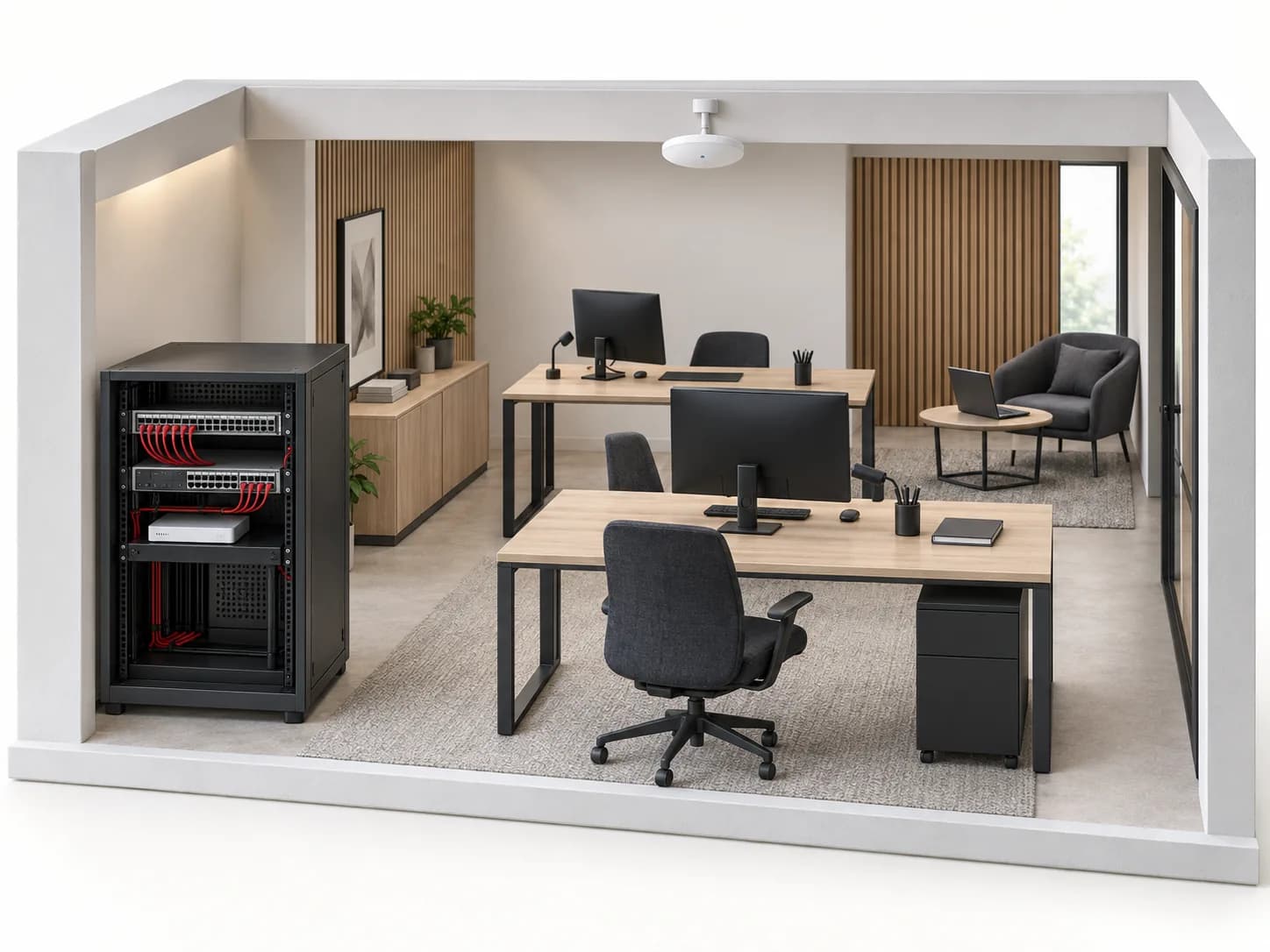
AI-generated conceptual illustration. Generic equipment, not associated with a brand model. Neither a real installation nor a technical plan.
63references in the loaded catalogue
Before you choose. This page guarantees no actual throughput, coverage radius or cloud service. The Ruijie name in the catalogue does not mean every model shares the same functions or management modes.
01
Four roles to explain on the plan
ROLES TO PLAN · PREPARATION OUTLINE
01
Routing
Locate the provider connection and the point linking networks. List permitted traffic: guest access should not inherit the same permissions as management workstations.
02
Distribution
Count required ports, uplinks and devices to power. Distinguish outlet count, port speed and PoE budget: these are different constraints.
03
Wi-Fi access
Locate simultaneous users, obstacles and uses. An additional access point does not replace assessment of placement, cabling and interference.
04
Management
Choose who owns the project and who can change it. Document local access, the intended management mode and permission handover; do not share one account without defined responsibility.
The official centre separates enterprise networking and Reyee ranges. The Cloud documentation centre includes supported-model lists; their existence does not make the entire brand compatible.
Choice
Record
Confirm
Switch
Ports, uplinks, endpoint power
Management, VLANs, PoE standard and exact model budget.
Access point / Wi-Fi router
Intended role and operating mode
Connection, power and management actually available.
Cloud management
Model, version and project owner
Support, functions, service terms and fallback access.
Fibre link
Both ends, fibre and modules
Supported interfaces and modules, length and connectors.
Mark floors, outlets, rack and available routes. Separate existing links, links needing tests and new cabling; the drawing should not hide these unknowns.
02
Uses and separation
List staff, guests, cameras, phones and technical equipment. Request access rules between groups, not merely several Wi-Fi names.
03
Power and continuity
Record documented consumption of powered devices and desired reserve. Identify those that must remain active during an outage; runtime cannot be inferred from the UPS alone.
04
Operational handover
Name the access owner, authorised people and backup custodian. Prepare guest-isolation, connectivity and recovery tests before acceptance.
04
Example: an office with visitors and cameras
Fictional case: workstations, guest Wi-Fi and video share a rack. The aim is to describe required traffic before choosing references.
01
Name the traffic
The visitor needs Internet, not recorder access. The video operator needs authorised cameras. Writing these two rules makes the requirement testable.
02
Check every link
Confirm access-point, switch-port and routing configuration. A guest network name alone does not prove effective isolation.
03
Test both outcomes
Verify guest Internet access and denial to the specified internal resources. Keep results and management-access details in the client handover.
Preparation outline, not a ready-to-copy configuration or cybersecurity audit. Required functions must be documented on the selected models.
05
Supported model does not mean every function
The Cloud centre groups topics by equipment and lists supported models. Check the full model, version and required function in current documentation. The centre requires JavaScript; if a topic remains inaccessible, leave the check open.
Do not turn a function seen on another model into a commercial promise. Also record service terms, account responsibility and how administration transfers when the service provider changes.
Can all Ruijie and Reyee devices be managed together?+
Do not assume so. Check the platform, models, versions and required functions. Brand presence in a catalogue is not a compatibility matrix.
Will a faster access point fix slow Wi-Fi?+
Not necessarily. Describe the device, area, user count and when the problem occurs. Internet service, wired networking, placement or interference may need checking.
Can I plan PoE before selecting a switch?+
Yes, to list documented demand and reserve. The result remains a planning aid: per-port power, accepted standard and the chosen model’s total budget must then be reconciled.
Official documents are linked, not rehosted. Preparation advice is editorial; sources validate neither every catalogue reference nor a commercial partnership. Terms and variants still need checking.
Inventory reference HXSX-1L311C by Ruijie, catalogued under Networks and connectivity. Compatibility and final configuration are confirmed during the project study.
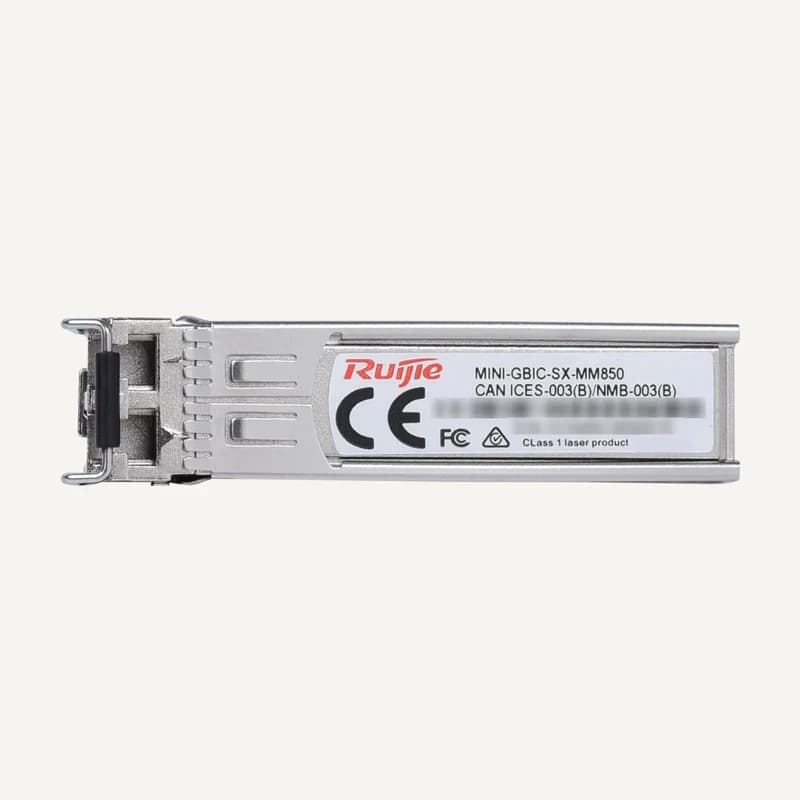
Inventory reference MINI-GBIC-SX-MM850 by Ruijie, catalogued under Networks and connectivity. Compatibility and final configuration are confirmed during the project study.
Inventory reference RG-AP680(CD) by Ruijie, catalogued under Networks and connectivity. Compatibility and final configuration are confirmed during the project study.
Inventory reference RG-AP820-L(V3) by Ruijie, catalogued under Networks and connectivity. Compatibility and final configuration are confirmed during the project study.
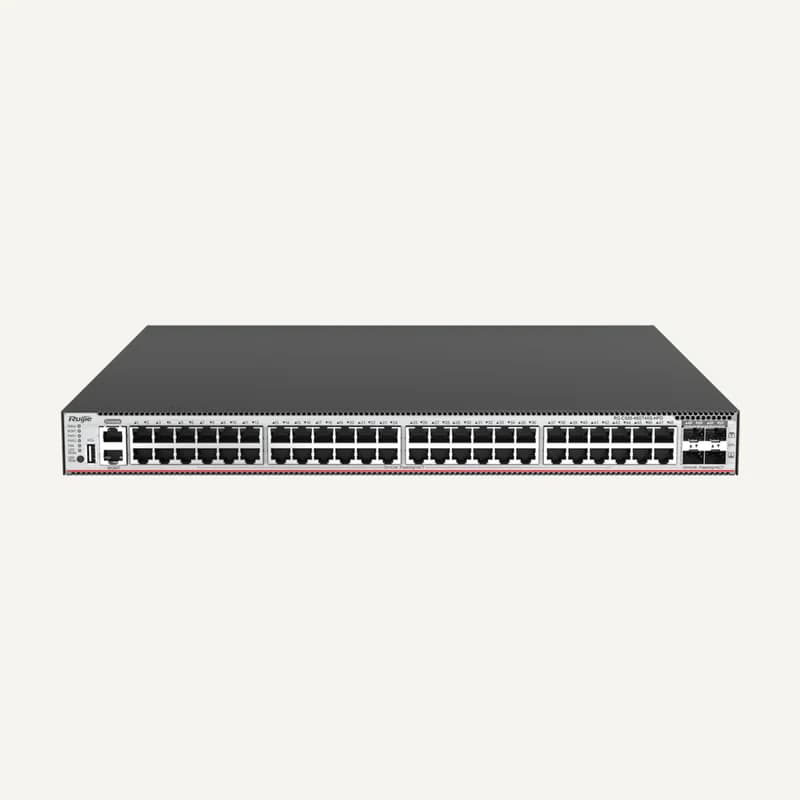
Inventory reference RG-CS85-48GT4XS-HPD by Ruijie, catalogued under Networks and connectivity. Compatibility and final configuration are confirmed during the project study.
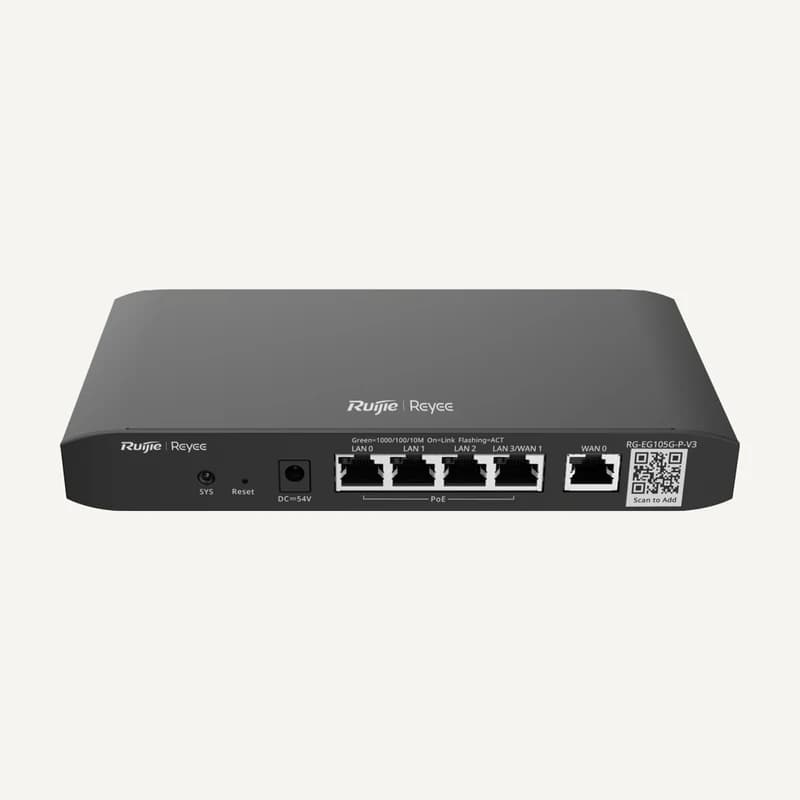
Inventory reference RG-EG105G-P-V3 by Ruijie, catalogued under Networks and connectivity. Compatibility and final configuration are confirmed during the project study.
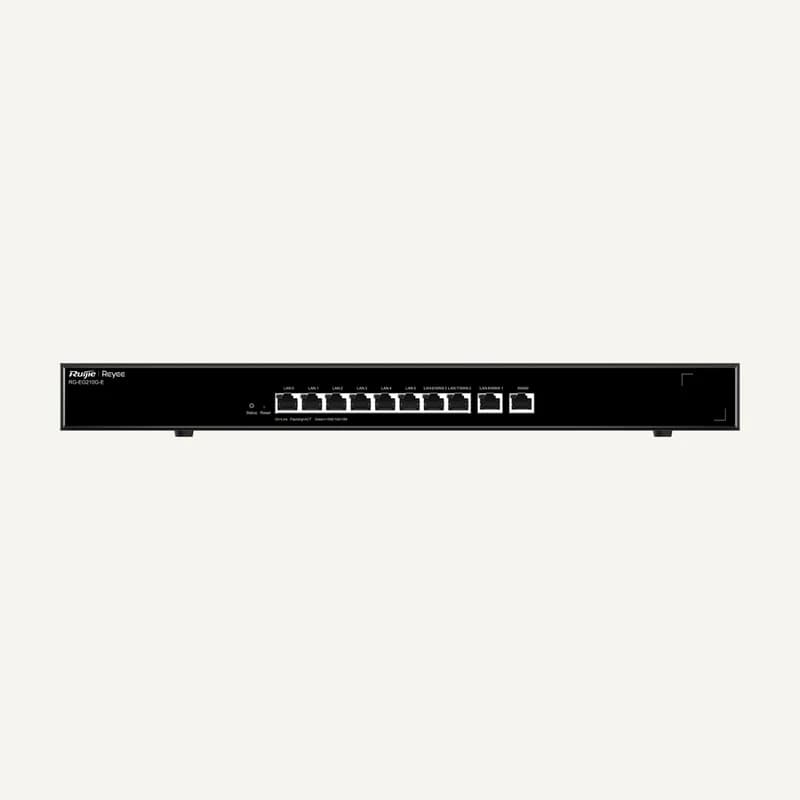
Inventory reference RG-EG210G-E by Ruijie, catalogued under Networks and connectivity. Compatibility and final configuration are confirmed during the project study.
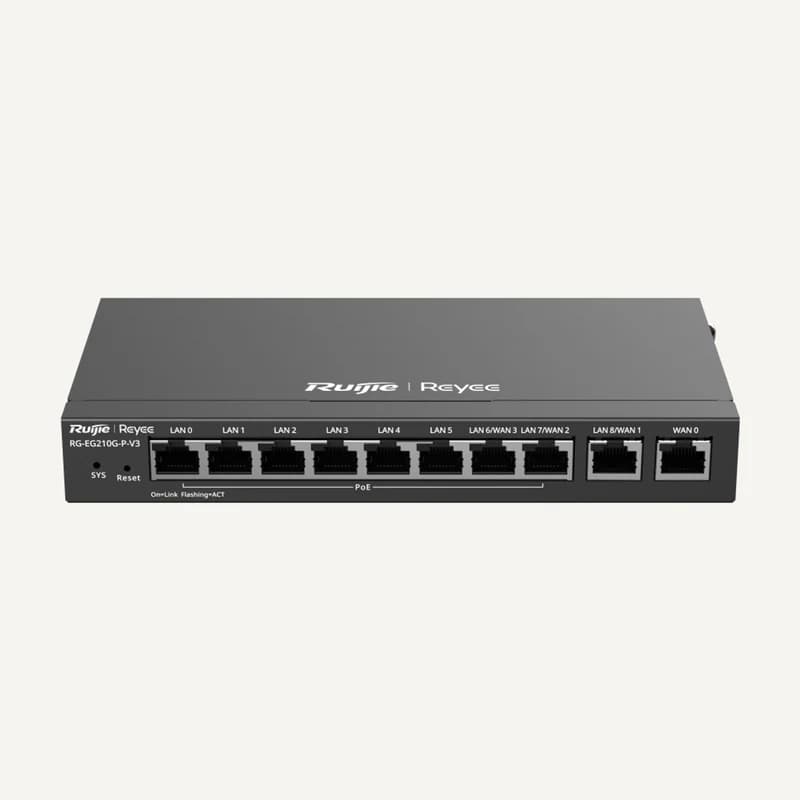
Inventory reference RG-EG210G-P-V3 by Ruijie, catalogued under Networks and connectivity. Compatibility and final configuration are confirmed during the project study.
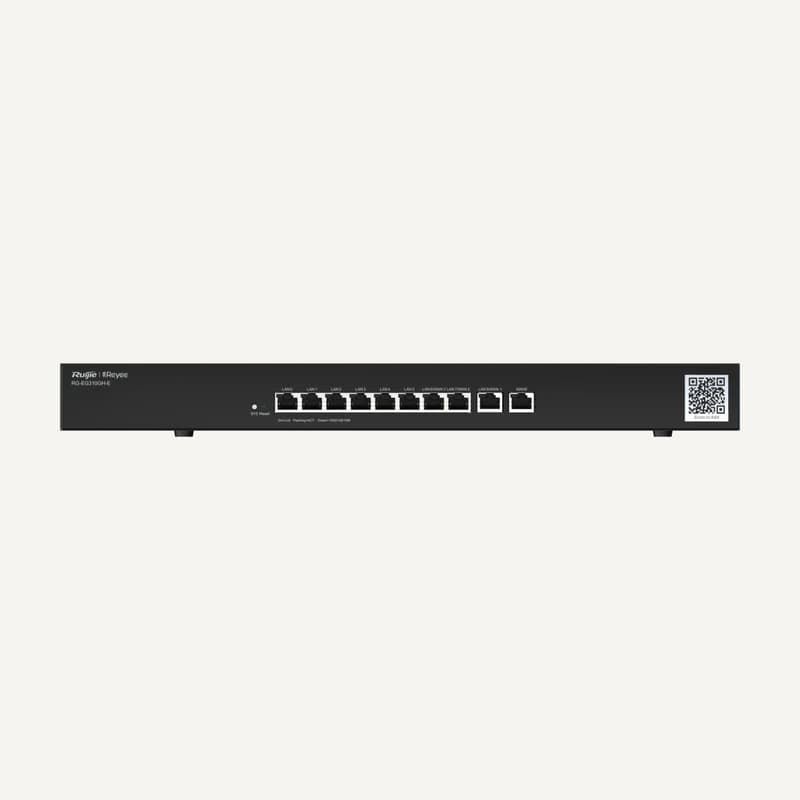
Inventory reference RG-EG310GH-E by Ruijie, catalogued under Networks and connectivity. Compatibility and final configuration are confirmed during the project study.
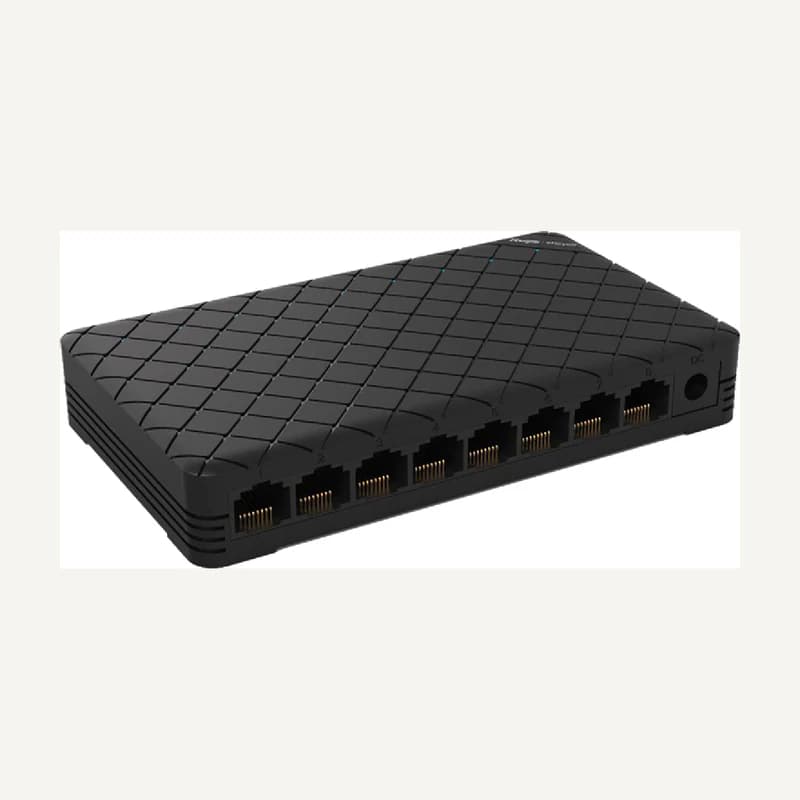
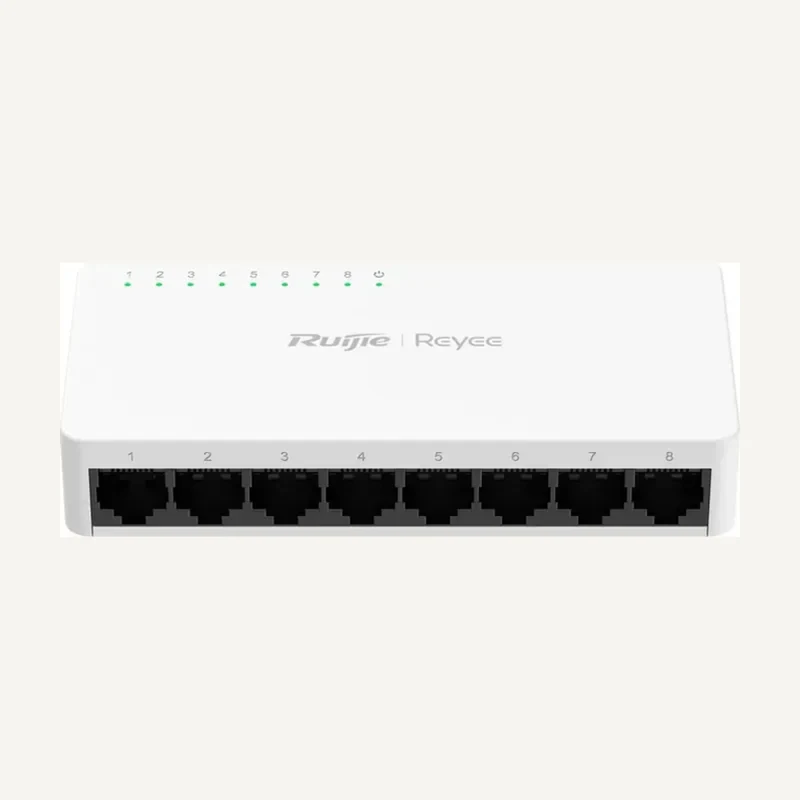
Inventory reference RG-ES08 by Ruijie, catalogued under Networks and connectivity. Compatibility and final configuration are confirmed during the project study.
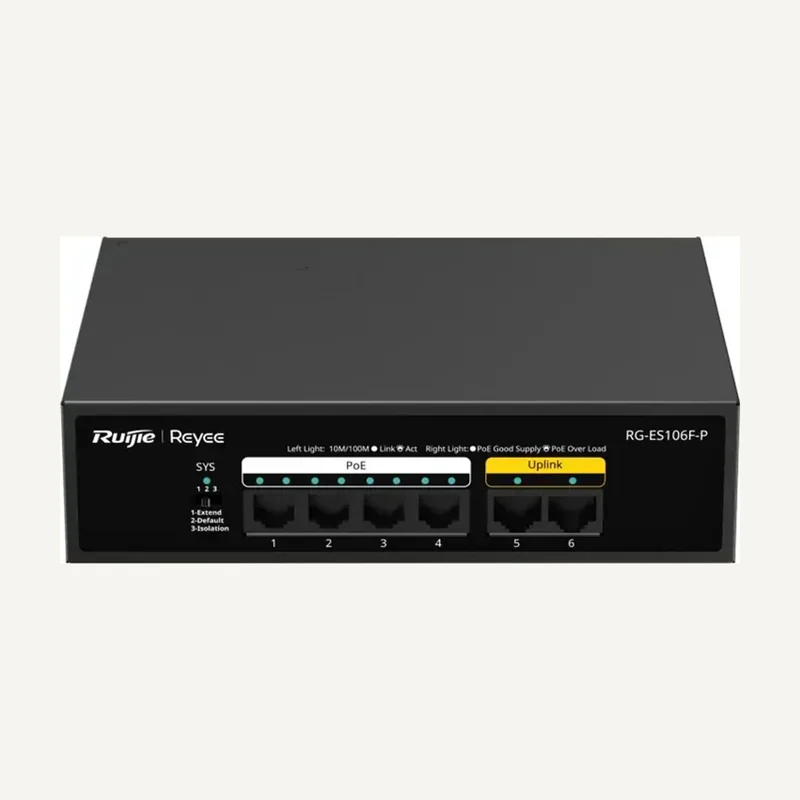
Inventory reference RG-ES106F-P by Ruijie, catalogued under Networks and connectivity. Compatibility and final configuration are confirmed during the project study.
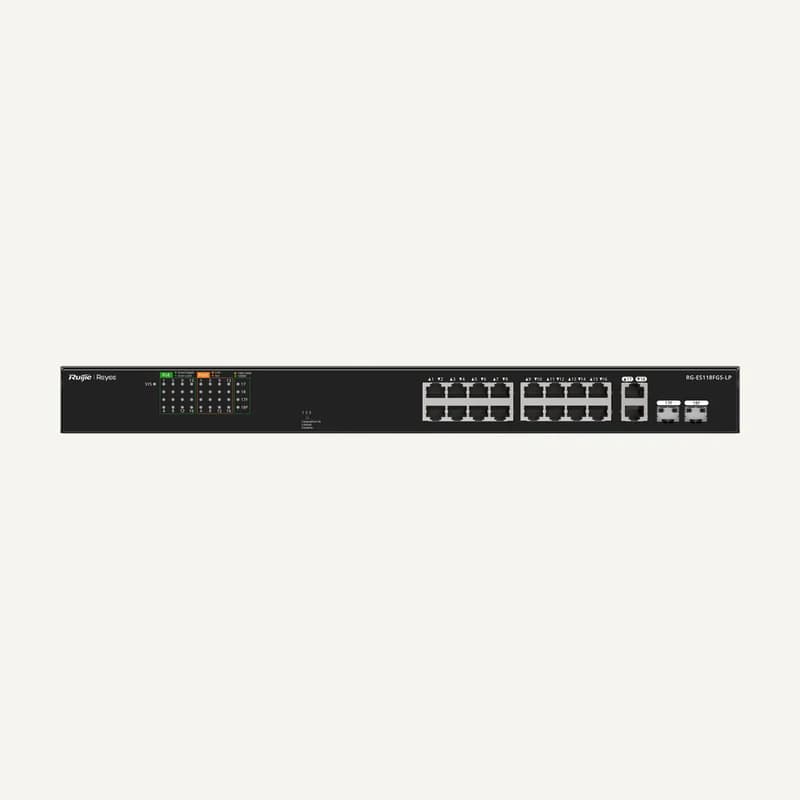
Inventory reference RG-ES118FGS-LP by Ruijie, catalogued under Networks and connectivity. Compatibility and final configuration are confirmed during the project study.
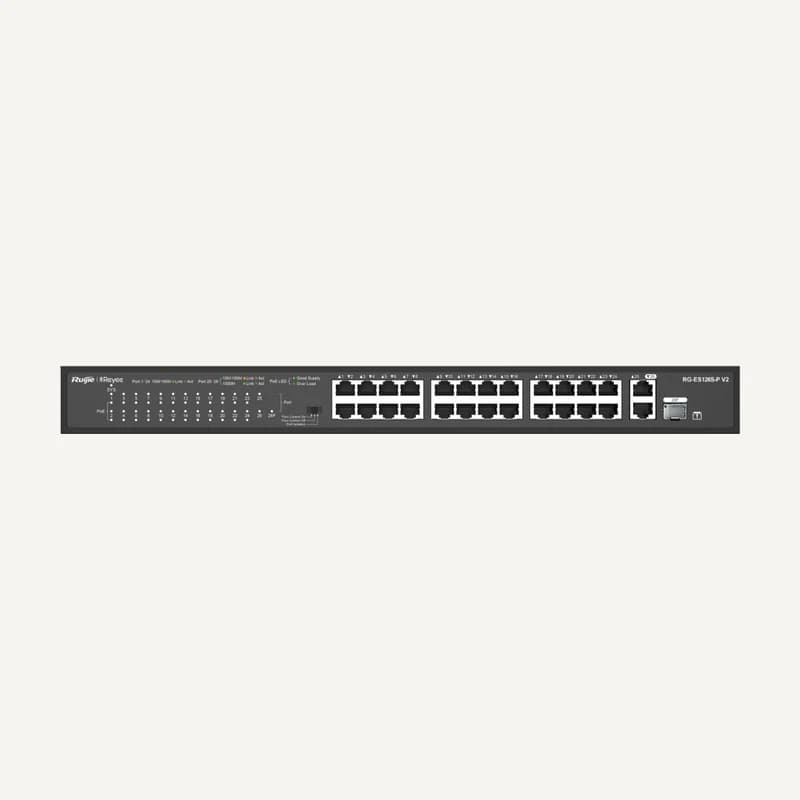
Inventory reference RG-ES1265S-P V2 by Ruijie, catalogued under Networks and connectivity. Compatibility and final configuration are confirmed during the project study.
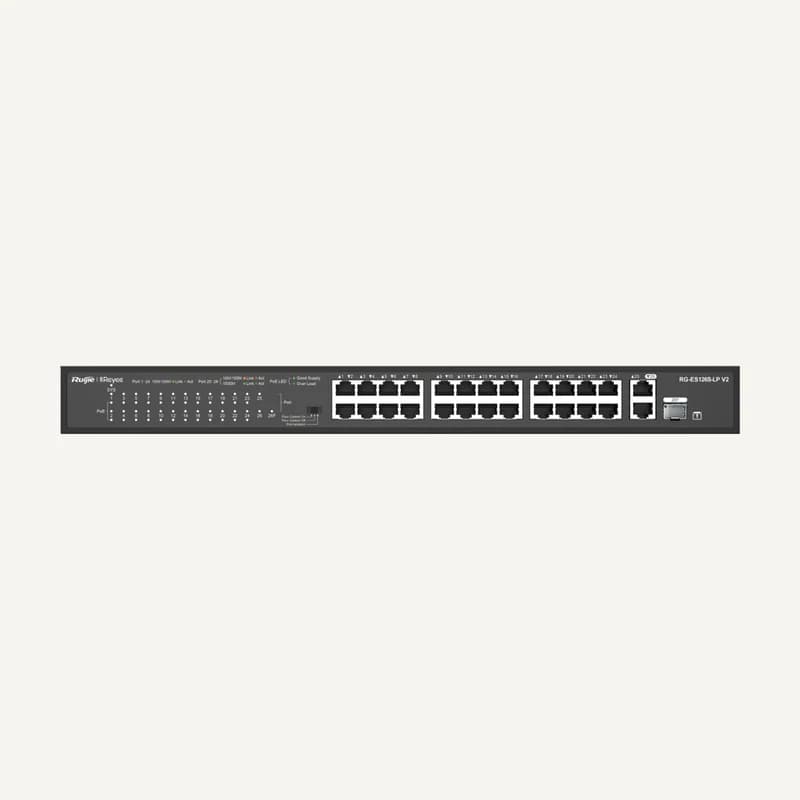
Inventory reference RG-ES126S-LP_V2 by Ruijie, catalogued under Networks and connectivity. Compatibility and final configuration are confirmed during the project study.
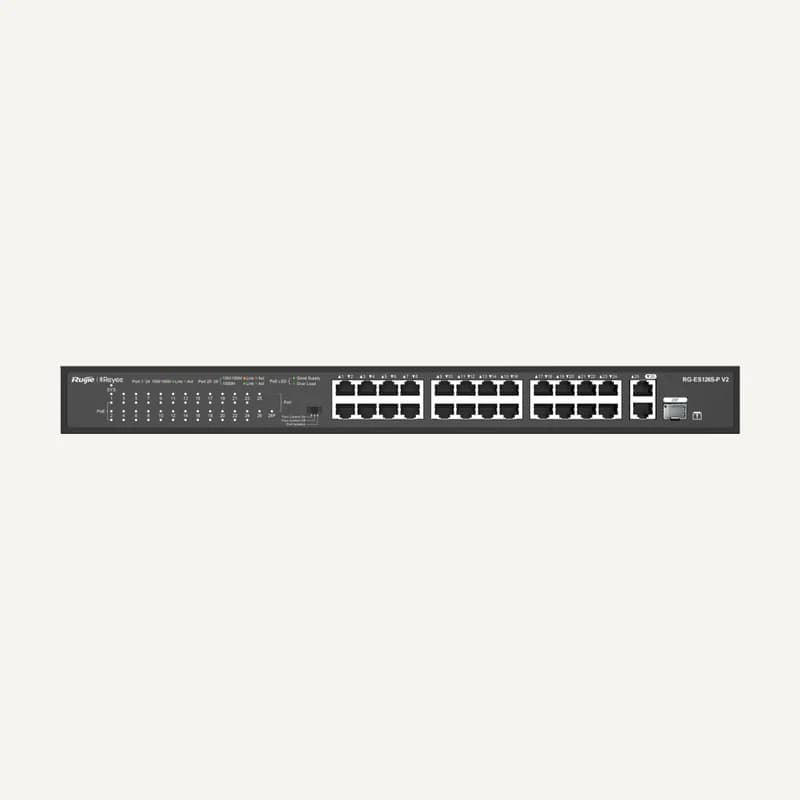
Inventory reference RG-ES126S-P V2 by Ruijie, catalogued under Networks and connectivity. Compatibility and final configuration are confirmed during the project study.


 ↗
↗ ↗
↗ ↗
↗ ↗
↗ ↗
↗ ↗
↗ ↗
↗ ↗
↗ ↗
↗ ↗
↗ ↗
↗ ↗
↗ ↗
↗ ↗
↗ ↗
↗ ↗
↗ ↗
↗ ↗
↗ ↗
↗ ↗
↗ ↗
↗ ↗
↗ ↗
↗ ↗
↗