
Prepare my site brief: worksheet and printable PDF
01
Start with what the image must achieve.
Seeing a presence in a yard, understanding movement and distinguishing a detail at an entrance are different tasks. Write the expected result for each zone before comparing cameras. Advertised resolution alone is insufficient: framing, distance, angle and light affect the useful image.
A simple brief prevents a premature shopping list: who will view images, at which workstation, when and for what search? Separate essentials from options. For refurbishment, first inventory existing cameras, recorder, disks and cables; reuse is not automatic.
02
Five roles. One end-to-end chain to verify.
Conceptual IP system. Some roles may be integrated in one device; check the selected model’s limits. The chain does not claim compatibility between products.
01 · Capture
Camera and lens: define a useful view, mounting and day/night conditions. State indoor/outdoor use and actual exposure.
02 · Connect and power
Cabling, switch and power: record ports, distances and electrical requirements. An Ethernet switch is not necessarily PoE.
03 · Record
Recorder or server: check channels, supported streams, required functions and any licences for the exact model.
04 · Retain
Storage media: plan usable capacity, supported disks and recording mode. A list of drive bays does not guarantee retention or backup.
05 · Review
Workstation, display and accounts: specify simultaneous views, search and export. Define authorised people and permitted operations.
03
Compare approaches, not just megapixels.
Scroll the table horizontally to compare all three columns.
| Decision | When to consider it | Check before selecting |
|---|---|---|
| Overview or detail view | A circulation area and a specific point need different framing. | Mark both needs on the plan; do not expect one view to solve everything. |
| Fixed or adjustable lens | Known framing or adjustment needed during installation. | Focal range, field of view for the sensor and actual model capabilities; adjustable does not necessarily mean motorised. |
| Backlit entrance | Bright storefront or opening facing a darker area. | Request a representative test. Assess WDR and its artefacts in the scene, not through one marketing number. |
| Mixing brands | Extending an installation or choosing specialised equipment. | Check exact functions and versions. For ONVIF, verify declared conformance and the relevant profile; a logo alone does not validate the system. |
04
Seven inputs for an actionable quotation.
Zones and purpose
One row per zone, with an expected result and priority. Attach an annotated plan without unnecessary personal data.
Installation conditions
Height, mounting surface, maintenance access, humidity and exposure. Confirm protection ratings in the model documentation.
Light and critical periods
Describe difficult times and existing lighting. Plan a check when the scene is most challenging.
Network and power
Count ports and links. For PoE, check compatibility, per-port power and total budget against documented maximum demands, not just typical consumption.
Recording and retention
Define schedules, streams and justified retention. Bitrates vary with scene and settings; storage estimates require explicit assumptions followed by validation.
Operation
Specify users, permissions, stations, any remote access, export and recovery. Identify who holds configuration and administrator access.
Inventory and equipment list
List retained hardware, new equipment and options separately. Include mounting, cables, connectors, storage and verified licences; attach exact references.
05
Example: a shop with an entrance, counter and stockroom.
ILLUSTRATIVE EXAMPLE
Fictional educational scenario. Three areas to assess, with no prescribed camera count or retention period.
Entrance
Frame the relevant passage and assess storefront light. The view should meet the need without unnecessarily expanding the monitored area.
Counter and stockroom
Describe the intended result and authorised viewers separately. Mark mounting points on the plan before selecting a lens.
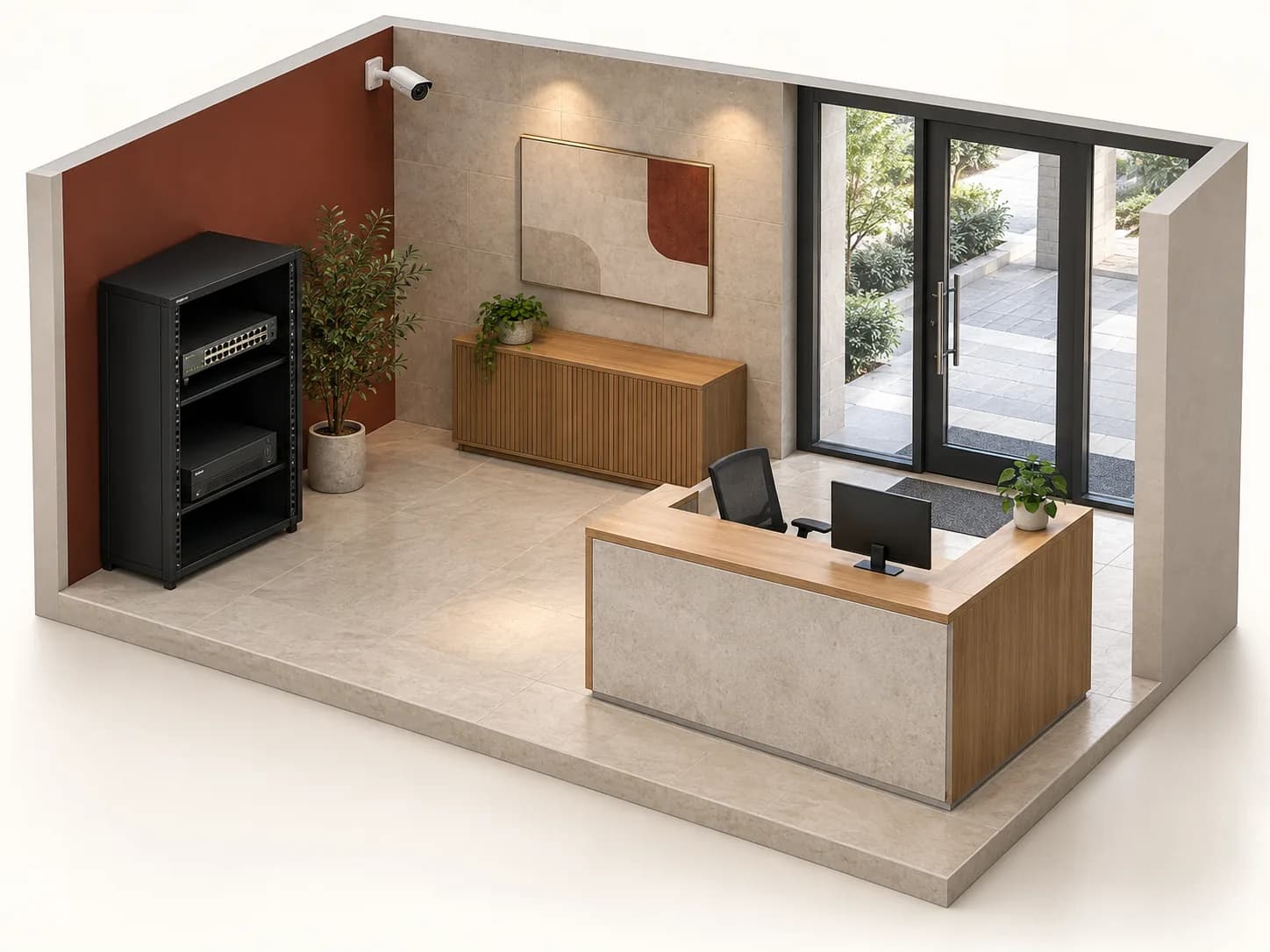
Equipment area
Reserve a ventilated, protected position appropriate to the devices. Plan cable routes, power and maintenance access with the installer.
Handover
Check each zone’s image, retrieve an authorised clip, verify timestamps and document delivered accounts. Record outstanding issues instead of assuming acceptance.
Inovexia provides the catalogue and professional enquiry journey. Design, installation and system compliance are defined with the project professional; this is not a completed client project.
06
What must be checked beyond the sales sheet.
For a project in Morocco, consult CNDP video-surveillance information and have the requirements for your situation determined. Do not choose retention simply because a disk has ample space. This page is neither legal advice nor authorisation to record.
Analytics, mobile access or third-party integration cannot be inferred from “IP”. Keep the exact model, software version and tested function. The ONVIF registry helps verify declared conformance; it does not replace testing your actual combination.
07
Questions to resolve before selecting equipment.
How many cameras are needed?
Count follows required views, obstacles and intended results, not floor area alone. Start with the zone plan; validate framing on site before fixing quantities.
Can I keep existing cabling?
Survey type, route, condition and endpoint equipment. Record what was tested and what remains unknown. A connector photo does not demonstrate the performance of the full link.
Will the catalogue switch power my cameras?
Not necessarily. First check whether it supplies PoE, then electrical compatibility, usable ports and available budget. A non-PoE model carries data but needs another appropriate power solution.
Does proposed storage guarantee a number of days?
Not without stream, schedule and usable-capacity assumptions. Request the calculation and operational validation. The technical estimate does not determine the legally appropriate retention period.
What if a required specification is missing?
Do not infer it from a nearby model. Open the exact product page and use its contextual contact to request the missing specification or document, stating the version and intended use.
How do I turn requirements into a quotation?
Prepare zones, quantities, candidate references and supporting files. The catalogue is public; the professional workspace requires account approval. The request is for a quotation, not an order or online purchase acceptance.
Technical sources
External reading references. These documents explain principles; they do not certify catalogue products or their combination.
- Quality with a purposeAxis Communications · Sources consulted on
- Wide dynamic rangeAxis Communications · Sources consulted on
- Typical and maximum power consumption in Axis camerasAxis Communications · Sources consulted on
- Bitrate control for IP videoAxis Communications · Sources consulted on
- ConformanceONVIF · Sources consulted on
- Conformant ProductsONVIF · Sources consulted on
- VidéosurveillanceCNDP — Maroc · Sources consulted on