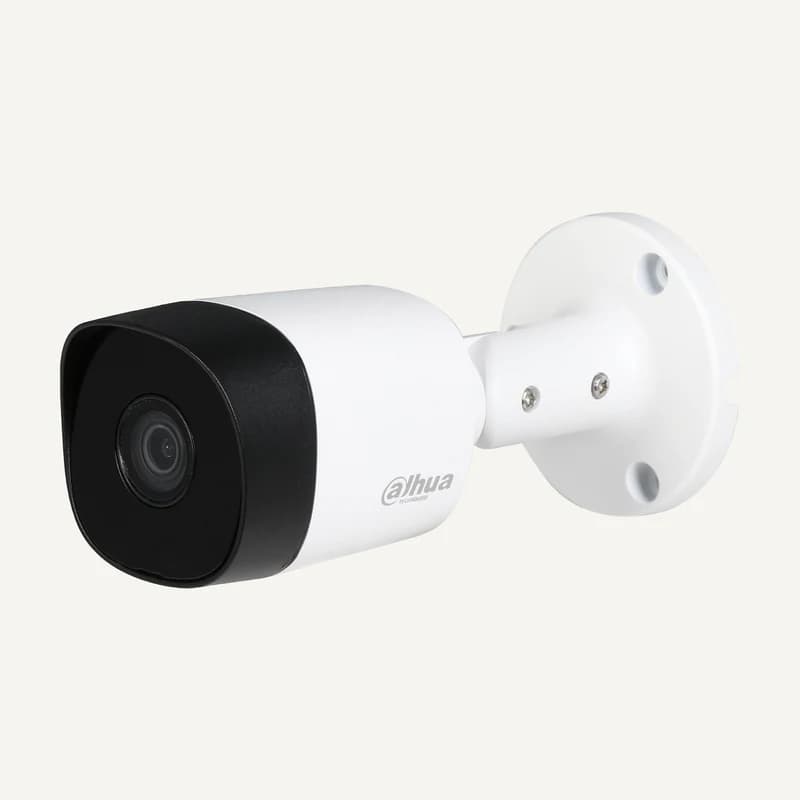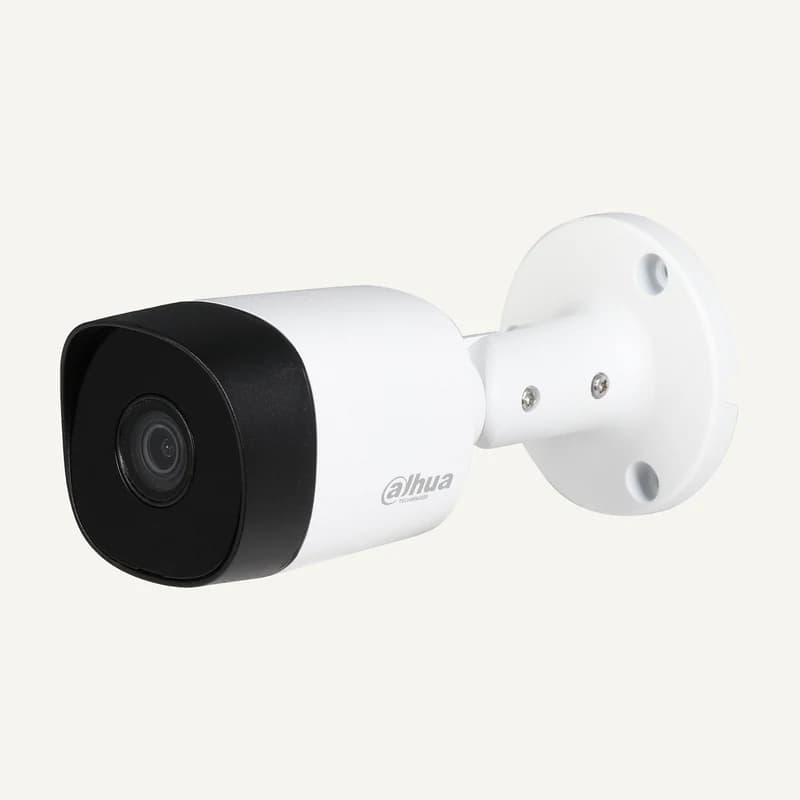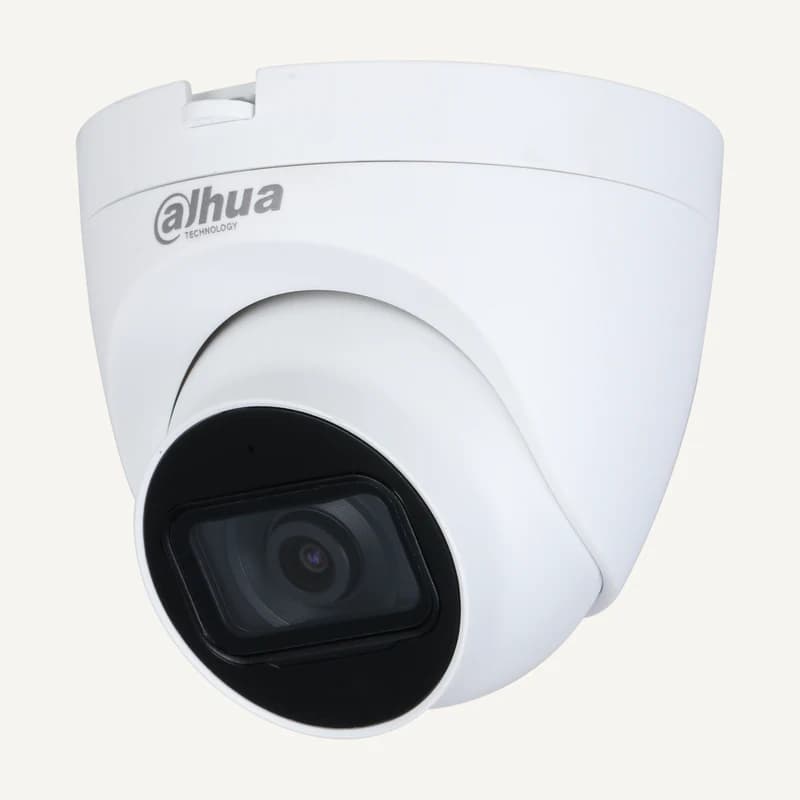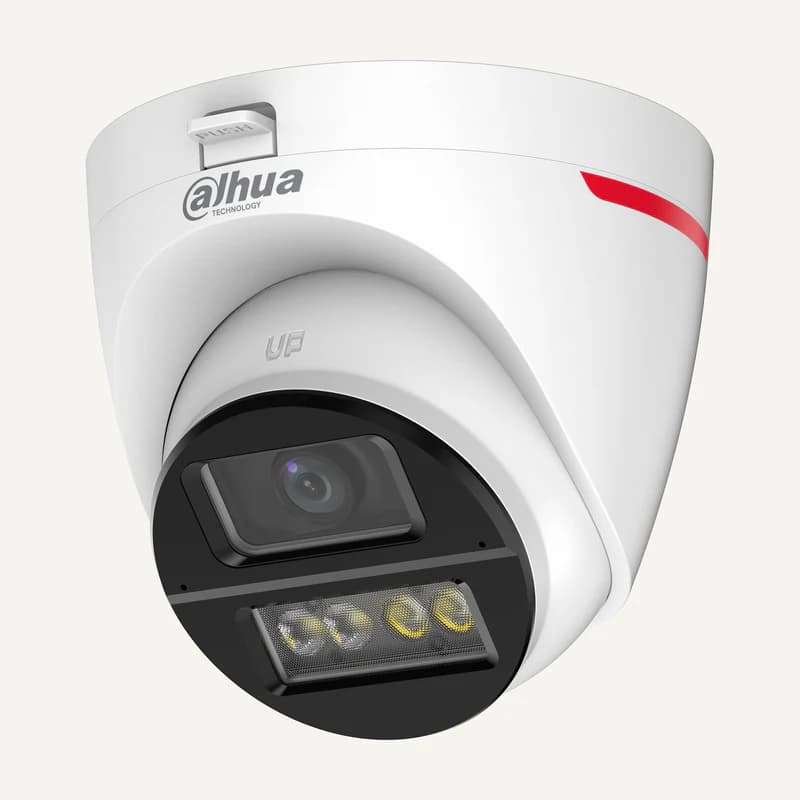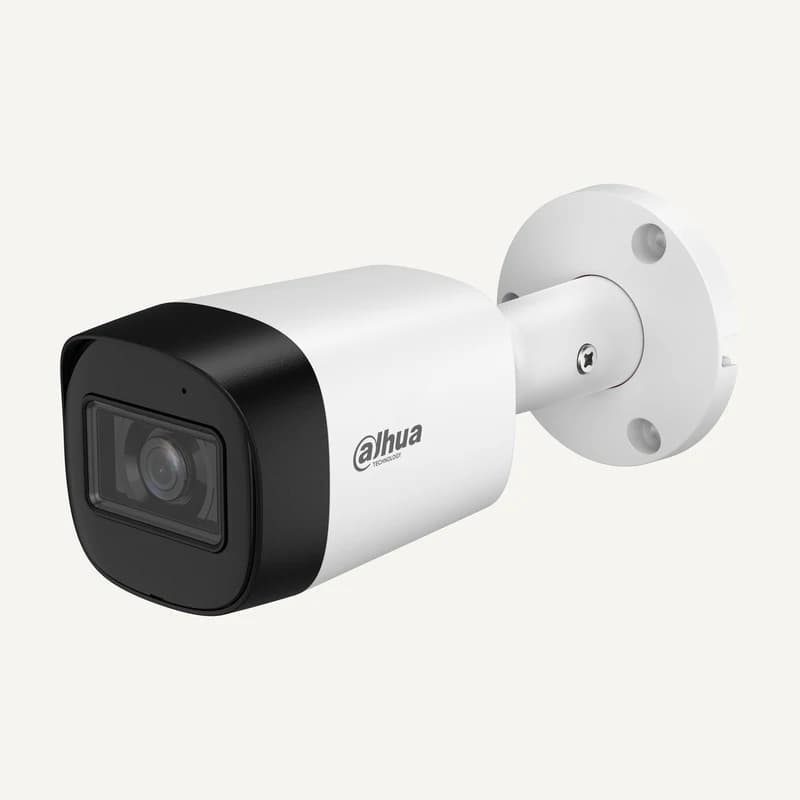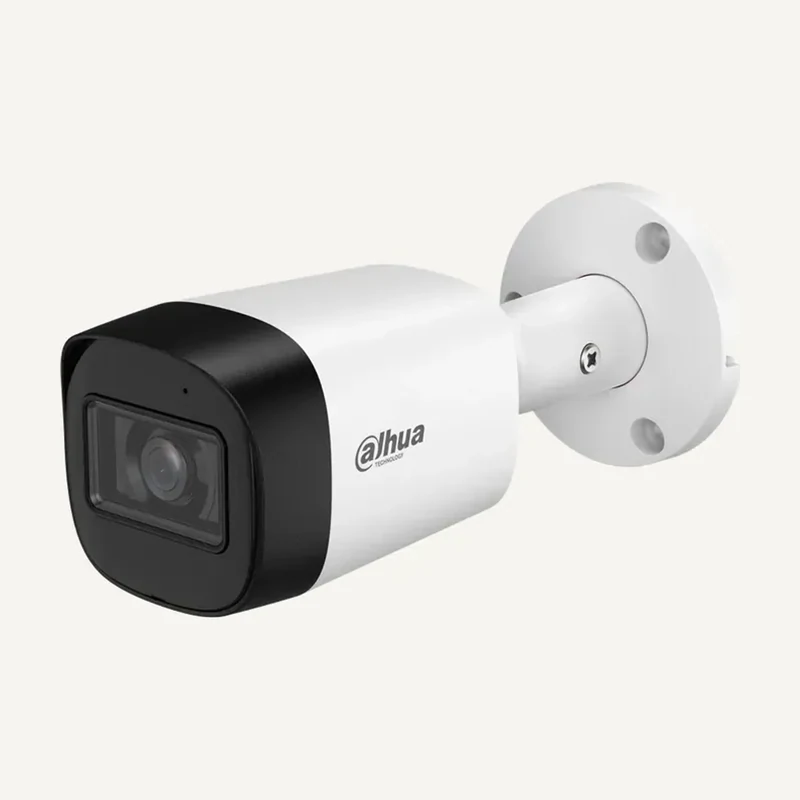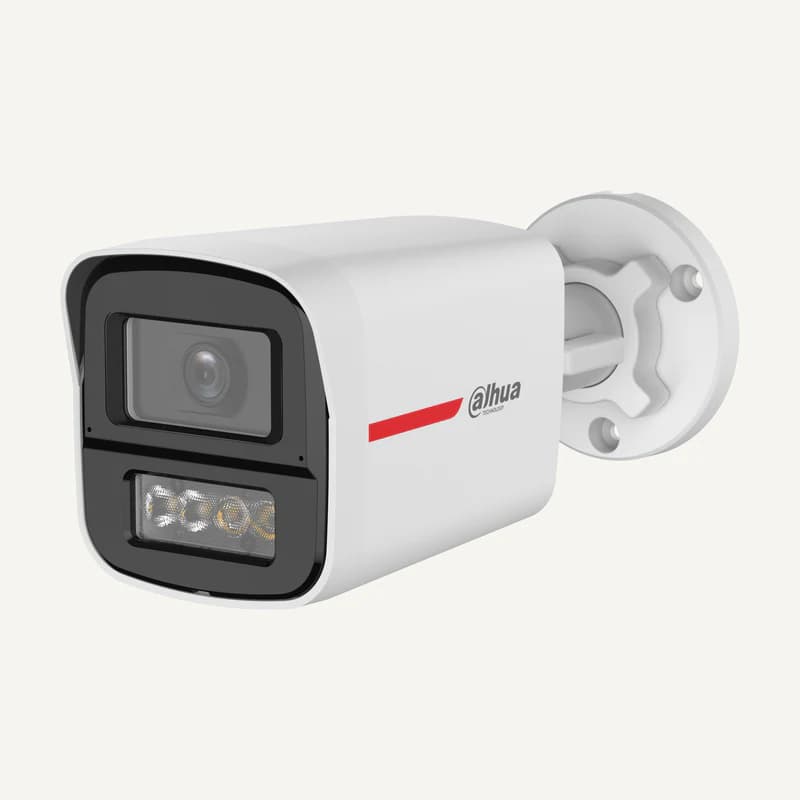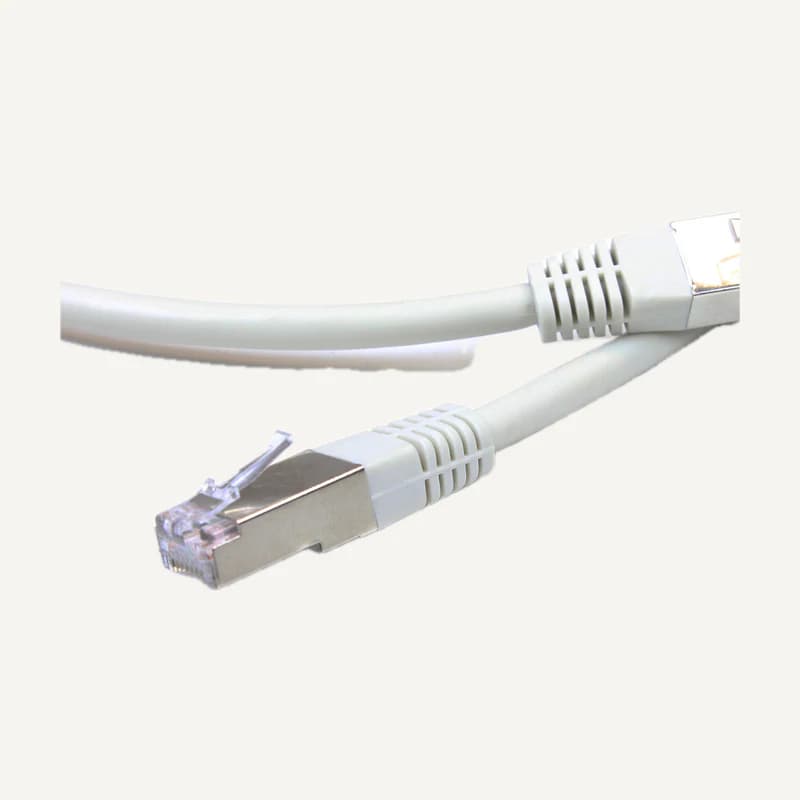
This section groups references with different roles: leads, batteries, memory and storage, peripherals, telephony and software. It helps locate a reference, not define one unified solution. Start with the use and the device it must work with; topic-specific briefs then help you plan the complete system.
The “other equipment” classification proves no compatibility between its references. Generic or incomplete descriptions must be clarified before quotation. Infer no capacity, licence or warranty from a family name or illustration.
Find, understand, then confirm
+
1 · Start with the reference
Copy the exact code, including suffixes, and attach the existing device label if needed. Separate product reference, serial number and version. For memory, identify the computer or motherboard; gigabytes alone do not describe the intended combination.
2 · Name the result
Describe the required action: connect a display, replace a consumable, add storage or connect a telephone extension. List both ends and what already works. A brand list without an objective makes alternatives difficult to compare.
3 · Check the combination
Request exact documentation and relevant limits. For a network-video product, a claimed profile does not replace checking the model and version in conformance information. Distinguish the required function from a general protocol label.
4 · Make the request actionable
Add quantity, use location, retained equipment and requested date. Separate acceptable substitutions from non-negotiable criteria. An unknown remains a question to resolve, not a value to invent to fill a field.
On small screens, scroll the table to compare all three columns.
Identified need
Decisive information
Review next
Leads and interfaces
Devices, signal, direction and route length
Cabling or AV according to function
Memory, storage, consumables
Host model, existing reference, use
IT and host-device documentation
Telephony and peripherals
Existing system, endpoint and required features
Network, power and configuration
Software or expansion
Edition, version, user/device count
Usage rights, term, activation and dependencies
Three ways to remove ambiguity
+
01
A complete description
“Accessory” or “display cable” is insufficient to choose a variant. Include the reference, a port photo and intended use. Do not share login credentials or personal files to identify a peripheral.
02
A documented replacement
State whether the part replaces a reference or adds a function. Ask about mounting, software, connectors and accessories that change. For batteries or power supplies, have exact characteristics and procedure confirmed by a competent technician; do not test an improvised substitution.
03
A supply scope
Specify hardware, accessories, any licence and configuration separately. Distinguish confirmed availability from a requested date. If a property is missing from the record, request written confirmation rather than assume it is included.
What this section does not mean
+
The section preserves existing identifiers and links, including descriptions still needing clarification. Similar codes must not be merged without checking the variant. A family illustration is not a definitive photograph of the reference.
A software, GPS or multimedia reference does not establish an included subscription, monitoring service or on-site visit. Identify and confirm these separately. The sources below explain verification methods, not availability of every source-brand product at Inovexia.
Finding the right reference
+
I only find a generic description. What next?
Keep the displayed code and contact the team with the exact need. Ask which full reference would be proposed. A missing field is not evidence of compatibility by default.
Can these references share a project?
Yes, to organise a quotation request with separate functions and quantities. Sharing a project does not validate operation together. Document necessary combinations and outstanding confirmations.
Reading references, not kit validation: citing a manufacturer implies neither a commercial partnership nor compatibility of all products. External links; no documents rehosted.
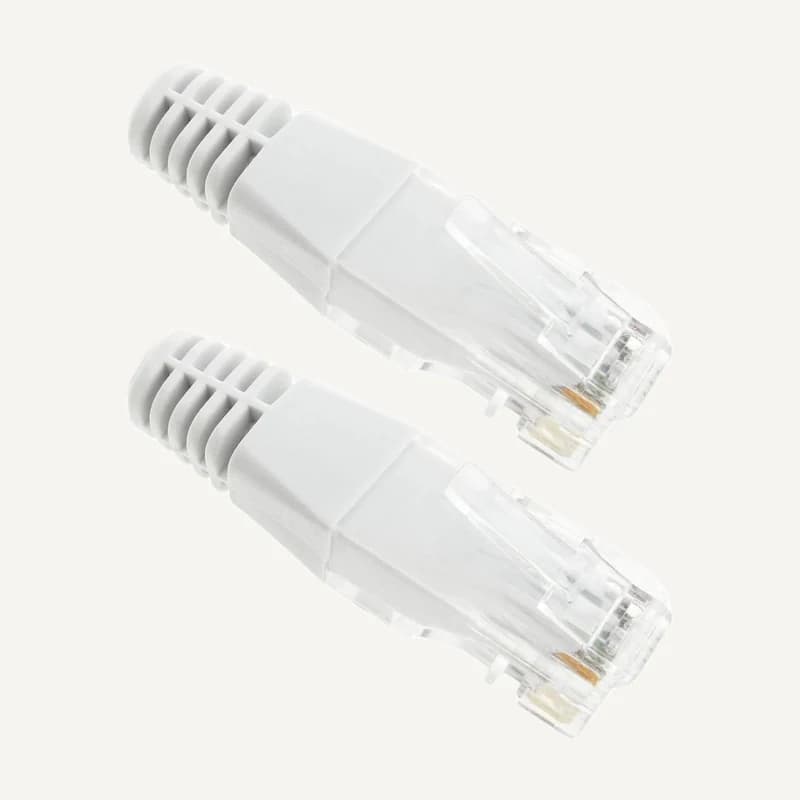
Inventory reference CORDON_2M_GIGANEED-W, catalogued under Other equipment. Compatibility and final configuration are confirmed during the project study.
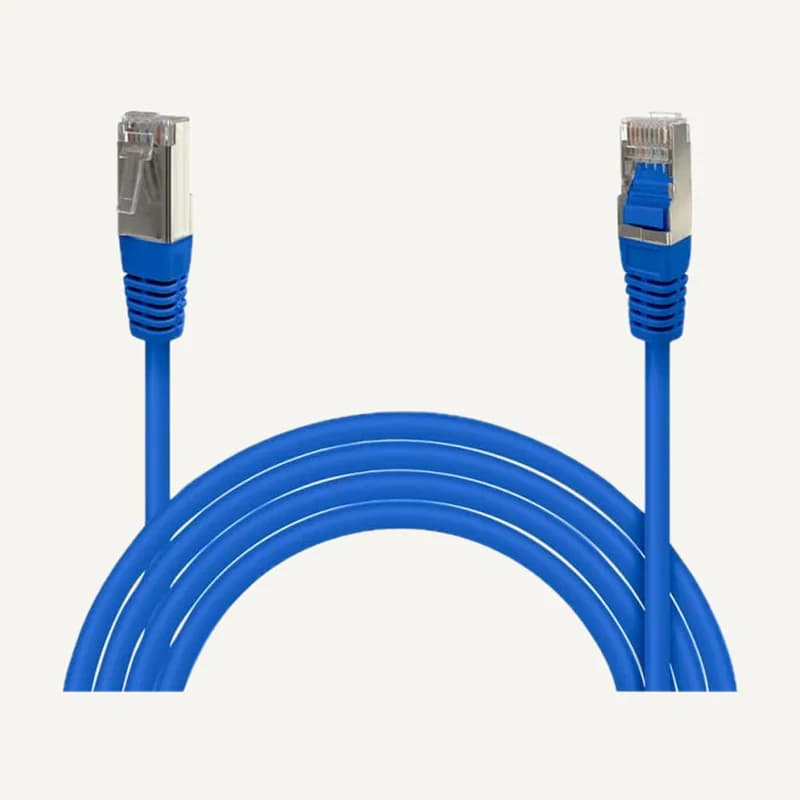
Inventory reference CORDON_3M_GIGANEED-B, catalogued under Other equipment. Compatibility and final configuration are confirmed during the project study.
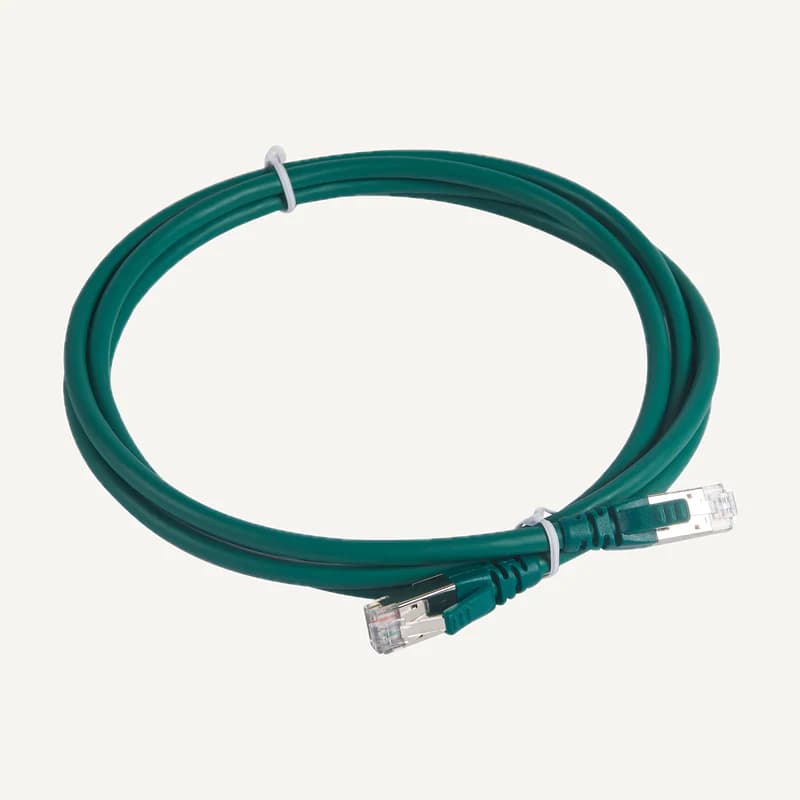
Inventory reference CORDON_3M_GIGANEED-V, catalogued under Other equipment. Compatibility and final configuration are confirmed during the project study.
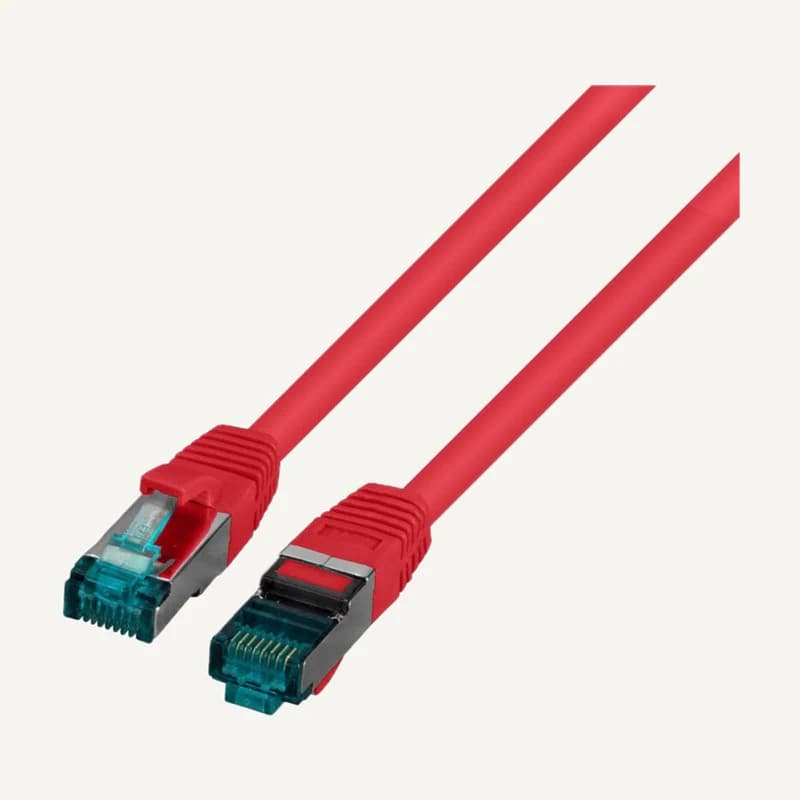
Inventory reference CORDON_3M_GIGANNED-R, catalogued under Other equipment. Compatibility and final configuration are confirmed during the project study.
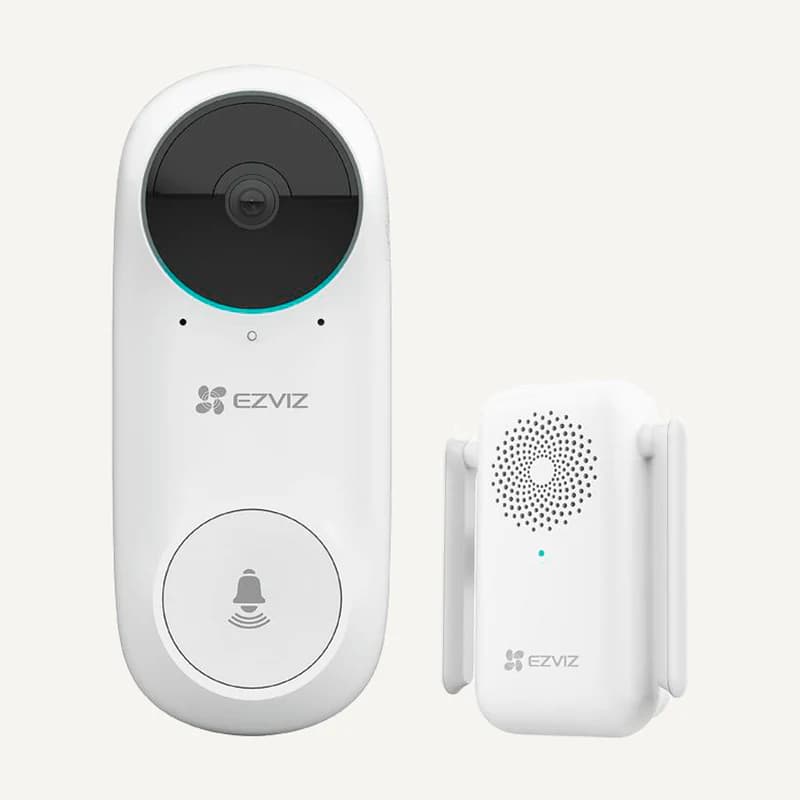
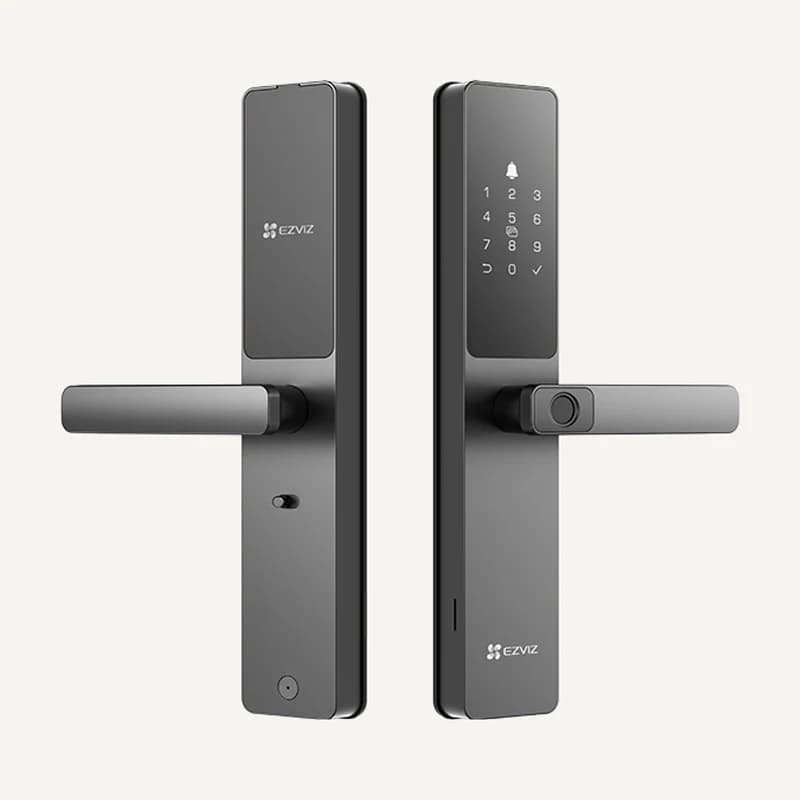
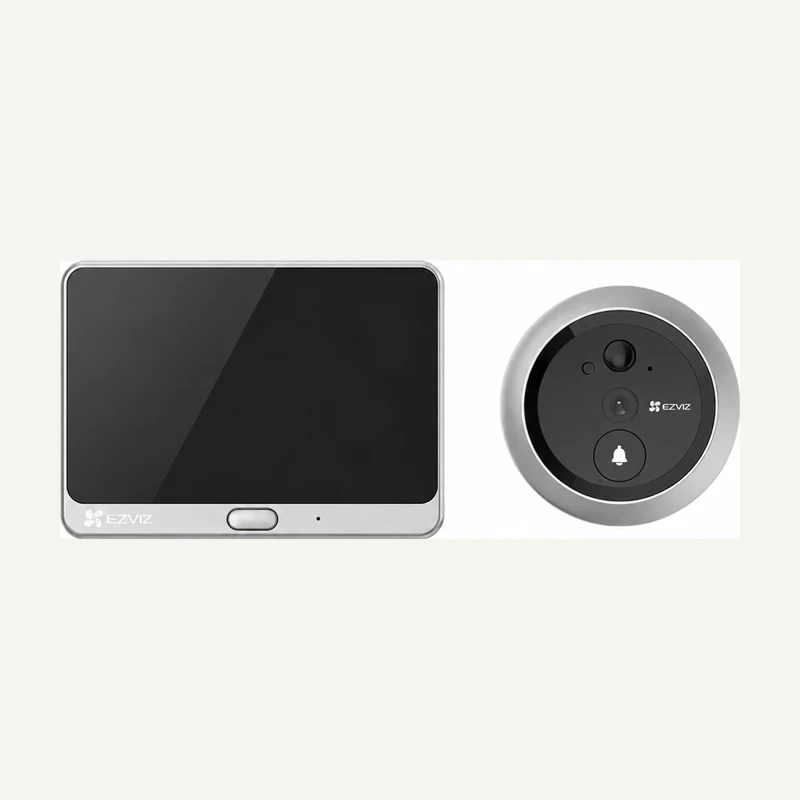
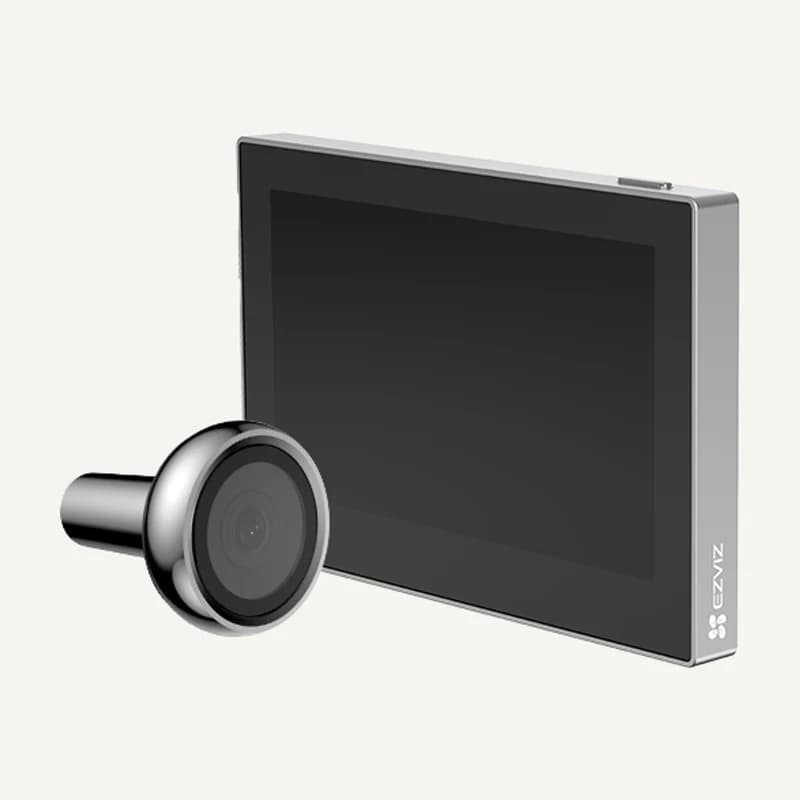
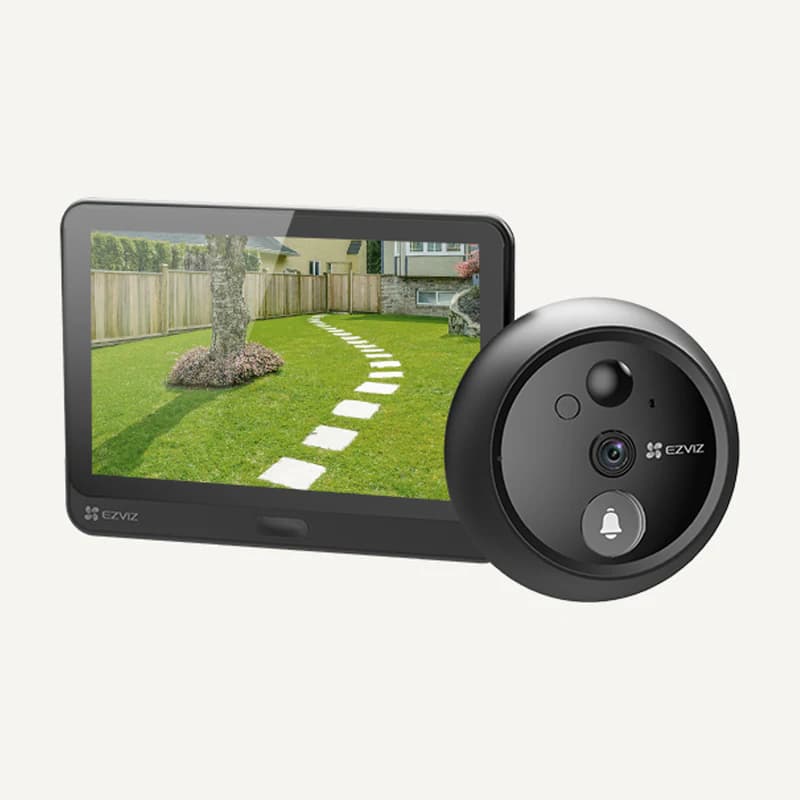
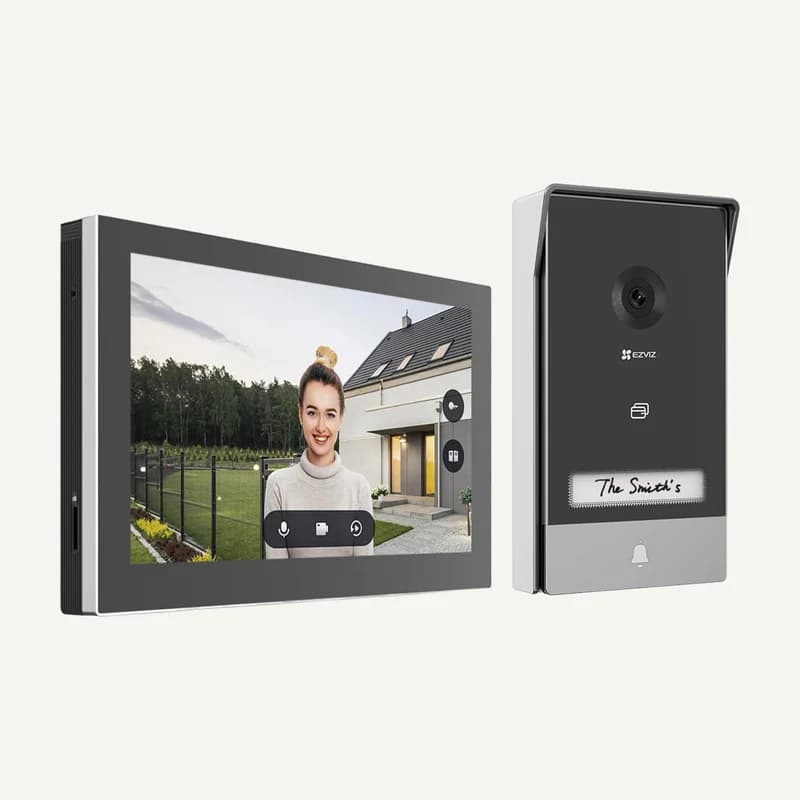
Inventory reference CS-DL05FVS by EZVIZ, catalogued under Other equipment. Compatibility and final configuration are confirmed during the project study.
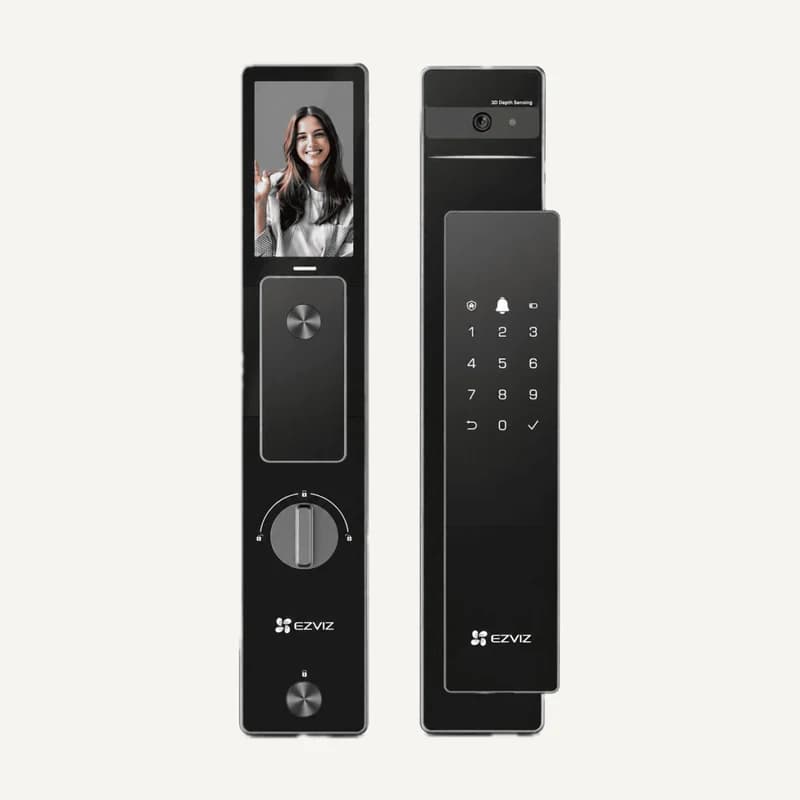
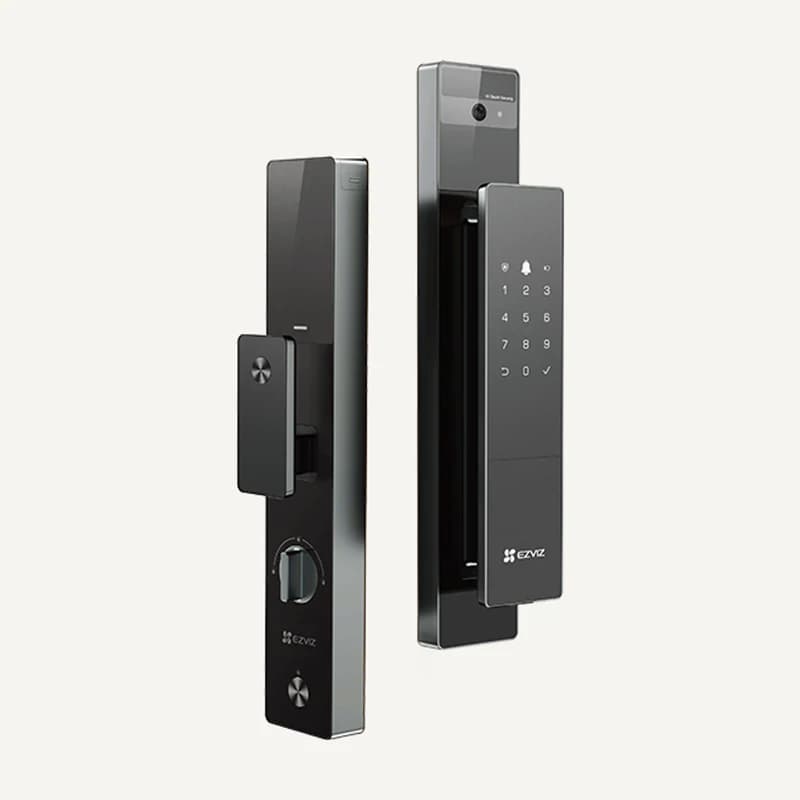
Inventory reference CS-DL50FVS by EZVIZ, catalogued under Other equipment. Compatibility and final configuration are confirmed during the project study.
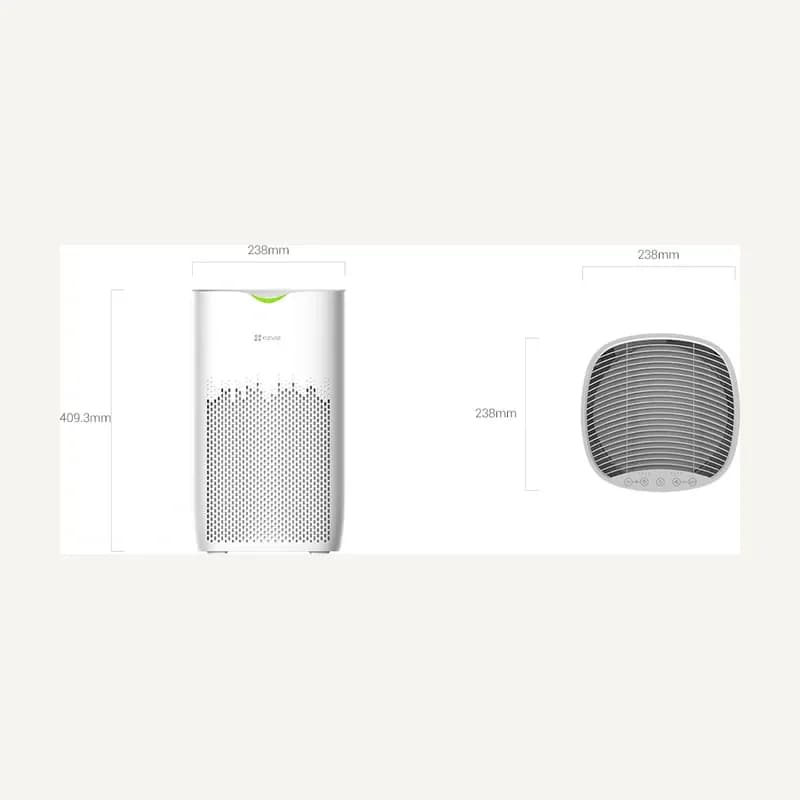
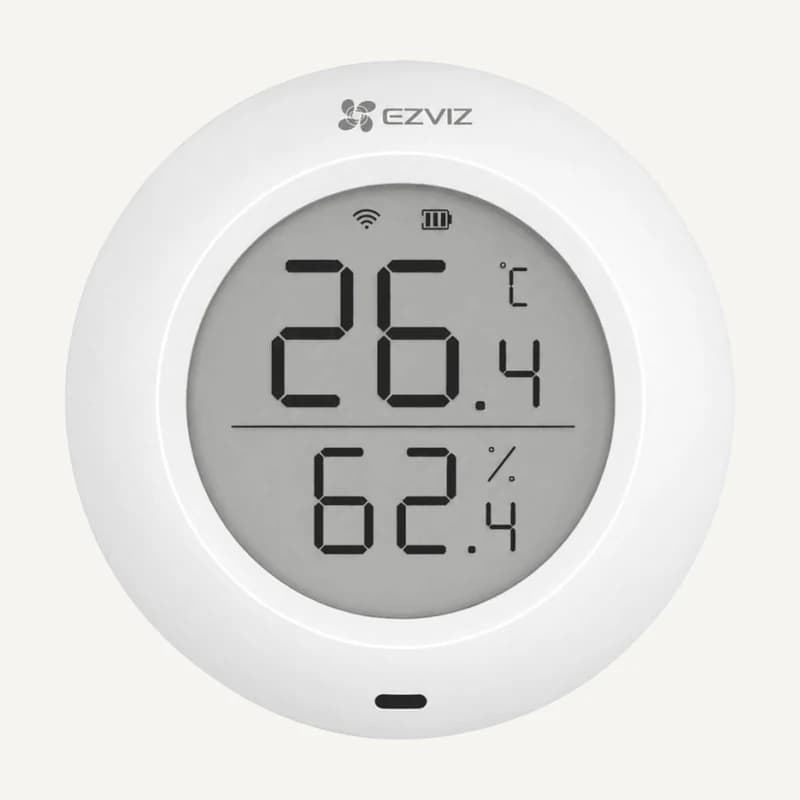
Inventory reference CS-EB250A by EZVIZ, catalogued under Other equipment. Compatibility and final configuration are confirmed during the project study.
Inventory reference CS-HP7 (3MP) by EZVIZ, catalogued under Other equipment. Compatibility and final configuration are confirmed during the project study.
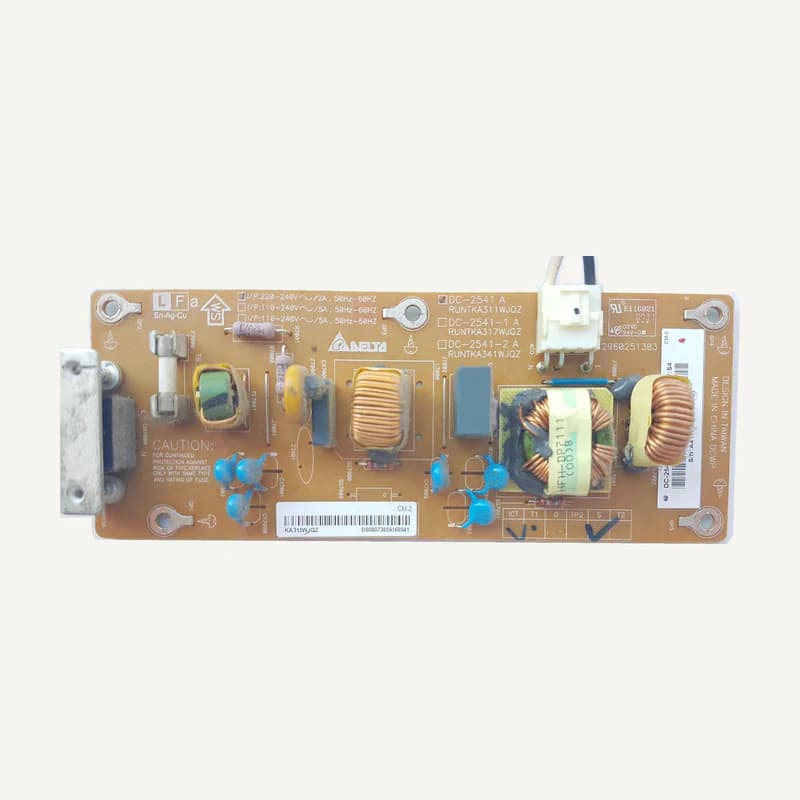
Inventory reference DC-2541 by Teletek, catalogued under Other equipment. Compatibility and final configuration are confirmed during the project study.
Inventory reference DH-HAC-B2A21P by Dahua, catalogued under Other equipment. Compatibility and final configuration are confirmed during the project study.
Inventory reference DH-HAC-B2A51P by Dahua, catalogued under Other equipment. Compatibility and final configuration are confirmed during the project study.
Inventory reference DH-HAC-HDW1500TLQP by Dahua, catalogued under Other equipment. Compatibility and final configuration are confirmed during the project study.
Inventory reference DH-HAC-HDW1549XP-A-P by Dahua, catalogued under Other equipment. Compatibility and final configuration are confirmed during the project study.
Inventory reference DH-HAC-HFW1200RMP by Dahua, catalogued under Other equipment. Compatibility and final configuration are confirmed during the project study.
Inventory reference DH-HAC-HFW1500RMP by Dahua, catalogued under Other equipment. Compatibility and final configuration are confirmed during the project study.
Inventory reference DH-HAC-HFW1549XP by Dahua, catalogued under Other equipment. Compatibility and final configuration are confirmed during the project study.