
 ↗
↗TeletekBRACKET P-REX
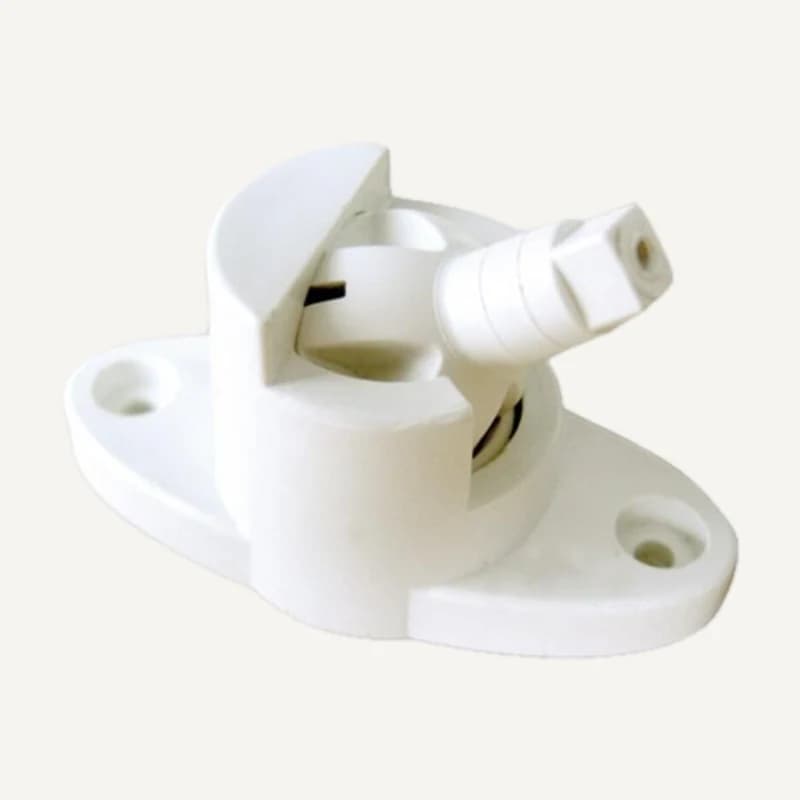
BRACKET P-REX — adjustable detector bracket
Range illustration
Mounting and positioning bracket for a compatible intrusion detector.
Professional terms after sign-in
Availability: On request
 SELECTION FIELDNOTES
An open door, movement and a fire alert need different responses. Prepare separate briefs for intrusion-alarm operation and fire-detection requirements. Selection starts with the events to identify, not the number of detectors.
View referencesInstallers · occupied premises, shops, offices and homes.
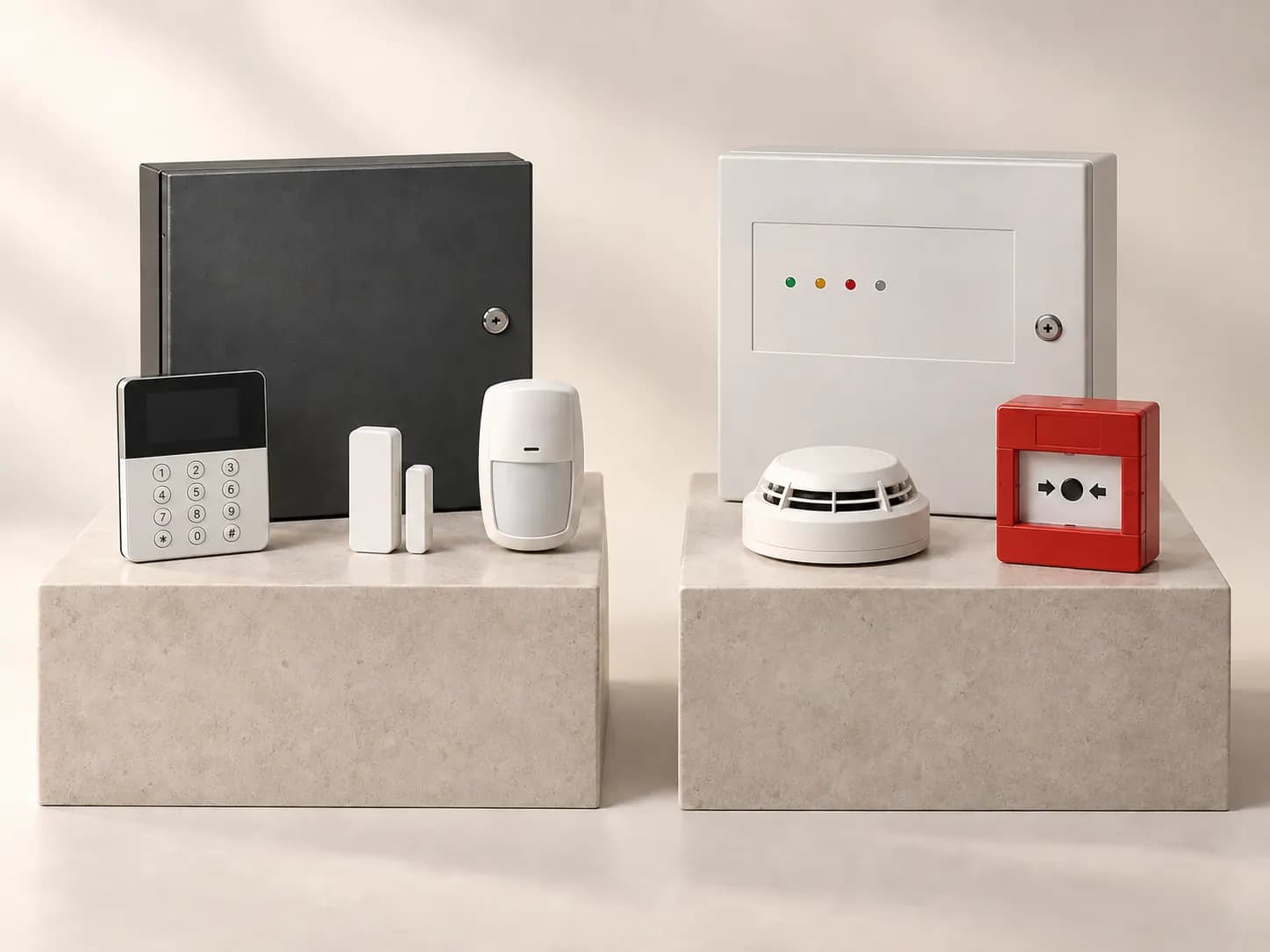
Before you choose. This profile covers Teletek Electronics intrusion and fire families. The catalogue grouping also contains TV/satellite references whose manufacturer needs confirmation: they do not establish a shared range or compatibility.
ROLES TO PLAN · PREPARATION OUTLINE
Name the event and its location. A contact signals opening; motion and fire detectors have different roles. None automatically replaces another.
Identify the panel and family. Intrusion events follow configured modes; a fire alert belongs to its dedicated system and must not disappear when a home-automation scene changes.
Define where to read the affected zone and who receives the alert. Distinguish local indication, warning devices and remote transmission; remote delivery requires a validated link and service.
Plan responsibilities, instructions, authorised access and event records. Receiving a notification proves neither intervention nor event verification.
The manufacturer separates intrusion, fire and communication. Structure the brief accordingly, then check each reference manual: the same brand does not validate the combination.
| Choice | Project question | Evidence to obtain |
|---|---|---|
| Intrusion | Which areas remain accessible at night? Who activates each mode? | Compatible panel, keypad, detectors and modes for the selected versions. |
| Conventional fire detection | Which zone arrangement does the design specify? | Documented pairing of panel, detectors, bases and warning devices. |
| Addressable fire detection | Which points need individual identification? | Exact loop family, capacity and devices; never an assumed conversion. |
| Transmission | Who receives events, by which path and with what continuity? | Explicit support for the module, panel, software, access and service. |
Mark entrances, rooms, schedules and users. Keep intrusion events separate from the fire brief assigned to the competent professional.
Provide label photos, references, versions and a zone plan, without access codes in a public enquiry. Similar-looking detector bases do not establish compatibility.
Identify possible outages and available transmission paths. Have backup power sized for the actual system; a battery photograph cannot establish runtime.
Request labelling, supervised tests, operating instructions and a fault-reporting procedure. A product list does not validate the installed system.
Fictional planning case: the shop closes while someone finishes a stocktake in the stockroom. Fire detection remains a separate concern.
List occupied spaces and entrances to monitor. Request operation suited to occupancy rather than arbitrarily bypassing detectors.
The display should distinguish the affected entrance, faults and alarms. Specify recipients and response responsibilities for each event.
The professional checks modes and instructions with the operator. An away or return command must not clear a fire alert or act as a fire-reset procedure.
A requirements example, not a safety design or response instruction. Placement, compliance and testing need validation for the real site.
Teletek’s portal organises manuals, firmware and histories by reference and version. Some resources require authorised access. An index entry does not mean a file is freely downloadable or an update fits every panel.
For an Inovexia enquiry, include the equipment reference and intended function. TV/satellite references MV-924, MS-924 and UV-409 need separate manufacturer verification; this profile does not associate them with Teletek Electronics panels.
No. Confirm panel, detector family, base, module and versions. Conventional, addressable and intrusion ranges are not interchangeable by default.
No. Technical notification, human reception and intervention are different services. Their arrangements must be explicit; no monitoring service is promised here.
No. It helps prepare questions and documents. Design, applicable requirements, equipment combinations and acceptance belong to the real project and competent professionals.
Official documents are linked, not rehosted. Preparation advice is editorial; sources validate neither every catalogue reference nor a commercial partnership. Terms and variants still need checking.
Sources consulted on
This classification reflects loaded data, not technical validation or availability. Open the exact product page to check published information.
↗Range illustration
Mounting and positioning bracket for a compatible intrusion detector.
Professional terms after sign-in
Availability: On request
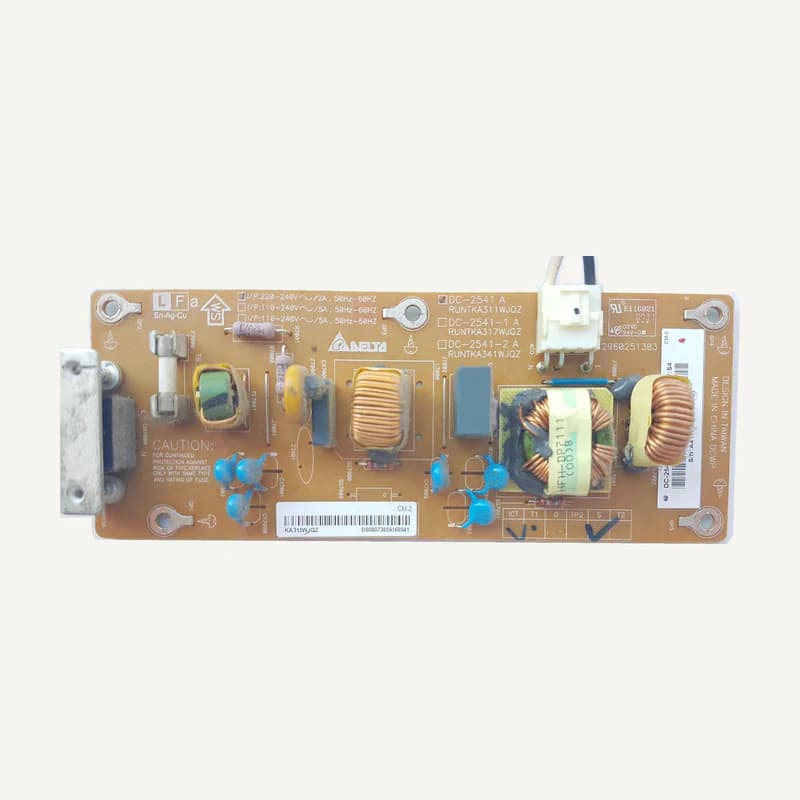 ↗
↗Inventory reference DC-2541 by Teletek, catalogued under Other equipment. Compatibility and final configuration are confirmed during the project study.
Professional terms after sign-in
Availability: On request
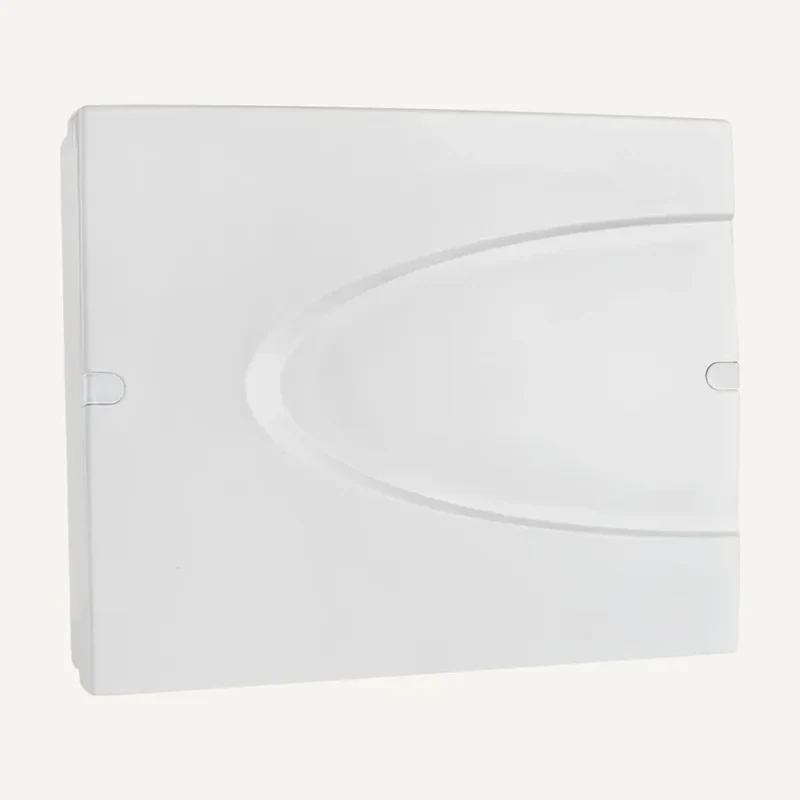 ↗
↗Inventory reference ECLIPSE 8+ by Teletek, catalogued under Alarms and security. Compatibility and final configuration are confirmed during the project study.
Professional terms after sign-in
Availability: On request
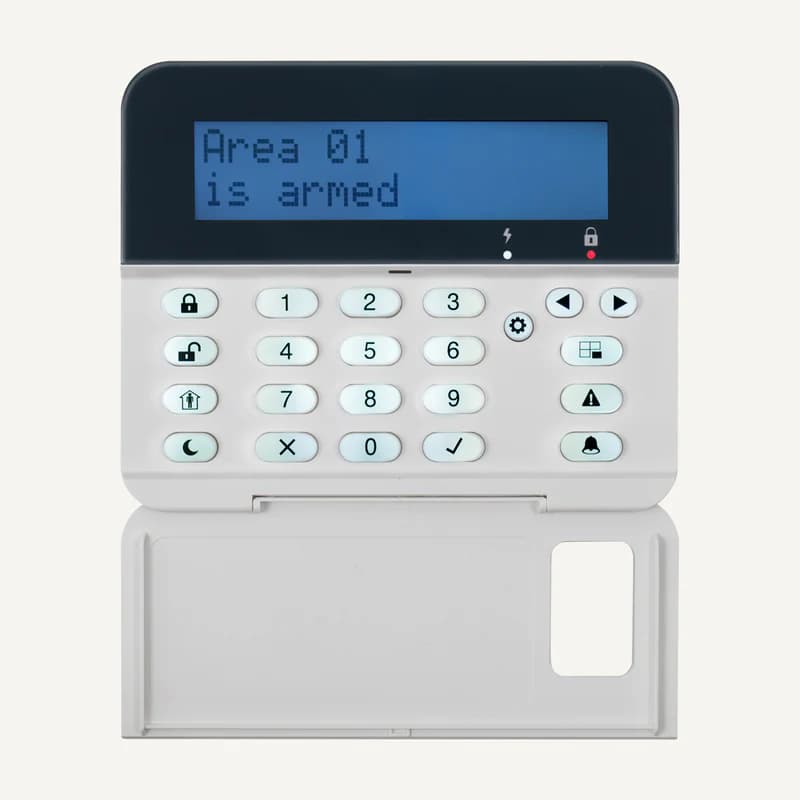 ↗
↗Inventory reference ECLIPSE LCD32 by Teletek, catalogued under Other equipment. Compatibility and final configuration are confirmed during the project study.
Professional terms after sign-in
Availability: On request
 ↗
↗Range illustration
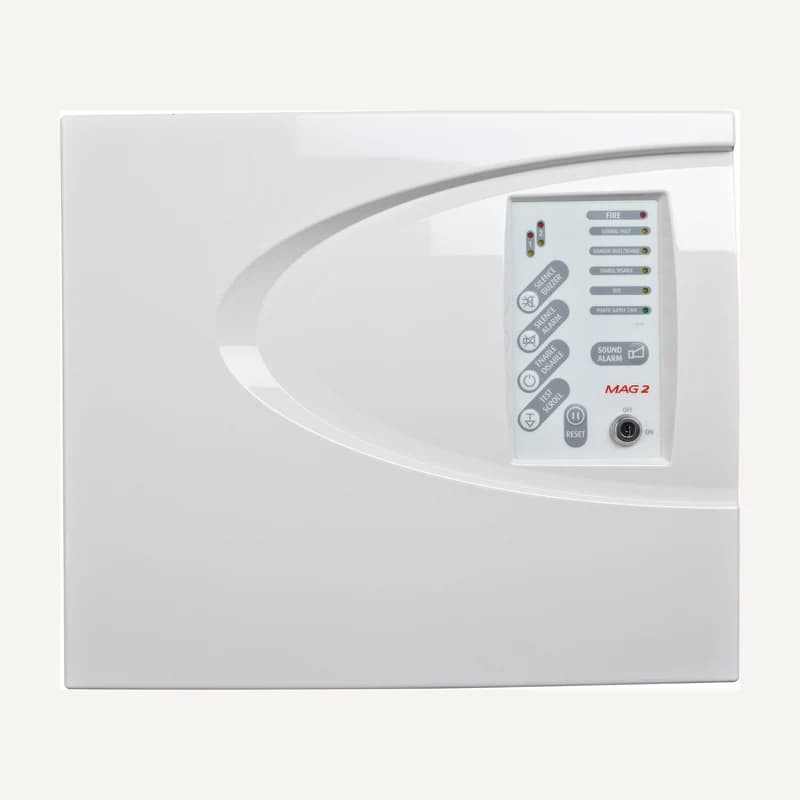
Indoor wired panel with 2 supervised zones, two sounder outputs and fire/fault relays.
Professional terms after sign-in
Availability: On request
 ↗
↗Range illustration
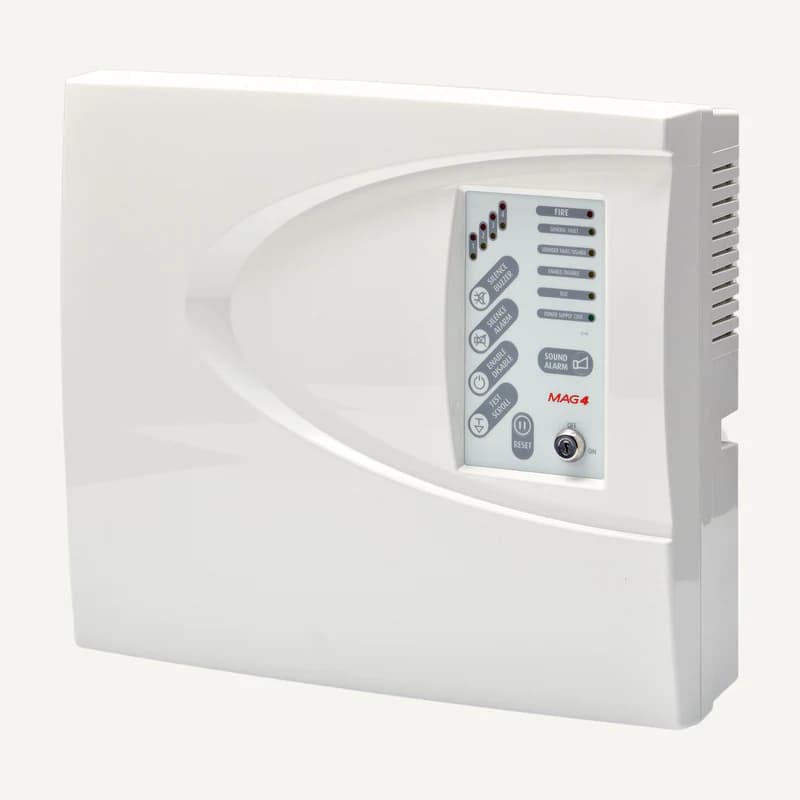
Indoor wired panel with 4 supervised zones, two sounder outputs and fire/fault relays.
Professional terms after sign-in
Availability: On request
 ↗
↗Range illustration
Inventory reference MCP COVER SET by Teletek, catalogued under Other equipment. Compatibility and final configuration are confirmed during the project study.
Professional terms after sign-in
Availability: On request
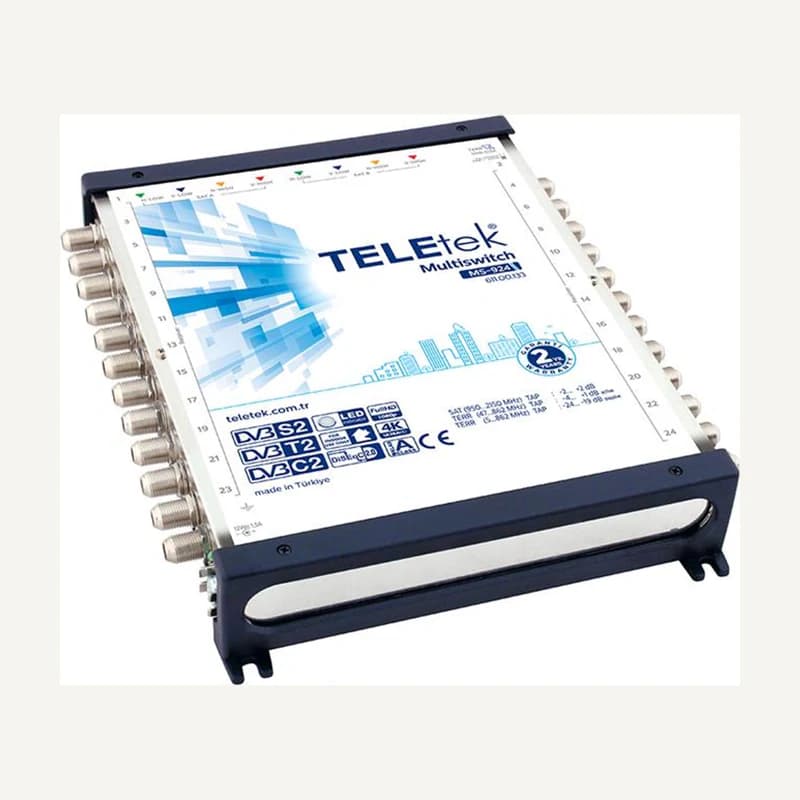 ↗
↗Inventory reference MS-924 by Teletek, catalogued under Other equipment. Compatibility and final configuration are confirmed during the project study.
Professional terms after sign-in
Availability: On request
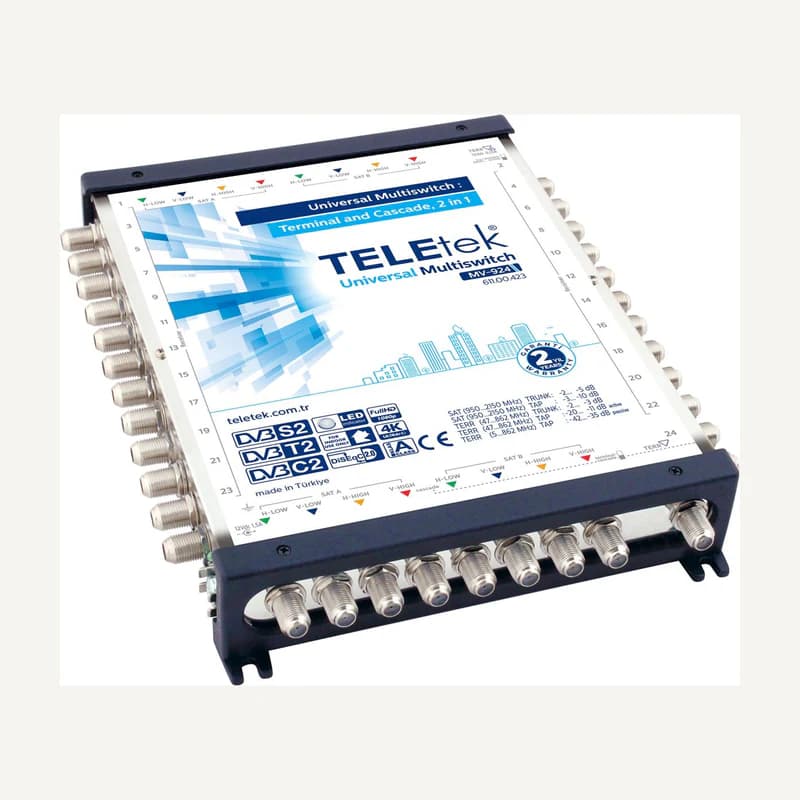 ↗
↗Inventory reference MV-924 by Teletek, catalogued under Other equipment. Compatibility and final configuration are confirmed during the project study.
Professional terms after sign-in
Availability: On request
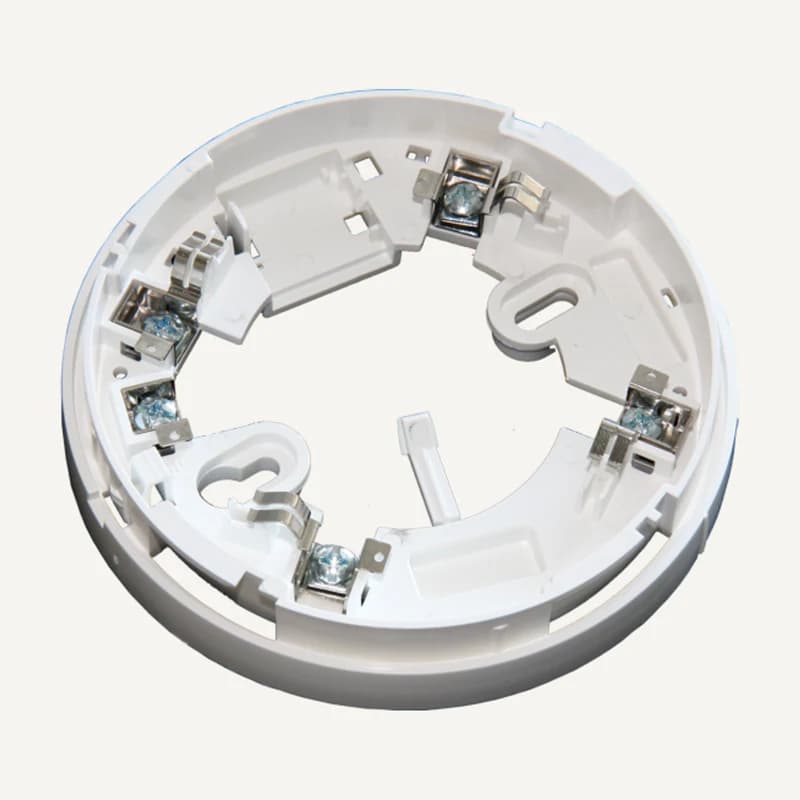 ↗
↗Inventory reference SENSOMAG B24 by Teletek, catalogued under Other equipment. Compatibility and final configuration are confirmed during the project study.
Professional terms after sign-in
Availability: On request
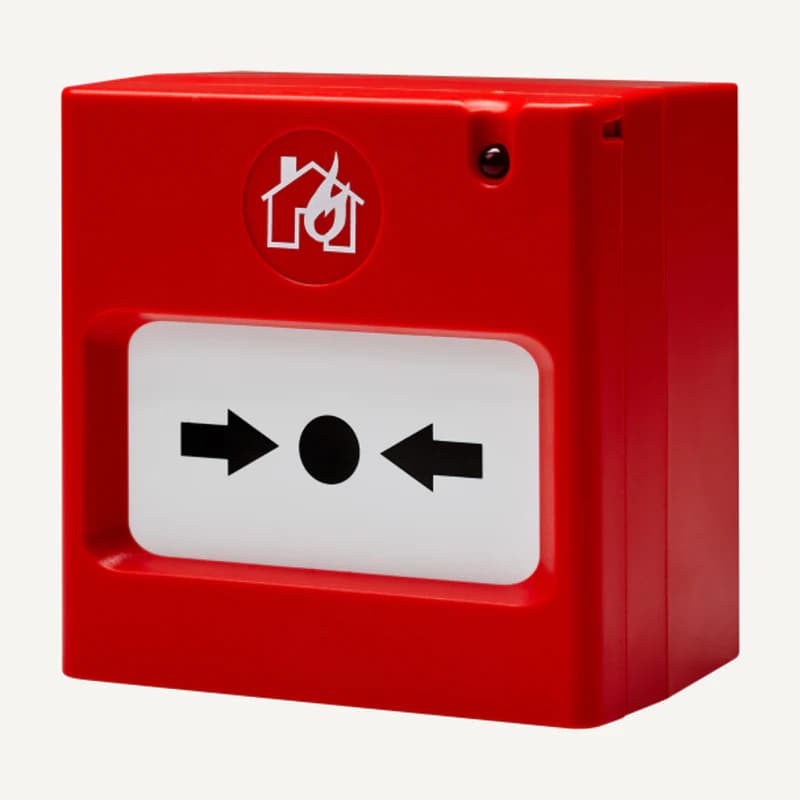 ↗
↗Inventory reference SENSOMAG MCP50 by Teletek, catalogued under Other equipment. Compatibility and final configuration are confirmed during the project study.
Professional terms after sign-in
Availability: On request
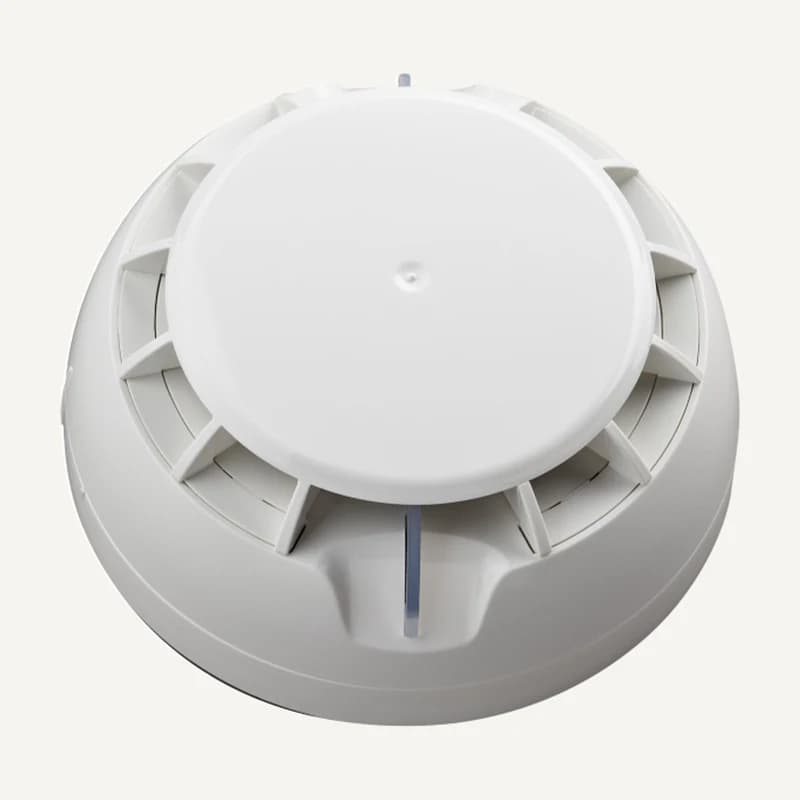 ↗
↗Smoke detection integrated with a compatible system.
Professional terms after sign-in
Availability: On request
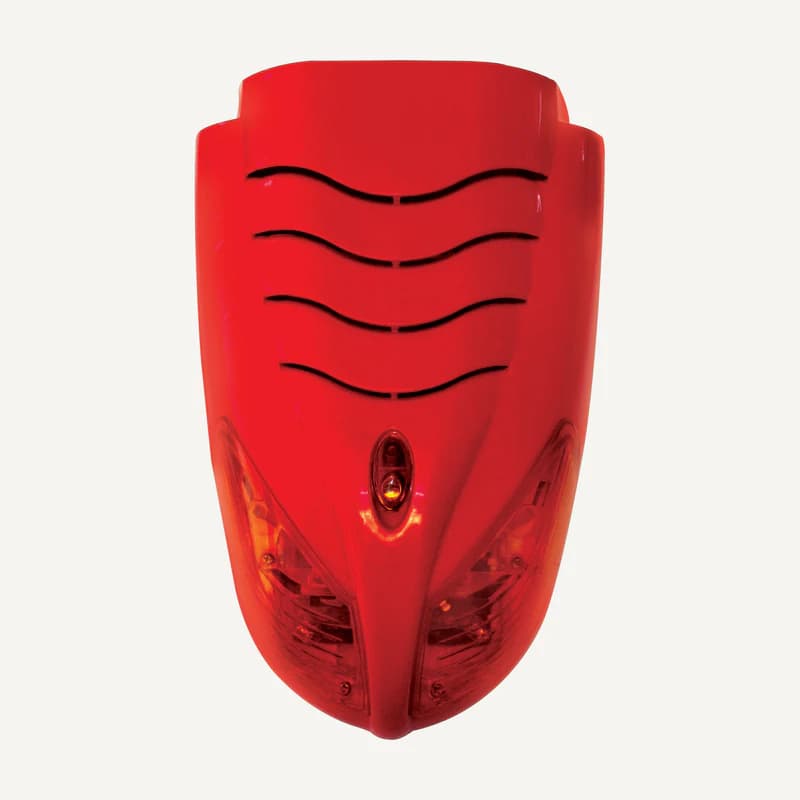 ↗
↗Audible or visual warning matched to the system and premises.
Professional terms after sign-in
Availability: On request
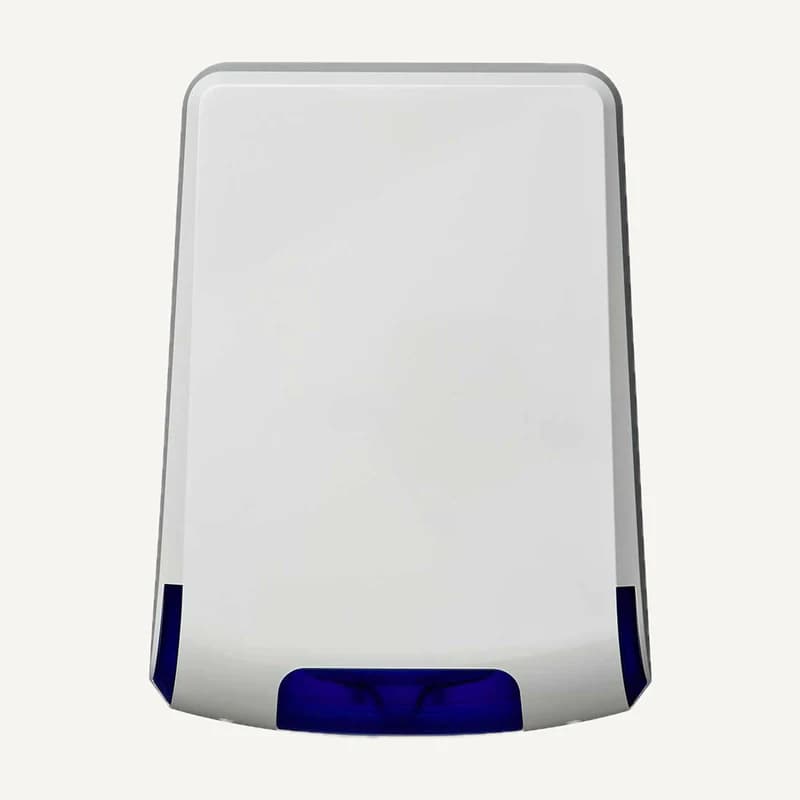 ↗
↗Range illustration
Inventory reference SR 300 BBM by Teletek, catalogued under Other equipment. Compatibility and final configuration are confirmed during the project study.
Professional terms after sign-in
Availability: On request
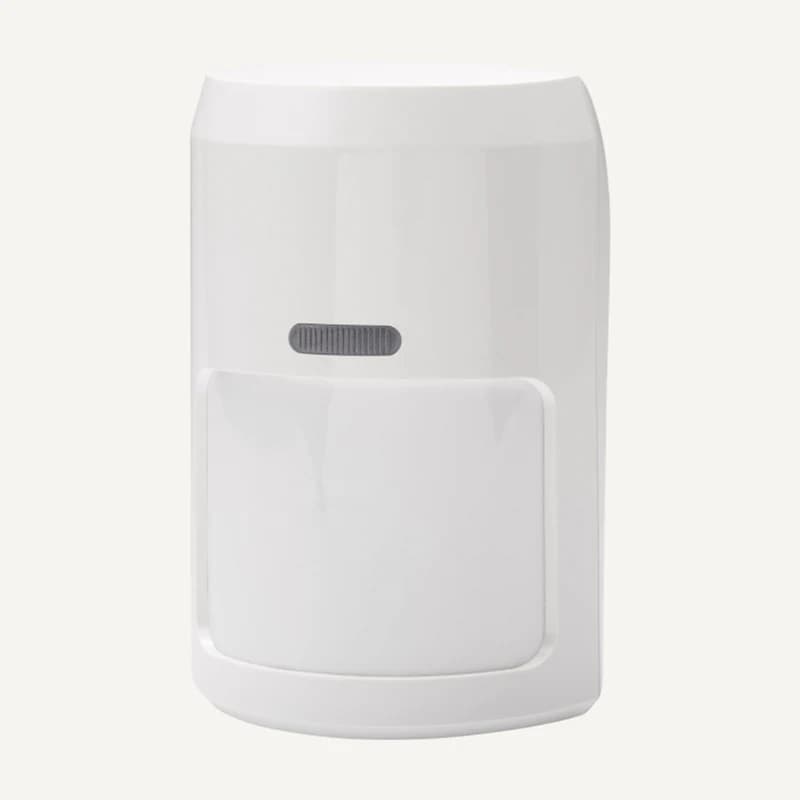 ↗
↗Inventory reference TITAN DL by Teletek, catalogued under Other equipment. Compatibility and final configuration are confirmed during the project study.
Professional terms after sign-in
Availability: On request
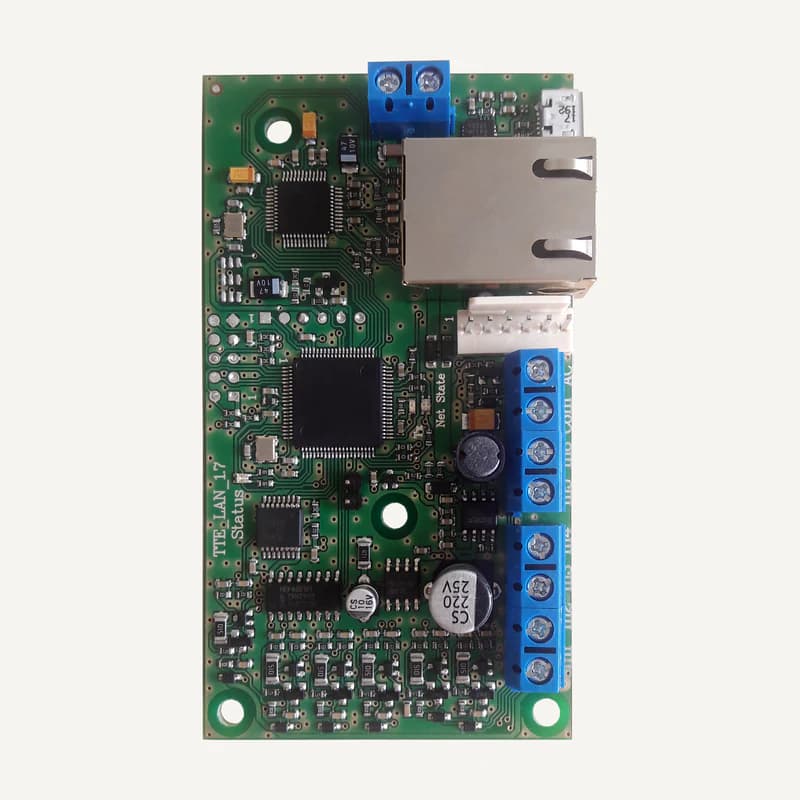 ↗
↗Inventory reference TTE LAN MODULE by Teletek, catalogued under Other equipment. Compatibility and final configuration are confirmed during the project study.
Professional terms after sign-in
Availability: On request
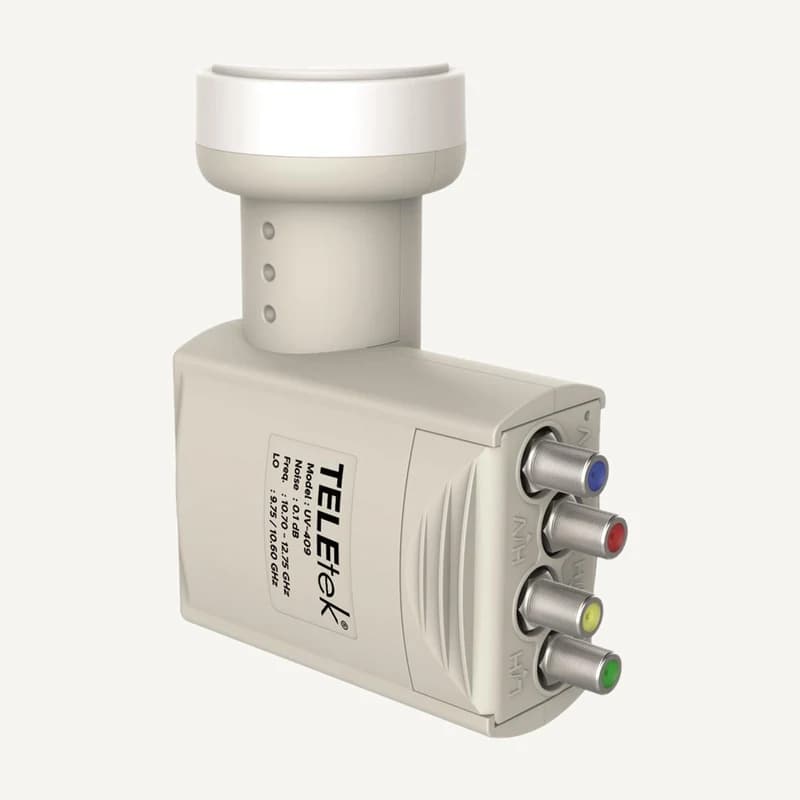 ↗
↗Inventory reference UV-409 by Teletek, catalogued under Other equipment. Compatibility and final configuration are confirmed during the project study.
Professional terms after sign-in
Availability: On request