Dahua: check the video chain, down to the last mounting part.
A camera, its recorder and its mount answer three different questions: what can be seen, what is retained and how is the equipment installed? Prepare a Dahua selection covering all three, including when the aim is to reuse an existing installation.
Installers and specifiers preparing IP video, coaxial renovation or mounting accessories.
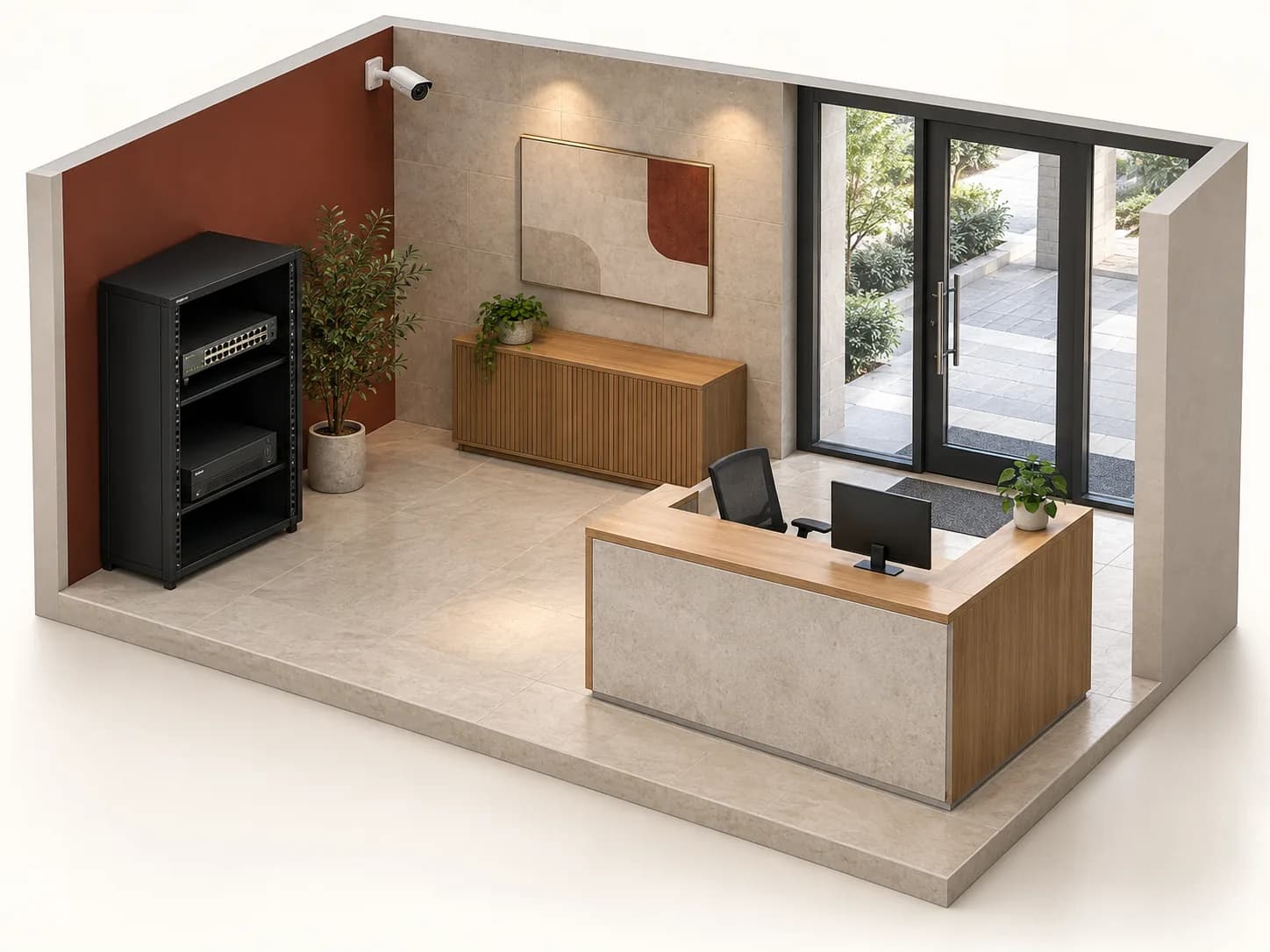
AI-generated conceptual illustration. Generic equipment, not associated with a brand model. Neither a real installation nor a technical plan.
56references in the loaded catalogue
Before you choose. Official families help orientation; only exact documents can support a selection. References below are neither a compatible kit nor evidence of authorised distribution.
01
From the viewpoint to a documented installation
ROLES TO PLAN · PREPARATION OUTLINE
01
Scene
Name the observed area and difficult conditions. Select a model for the required task, not only its megapixel count.
02
Transport
Distinguish IP networking from coaxial links. Record actual infrastructure, distances and how each camera will be powered before compiling the list.
03
Recorder
Map each stream to its channel and intended mode. Ask which formats, functions and capacities are documented for the chosen recorder.
04
Mounting
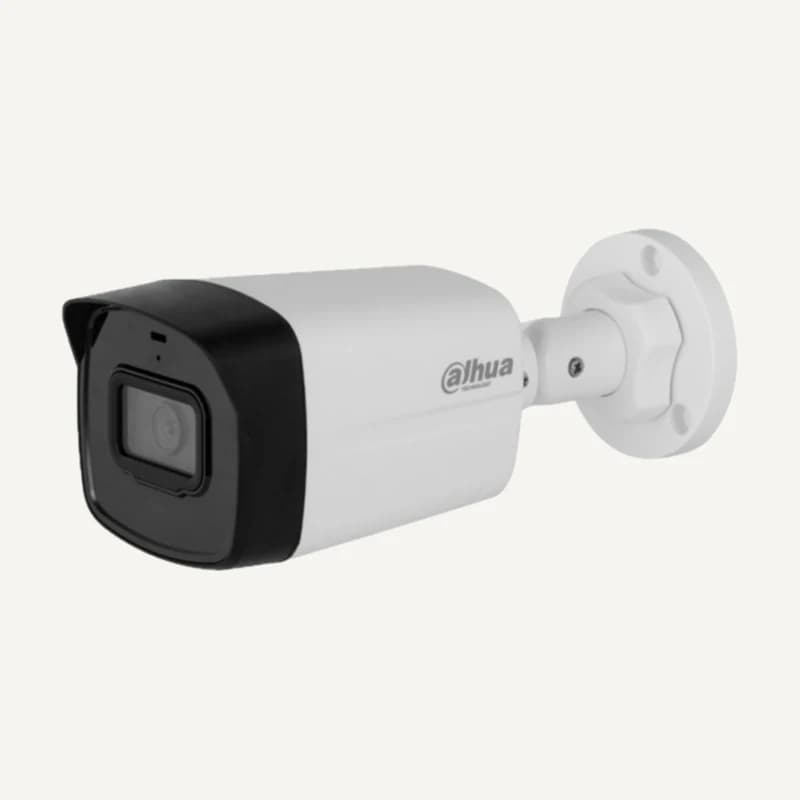
Add the mount, junction box and cable entry to the brief. A similar silhouette proves neither the mounting pattern nor suitability for exposure.
Separate camera, mount, box, power supply and storage. Do not assume accessories visible in a photo are included: confirm each reference’s contents.
02
Mechanical constraint
Photograph the existing support and measure available space. Note wall, ceiling, pole, moisture and service access; colour or apparent diameter is not enough.
03
Version chain
Record camera, recorder and versions in use. For a required function, request evidence for the exact pairing instead of extrapolating from a range name.
04
Acceptance and handover
Prepare view checks, playback, export and access handover. Document anything that could not be tested; supply alone does not validate an installation.
04
Example: modernise without overlooking existing equipment
Fictional case: a shop retains several coaxial cables and needs a new view of a storeroom. The IP or HDCVI decision remains open.
01
Inventory
Record retained equipment, cables, connectors and power supplies. Distinguish identified items from those with missing references.
02
Compare two scopes
Quote link retention and a new network link separately. Include connections, accessories and any recording changes.
03
Seek validation
Test the view and playback on the selected configuration. Record limitations before extending it to other cameras.
No kit or savings are promised. Link condition and equipment documentation determine the selection.
05
Keep the evidence, not just the file
Use the official centre to search for the complete model. Record the title, version and covered reference in your brief; a range brochure does not replace the selected product’s document.
Links are external: Inovexia does not rehost these documents in this profile. If a sheet is missing, flag it in the request rather than infer power, protection or compatibility from a photograph.
No. Check the documented pairing and mounting configuration. A junction box may accommodate cabling without replacing the required bracket.
Can I retain my recorder?+
Reconcile the reference, accepted signal, capacities and required functions. Request a test when documents are inconclusive; an unused input is insufficient evidence.
Are listed accessories ready to install together?+
No. The catalogue lists references to assess, not a validated assembly. Include selected references and open questions in the request; availability and conditions remain to be confirmed.
Official documents are linked, not rehosted. Preparation advice is editorial; sources validate neither every catalogue reference nor a commercial partnership. Terms and variants still need checking.
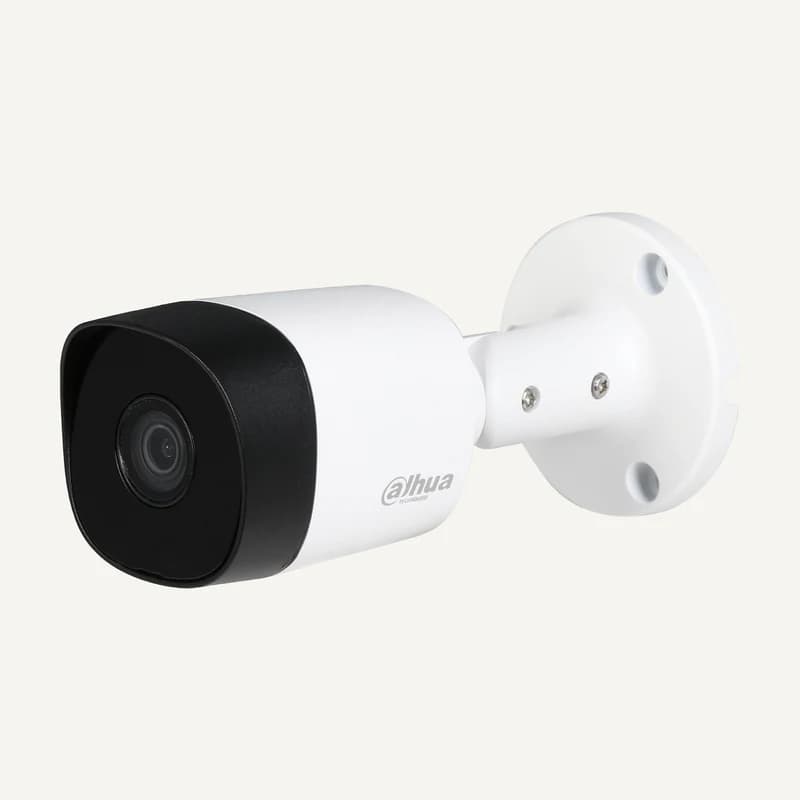
Inventory reference DH-HAC-B2A21P by Dahua, catalogued under Other equipment. Compatibility and final configuration are confirmed during the project study.
Inventory reference DH-HAC-B2A51P by Dahua, catalogued under Other equipment. Compatibility and final configuration are confirmed during the project study.
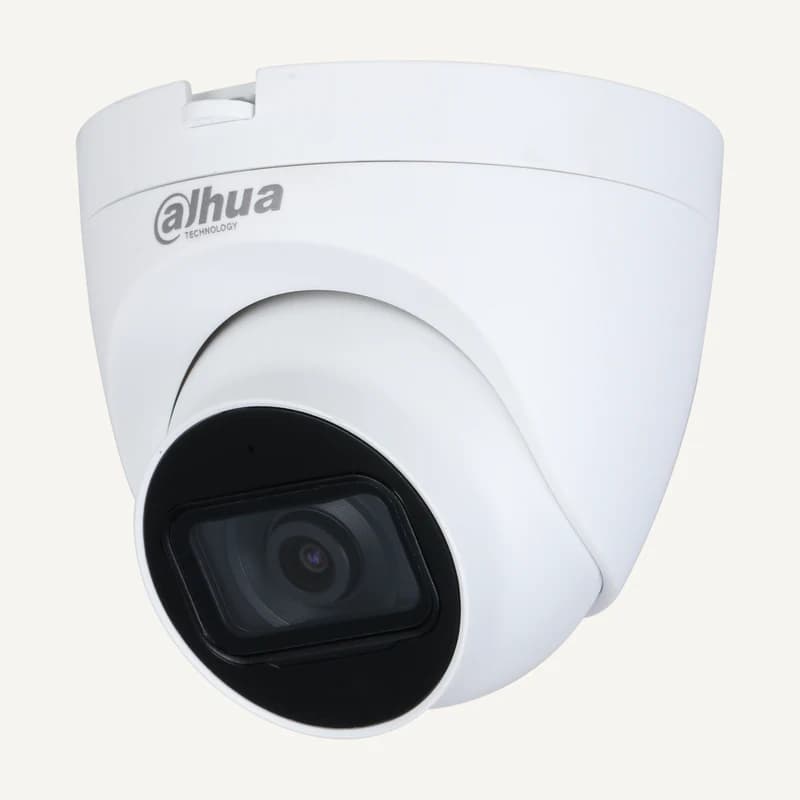
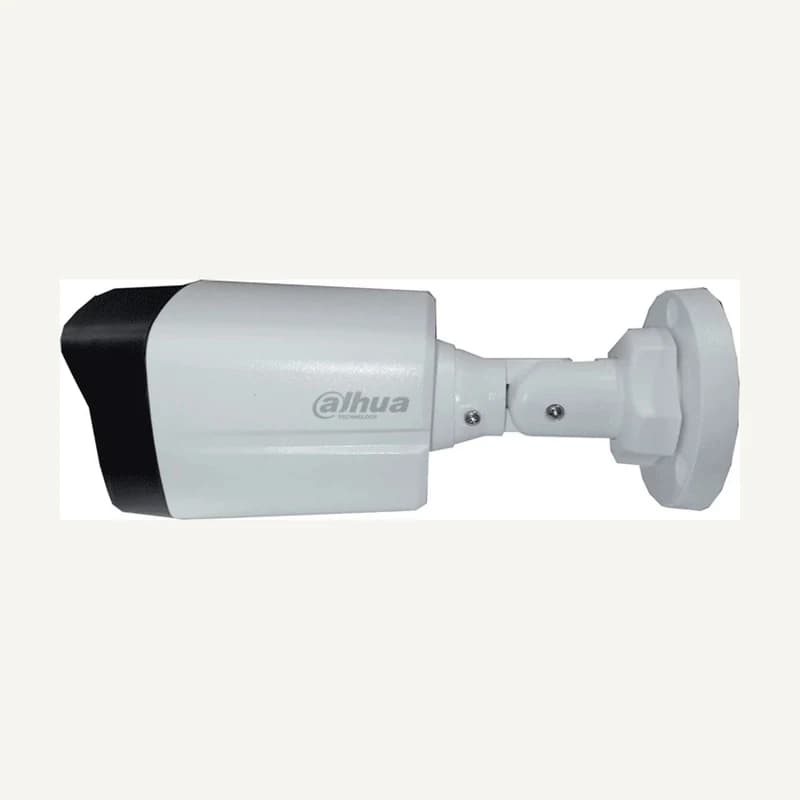
Inventory reference DH-HAC-HDW1330MP by Dahua, catalogued under Video surveillance. Compatibility and final configuration are confirmed during the project study.
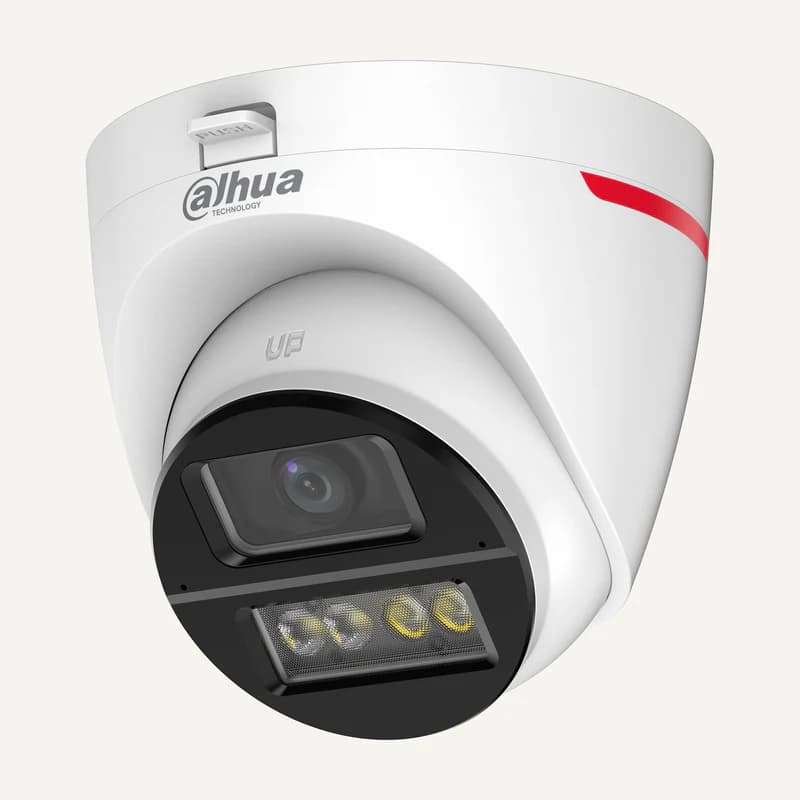
Inventory reference DH-HAC-HDW1500TLQP by Dahua, catalogued under Other equipment. Compatibility and final configuration are confirmed during the project study.
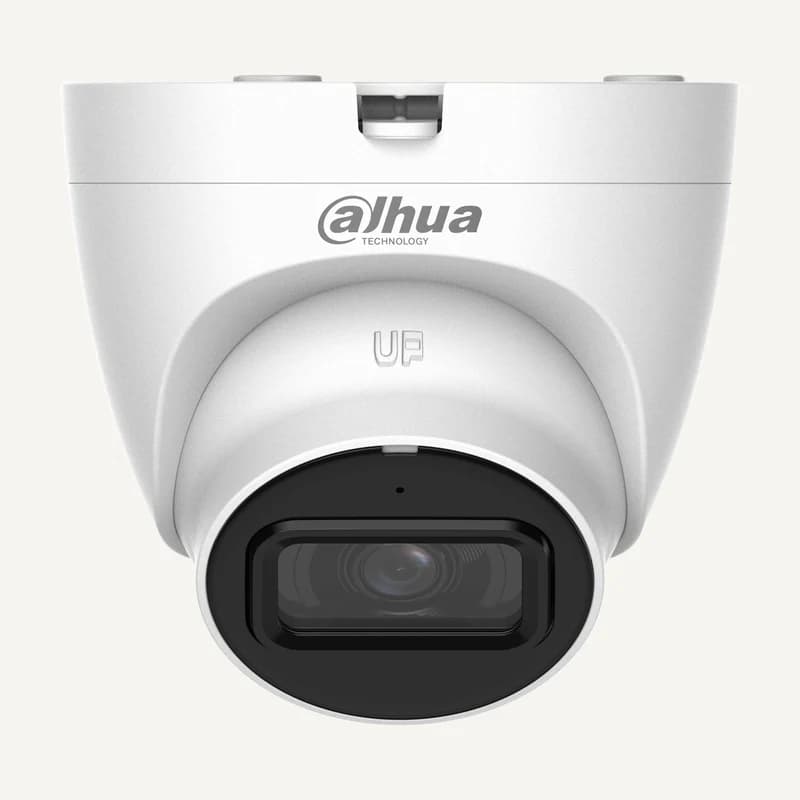
Inventory reference DH-HAC-HDW1549XP-A-P by Dahua, catalogued under Other equipment. Compatibility and final configuration are confirmed during the project study.
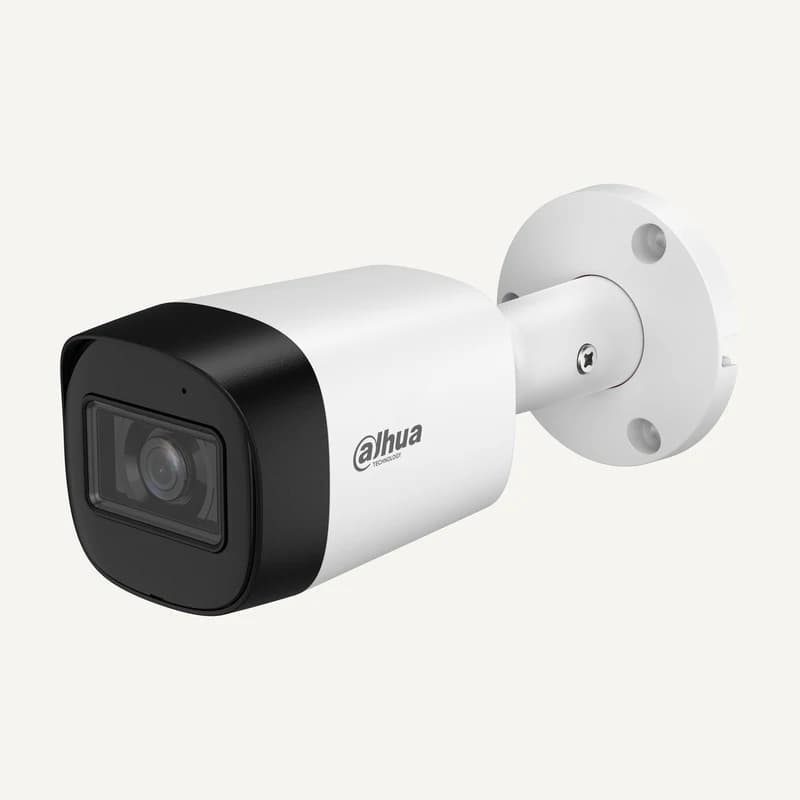
Inventory reference DH-HAC-HDW1801TLQP by Dahua, catalogued under Video surveillance. Compatibility and final configuration are confirmed during the project study.
Inventory reference DH-HAC-HFW1200RMP by Dahua, catalogued under Other equipment. Compatibility and final configuration are confirmed during the project study.
Inventory reference DH-HAC-HFW1500RMP by Dahua, catalogued under Other equipment. Compatibility and final configuration are confirmed during the project study.
Inventory reference DH-HAC-HFW1549XP by Dahua, catalogued under Other equipment. Compatibility and final configuration are confirmed during the project study.
Inventory reference DH-HAC-HFW1800TP by Dahua, catalogued under Video surveillance. Compatibility and final configuration are confirmed during the project study.
Inventory reference DH-HAC-T251P-U-IL by Dahua, catalogued under Other equipment. Compatibility and final configuration are confirmed during the project study.
Inventory reference DH-HAC-T2A21P by Dahua, catalogued under Other equipment. Compatibility and final configuration are confirmed during the project study.
Inventory reference DH-HAC-T2A51P-U-IL by Dahua, catalogued under Other equipment. Compatibility and final configuration are confirmed during the project study.
Inventory reference DH-HACT2A51P-U--IL by Dahua, catalogued under Other equipment. Compatibility and final configuration are confirmed during the project study.
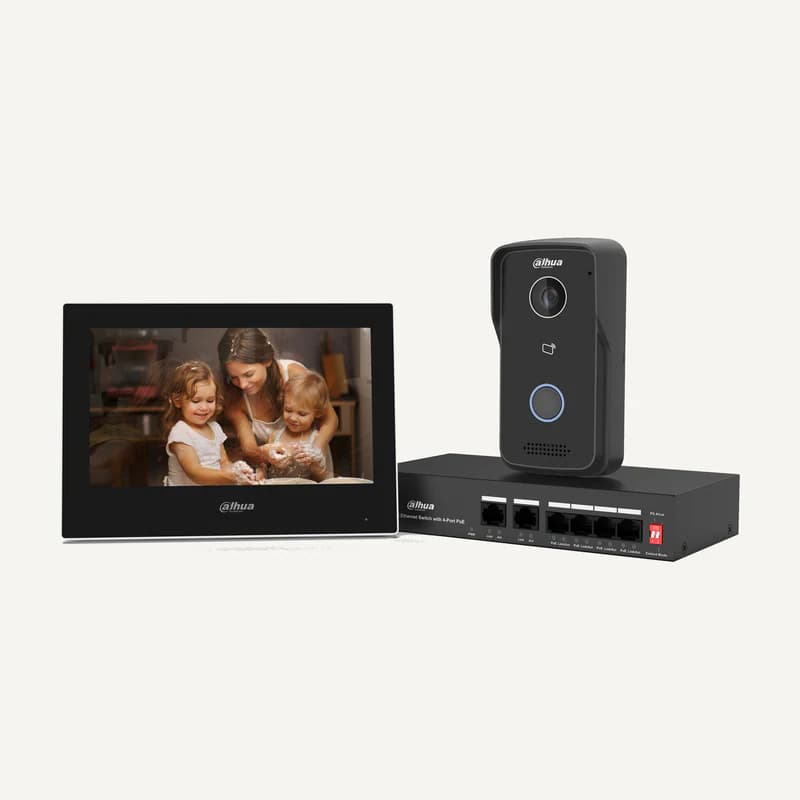
Inventory reference DHI-KTH01 by Dahua, catalogued under Other equipment. Compatibility and final configuration are confirmed during the project study.
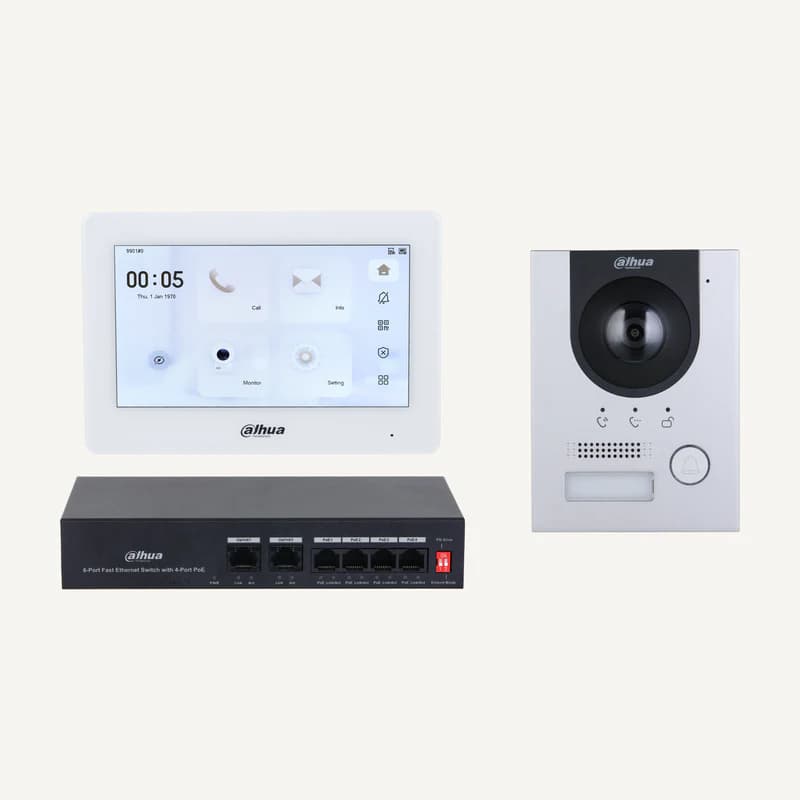
Inventory reference DHI-KTP03PRO by Dahua, catalogued under Other equipment. Compatibility and final configuration are confirmed during the project study.
Inventory reference DHI-KTP08/DHI-KTP04P by Dahua, catalogued under Other equipment. Compatibility and final configuration are confirmed during the project study.
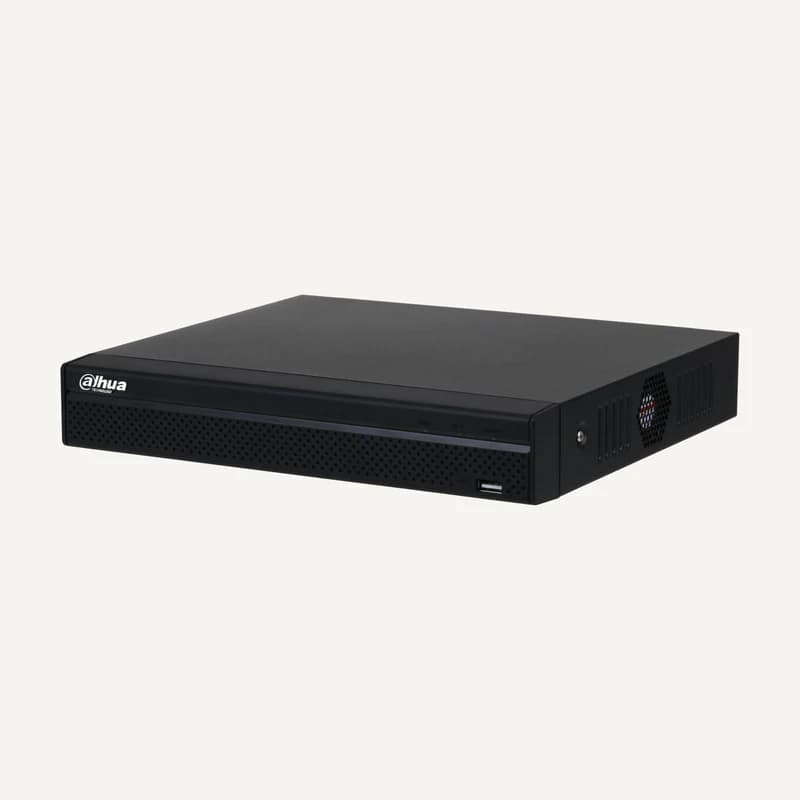
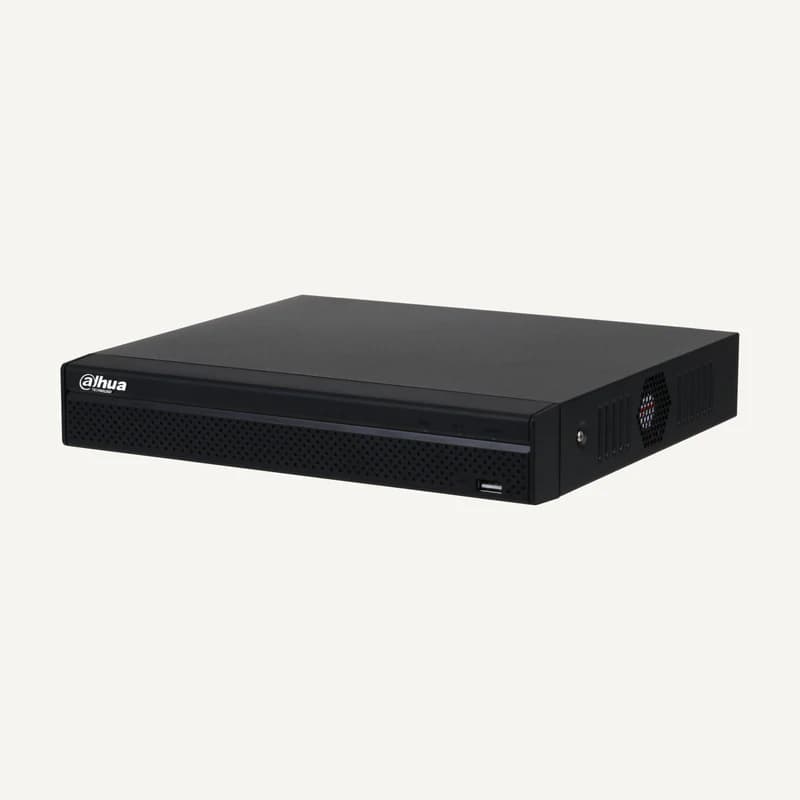
Inventory reference DHI-NVR1104HS-P-S3 by Dahua, catalogued under Other equipment. Compatibility and final configuration are confirmed during the project study.
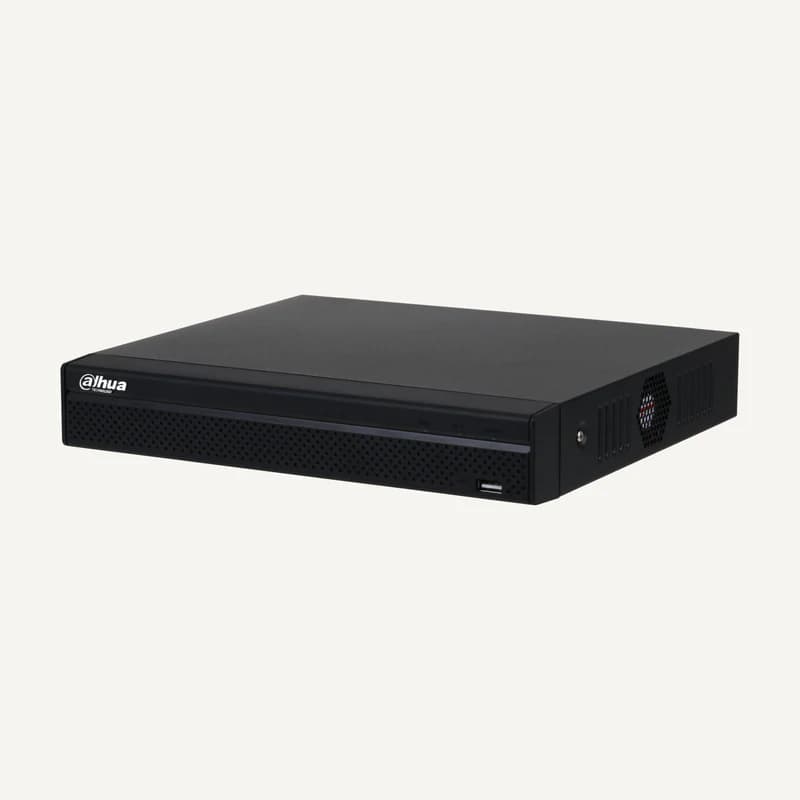
Inventory reference DHI-NVR1104HS-P-S3/H by Dahua, catalogued under Other equipment. Compatibility and final configuration are confirmed during the project study.
Inventory reference DHI-NVR1108HS-8P-S3/ by Dahua, catalogued under Other equipment. Compatibility and final configuration are confirmed during the project study.
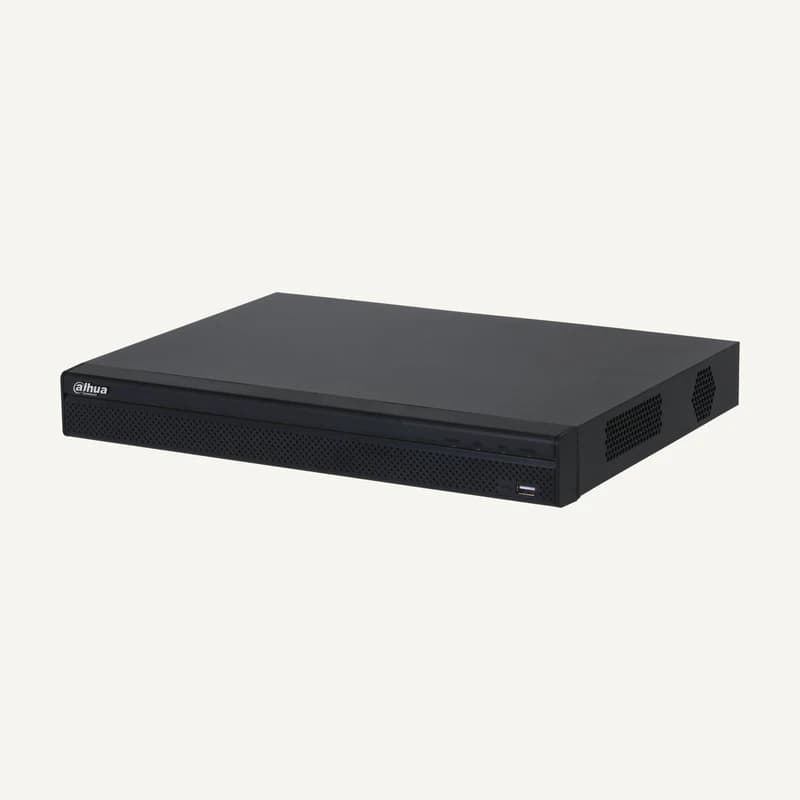
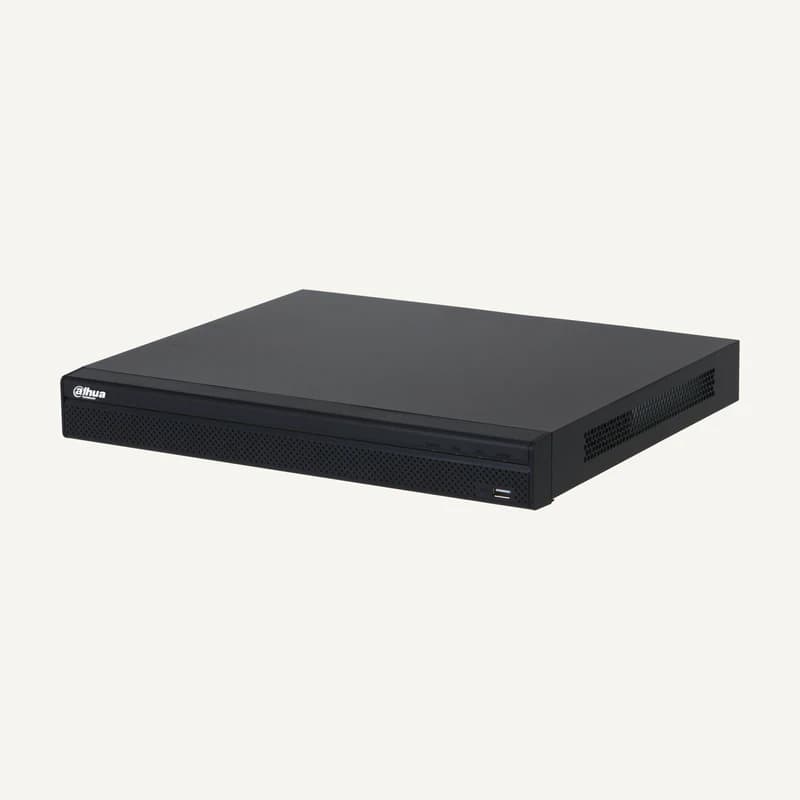
Inventory reference DHI-NVR2208-8P-4KS3 by Dahua, catalogued under Other equipment. Compatibility and final configuration are confirmed during the project study.
Inventory reference DHI-NVR2216-16P-4KS3 by Dahua, catalogued under Other equipment. Compatibility and final configuration are confirmed during the project study.
Inventory reference DH-IPC-B1E20P by Dahua, catalogued under Other equipment. Compatibility and final configuration are confirmed during the project study.
Inventory reference DH-IPC-B1E40P by Dahua, catalogued under Other equipment. Compatibility and final configuration are confirmed during the project study.


 ↗
↗ ↗
↗ ↗
↗ ↗
↗ ↗
↗ ↗
↗ ↗
↗ ↗
↗ ↗
↗ ↗
↗ ↗
↗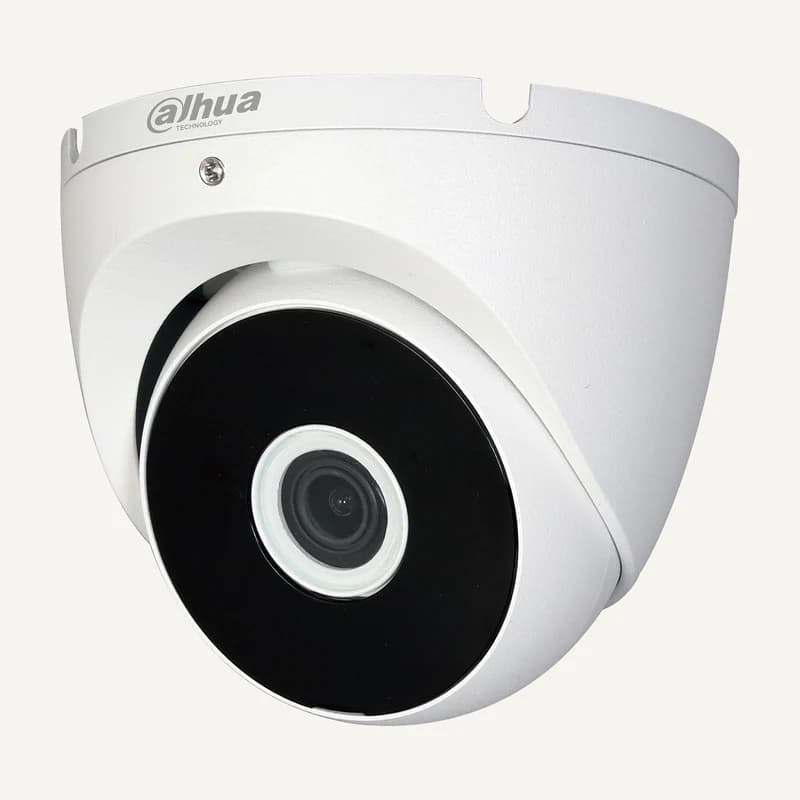 ↗
↗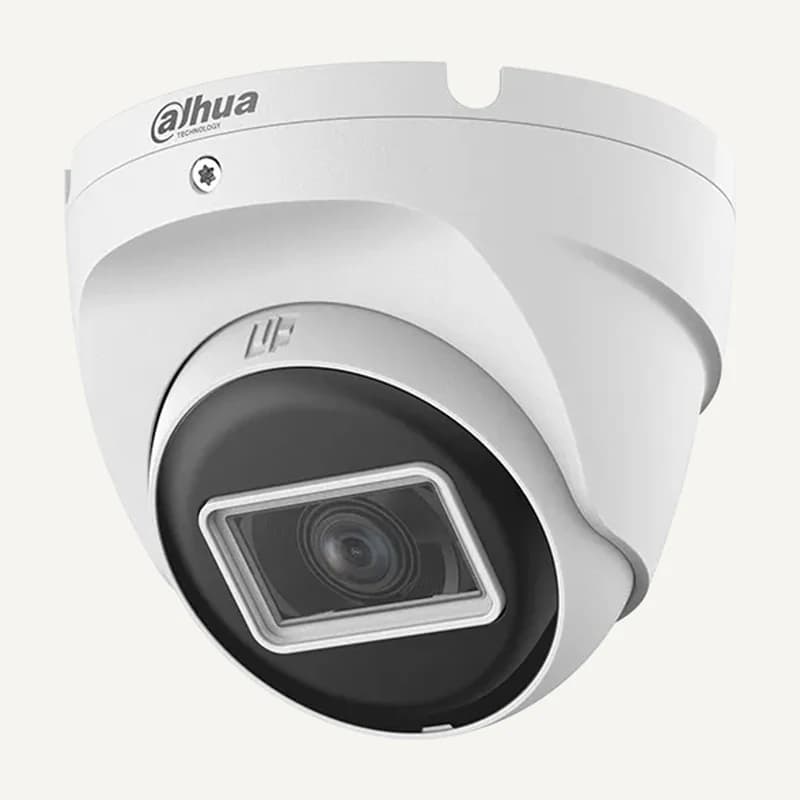 ↗
↗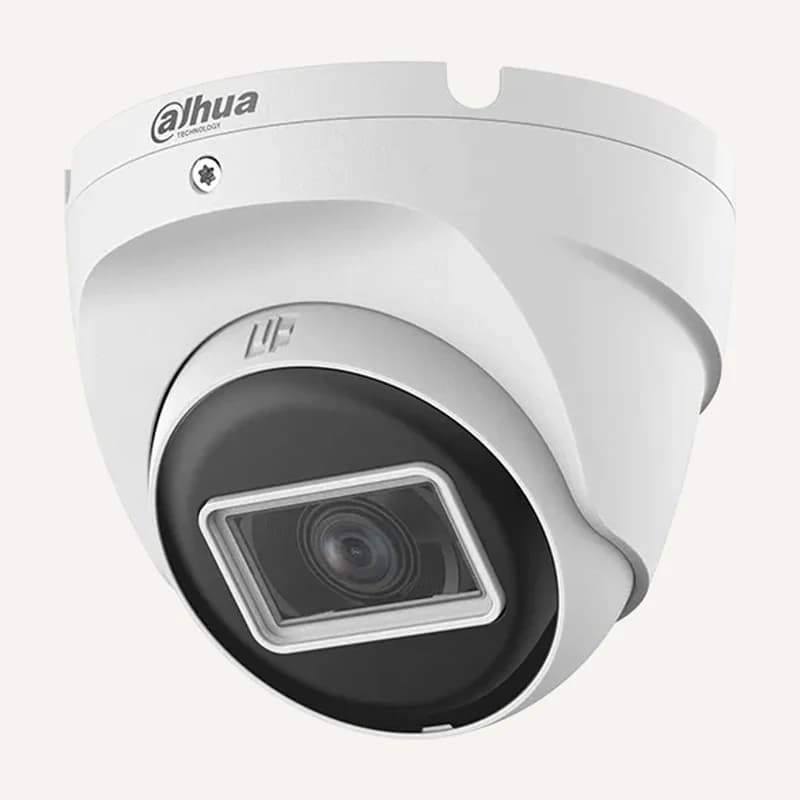 ↗
↗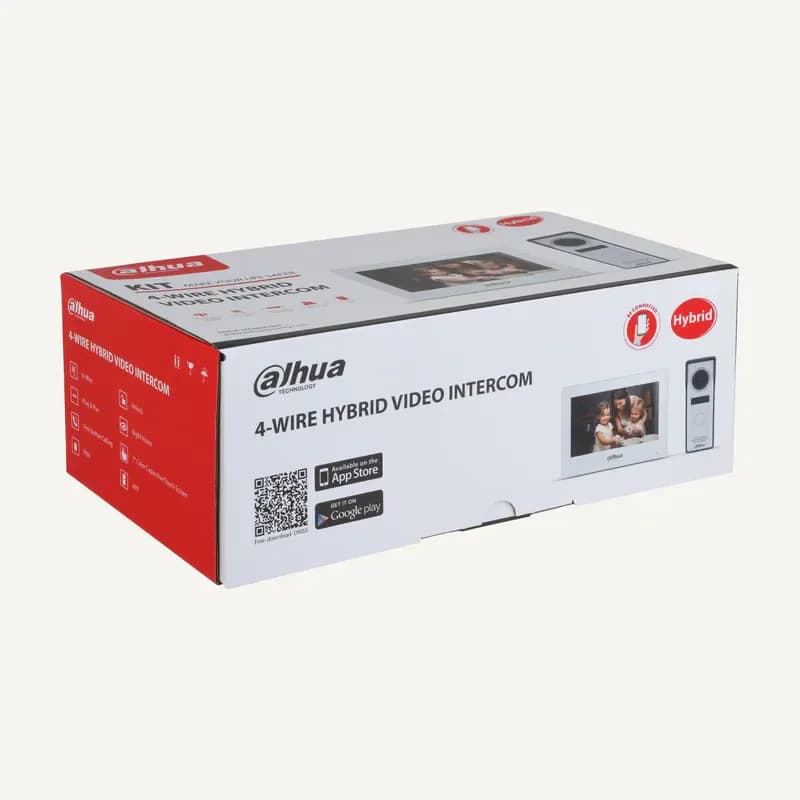 ↗
↗ ↗
↗ ↗
↗ ↗
↗ ↗
↗ ↗
↗ ↗
↗ ↗
↗ ↗
↗ ↗
↗