
 ↗
↗Multi-brand selection5454462
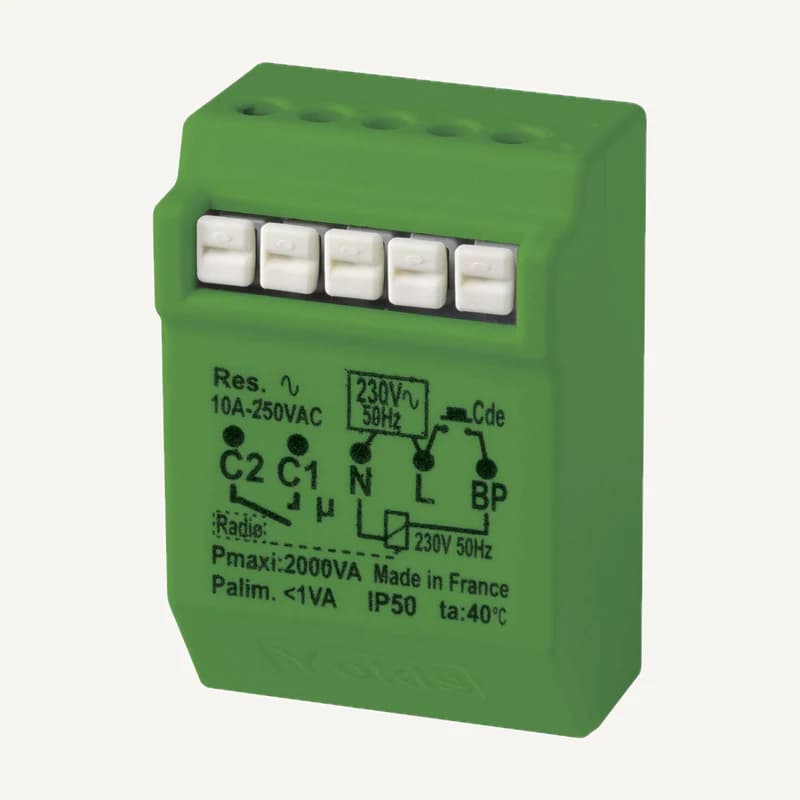
Yokis MTR2000ERP — timed radio relay, 5454462
In-wall POWER radio latching relay with a potential-free contact and a timer from 2 seconds to 4 hours.
Professional terms after sign-in
Availability: On request
Category references
34 references in Home automation.
34 referencesUNDERSTAND · COMPARE · PREPARE
Lighting, shading and comfort can share controls while having different constraints. Start by describing what triggers an action, what must actually change and how the user takes control again. The catalogue includes several technologies; their references do not automatically form a compatible system.
Go to referencesGuidance for defining functions and equipment selection. No universal protocol, savings percentage or offline operation is promised for an unverified reference. Safety and security systems retain their own responsibilities.
Name the event and room, whether triggered by a button, sensor, schedule or supervisory control. “Close the living-room blinds” is more precise than “smart home”. Specify who can start or interrupt the request.
In KNX, functions are linked through project configuration. Wired bus, radio and IP are different media; interfaces or couplers must be appropriate. Connecting devices to the same network does not perform the integration.
Distinguish switching, dimming, motor control and climate interfaces. Request references and characteristics of existing loads. An available relay alone does not establish that a motor, light or climate unit can be controlled that way.
Separate a sent command, reported state and physically measured position. Record available feedback and expected behaviour after manual intervention. A display must not show “closed” solely because closing was requested.
On small screens, scroll the table to compare all three columns.
| Topic | Choice to specify | Check before quotation |
|---|---|---|
| Building | New construction / occupied renovation | Available routes, panels and retained equipment |
| Transport | Bus, radio, IP and any gateways | Exact protocol, exposed functions, configuration |
| Operation | Local / remote / automatic control | Internet, server and user-account dependencies |
| User feedback | Request / confirmation / measurement | Available sensors and state shown when uncertain |
List lighting circuits, motors, sensors and retained controls. For each function, record the desired outcome and exception: an occupied office should not be treated as an empty room during a general departure scene.
Ask what remains usable when Internet, a server or a link is unavailable. Distinguish confirmed local functions from those dependent on an external service; do not infer independence from a protocol logo.
Specify who holds access, configuration backups and modification rights. Request a list of tested scenarios, user settings and remaining limits. Separate equipment purchase, programming, installation and support.
The KNX references below explain an architecture example and the role of configuration. They do not mean every product here uses KNX or that a gateway exposes every device function. Protocol, version and required function still need to be checked together.
A comfort scenario does not replace dedicated fire, intrusion or mechanical-safety logic. A “leaving” brief must not assume it can reset a fire alarm or make a gate safe. Any safety interface requires separate validation by competent responsible parties.
Illustrative example: on departure, request lights off in empty areas, retain the occupied office and allow manual control. For every action, specify the actual feedback available and expected test. This is not a completed client project or a compatibility promise for your equipment.
Yes: prepare an initial scope and a list of desired extensions. Have physical reserves, interfaces and possible licences checked now. Future expansion is a design assumption to document, not an automatically available capability.
Reading references, not kit validation: citing a manufacturer implies neither a commercial partnership nor compatibility of all products. External links; no documents rehosted.
Narrow by brand or family and compare up to four references. Missing facts still need confirmation.
↗In-wall POWER radio latching relay with a potential-free contact and a timer from 2 seconds to 4 hours.
Professional terms after sign-in
Availability: On request
 ↗
↗Range illustration
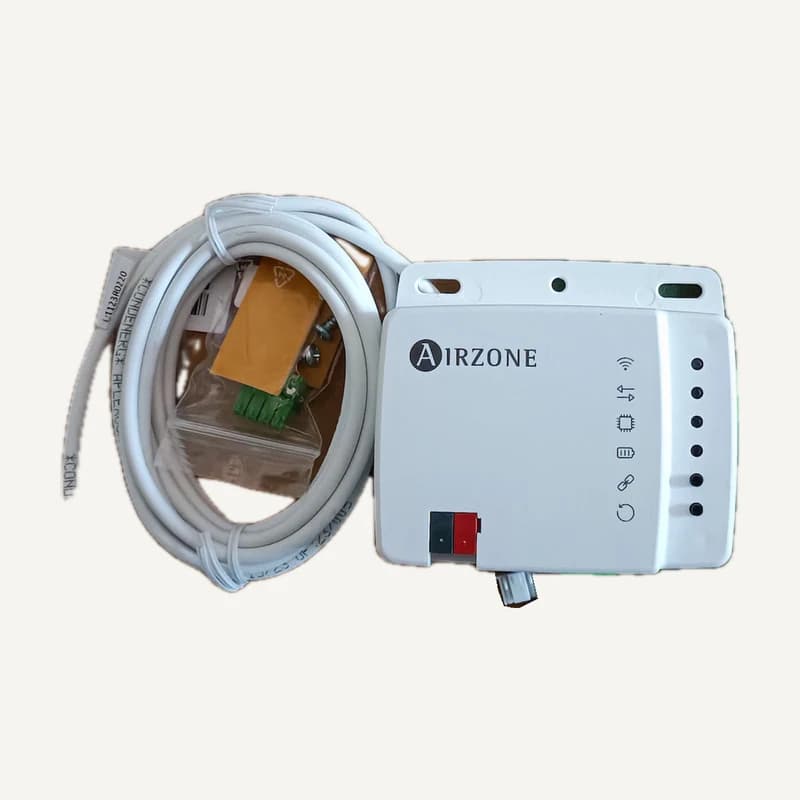
Inventory reference AIROZINE_AZAI6KNX2MD, catalogued under Home automation. Compatibility and final configuration are confirmed during the project study.
Professional terms after sign-in
Availability: On request
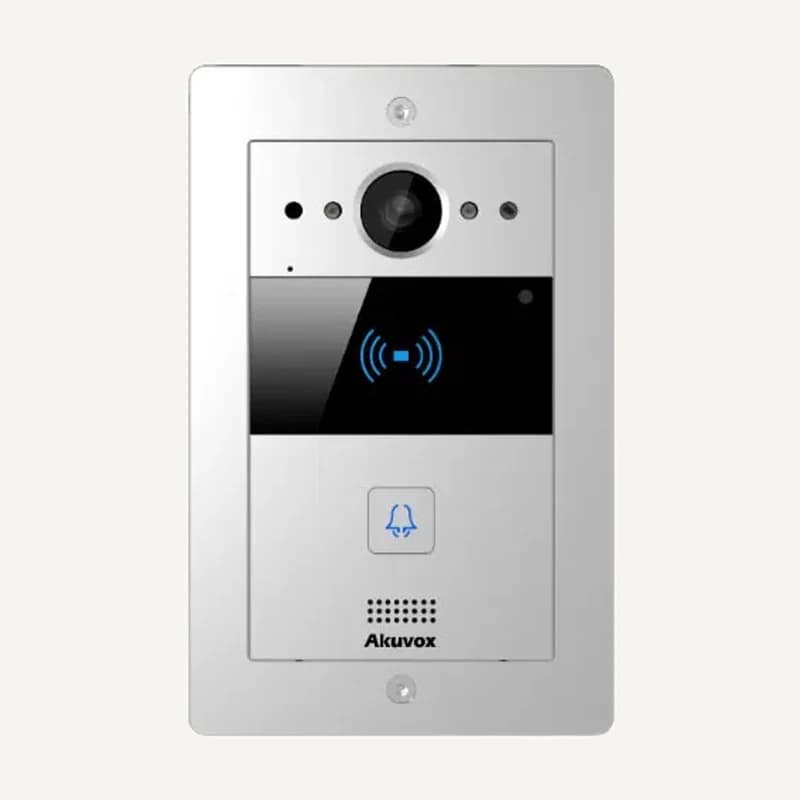 ↗
↗IP video doorphone with one call button, a 2 MP camera, RFID reader, SIP/ONVIF, PoE and IP65 protection.
Professional terms after sign-in
Availability: On request
 ↗
↗Range illustration
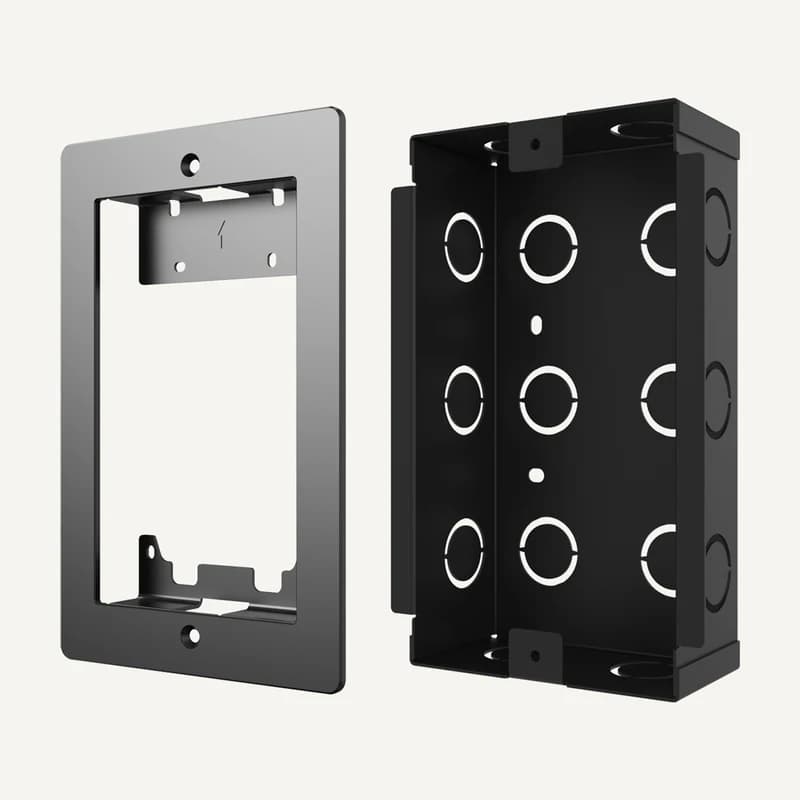
Flush-mount accessory for an Akuvox R20A door phone.
Professional terms after sign-in
Availability: On request
 ↗
↗Range illustration
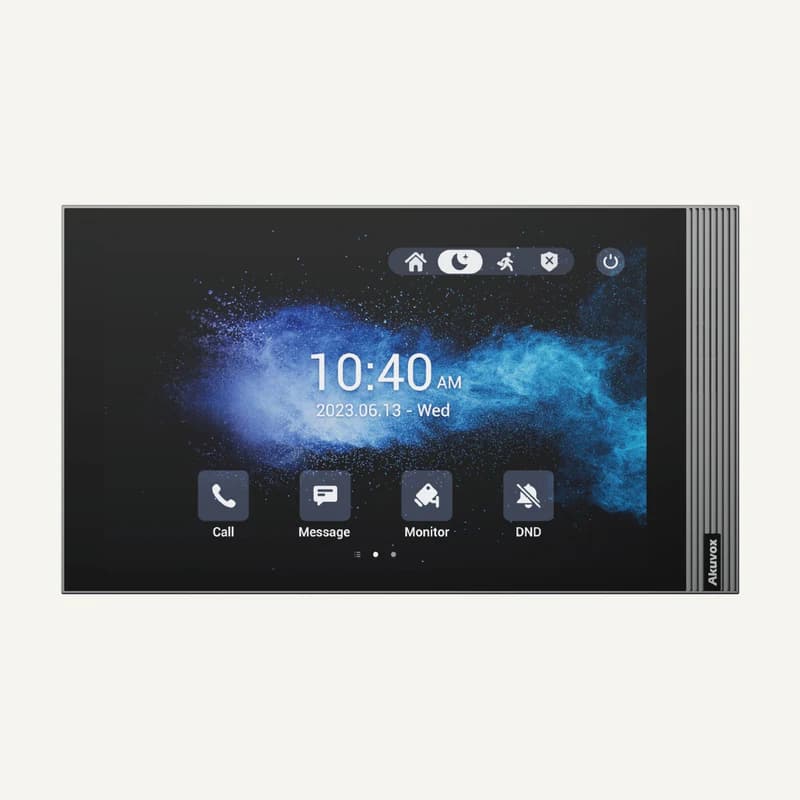
Inventory reference AKUVOX_S563 by Akuvox, catalogued under Smart building control. Compatibility and final configuration are confirmed during the project study.
Professional terms after sign-in
Availability: On request
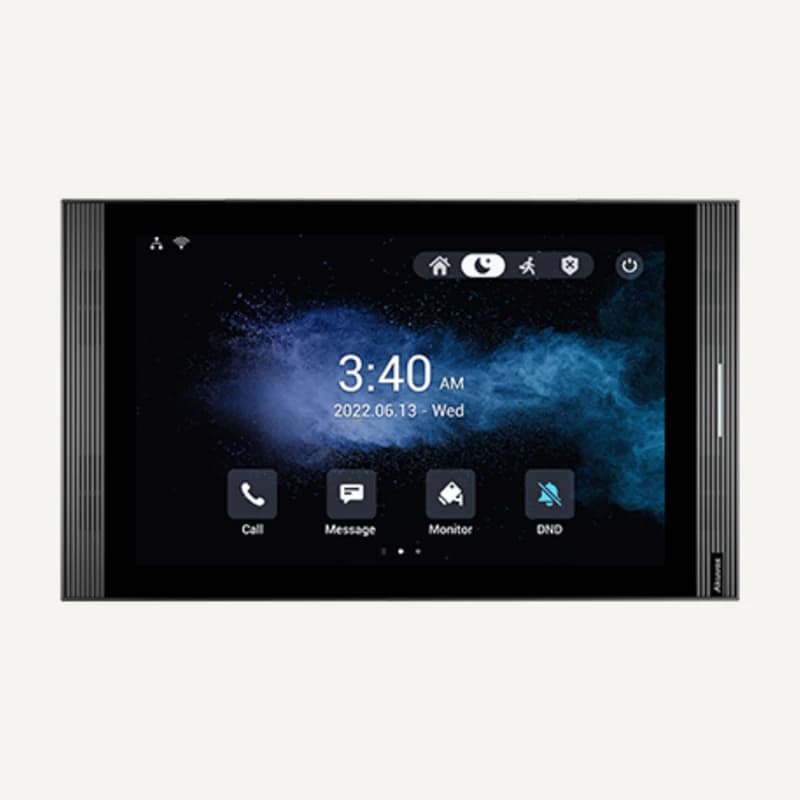 ↗
↗Inventory reference AKUVOX_S567 by Akuvox, catalogued under Smart building control. Compatibility and final configuration are confirmed during the project study.
Professional terms after sign-in
Availability: On request
 ↗
↗Range illustration
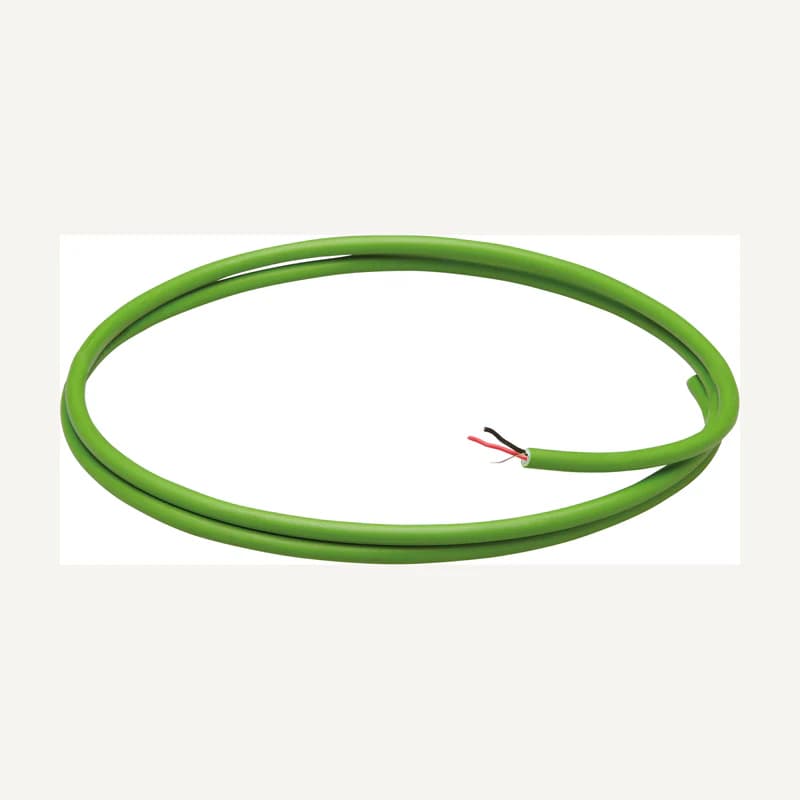
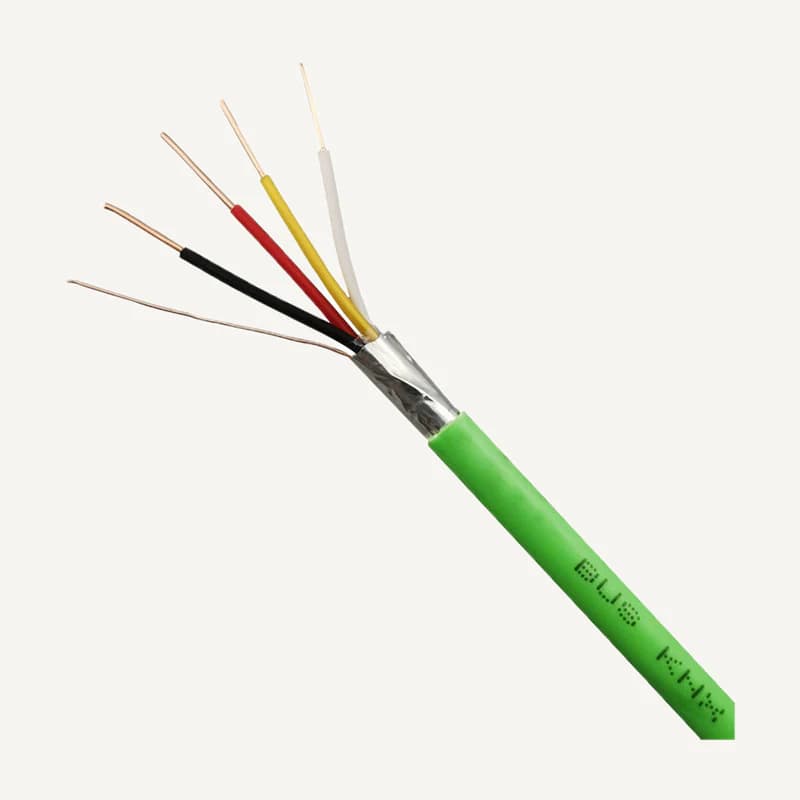
Bus cabling for participants in a compatible KNX installation.
Professional terms after sign-in
Availability: On request
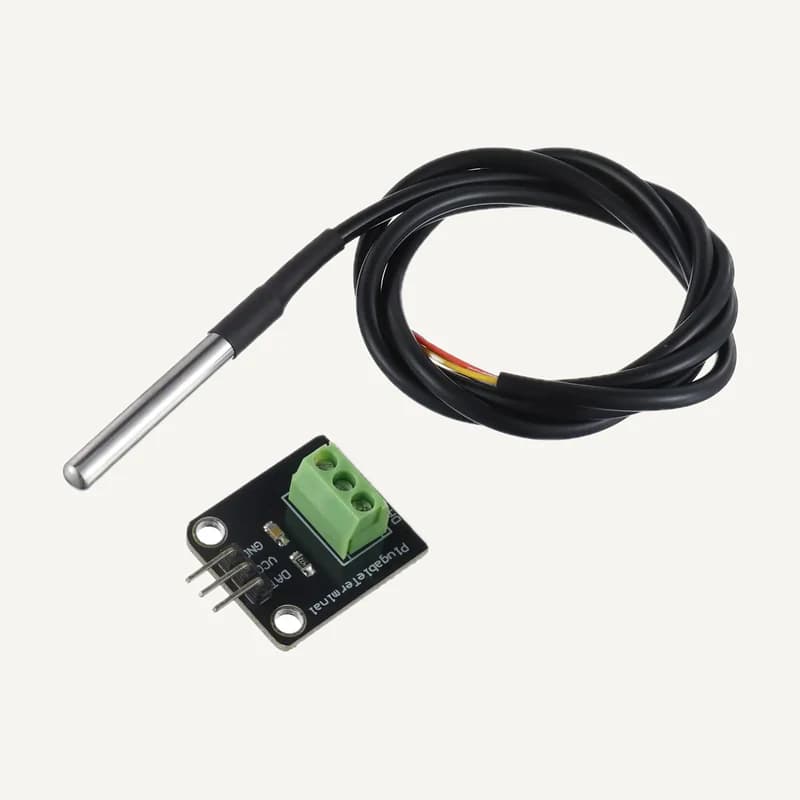 ↗
↗Inventory reference DS18B20, catalogued under Home automation. Compatibility and final configuration are confirmed during the project study.
Professional terms after sign-in
Availability: On request
 ↗
↗Range illustration
Inventory reference EIB_BUS, catalogued under Home automation. Compatibility and final configuration are confirmed during the project study.
Professional terms after sign-in
Availability: On request
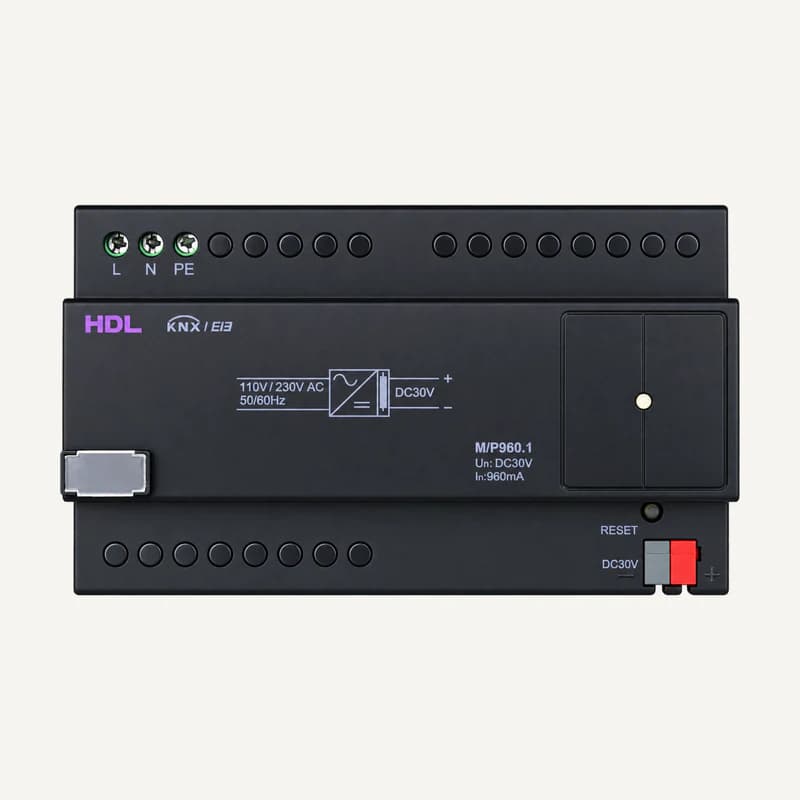 ↗
↗30 V DC KNX bus power supply, rated 960 mA, with 100–240 V AC input and DIN-rail mounting.
Professional terms after sign-in
Availability: On request
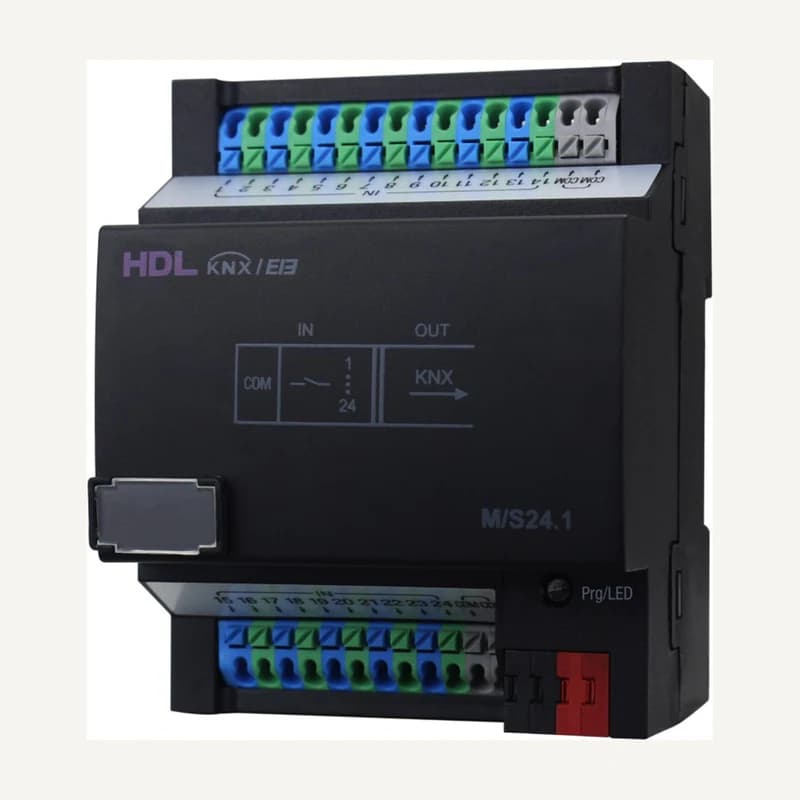 ↗
↗KNX module with 24 dry-contact inputs, ETS configuration and DIN-rail mounting.
Professional terms after sign-in
Availability: On request
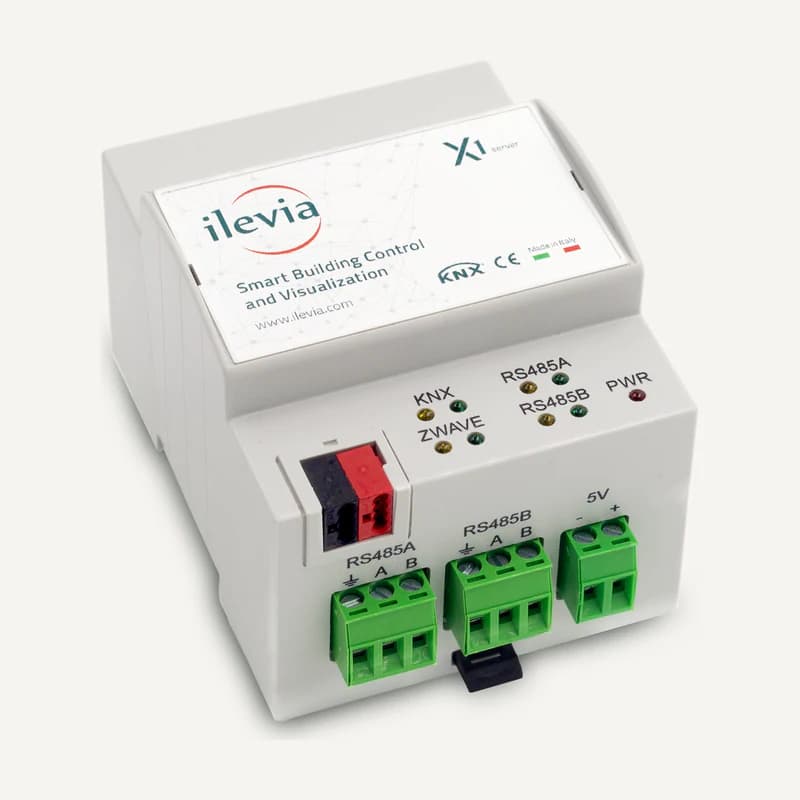 ↗
↗KNX supervision server with Ethernet and Modbus RTU integration through RS485, for indoor installation.
Professional terms after sign-in
Availability: On request
 ↗
↗Range illustration
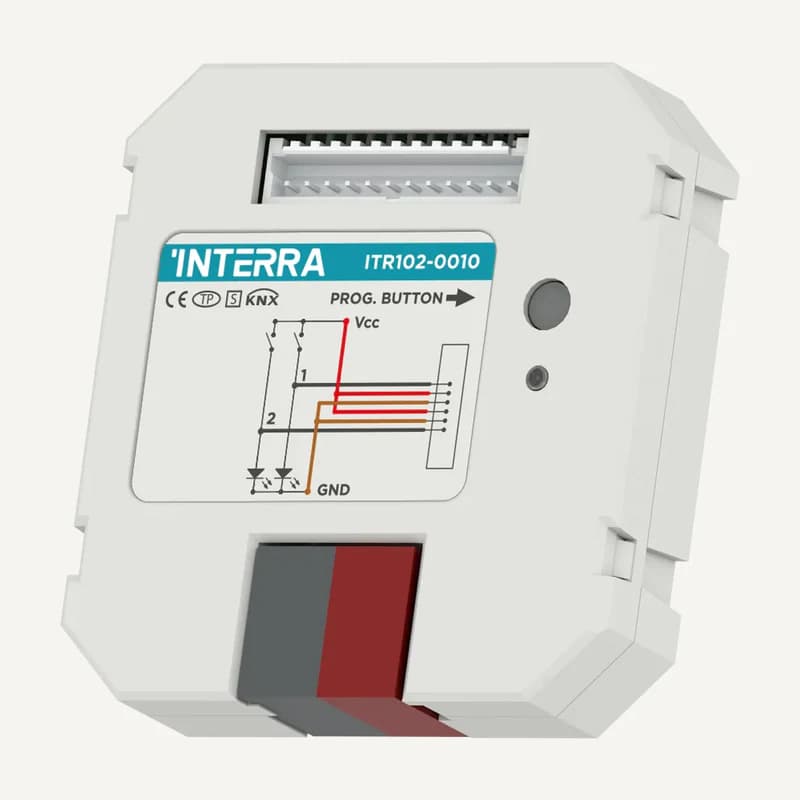
KNX interface with 2 dry-contact inputs, powered from the bus and configured in ETS.
Professional terms after sign-in
Availability: On request
 ↗
↗Range illustration
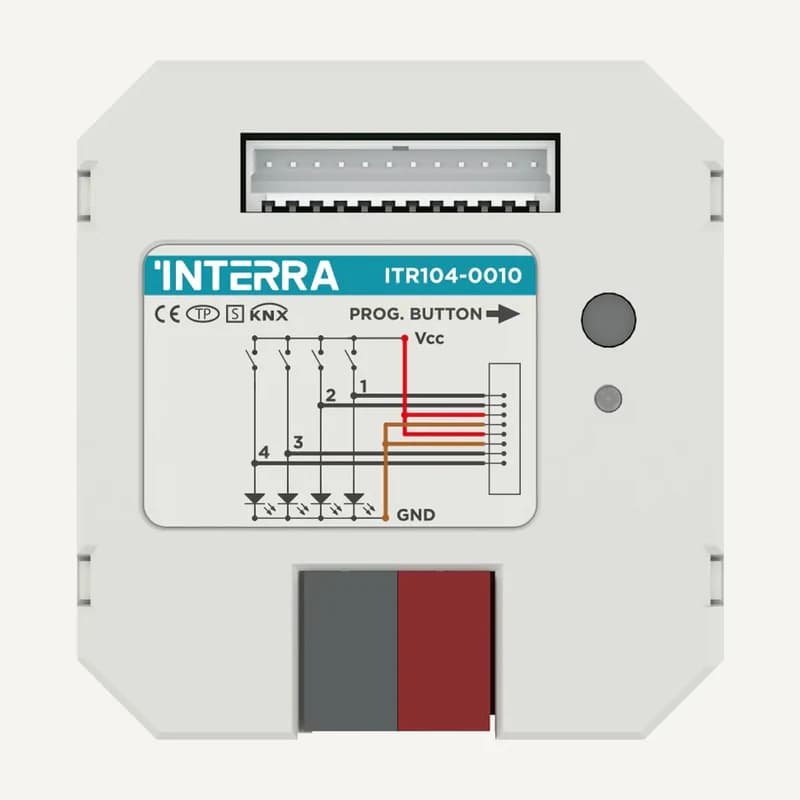
KNX interface with 4 dry-contact inputs, powered from the bus and configured in ETS.
Professional terms after sign-in
Availability: On request
 ↗
↗Range illustration
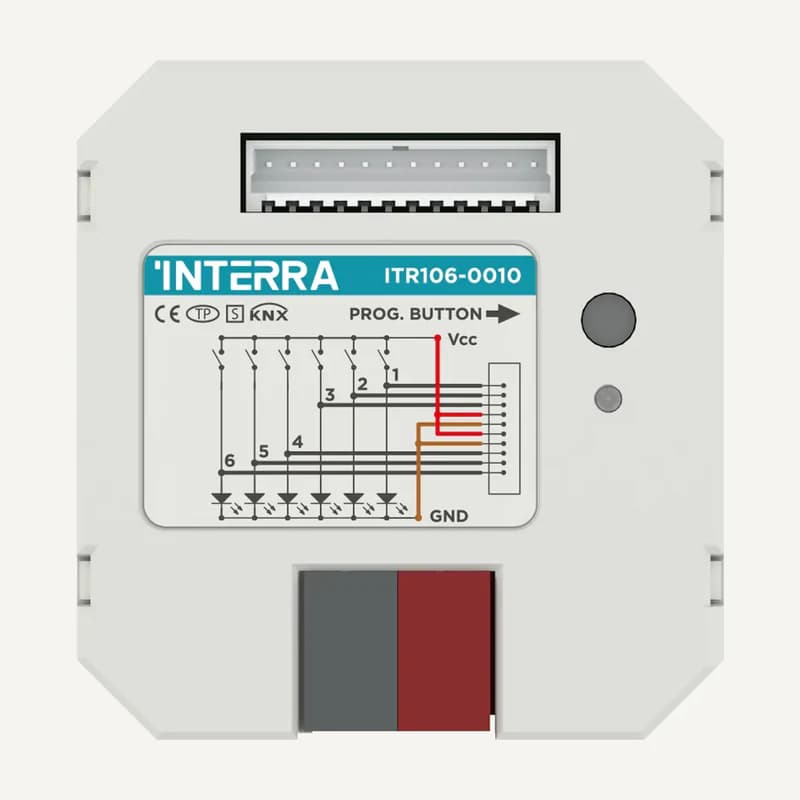
Inventory reference ITR106 by Interra, catalogued under Smart building control. Compatibility and final configuration are confirmed during the project study.
Professional terms after sign-in
Availability: On request
 ↗
↗Range illustration
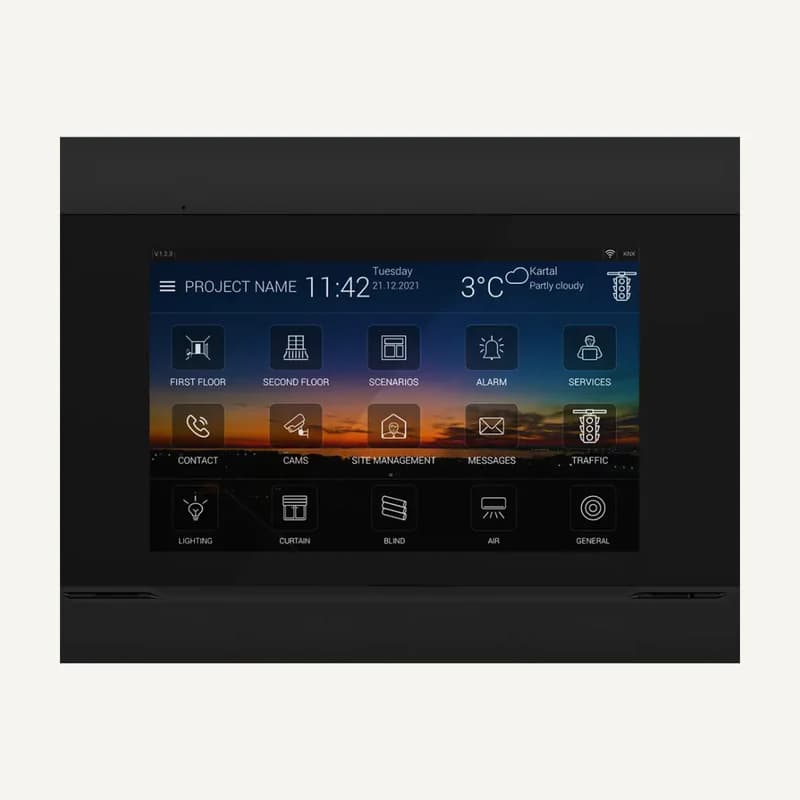
Inventory reference ITR110-0104 by Interra, catalogued under Smart building control. Compatibility and final configuration are confirmed during the project study.
Professional terms after sign-in
Availability: On request
 ↗
↗Range illustration
Inventory reference ITR340-0011 by Interra, catalogued under Smart building control. Compatibility and final configuration are confirmed during the project study.
Professional terms after sign-in
Availability: On request
 ↗
↗Range illustration
Inventory reference ITR340-0811 by Interra, catalogued under Smart building control. Compatibility and final configuration are confirmed during the project study.
Professional terms after sign-in
Availability: On request
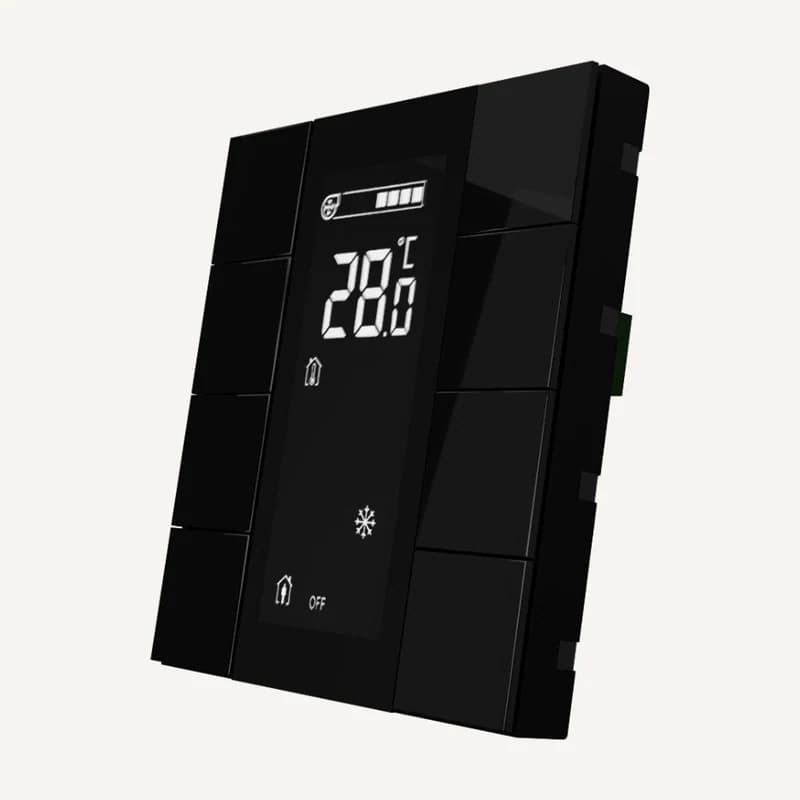 ↗
↗Inventory reference ITR340-1801 by Interra, catalogued under Smart building control. Compatibility and final configuration are confirmed during the project study.
Professional terms after sign-in
Availability: On request
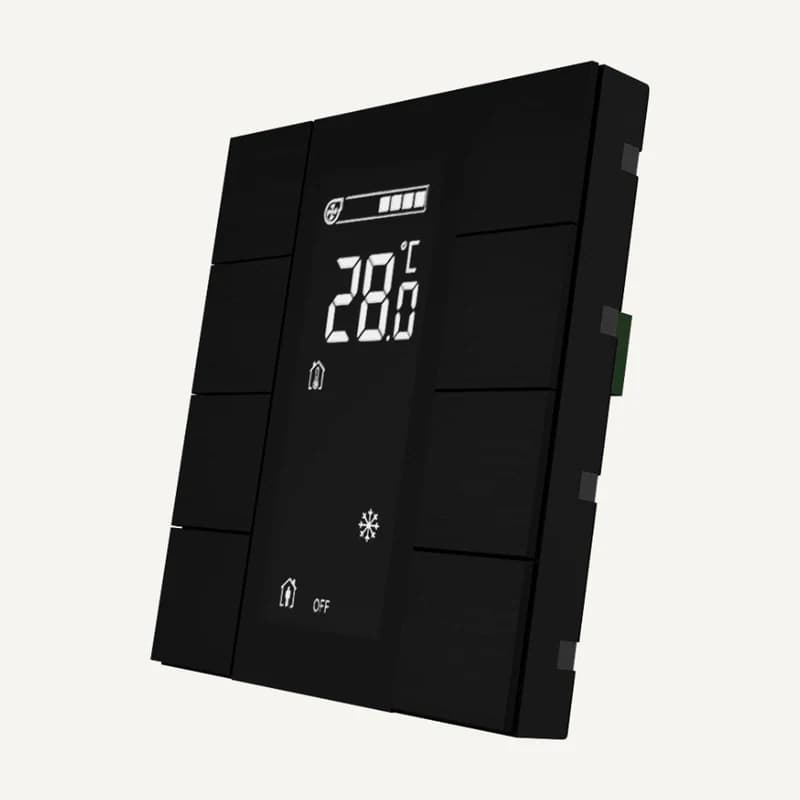 ↗
↗Inventory reference ITR340-1811 by Interra, catalogued under Smart building control. Compatibility and final configuration are confirmed during the project study.
Professional terms after sign-in
Availability: On request
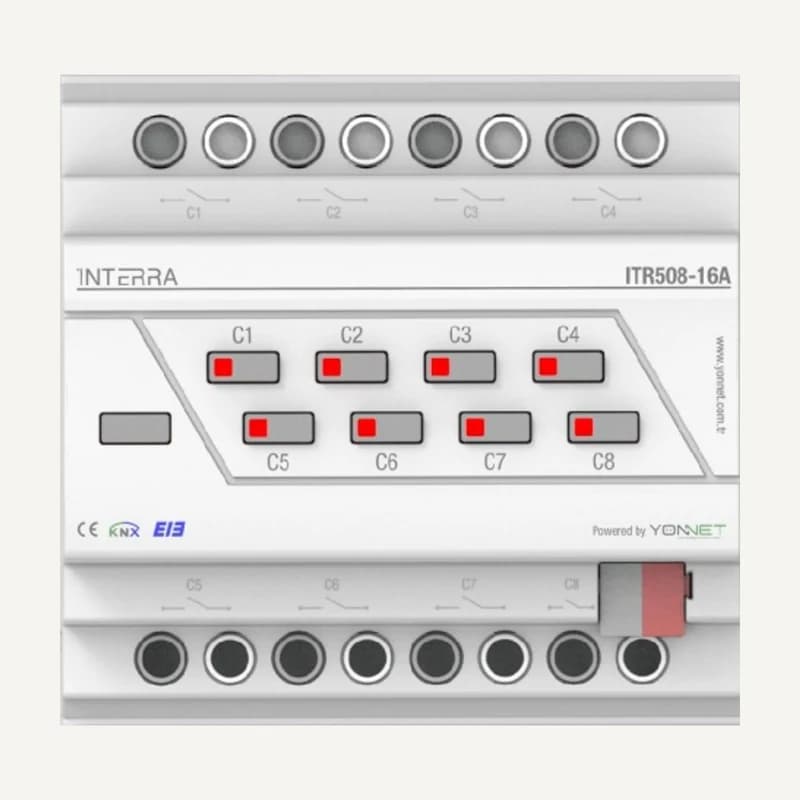 ↗
↗Inventory reference ITR508-16A by Interra, catalogued under Smart building control. Compatibility and final configuration are confirmed during the project study.
Professional terms after sign-in
Availability: On request
 ↗
↗Range illustration
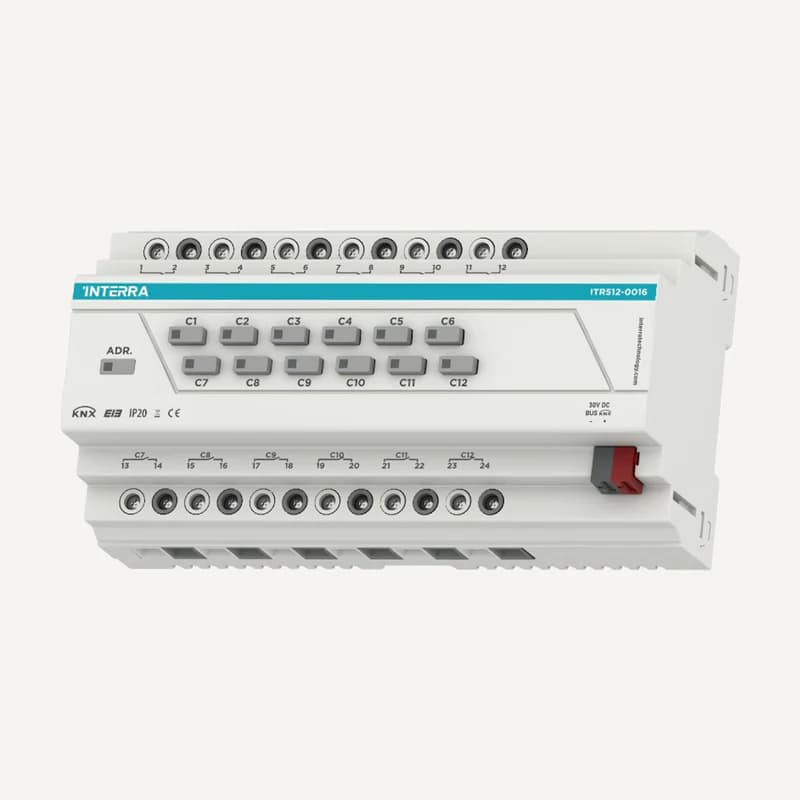
Inventory reference ITR512-16A by Interra, catalogued under Smart building control. Compatibility and final configuration are confirmed during the project study.
Professional terms after sign-in
Availability: On request
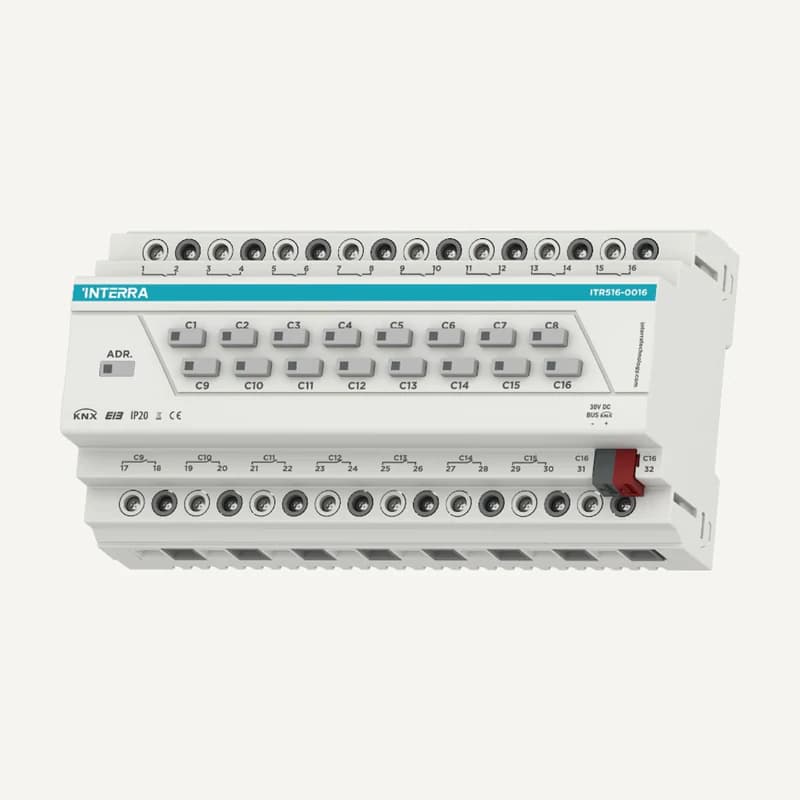 ↗
↗Range illustration
Inventory reference ITR516-16A-R1 by Interra, catalogued under Smart building control. Compatibility and final configuration are confirmed during the project study.
Professional terms after sign-in
Availability: On request
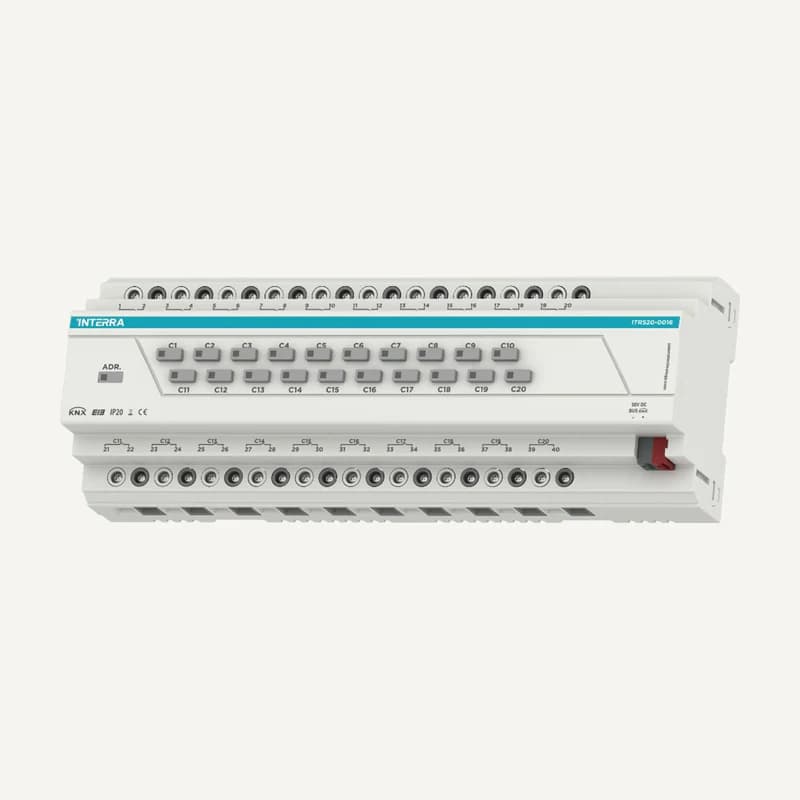 ↗
↗Range illustration
Inventory reference ITR520-16A by Interra, catalogued under Smart building control. Compatibility and final configuration are confirmed during the project study.
Professional terms after sign-in
Availability: On request