IT and power: equip the workstation, then plan for an outage.
This category brings together distinct needs: computers, displays, storage, peripherals and power continuity. IT purchasing starts with uses and the exact configuration; UPS planning starts with the loads to support and the outage objective. Keep the two lists separate for a clear quotation.
No guaranteed runtime without a documented model, load and conditions. Missing information remains to be confirmed. This brief is neither an electrical design nor a promise of continuously available applications.
From the business need to backed-up operation
+
1 · Define the required workstation
Specify software, simultaneous uses, displays and retained peripherals. Request the proposed configuration: exact processor, memory, storage, ports and operating system/licences. A range name does not describe every computer variant.
2 · List priority loads
Separate what must stay powered from what may stop. Record power figures and units: watts and volt-amperes are not interchangeable. Both UPS output limits must be respected.
3 · Set a runtime objective
Output capacity and runtime are different questions. Request the manufacturer curve for the selected model, load and batteries. “Last until a clean shutdown” is a different need from “continue operating”.
4 · Plan the end of backup operation
Verify monitoring and shutdown functions for the systems in use. Define who receives alerts and organises authorised tests. Do not assume a USB or network connection automatically includes software, licences and compatibility with every workstation.
On small screens, scroll the table to compare all three columns.
Need
Specify
Evidence or expected result
Workstation and display
Configuration, applications, connections
Exact reference and validation of required uses
Storage
Interface, form factor, capacity and purpose
Documented compatibility with the host device
Power continuity
Loads, units, outlets and desired duration
W/VA limits and runtime curve at the assessed load
Data protection
Backup, restoration and responsible person
A restoration test separate from the power test
The IT and continuity brief
+
01
An unambiguous inventory
List every device to supply or retain, its quantity, role and reference. State whether consumption is measured, documented or unknown. Do not add figures in different units or hide missing data.
02
Priorities and dependencies
For a till workstation, for example, specify whether the local network, router and required peripherals must also remain usable. This is a planning example: backing up the workstation does not guarantee the provider’s Internet connection or external services.
03
Installation and operation
Specify rack or desk, available space, ventilation, existing outlets and technical contact. Clarify included accessories and work, any monitoring, operating instructions and battery-replacement conditions. No maintenance contract is implied.
What choosing a UPS does not solve by itself
+
Standby, line-interactive and double-conversion designs differ; regulation and battery-transfer behaviour must suit the protected equipment. Have topology, outlets and load conditions validated. Do not apply one universal W/VA factor to every device.
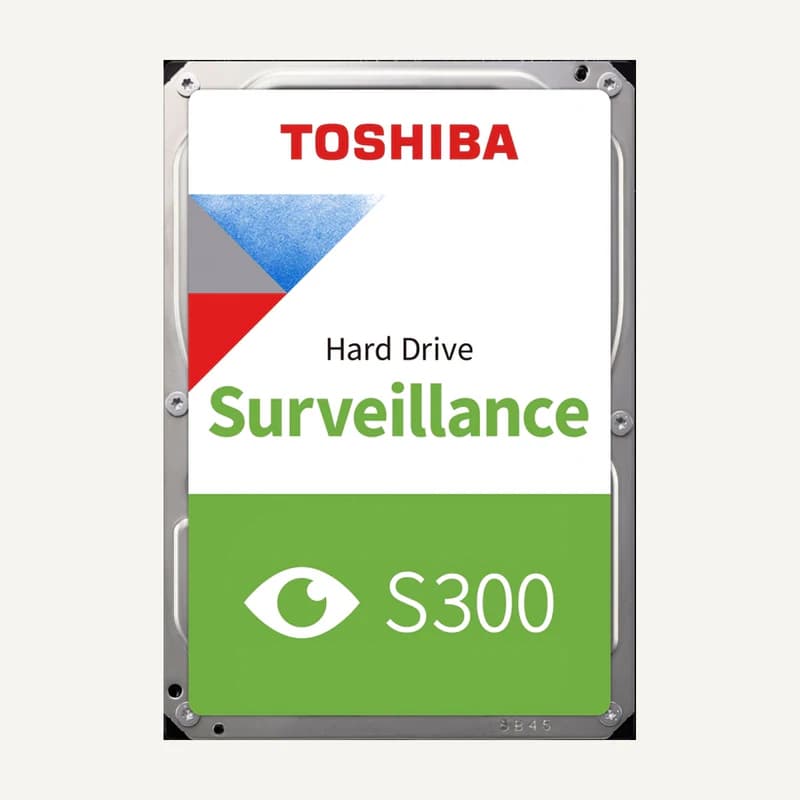
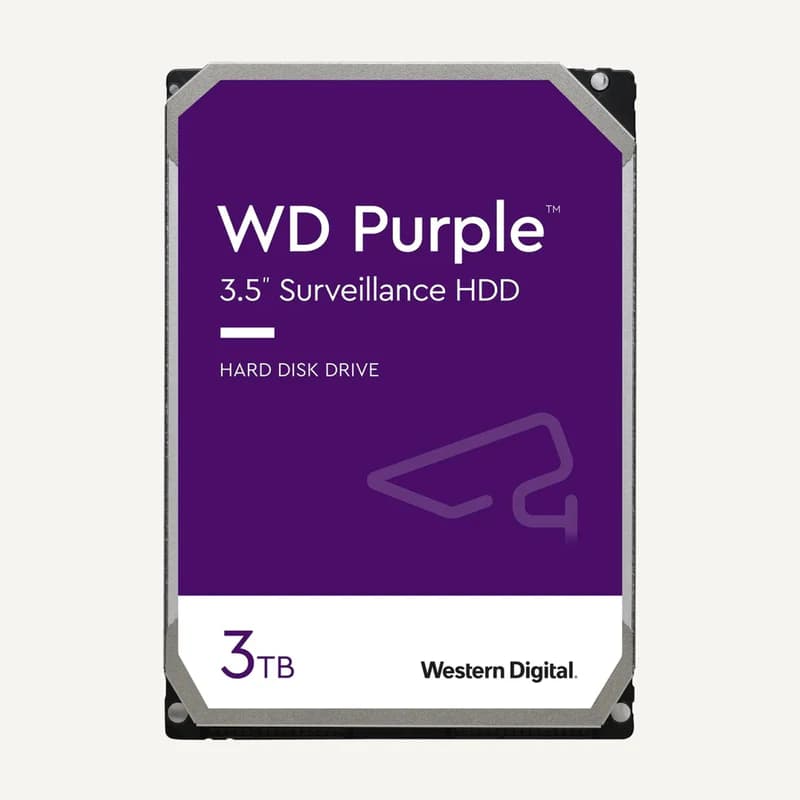
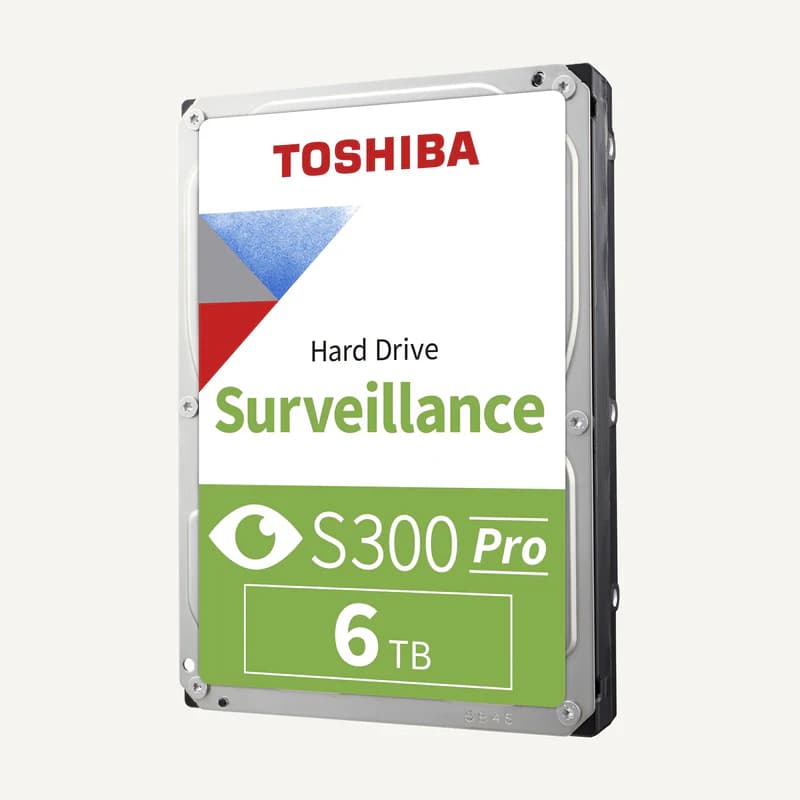
A UPS is not a file backup. Distinguish power loss, hardware failure and data loss in your request. Computers, drives and peripherals in this category also need to be matched to their actual use; catalogue grouping does not validate an assembly.
Do not infer this from the VA rating alone. Compare curves at the same load and for the exact battery configuration. Request the estimate’s conditions and keep runtime unconfirmed while that information is missing.
Can I reuse an existing IT configuration?
Provide references and required applications without passwords or confidential business files. Separate retained equipment, replacements and licences to confirm. Request interface and software-requirement checks rather than assuming equivalence from the commercial name.
Reading references, not kit validation: citing a manufacturer implies neither a commercial partnership nor compatibility of all products. External links; no documents rehosted.
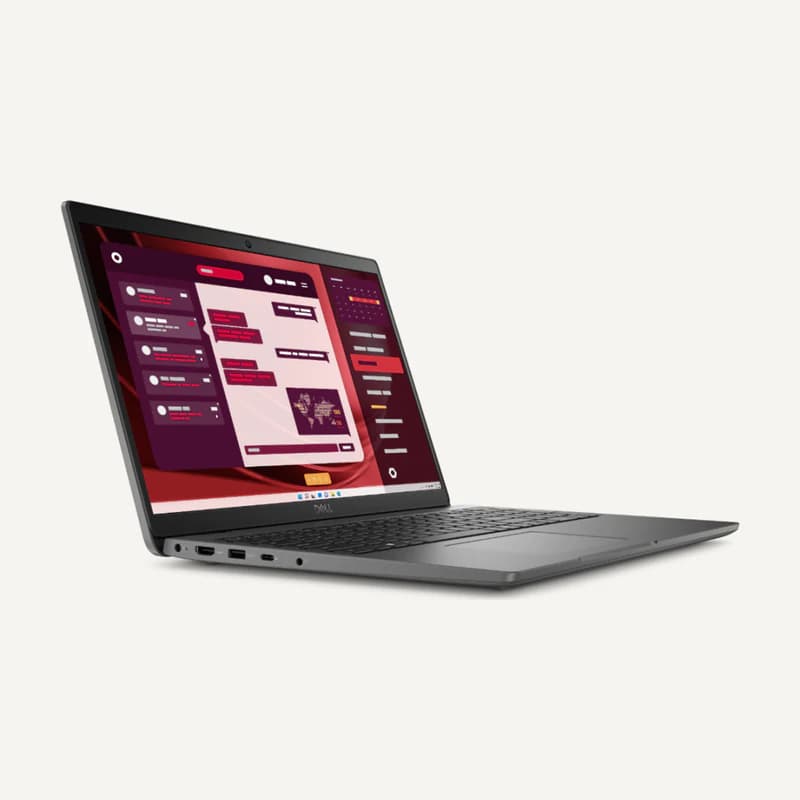
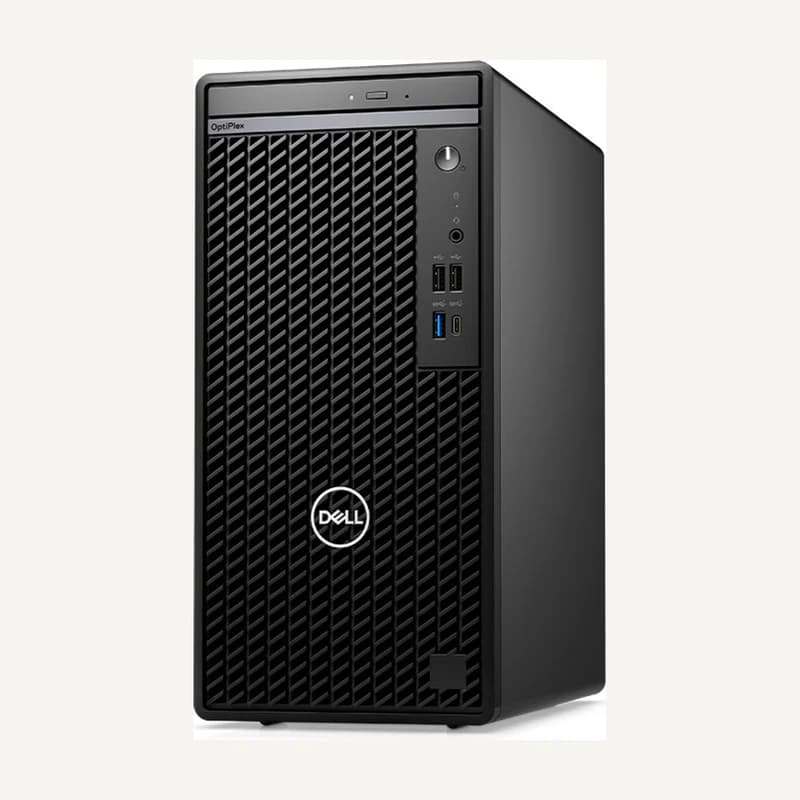
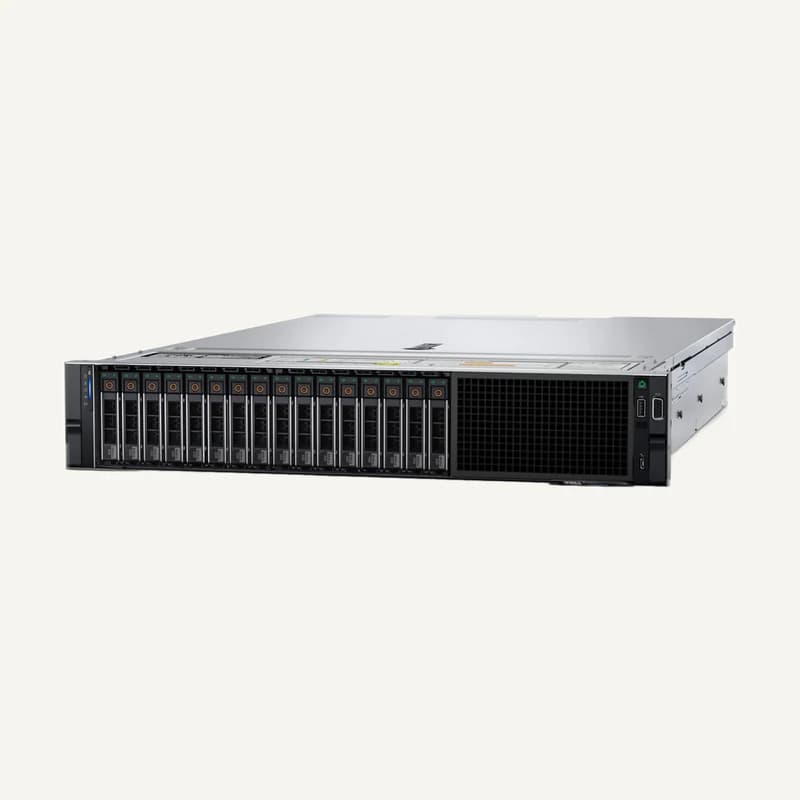
Inventory reference DL-OP7020-I5-FD by Dell, catalogued under IT and power. Compatibility and final configuration are confirmed during the project study.
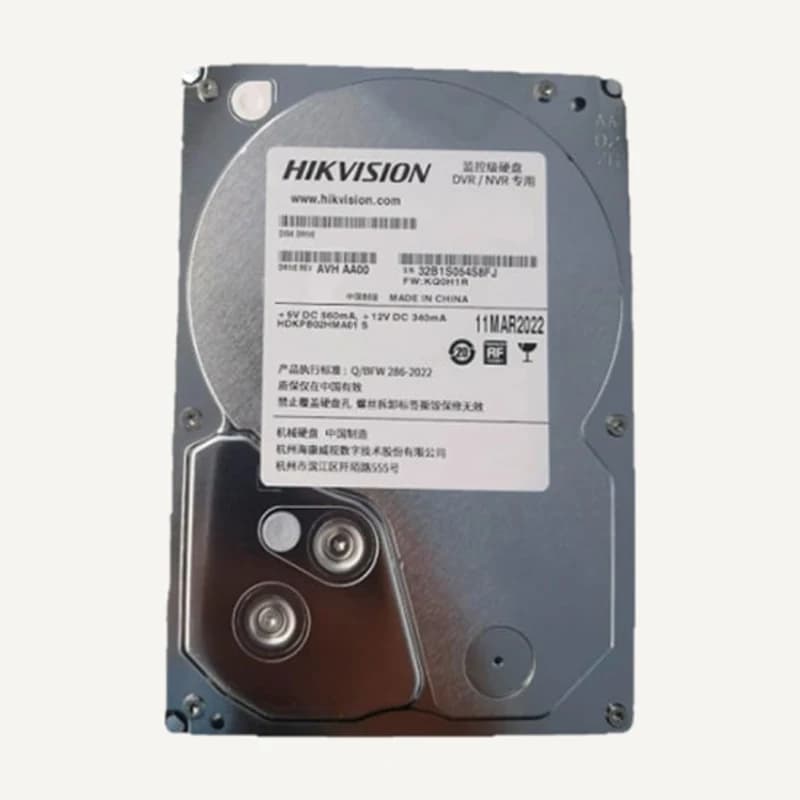
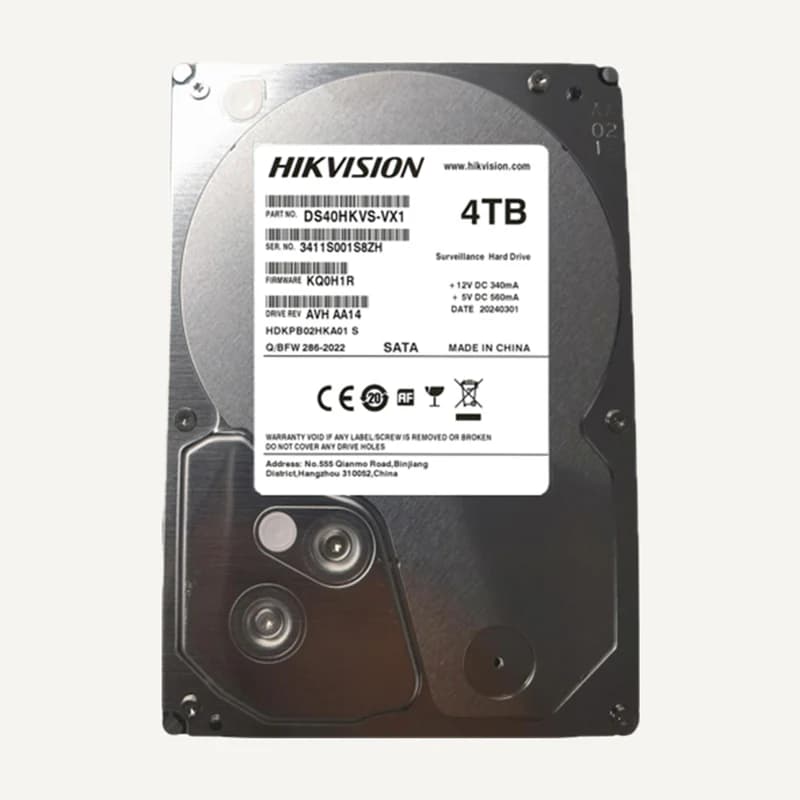
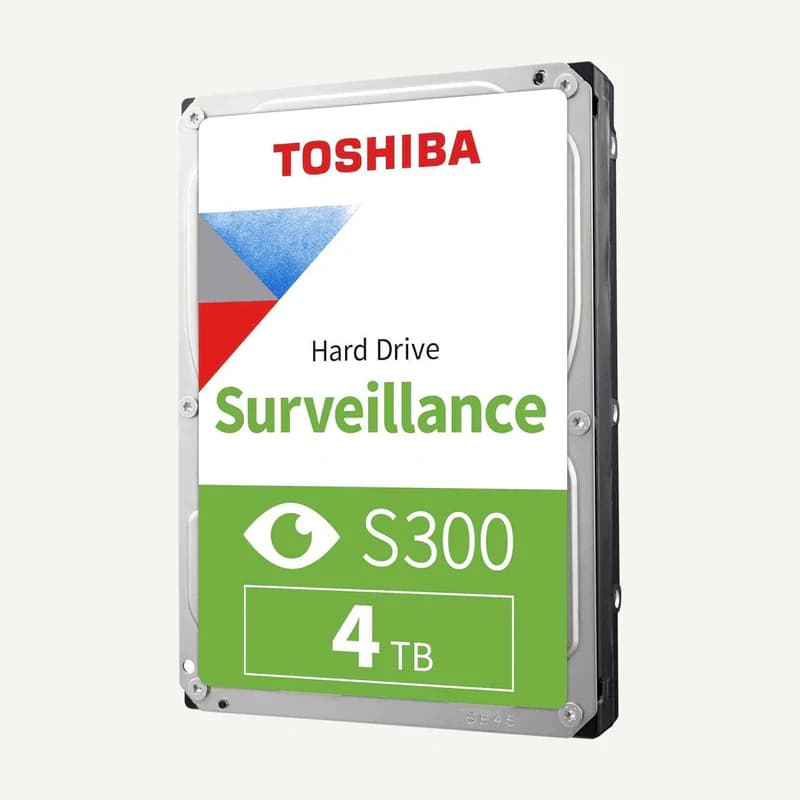
Inventory reference DS40HKVS-VX1 by Hikvision, catalogued under IT and power. Compatibility and final configuration are confirmed during the project study.
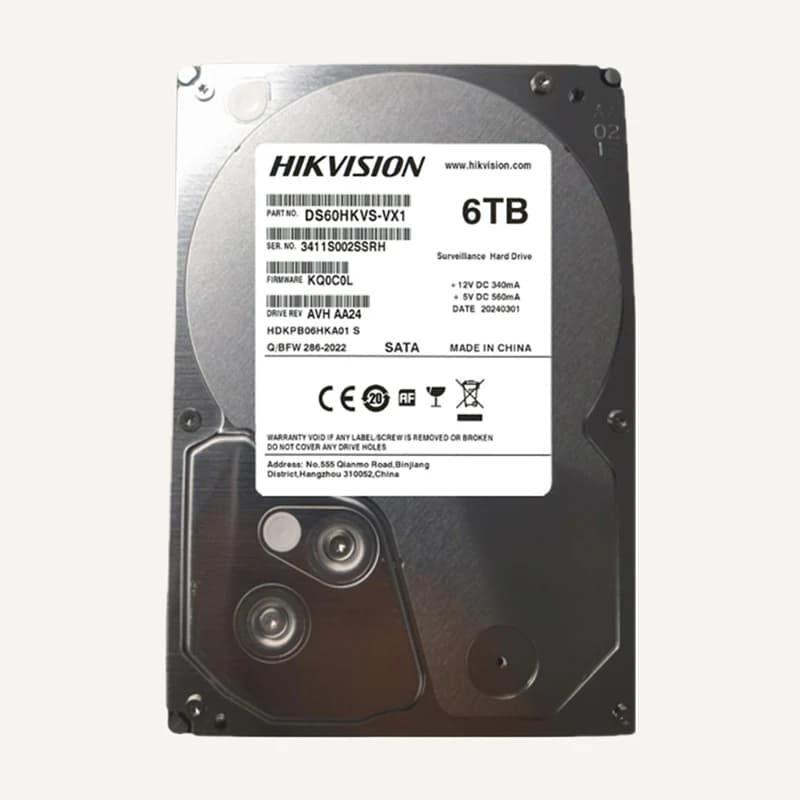
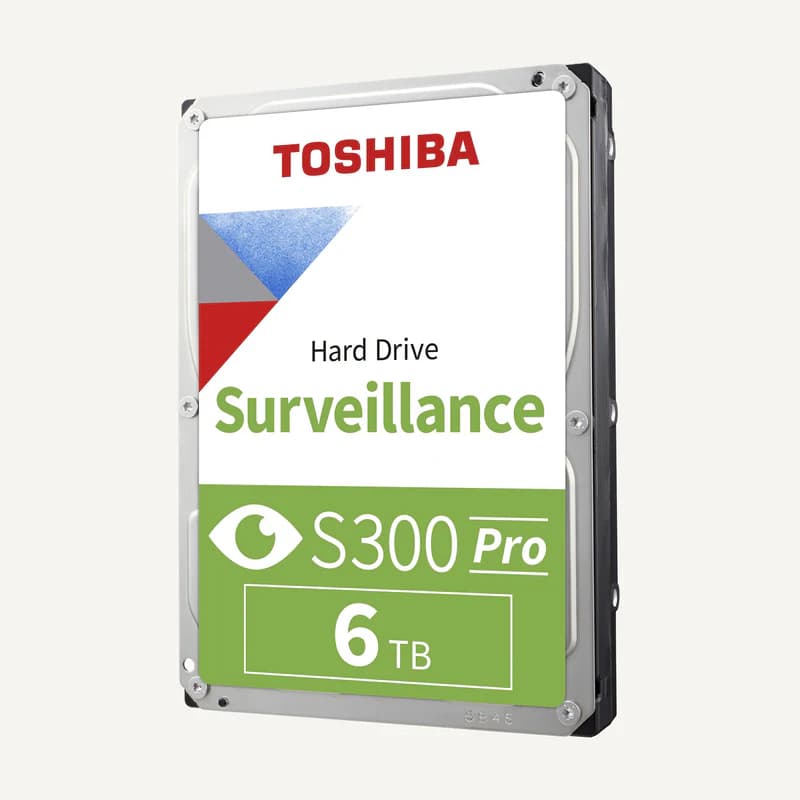
Inventory reference DS60HKVS-VX1 by Hikvision, catalogued under IT and power. Compatibility and final configuration are confirmed during the project study.
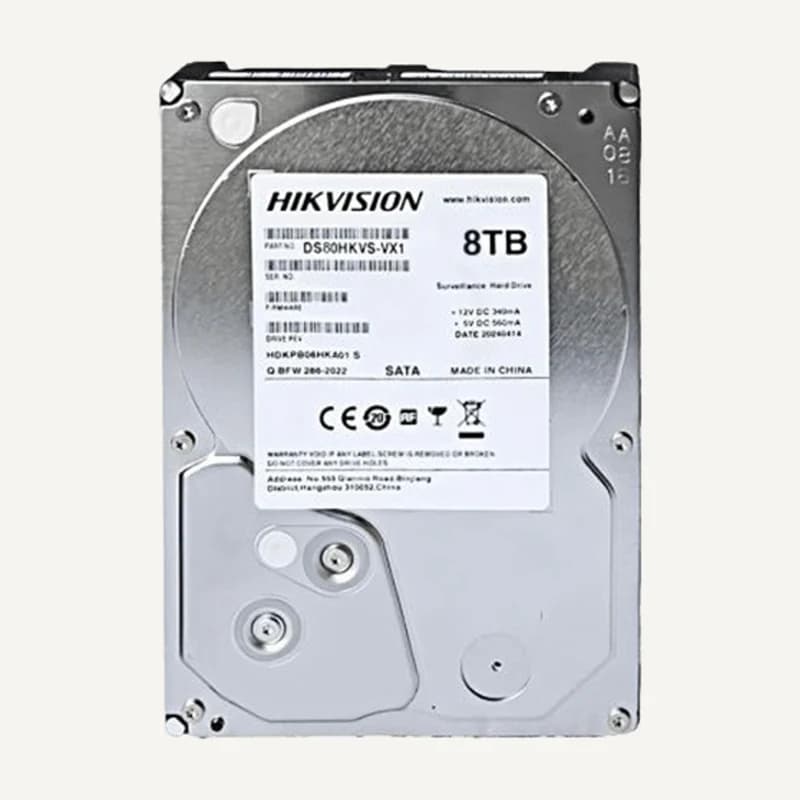
Inventory reference DS80HKVS-VX1 by Hikvision, catalogued under IT and power. Compatibility and final configuration are confirmed during the project study.
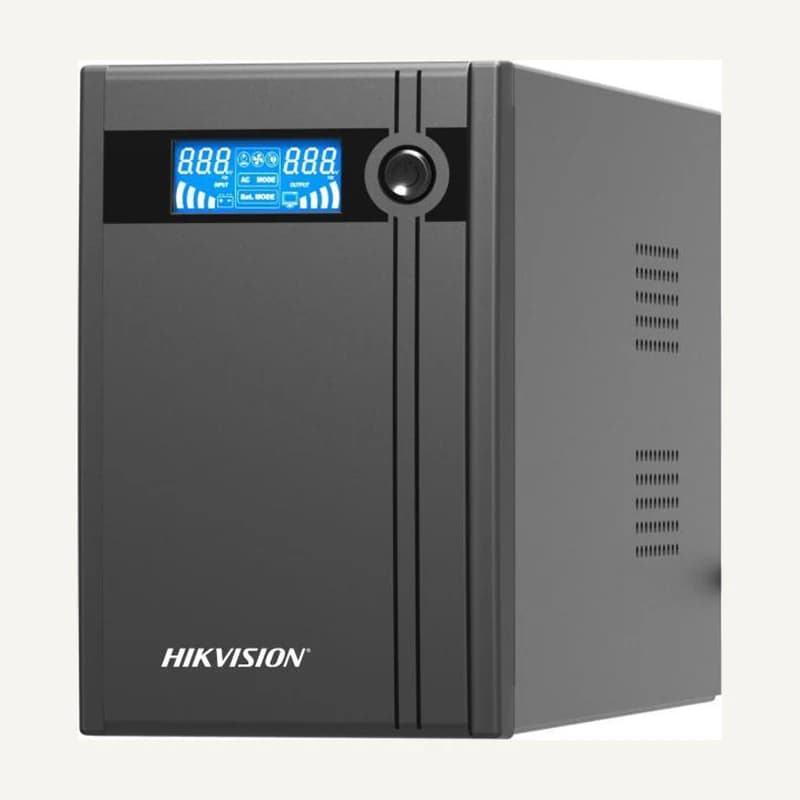
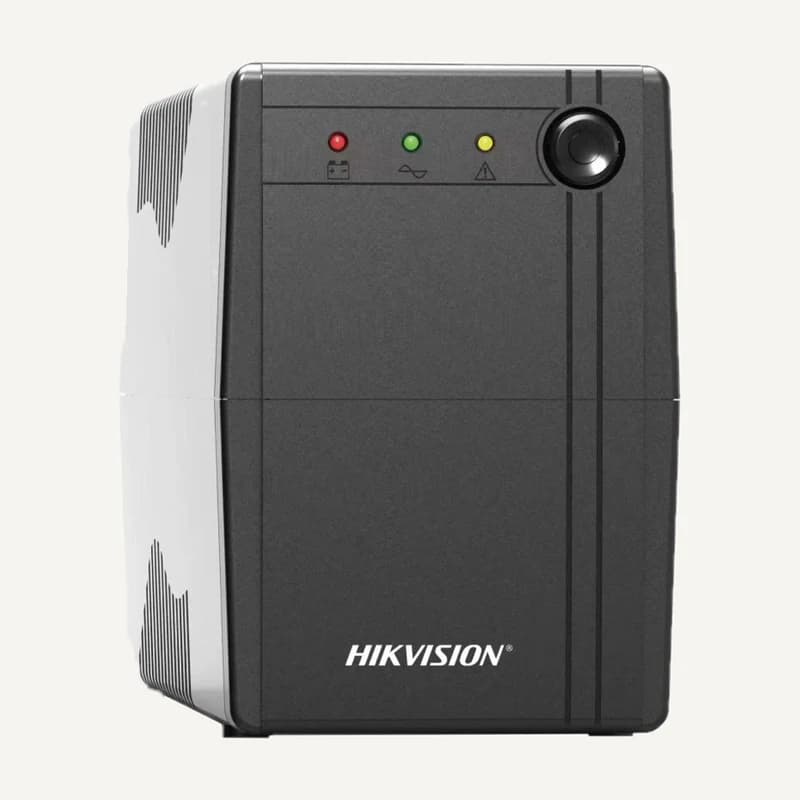
Inventory reference DS-UPS1000 by Hikvision, catalogued under IT and power. Compatibility and final configuration are confirmed during the project study.
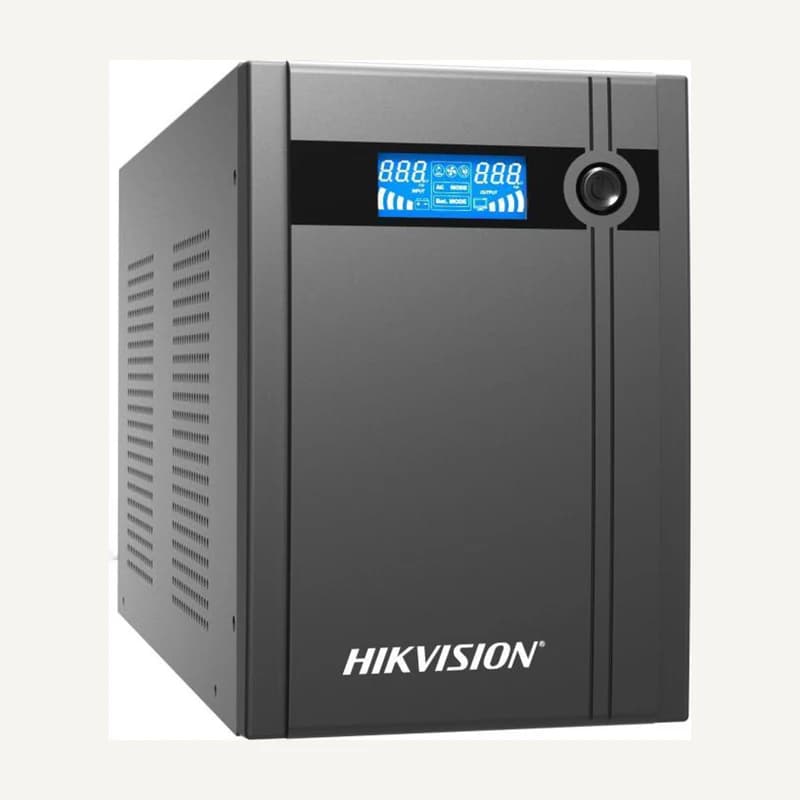
Inventory reference DS-UPS2000 by Hikvision, catalogued under IT and power. Compatibility and final configuration are confirmed during the project study.
Inventory reference DS-UPS3000 by Hikvision, catalogued under IT and power. Compatibility and final configuration are confirmed during the project study.
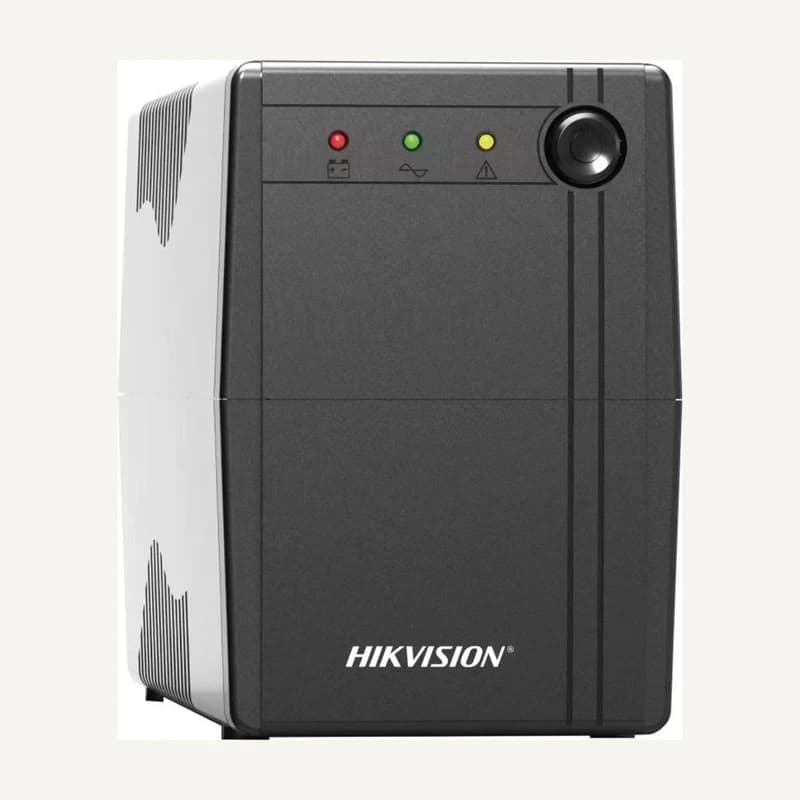
Inventory reference DS-UPS600 by Hikvision, catalogued under IT and power. Compatibility and final configuration are confirmed during the project study.
Inventory reference EMEA_PER750XS2FLEX by Dell, catalogued under IT and power. Compatibility and final configuration are confirmed during the project study.

 ↗
↗ ↗
↗ ↗
↗ ↗
↗ ↗
↗ ↗
↗ ↗
↗ ↗
↗ ↗
↗ ↗
↗ ↗
↗ ↗
↗ ↗
↗ ↗
↗ ↗
↗ ↗
↗ ↗
↗ ↗
↗ ↗
↗ ↗
↗ ↗
↗ ↗
↗ ↗
↗ ↗
↗