Start with the area, distance and intended result. Then complete the chain: transmission, power, recording, storage and viewing. The references below do not form a validated kit.
Conceptual IP system. Some roles may be integrated in one device; check the selected model’s limits. The chain does not claim compatibility between products.
01 · Capture
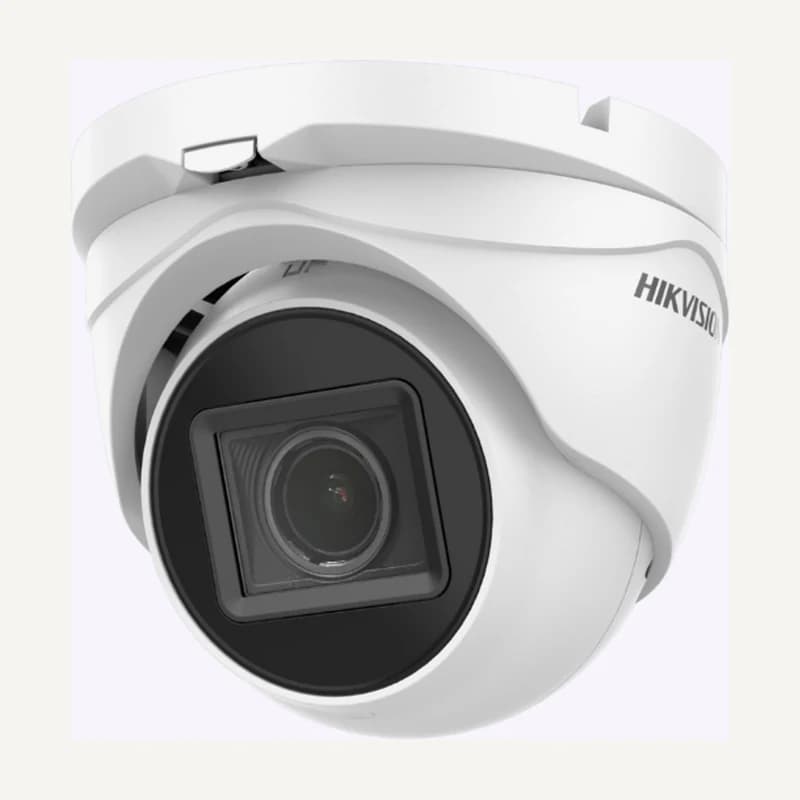
Camera and lens: define a useful view, mounting and day/night conditions. State indoor/outdoor use and actual exposure.
02 · Connect and power
Cabling, switch and power: record ports, distances and electrical requirements. An Ethernet switch is not necessarily PoE.
03 · Record
Recorder or server: check channels, supported streams, required functions and any licences for the exact model.
04 · Retain
Storage media: plan usable capacity, supported disks and recording mode. A list of drive bays does not guarantee retention or backup.
05 · Review
Workstation, display and accounts: specify simultaneous views, search and export. Define authorised people and permitted operations.
Seven inputs for an actionable quotation.+
Zones and purpose
One row per zone, with an expected result and priority. Attach an annotated plan without unnecessary personal data.
Installation conditions
Height, mounting surface, maintenance access, humidity and exposure. Confirm protection ratings in the model documentation.
Light and critical periods
Describe difficult times and existing lighting. Plan a check when the scene is most challenging.
Network and power
Count ports and links. For PoE, check compatibility, per-port power and total budget against documented maximum demands, not just typical consumption.
Recording and retention
Define schedules, streams and justified retention. Bitrates vary with scene and settings; storage estimates require explicit assumptions followed by validation.
Operation
Specify users, permissions, stations, any remote access, export and recovery. Identify who holds configuration and administrator access.
Inventory and equipment list
List retained hardware, new equipment and options separately. Include mounting, cables, connectors, storage and verified licences; attach exact references.
What must be checked beyond the sales sheet.+
For a project in Morocco, consult CNDP video-surveillance information and have the requirements for your situation determined. Do not choose retention simply because a disk has ample space. This page is neither legal advice nor authorisation to record.
Analytics, mobile access or third-party integration cannot be inferred from “IP”. Keep the exact model, software version and tested function. The ONVIF registry helps verify declared conformance; it does not replace testing your actual combination.
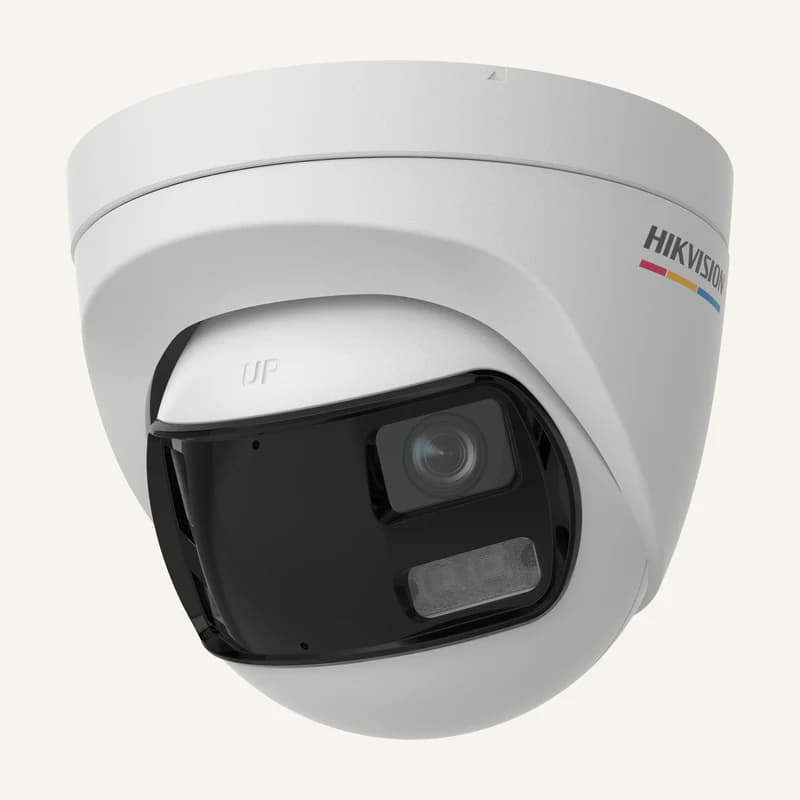
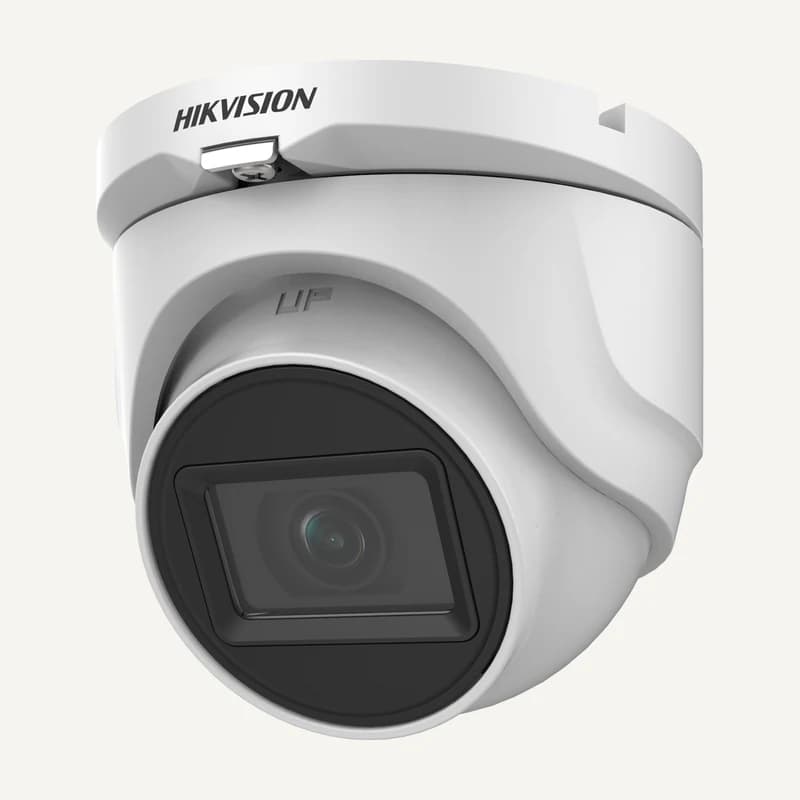
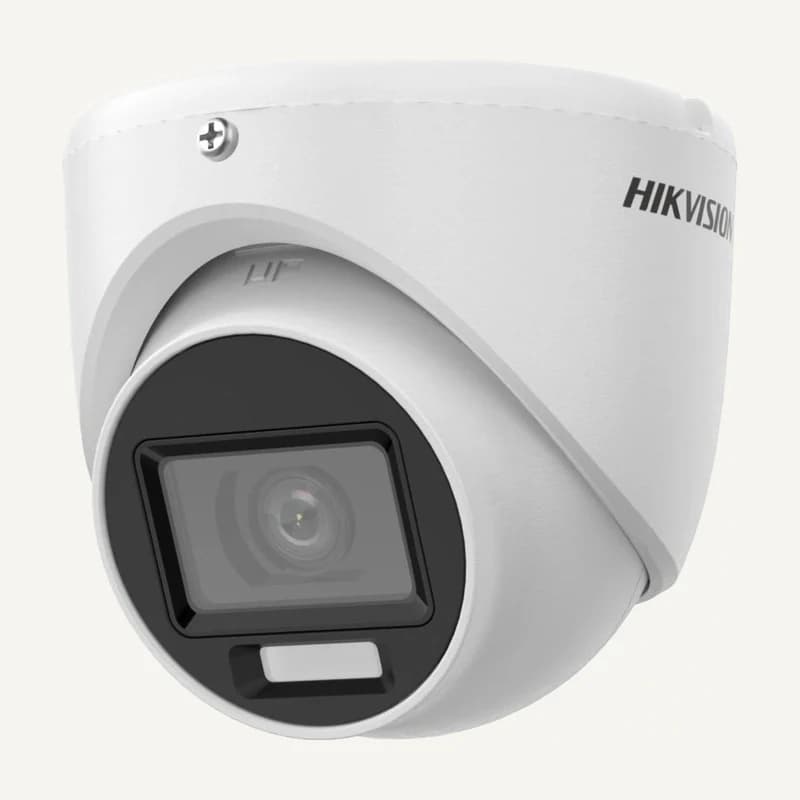
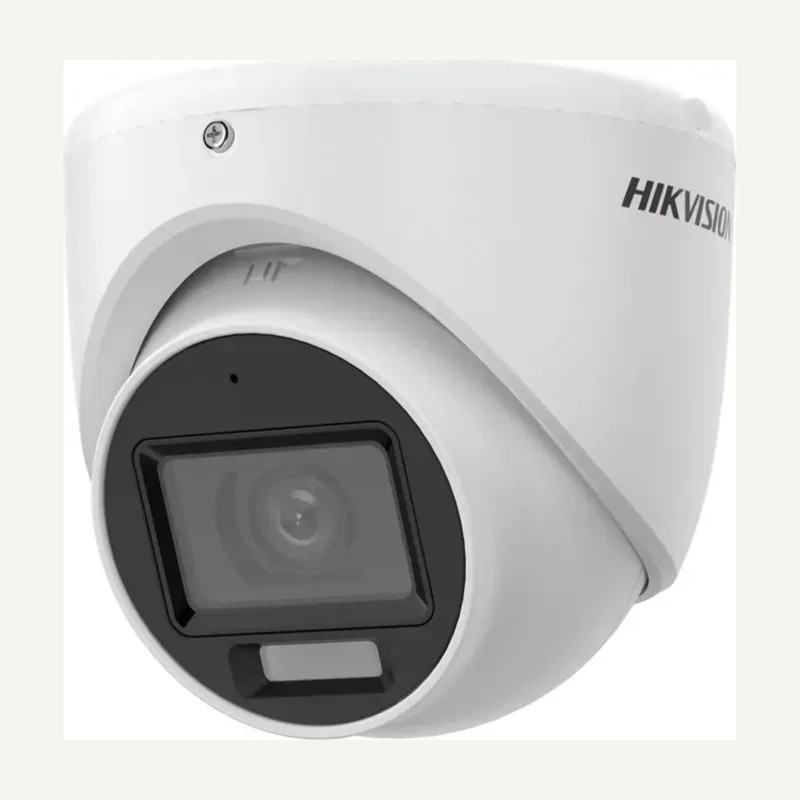
Inventory reference DS-2CE17K0T-LFS by Hikvision, catalogued under Video surveillance. Compatibility and final configuration are confirmed during the project study.
Inventory reference DS-2CE18K0T-LFS by Hikvision, catalogued under Video surveillance. Compatibility and final configuration are confirmed during the project study.
Inventory reference DS-2CE19H0T-AIT3ZF by Hikvision, catalogued under Video surveillance. Compatibility and final configuration are confirmed during the project study.
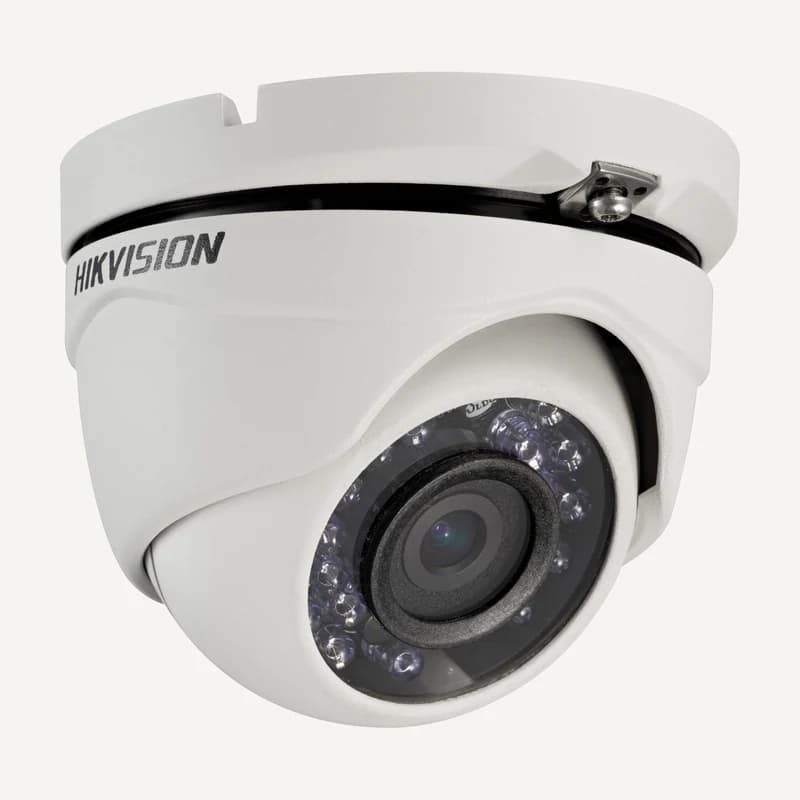
Inventory reference DS-2CE56D0T-IRMF by Hikvision, catalogued under Video surveillance. Compatibility and final configuration are confirmed during the project study.
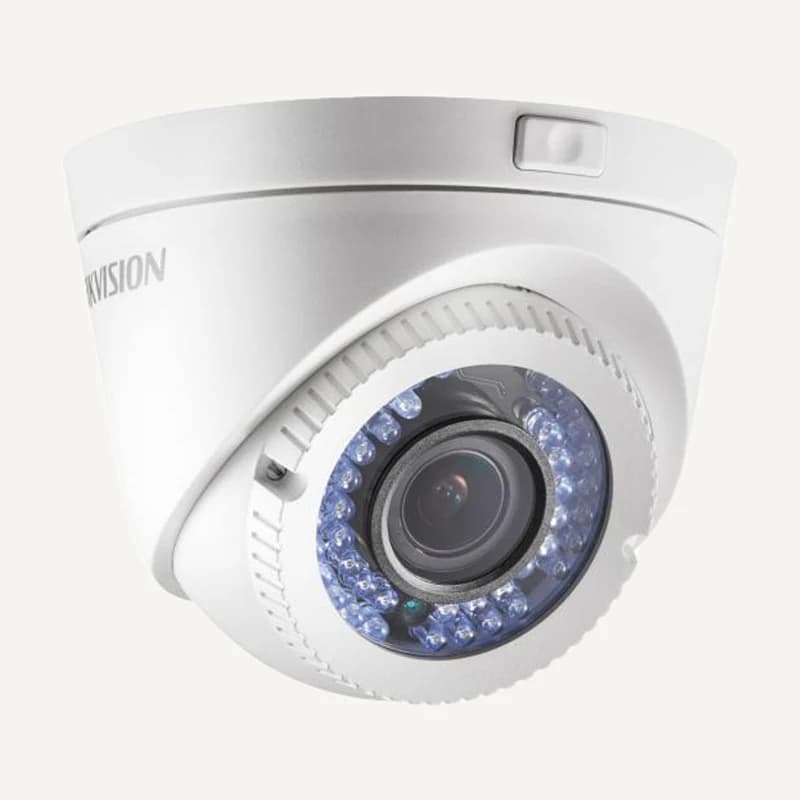
Inventory reference DS-2CE56D0T-VFIR3 by Hikvision, catalogued under Video surveillance. Compatibility and final configuration are confirmed during the project study.
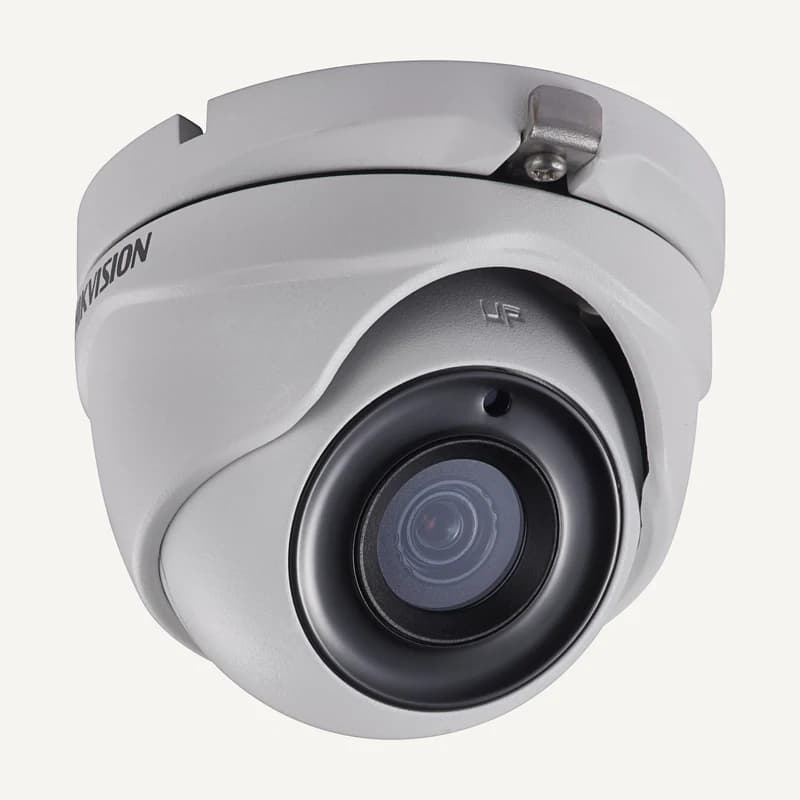
Inventory reference DS-2CE56H0T-ITMF by Hikvision, catalogued under Video surveillance. Compatibility and final configuration are confirmed during the project study.
Inventory reference DS-2CE57H0T-VPITF by Hikvision, catalogued under Video surveillance. Compatibility and final configuration are confirmed during the project study.
Inventory reference DS-2CE70DF3T-PTS by Hikvision, catalogued under Video surveillance. Compatibility and final configuration are confirmed during the project study.
Inventory reference DS-2CE70KF0T-LMFS by Hikvision, catalogued under Video surveillance. Compatibility and final configuration are confirmed during the project study.
Inventory reference DS-2CE70KF0T-MFS by Hikvision, catalogued under Video surveillance. Compatibility and final configuration are confirmed during the project study.
Inventory reference DS-2CE72HFT-F28 by Hikvision, catalogued under Video surveillance. Compatibility and final configuration are confirmed during the project study.
Inventory reference DS-2CE72KF3TP-DLS by Hikvision, catalogued under Video surveillance. Compatibility and final configuration are confirmed during the project study.
Inventory reference DS-2CE76D0T-EXIMF by Hikvision, catalogued under Video surveillance. Compatibility and final configuration are confirmed during the project study.
Inventory reference DS-2CE76D0T-EXLMF by Hikvision, catalogued under Video surveillance. Compatibility and final configuration are confirmed during the project study.
Inventory reference DS-2CE76D0T-LMFS by Hikvision, catalogued under Video surveillance. Compatibility and final configuration are confirmed during the project study.
Inventory reference DS-2CE76K0T-EXLMF by Hikvision, catalogued under Video surveillance. Compatibility and final configuration are confirmed during the project study.
Inventory reference DS-2CE76K0T-LMFS by Hikvision, catalogued under Video surveillance. Compatibility and final configuration are confirmed during the project study.
Inventory reference DS-2CE76U0T-LMF by Hikvision, catalogued under Video surveillance. Compatibility and final configuration are confirmed during the project study.
Inventory reference DS-2CE76U1T-ITMF by Hikvision, catalogued under Video surveillance. Compatibility and final configuration are confirmed during the project study.
Inventory reference DS-2CE78K0T-LTS by Hikvision, catalogued under Video surveillance. Compatibility and final configuration are confirmed during the project study.
Inventory reference DS-2CE78U0T-LTS by Hikvision, catalogued under Video surveillance. Compatibility and final configuration are confirmed during the project study.
Inventory reference DS-2CE79H0T-IT3ZF by Hikvision, catalogued under Video surveillance. Compatibility and final configuration are confirmed during the project study.

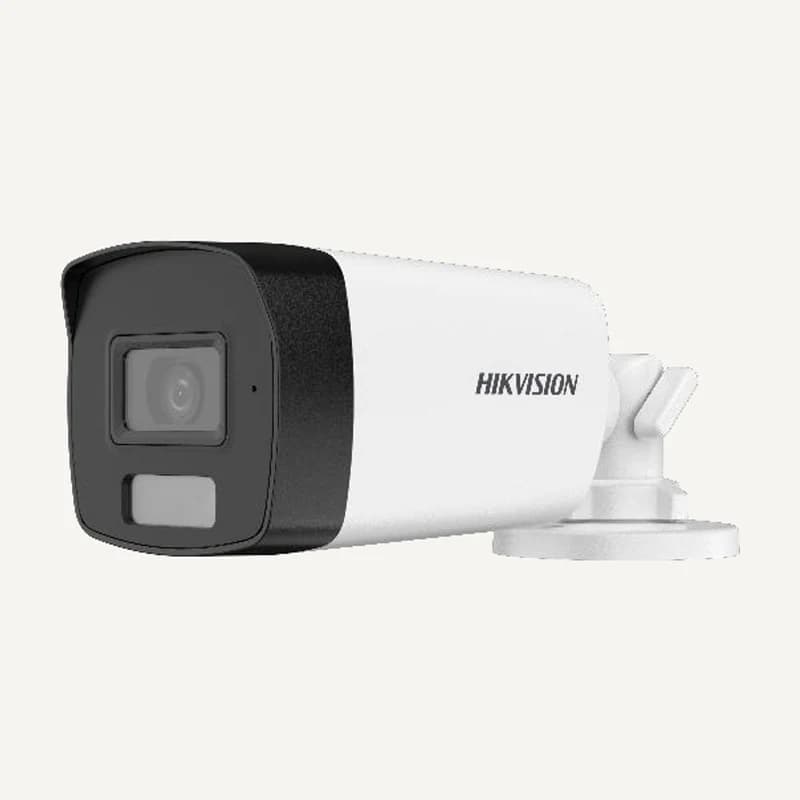 ↗
↗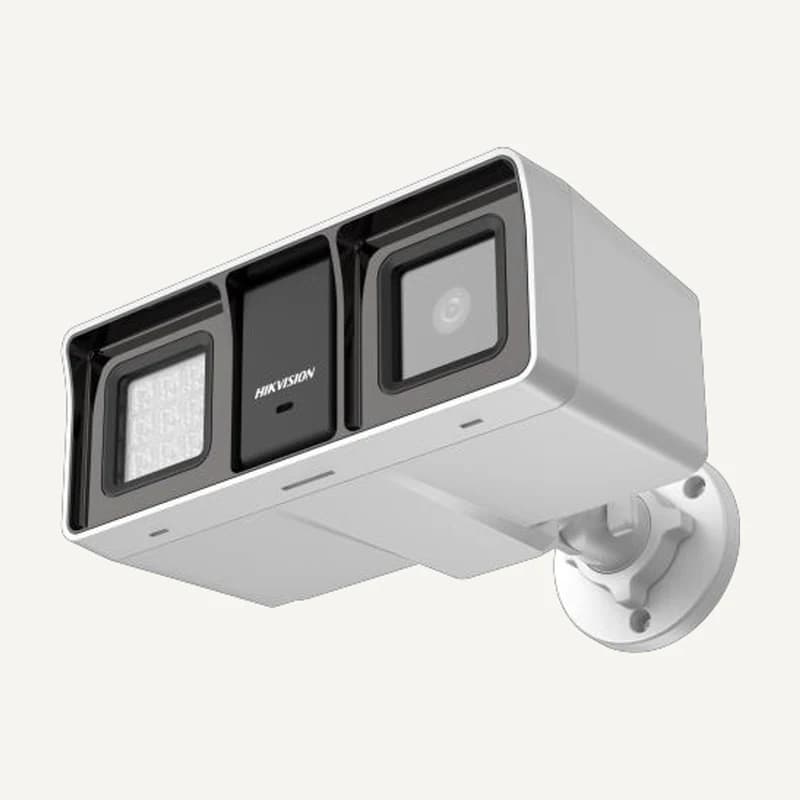 ↗
↗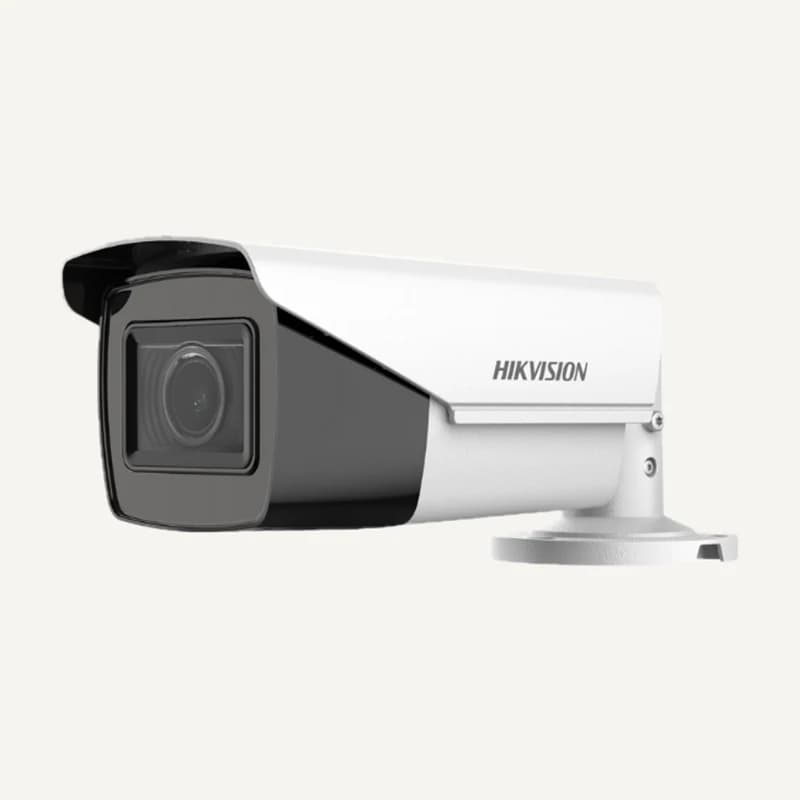 ↗
↗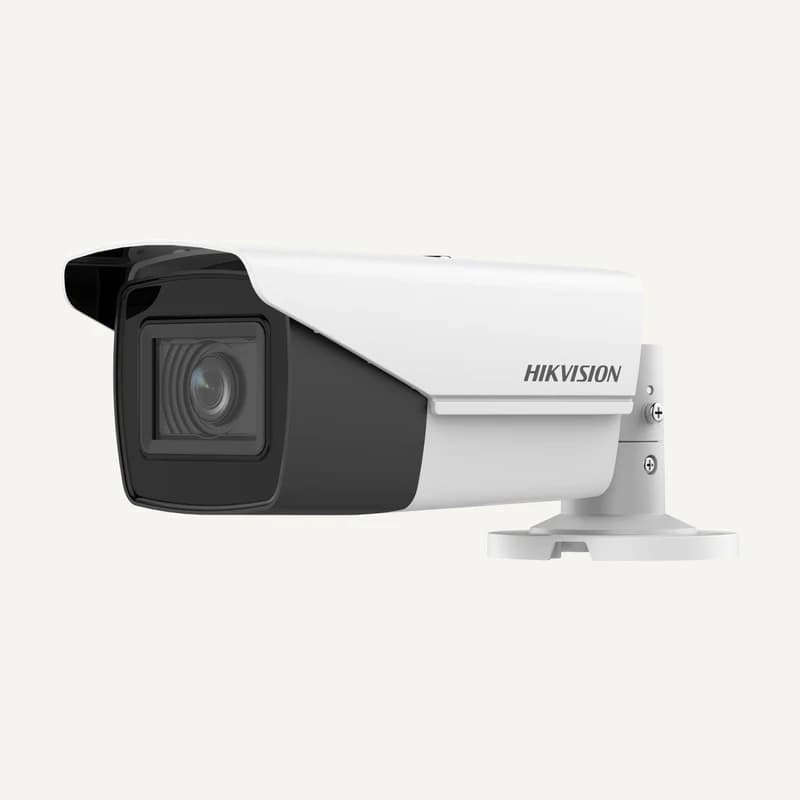 ↗
↗ ↗
↗ ↗
↗ ↗
↗ ↗
↗ ↗
↗ ↗
↗ ↗
↗ ↗
↗ ↗
↗ ↗
↗ ↗
↗ ↗
↗ ↗
↗ ↗
↗ ↗
↗ ↗
↗ ↗
↗