
 ↗
↗DSPPAD-AUXI167II
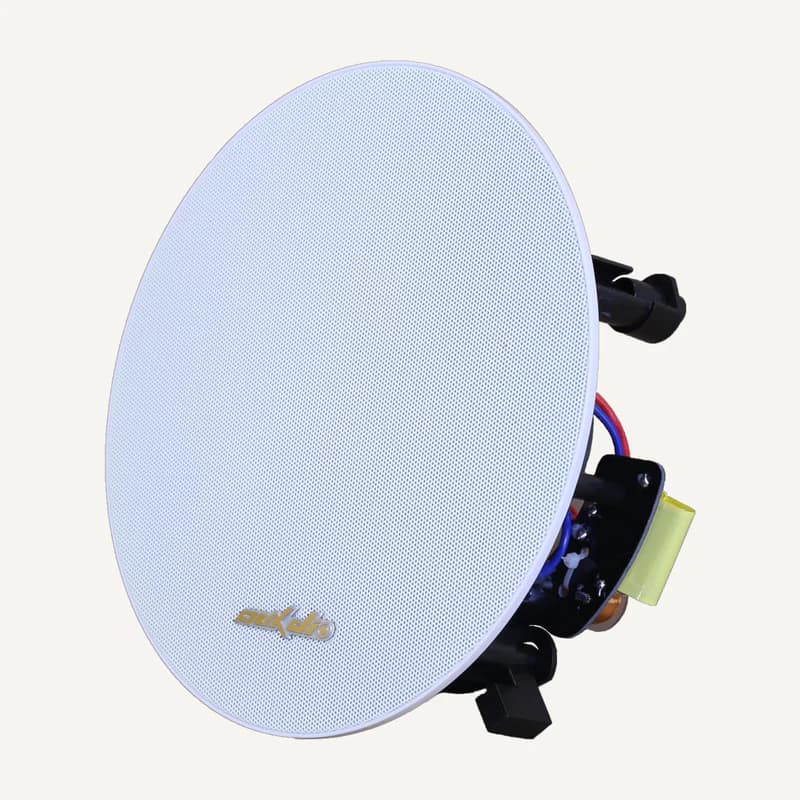
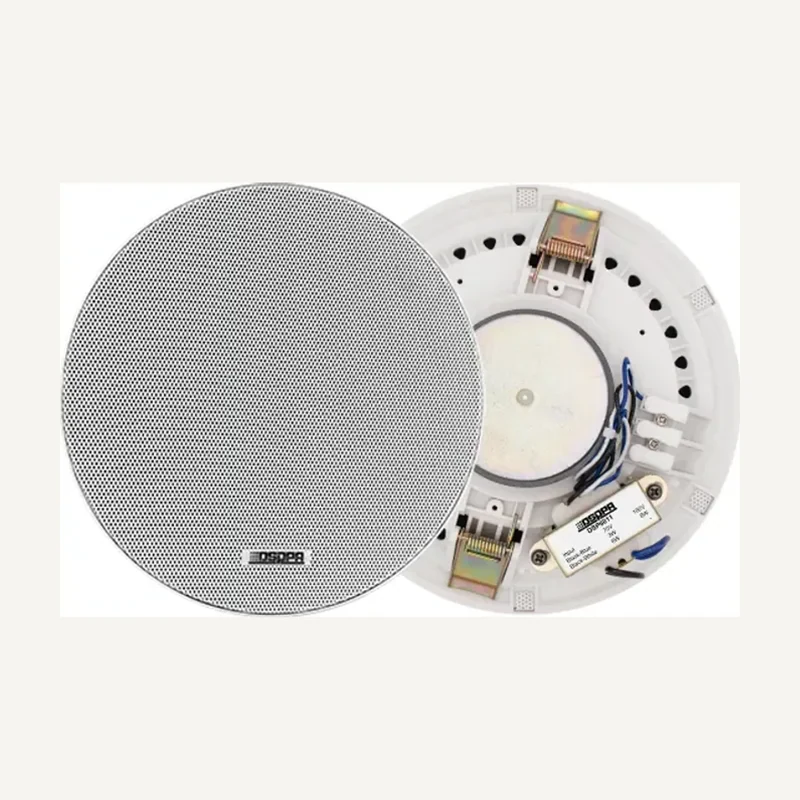
D-AUXI167II — ceiling speaker
Range illustration
Ceiling audio reference for planning an indoor sound installation.
Professional terms after sign-in
Availability: On request
 SELECTION FIELDNOTES
Background music, reception announcements and discussion have different needs. Before choosing an amplifier, define sources, spaces and priorities. This profile turns a speaker list into practical questions for planning installed sound.
View referencesAudio installers · retail, restaurants, offices and reception spaces.
Before you choose. A public-address range is not an evacuation certification. This profile prepares everyday audio uses; any safety function requires its own system, documents and project validation.
ROLES TO PLAN · PREPARATION OUTLINE
List music, microphone and any recorded message. Record connection location, signal level and simultaneous-use needs.
Describe what each space should hear. An announcement may interrupt music; this behaviour must be requested and tested, not assumed.
Match outputs, loads and expected levels. Distinguish an audio input, a line-level output and a powered speaker output.
Choose placement and mounting around ceilings, walls, ambient noise and listeners. A power rating alone does not describe listening quality in the room.
DSPPA separates public-address, conference and evacuation documents. The DMA250U page also illustrates different output types; that does not permit mixing their loads or generalising to every amplifier.
| Need | Describe | Confirm |
|---|---|---|
| Distributed line | Distributed speakers, lengths, each transformer setting. | Output mode, total load and exact-model recommended headroom. |
| Low impedance | Speakers per channel and planned arrangement. | Permitted resulting load; never treat line level as speaker power. |
| Multiple sound programmes | Same music or different sources in each zone. | Independent routing, channels and controls: several buttons are not enough. |
| Discussion / conference | Stations, moderator, simultaneous speakers and remote-audio link. | Compatible controller, stations and interfaces; not just a microphone input. |
Record dimensions, height, finishes, occupancy and desired atmosphere. Flag terraces, moisture and mounting constraints rather than assuming an indoor speaker fits everywhere.
For each source, mark destinations, local adjustment and priorities. Specify whether muting one zone must leave the others running.
Record cables, lengths, labels and routes. For a retrofit, capture existing references and settings; do not infer load from grille count alone.
Plan music playback, announcements, per-zone mute and recovery after shutdown. Check that users can return to normal settings without opening the rack.
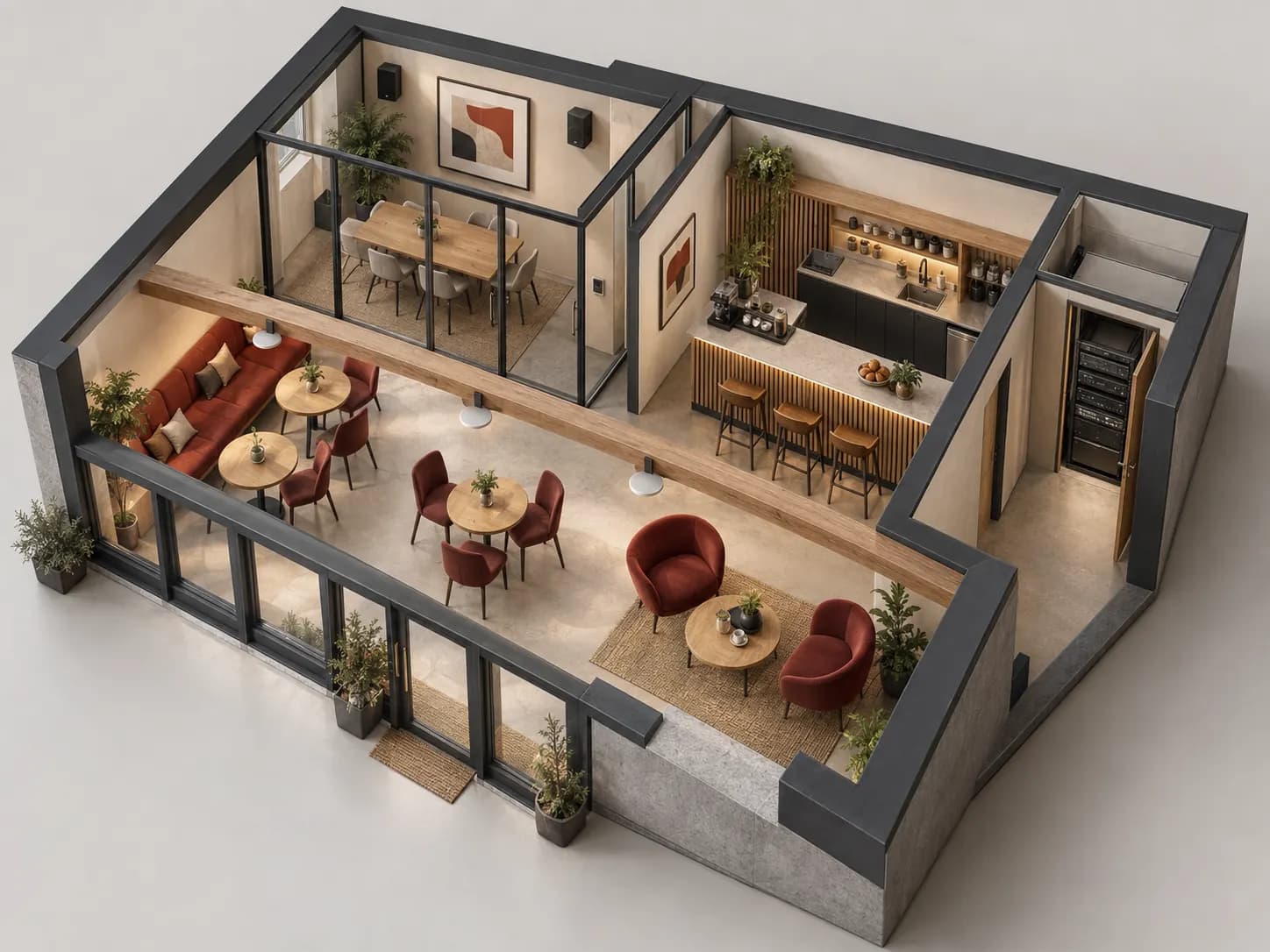
Fictional example: music stays in the café while a meeting uses its own programme. Reception announcements address the café, not the meeting.
Draw two zones and two sources. The request is not simply ‘two volumes’: different programmes must run simultaneously.
Describe café announcements: music reduced or interrupted, then restored. Verify the meeting room stays unchanged and the selected equipment supports this routing.
Mute the café while keeping the meeting running, then reverse. Check staff controls and record accepted settings at handover.
A requirements example, without acoustic promises or a prescribed model. Voice evacuation and fire safety are outside this simulation.
DSPPA’s download centre separates amplifiers, speakers and conference systems. Find the exact-model manual, then record terminals, permitted loads and conditions for requested functions. A series name does not validate a combination.
Two DMA250U EMC descriptions conflict. Confirm the manual and hardware revision before specifying these inputs; no automatic catalogue correction is made.
Not necessarily. Request independent routing if sources must differ simultaneously. A zone selector may only distribute the same programme to several destinations.
Do not connect loads by analogy. Have outputs, permitted modes and protection checked for the exact model. A 100 V output is not a low-level audio input.
Neither the brand nor an announcement input establishes that role. A safety project requires dedicated requirements, documents and validation. Do not substitute everyday sound for the specified safety system.
Official documents are linked, not rehosted. Preparation advice is editorial; sources validate neither every catalogue reference nor a commercial partnership. Terms and variants still need checking.
Sources consulted on
This classification reflects loaded data, not technical validation or availability. Open the exact product page to check published information.
↗Range illustration
Ceiling audio reference for planning an indoor sound installation.
Professional terms after sign-in
Availability: On request
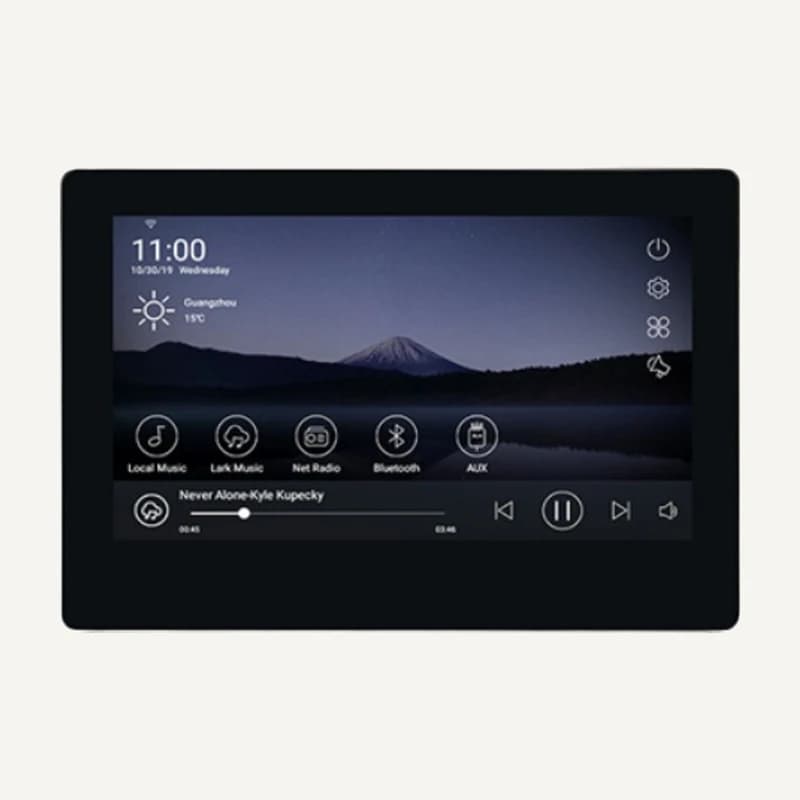 ↗
↗Touch interface and amplification for two audio zones.
Professional terms after sign-in
Availability: On request
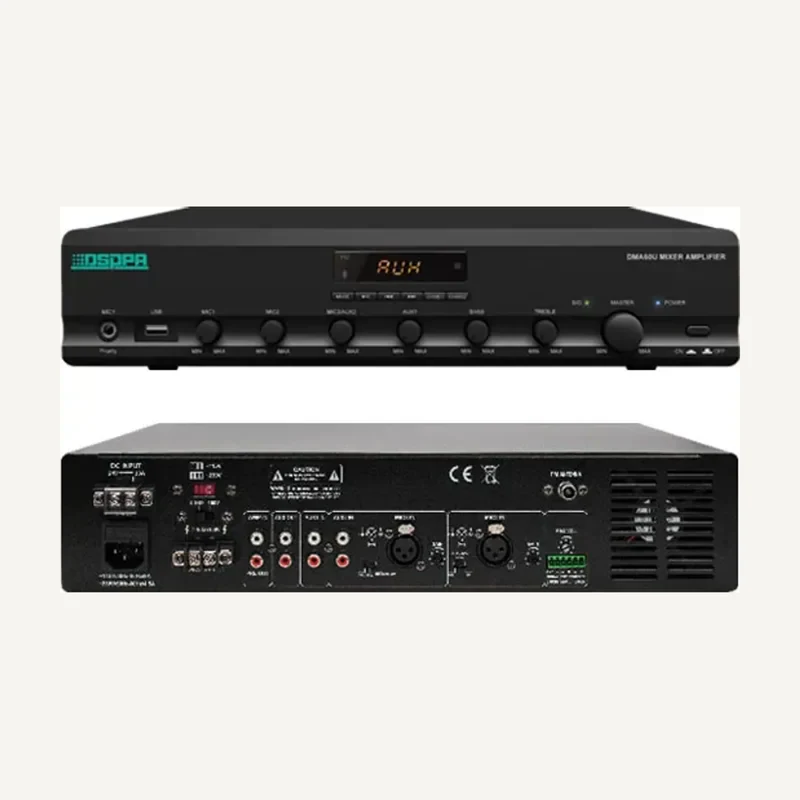 ↗
↗Combines audio sources and amplifies them for compatible loudspeakers.
Professional terms after sign-in
Availability: On request
↗Combines audio sources and amplifies them for compatible loudspeakers.
Professional terms after sign-in
Availability: On request
↗Combines audio sources and amplifies them for compatible loudspeakers.
Professional terms after sign-in
Availability: On request
↗Combines audio sources and amplifies them for compatible loudspeakers.
Professional terms after sign-in
Availability: On request
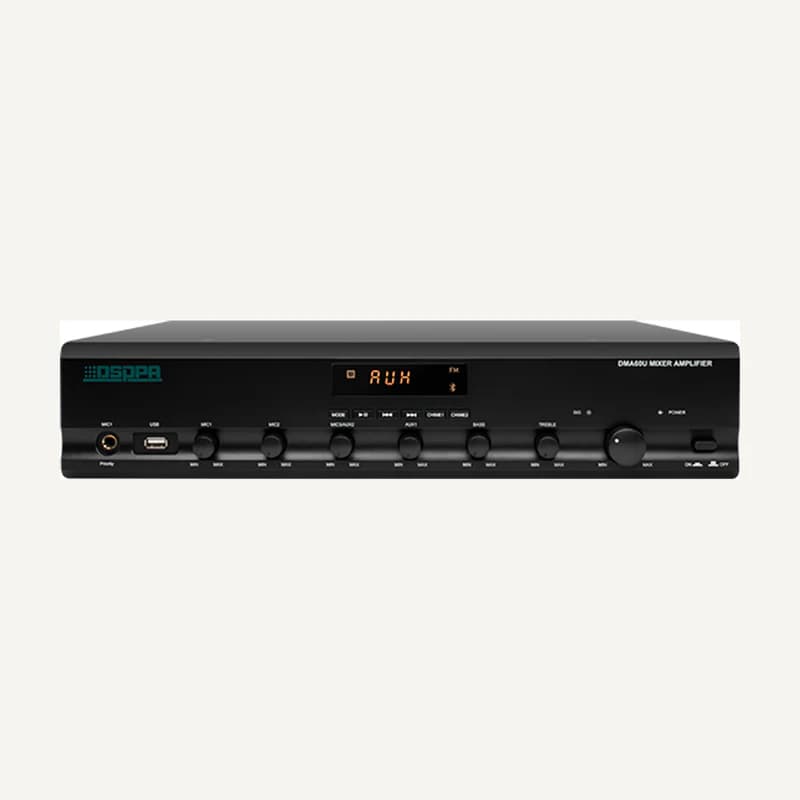 ↗
↗Combines audio sources and amplifies them for compatible loudspeakers.
Professional terms after sign-in
Availability: On request
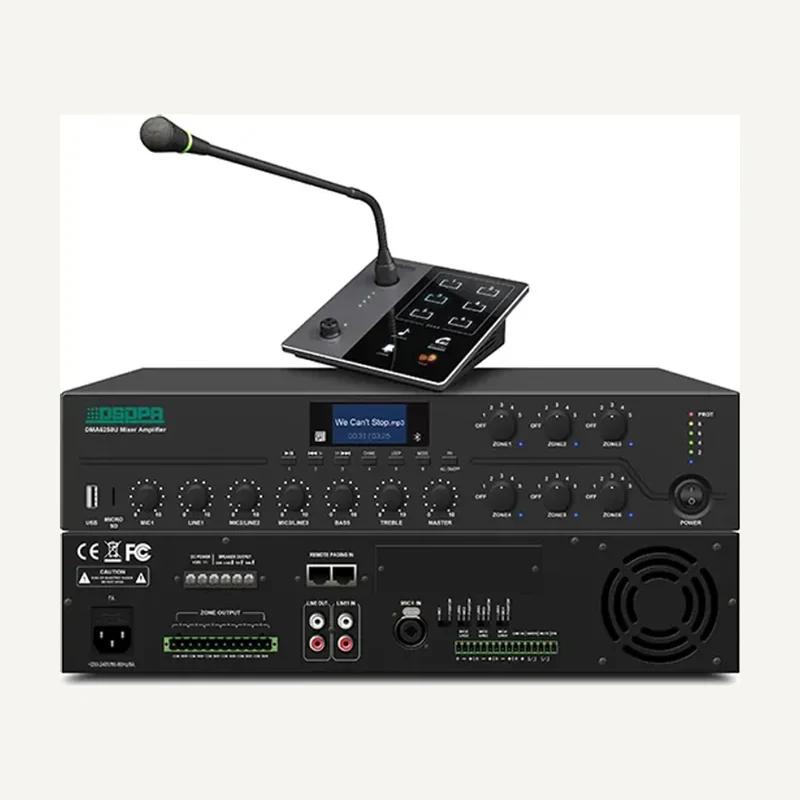 ↗
↗Combines audio sources and amplifies them for compatible loudspeakers.
Professional terms after sign-in
Availability: On request
↗Combines audio sources and amplifies them for compatible loudspeakers.
Professional terms after sign-in
Availability: On request
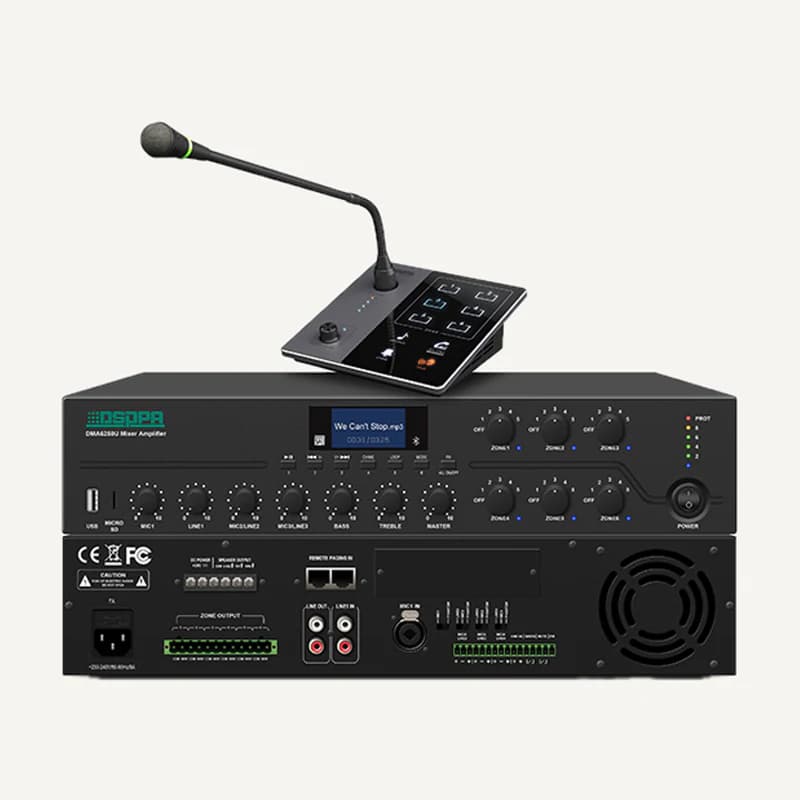 ↗
↗Combines audio sources and amplifies them for compatible loudspeakers.
Professional terms after sign-in
Availability: On request
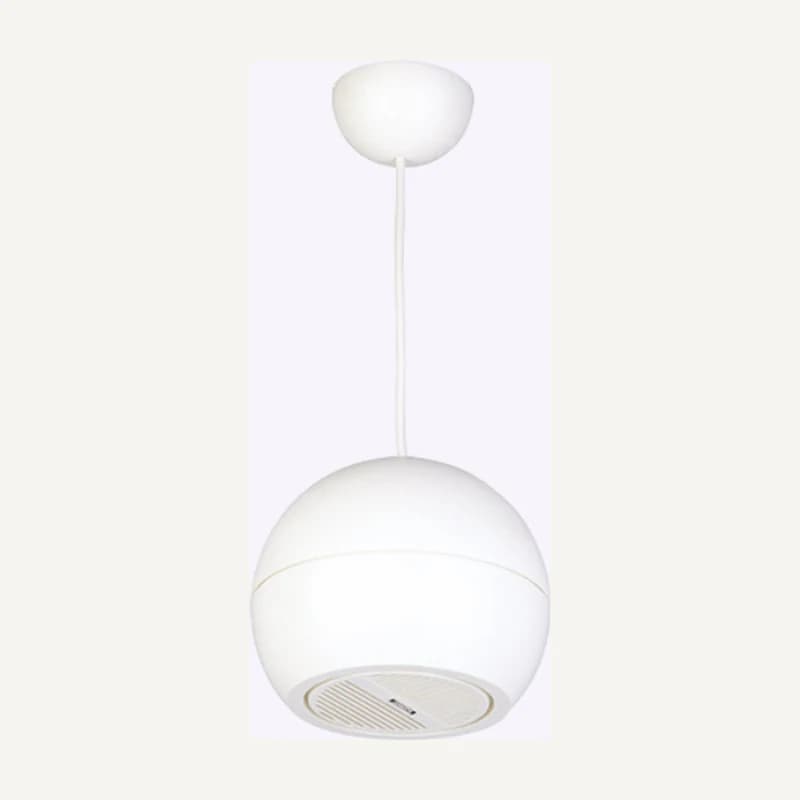 ↗
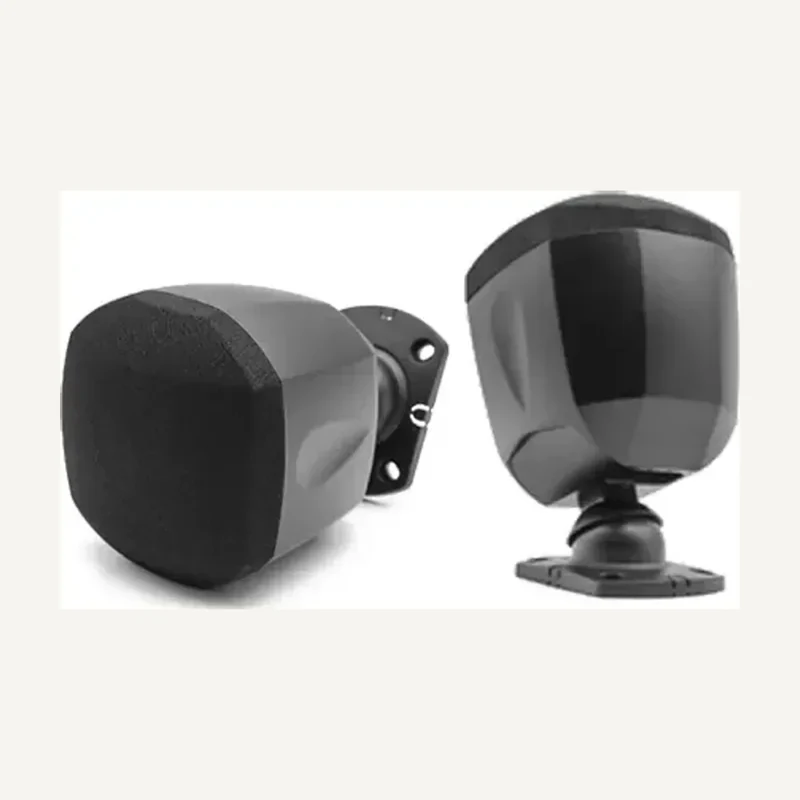
↗Suspended sound distribution aimed at a useful area.
Professional terms after sign-in
Availability: On request
 ↗
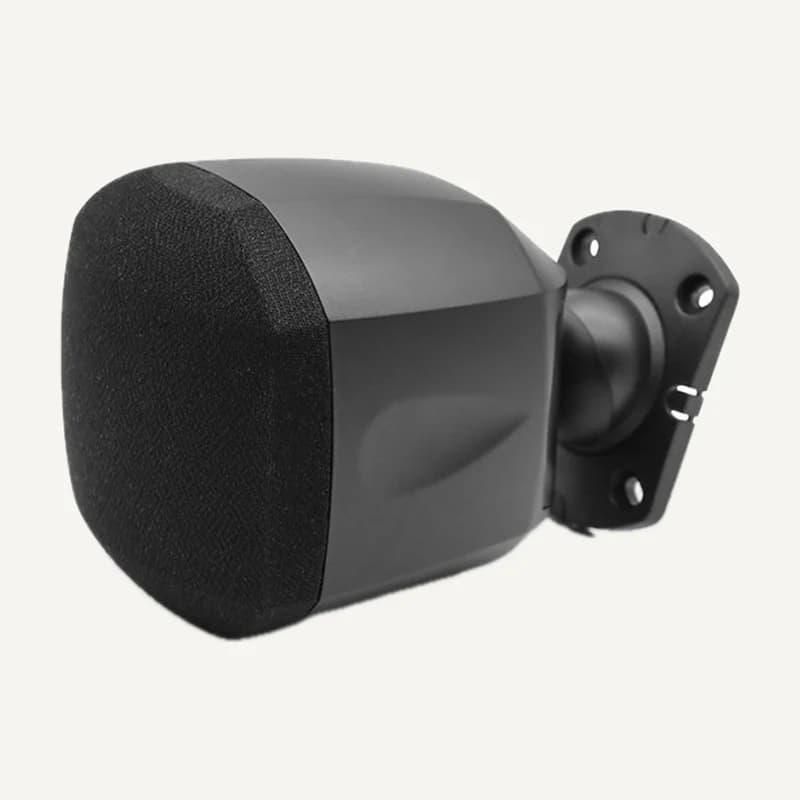
↗Sound reproduction mounted and aimed for the intended space.
Professional terms after sign-in
Availability: On request
 ↗
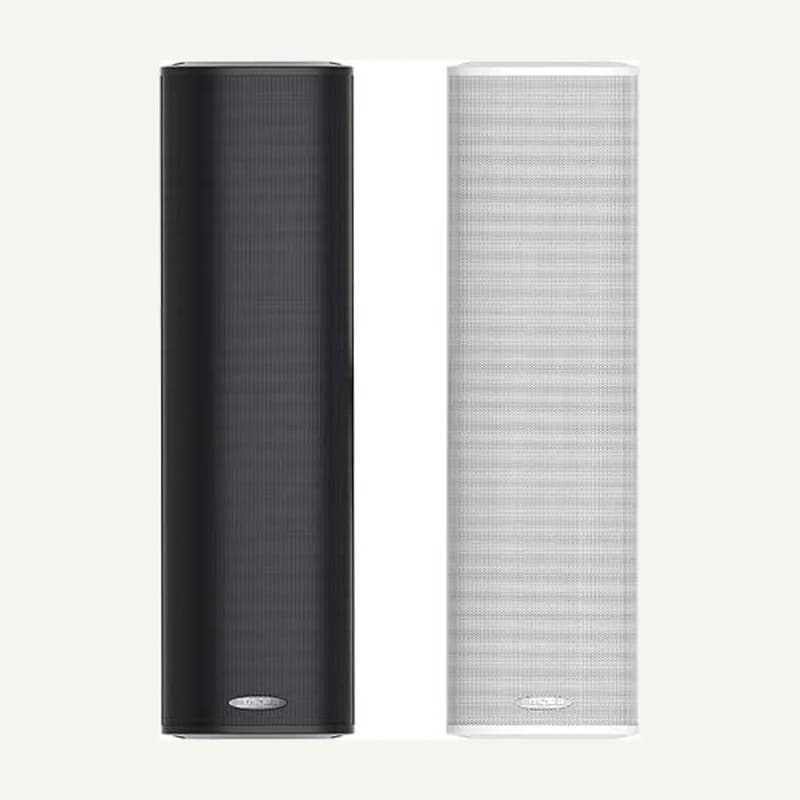
↗Sound reproduction mounted and aimed for the intended space.
Professional terms after sign-in
Availability: On request
 ↗
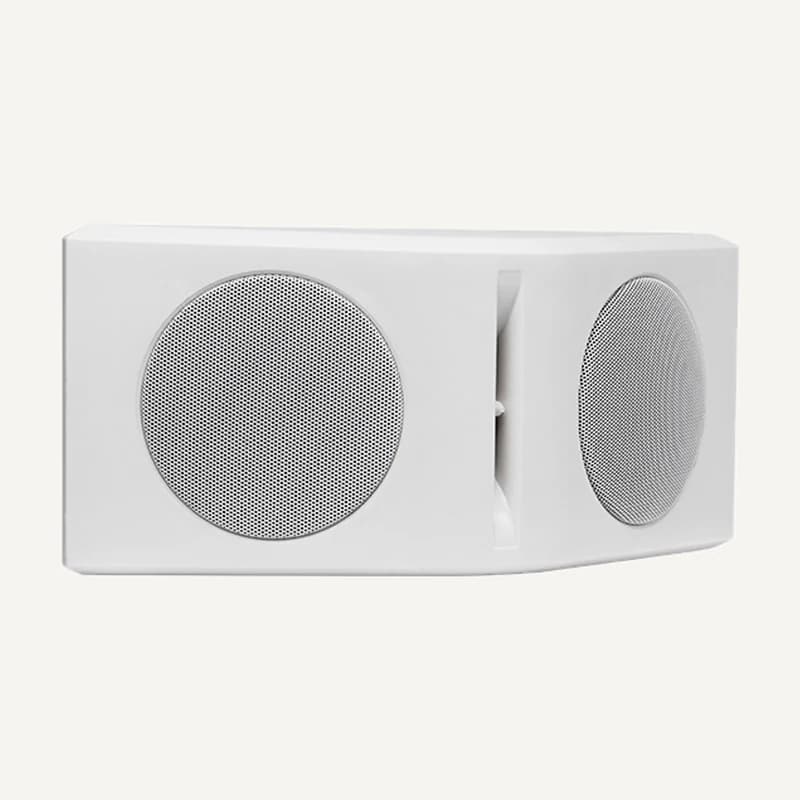
↗Directed sound positioned for mounting height and room acoustics.
Professional terms after sign-in
Availability: On request
 ↗
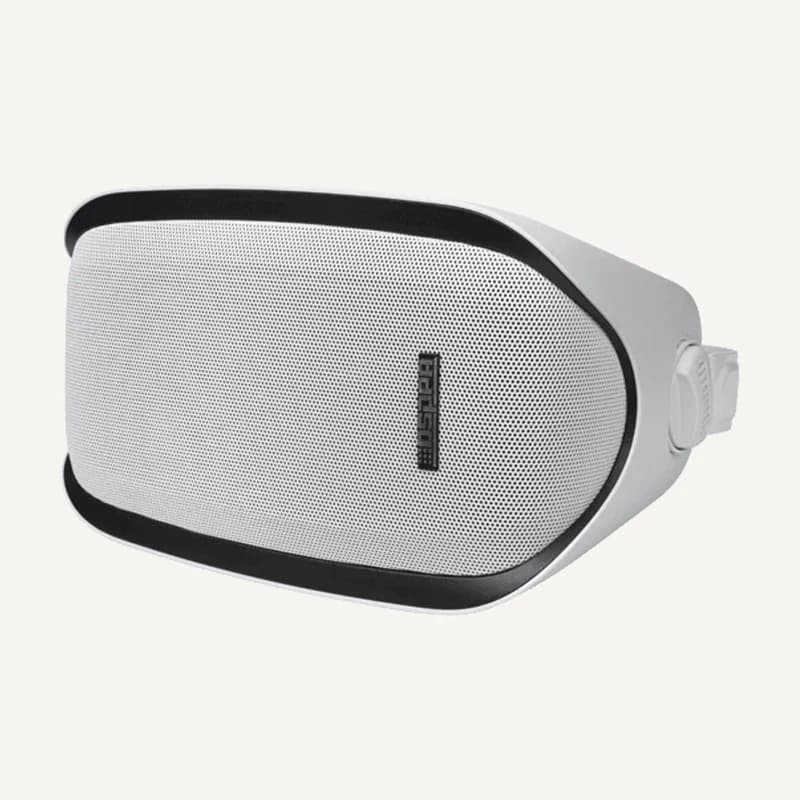
↗Sound reproduction mounted and aimed for the intended space.
Professional terms after sign-in
Availability: On request
 ↗
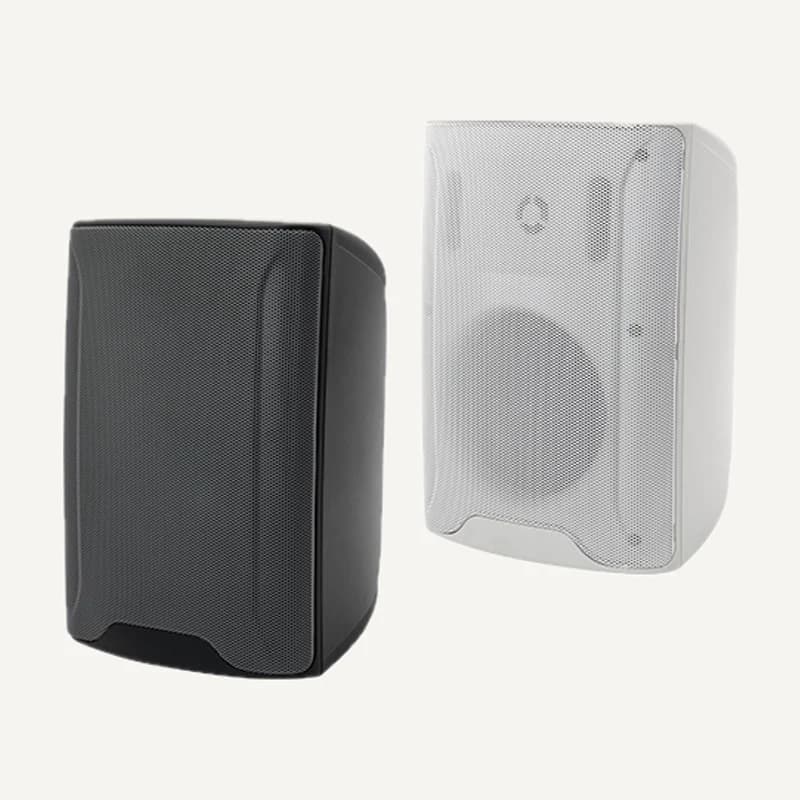
↗Sound reproduction mounted and aimed for the intended space.
Professional terms after sign-in
Availability: On request
 ↗
↗Range illustration
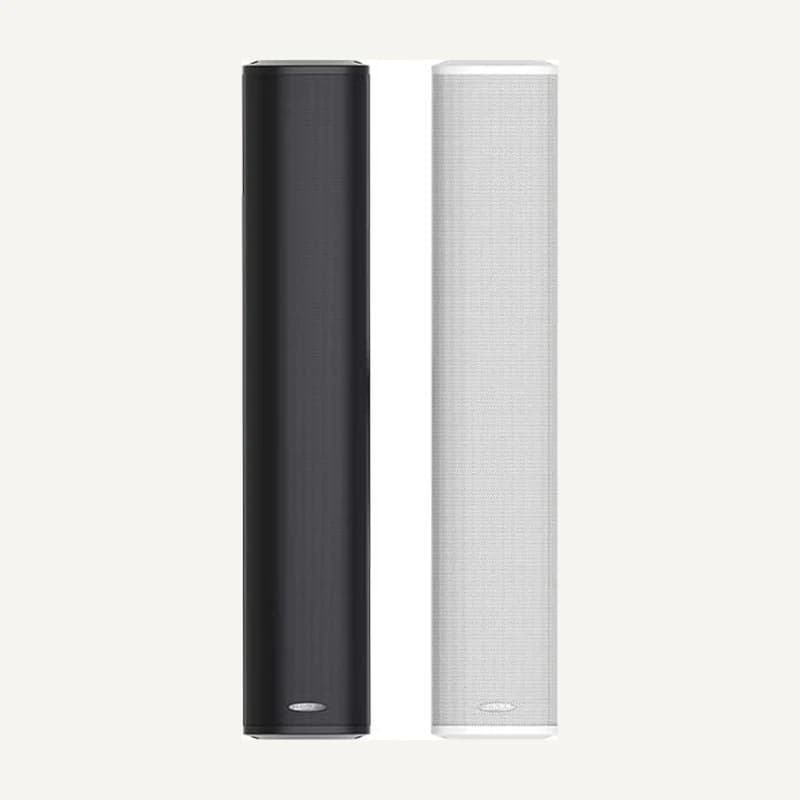
Sound reproduction mounted and aimed for the intended space.
Professional terms after sign-in
Availability: On request
 ↗
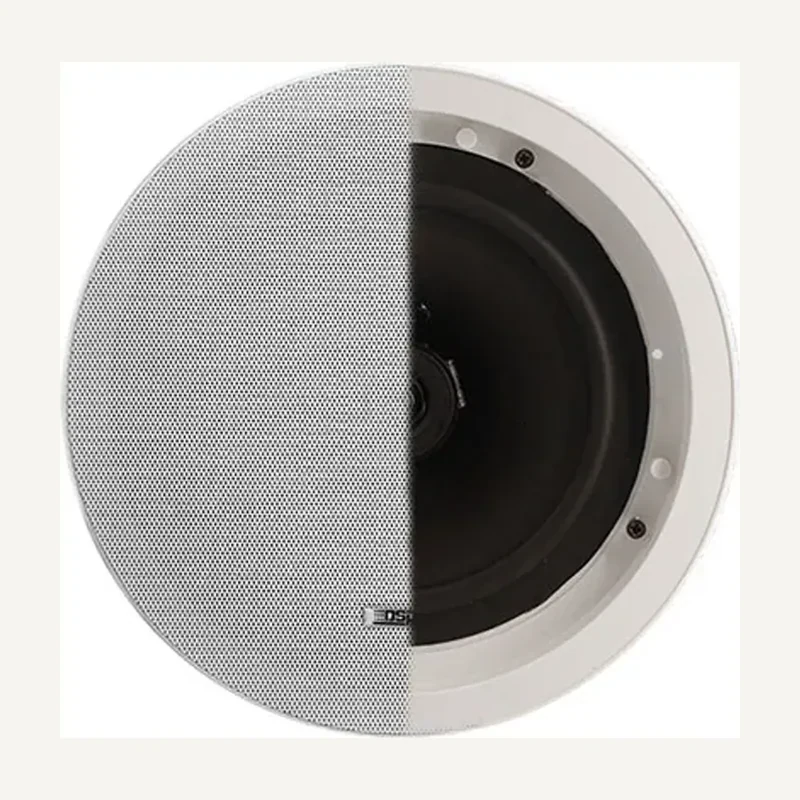
↗Directed sound positioned for mounting height and room acoustics.
Professional terms after sign-in
Availability: On request
 ↗
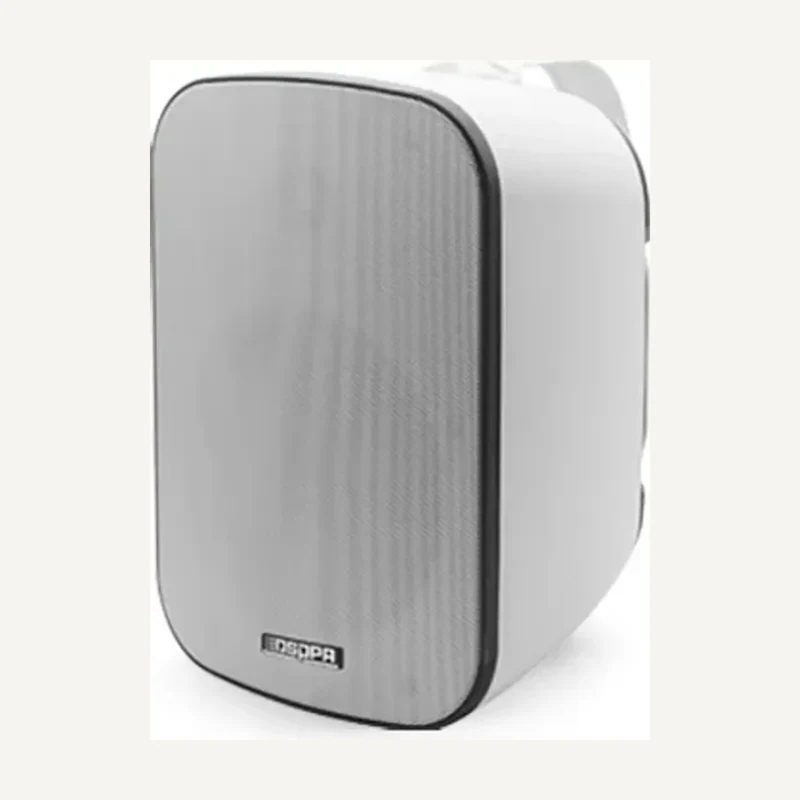
↗Ceiling-integrated sound with suitable clearance and support.
Professional terms after sign-in
Availability: On request
 ↗
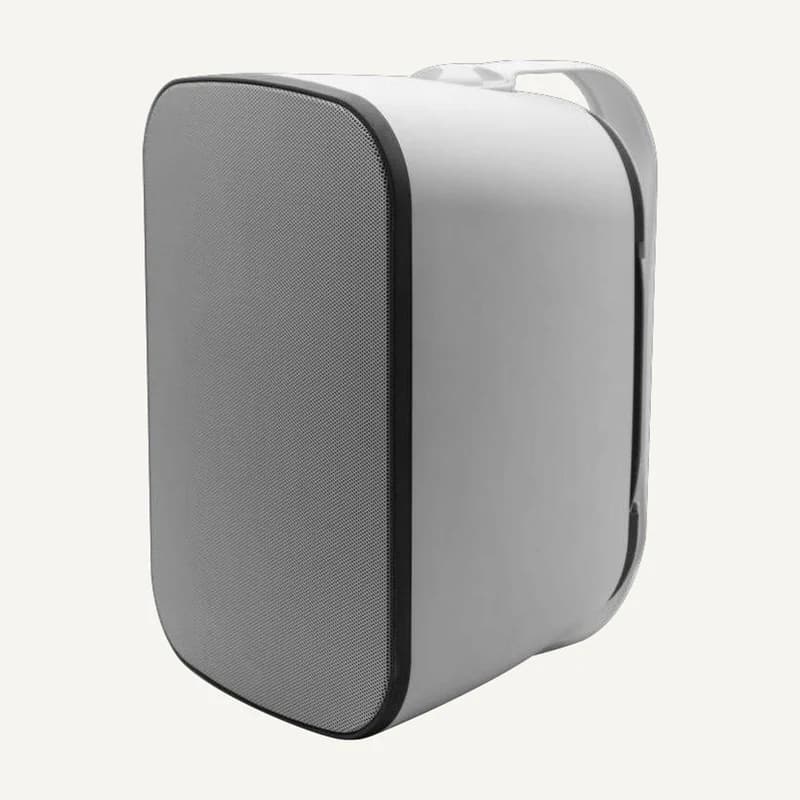
↗Sound reproduction mounted and aimed for the intended space.
Professional terms after sign-in
Availability: On request
 ↗
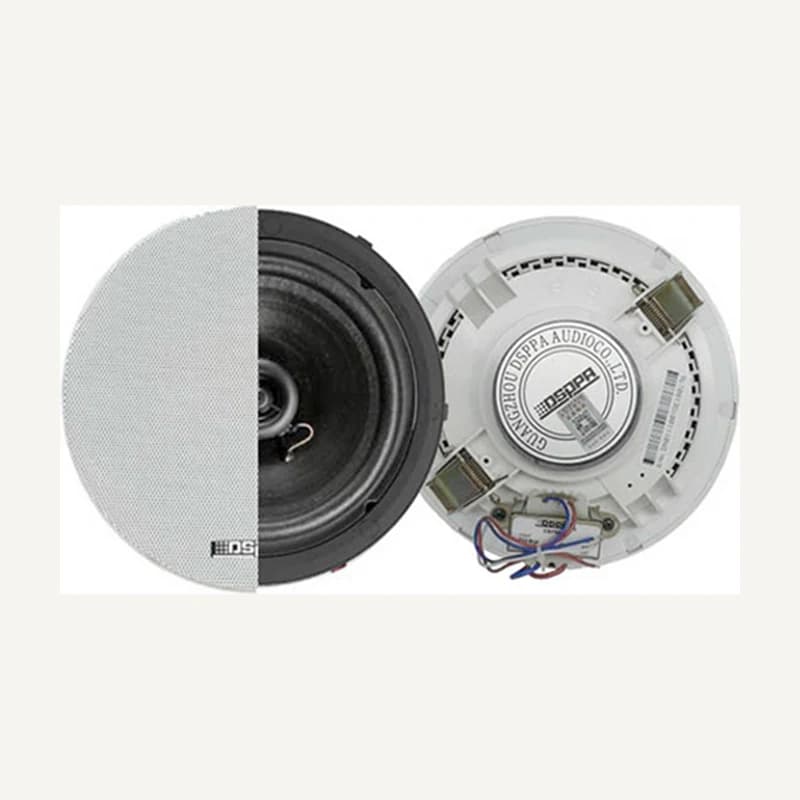
↗Range illustration
Sound reproduction mounted and aimed for the intended space.
Professional terms after sign-in
Availability: On request
 ↗
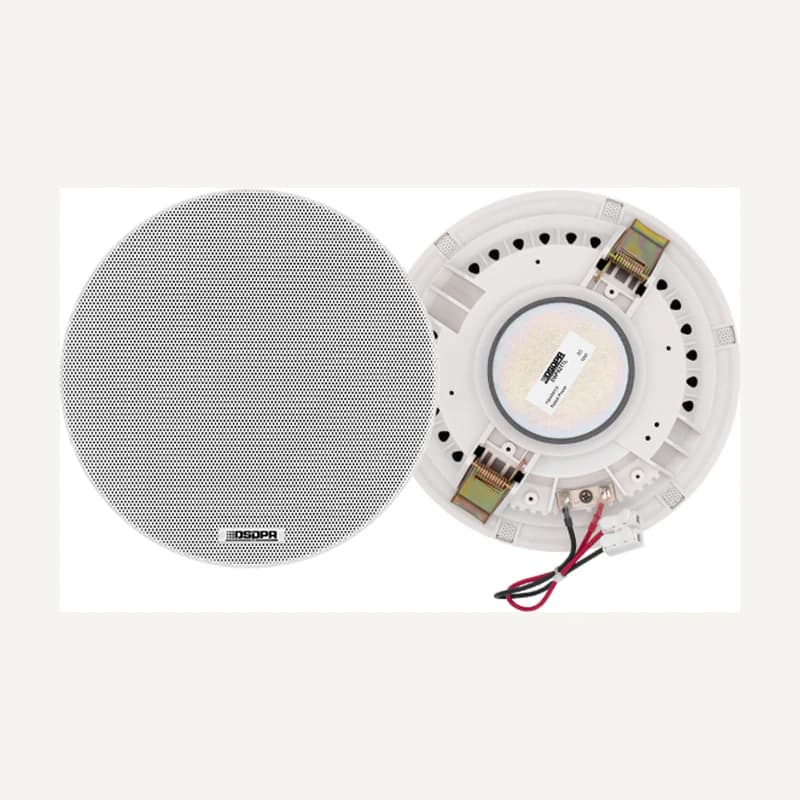
↗Ceiling-integrated sound with suitable clearance and support.
Professional terms after sign-in
Availability: On request
 ↗
↗Ceiling-integrated sound with suitable clearance and support.
Professional terms after sign-in
Availability: On request
 ↗
↗Ceiling-integrated sound with suitable clearance and support.
Professional terms after sign-in
Availability: On request