
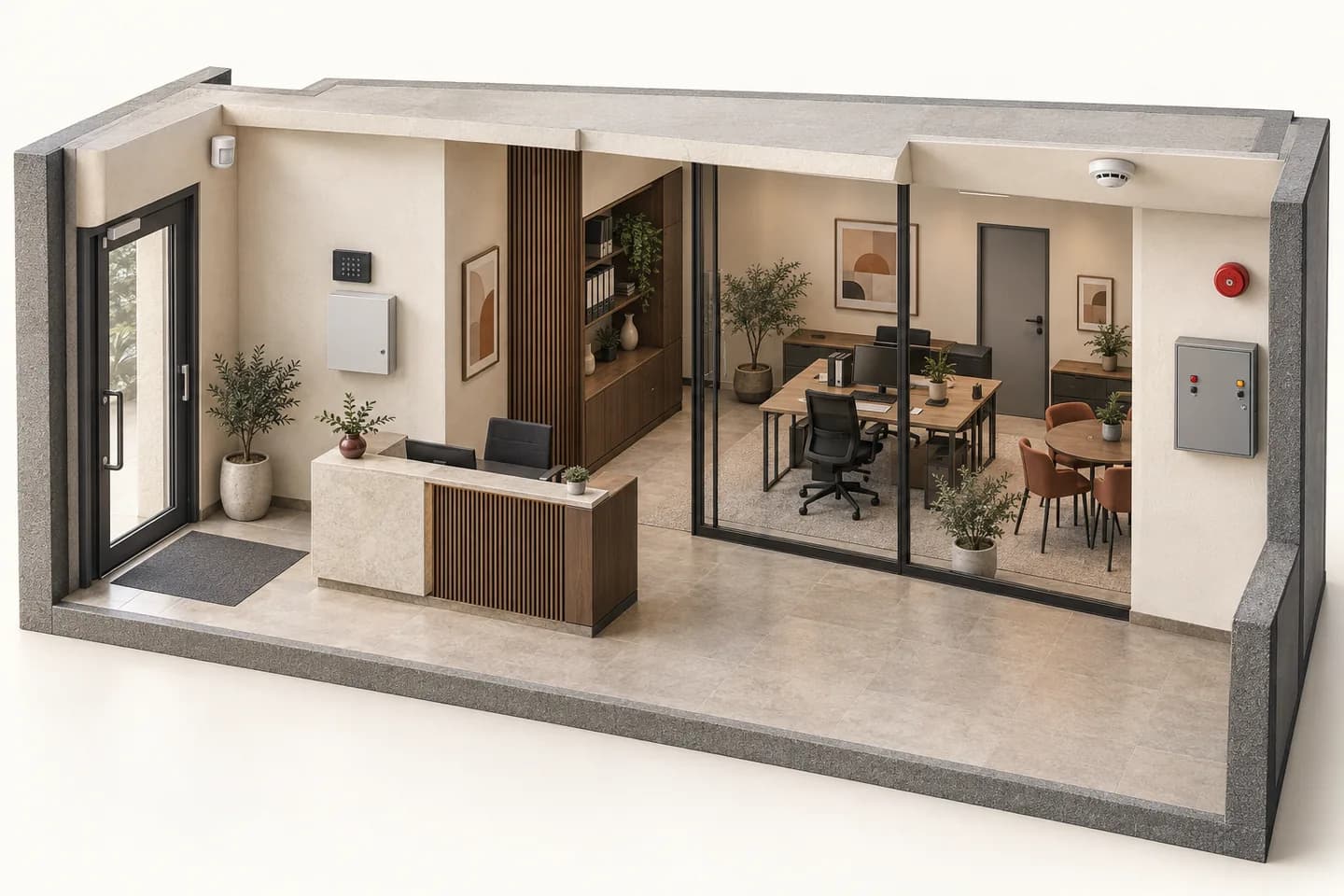
Prepare my site brief: worksheet and printable PDF
01
Do not confuse devices, zones and partitions.
A point identifies a physical element, such as an opening contact or motion detector. A zone is its logical assignment in the panel, depending on the architecture. A partition allows separate operation where supported. Physical inputs, zones and partitions are therefore not interchangeable ways to count detectors.
“Stay”, “Night” and “Away” express an intended use, not a universal behaviour. For each mode, identify occupied spaces, those requiring protection and intended recipients. Have the professional translate that intent into functions actually supported by the panel and devices. Never infer active protection from an application label alone.
02
What a point observes — and what it does not prove.
Scroll the table horizontally to compare all three columns.
| Element | Information to qualify | Limit to retain |
|---|---|---|
| Opening contact | Monitored opening state, identifier and supported events. | Does not establish identity or mechanical locking. |
| Motion detector | Technology, permitted environment and results in the intended space. | Does not identify an occupant; reach alone does not validate placement. |
| Fault or tamper | Distinct event, origin and responsible handler. | A low battery or link fault is not an intrusion detection. |
| Partition / mode | Included points, permitted occupancy and confirmed applied state. | A sent command does not establish that it was applied. |
03
Build a useful record for each point.
Identifier and location
Assign a unique identifier, understandable label and location on the plan provided to the professional. Separate the opening from the monitored space. Keep the exact equipment reference and panel assignment in separate fields: a room name does not identify the device.
Use and environment
Describe occupancy, maintenance access and conditions relevant to detector selection. Have the instructions and proposed functions checked. “Dual technology” or “pet” marketing does not authorise arbitrary placement or a promise of no unwanted activations.
Mode matrix
For each intended use, write the expected outcome, spaces that remain occupied and authorised exceptions. Ask the professional whether separate partitions are necessary and supported. This schedule states the need; it supplies no code, delay, sensitivity setting or bypass method.
Events and evidence
Define the expected panel label, warning behaviour and recipient for each event family. Separate local results from remote receipt. Retain the supervised test’s date, mode, observation and unresolved items. Permissions, contacts and detailed plans belong in a secure handover, not a public form.
04
Four identifiers, three different checks.
ILLUSTRATIVE EXAMPLE
Fictional case: P-01 is the entrance, P-02 another opening, P-03 the stockroom space and P-04 the office. The office may remain occupied during the agreed Night use. This list is neither a sufficient protection plan nor a configuration to reproduce.
Correct event, incorrect label
The test record identifies P-02, but the event history displays P-01. The chain produced an event with an incorrect identity. A sounding siren does not make the point pass acceptance. The professional must reconcile plan, device and label, then verify the correspondence again.
A written exception, not an assumed boundary
Night use permits office occupancy while retaining the agreed stockroom protection. Both spaces and necessary movements need a documented response, not just a button labelled “Night”. If the panel or layout cannot support the requirement, design remains unresolved; do not silently drop the stockroom.
The log is not a delivery receipt
Another result shows the expected panel event but no confirmed receipt by the agreed recipient. Keep two states: local event observed, reporting unverified. Infer neither an intervention nor a monitoring service. Keep the issue and its owner identified until the retest.
Documentary example only. No live trigger, arming or bypass occurs here. These points establish neither coverage nor compliance; system states and test authorisation must be controlled on site.
05
Accept the relationships, not just the devices.
Point → panel
For each authorised test, match physical identifier, event type and received label. Communication, detection and warning checks have different purposes. One does not automatically establish the others; request identifiable results.
Mode → behaviour
Match written requirements to applied states, including exceptions and operator permissions. A rejected command or faulty point must remain visible in the report. Do not manufacture a reassuring result by hiding a fault or changing requirements after testing.
Event → recipient
Verify intended receipt, message content and correct location. Separately name who receives, decides and responds under the actual agreed organisation. Hand over the current schedule and approved instructions; a received message guarantees no response time.
06
A precise enquiry without sensitive data.
In your Inovexia enquiry, state premises type, intended point families, the existing panel if identified and functions needing clarification. Flag missing references or instructions. Codes, detailed plans and occupants’ routines are unnecessary in an initial public enquiry. The appointed integrator then defines the secure survey, design and acceptance programme.
07
Clear up these distinctions before ordering.
Does a zone always equal one detector?
No. It depends on the panel and connection method. Ask what is individually identified and what is grouped. A stated zone count does not establish separately identifiable locations or independently controlled partitions.
Does a closed contact prove that a door is locked?
Not by itself. Opening state and locking are different information. A locking requirement needs an appropriate documented and verified function and device. An application label cannot substitute for that evidence.
Does dual technology mean no false alarms?
No. Technology, exact functions, location and placement must be considered together. This guide gives no settings to hide activations. Have the professional investigate the cause and document the correction.
Is a sounding siren enough to accept a point?
No. Identifier, event type, mode and required reporting must also match the brief. A correct signal assigned to the wrong location is a defect to correct, not an acceptable result.
Can the same schedule define fire detection?
Labelling discipline helps, but intrusion functions do not define a fire system. Fire detection needs its own design, compatible equipment and procedures. Intrusion occupancy modes must not become fire-disable instructions.
Technical sources
External reading references. These documents explain principles; they do not certify catalogue products or their combination.
- PAX MC1 — Opening contact and device statusTeletek Electronics · Sources consulted on
- PIRIN MW/AM — Motion detector functionsTeletek Electronics · Sources consulted on
- How to check the operation of Fibra devices after installationAjax Systems · Sources consulted on
- Eclipse32 — Intruder alarm panelTeletek Electronics · Sources consulted on