
 ↗
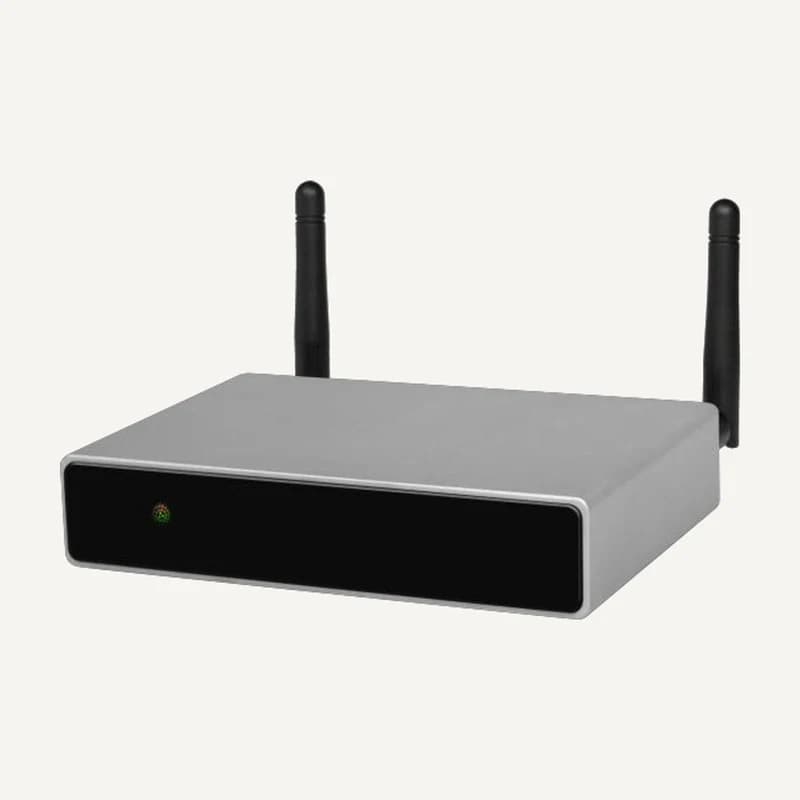
↗DSPPAD-DW0235
DSPPA D-DW0235 — Audio and audiovisual
Network sources and amplification for suitable loudspeakers.
Professional terms after sign-in
Availability: On request
Category references
71 references in Audio & audiovisual.
71 referencesUNDERSTAND · COMPARE · PREPARE
Background music, speaking, meetings and cinema need different equipment briefs. Define sources, rooms and desired controls before comparing speakers, amplifiers or displays. A useful selection describes the signal path and simultaneous uses, not just the advertised power.
Go to referencesPlanning guidance without promises of acoustic coverage, sound level or conferencing certification. Background sound is not presented as a voice-evacuation system.
List what will be played: a player, microphone, computer or video source. Record available outputs and authorised content for each. Connector count does not tell you which programmes can play simultaneously.
A zone is an area you want to control separately. Source selection, volume and announcement priority are distinct functions: verify those actually available on the selected equipment.
70/100 V distribution and a low-impedance connection require different sizing checks. Have output mode, loads and speaker settings verified against exact manuals before assembling the system.
Locate speakers, displays and controls on the plan. Describe a concrete test: play one source in reception, choose another in a room and mute only that room. This expected result guides selection and acceptance testing.
On small screens, scroll the table to compare all three columns.
| Use | Path to describe | Key question |
|---|---|---|
| Multiroom background sound | Sources → zones → speakers | One programme everywhere or independent choices by area? |
| Speech and meetings | Microphones → processing → local/remote listening | Who speaks, who listens and through which computer or service? |
| Cinema and dedicated listening | Source → AV processing → display and audio channels | Which formats, listening positions and room constraints? |
| Distributed displays | Source → distribution → displays | Which content on which screen, over what actual distance? |
Include dimensions, height, main materials, known background noise and audience positions. Identify outdoor, moisture or mounting constraints. A photo helps prepare questions; it does not replace an acoustic study.
For each area, record the normal source, alternative source, independent volume and authorised operator. Distinguish an ordinary announcement from a safety function, which needs a separate study. Specify existing cables and controls.
List retained devices with references and connections, then licences or subscriptions to confirm. Request a signal diagram and a demonstration of agreed uses. Where applicable, separate equipment, configuration, installation and training in the quotation.
Power, connection mode and load must be considered together; adding wattage is not enough to choose an amplifier. Manufacturer sources explain these principles but do not validate arbitrary combinations of catalogue products.
Describe desired listening quality, control functions and signal compatibility separately. A shared brand, a connector that fits or the word “network” does not prove every required function is available. Missing specifications remain to be confirmed.
No: first specify which groups need independent control. A restaurant might want separate dining, terrace and reception areas, even with several speakers per area. This is an illustrative brief, not a completed installation or a validated design.
Describe user arrival, laptop connection, screen sharing and remote listening. Identify the services used and models retained. Request verification of the complete sequence; do not assume platform certification without exact documentation.
Reading references, not kit validation: citing a manufacturer implies neither a commercial partnership nor compatibility of all products. External links; no documents rehosted.
Narrow by brand or family and compare up to four references. Missing facts still need confirmation.
↗Network sources and amplification for suitable loudspeakers.
Professional terms after sign-in
Availability: On request
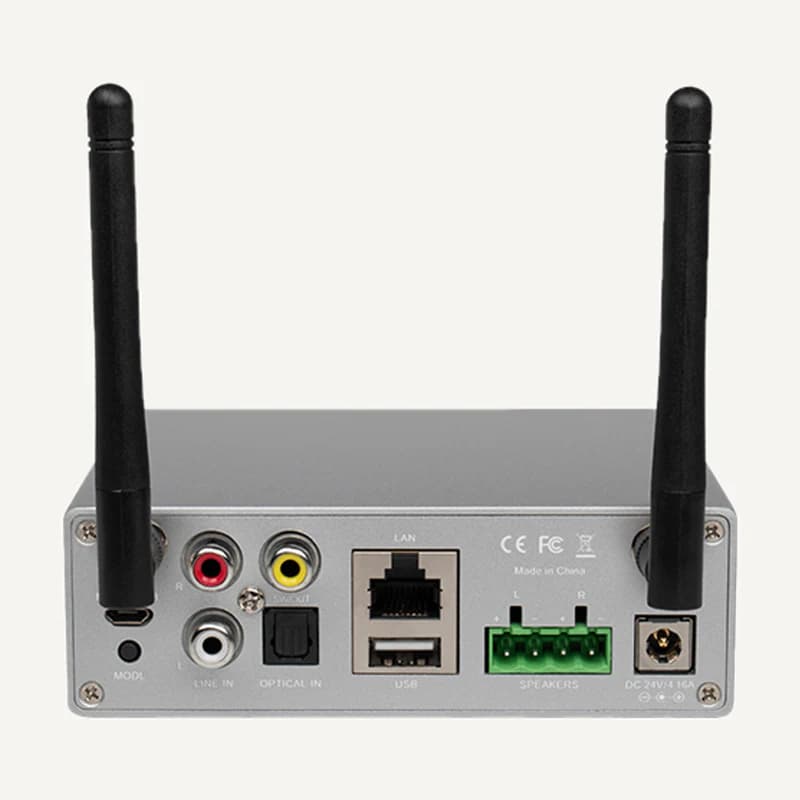 ↗
↗Network sources and amplification for suitable loudspeakers.
Professional terms after sign-in
Availability: On request
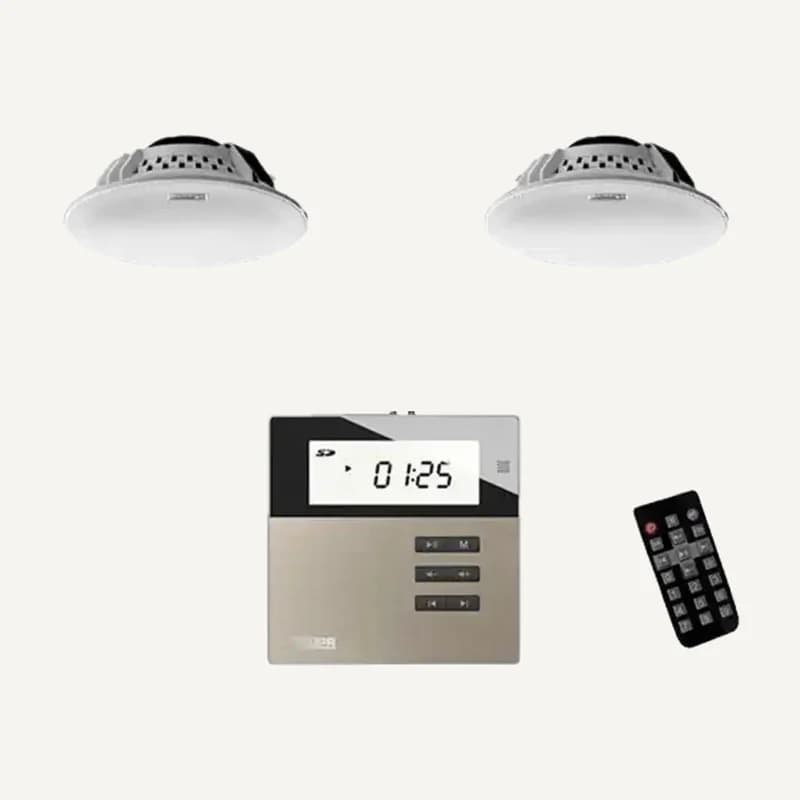 ↗
↗Network sources and amplification for suitable loudspeakers.
Professional terms after sign-in
Availability: On request
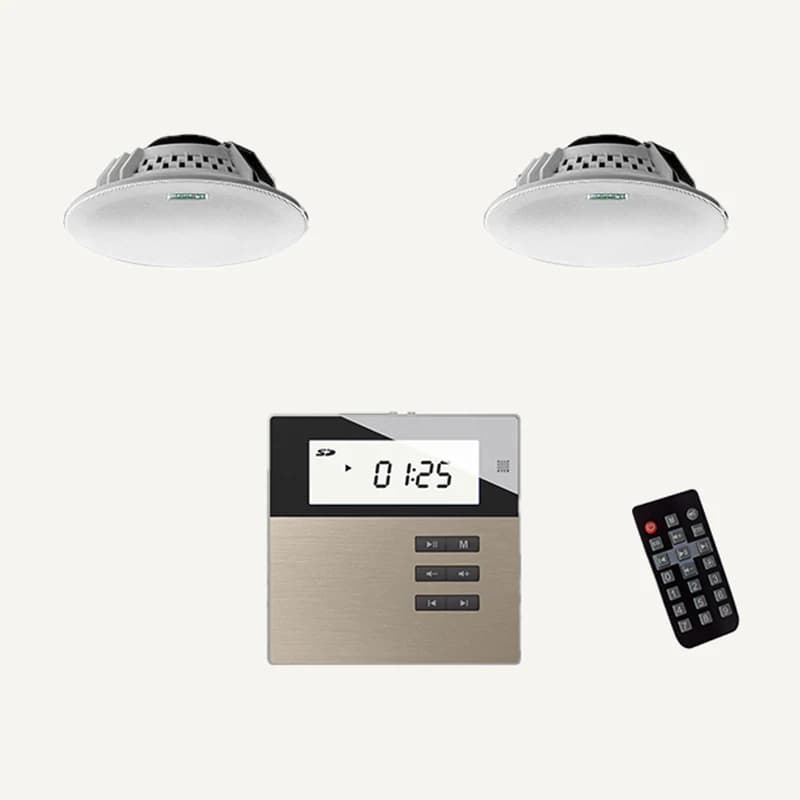 ↗
↗Network sources and amplification for suitable loudspeakers.
Professional terms after sign-in
Availability: On request
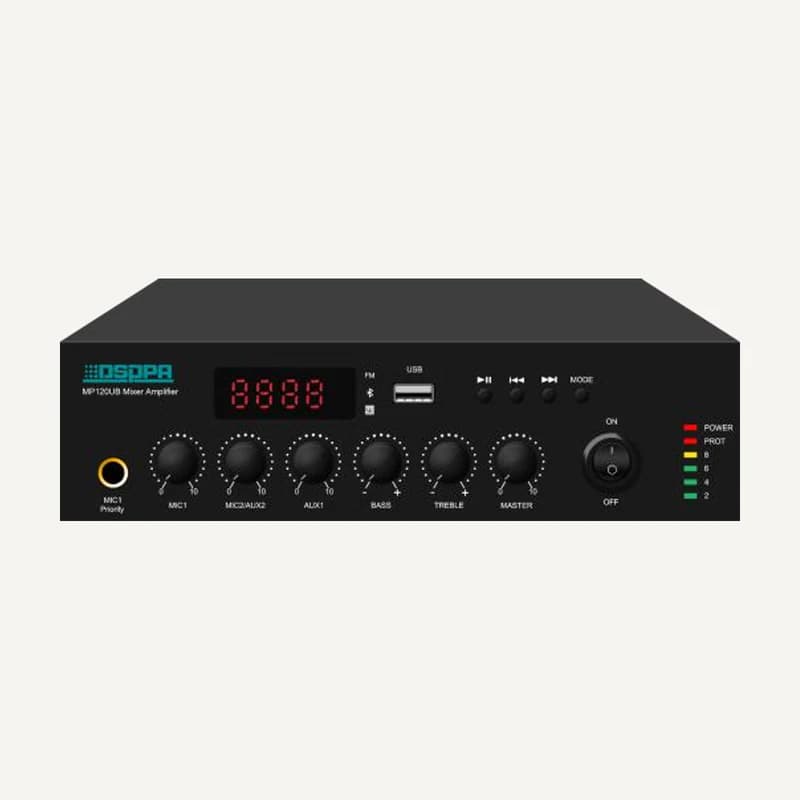 ↗
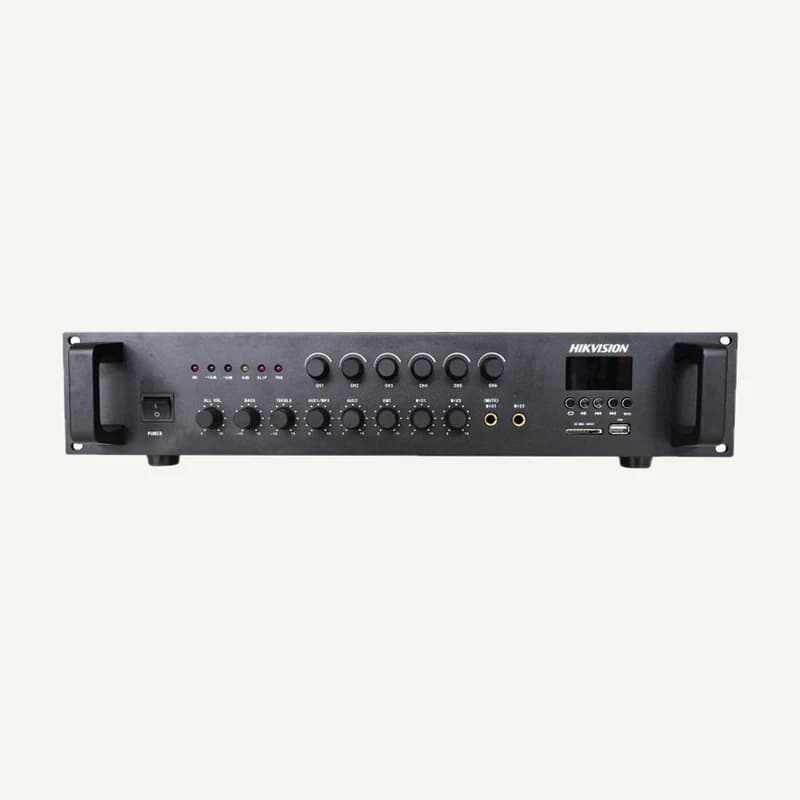
↗Combines audio sources and amplifies them for compatible loudspeakers.
Professional terms after sign-in
Availability: On request
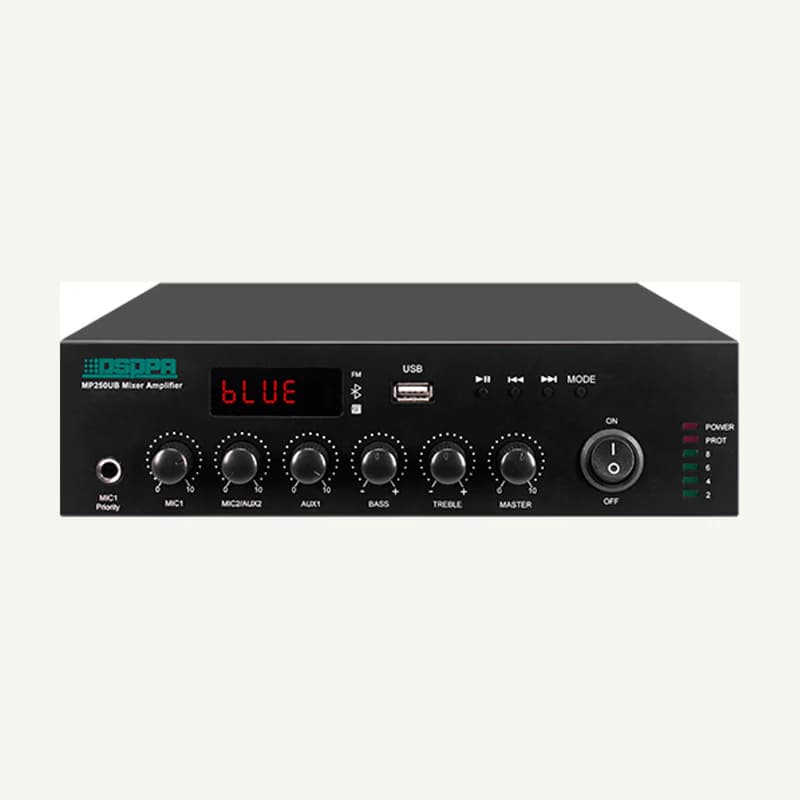 ↗
↗Combines audio sources and amplifies them for compatible loudspeakers.
Professional terms after sign-in
Availability: On request
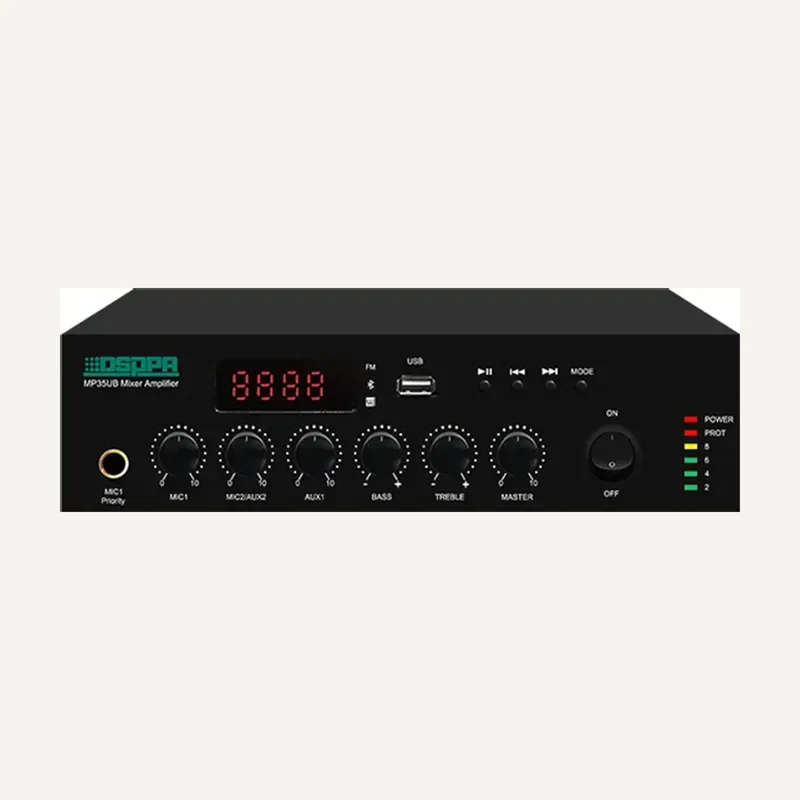 ↗
↗Combines audio sources and amplifies them for compatible loudspeakers.
Professional terms after sign-in
Availability: On request
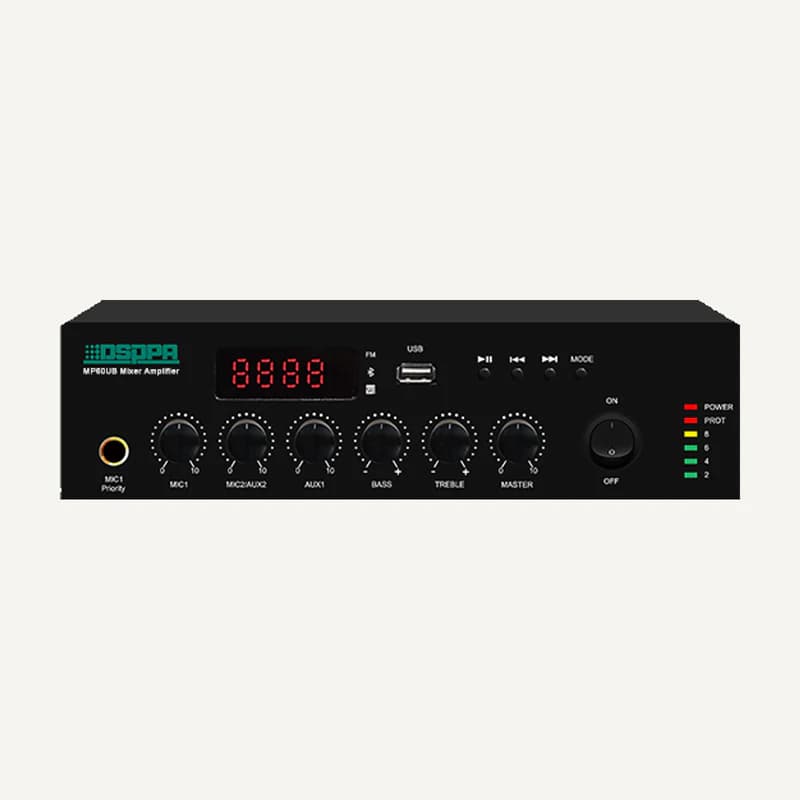 ↗
↗Combines audio sources and amplifies them for compatible loudspeakers.
Professional terms after sign-in
Availability: On request
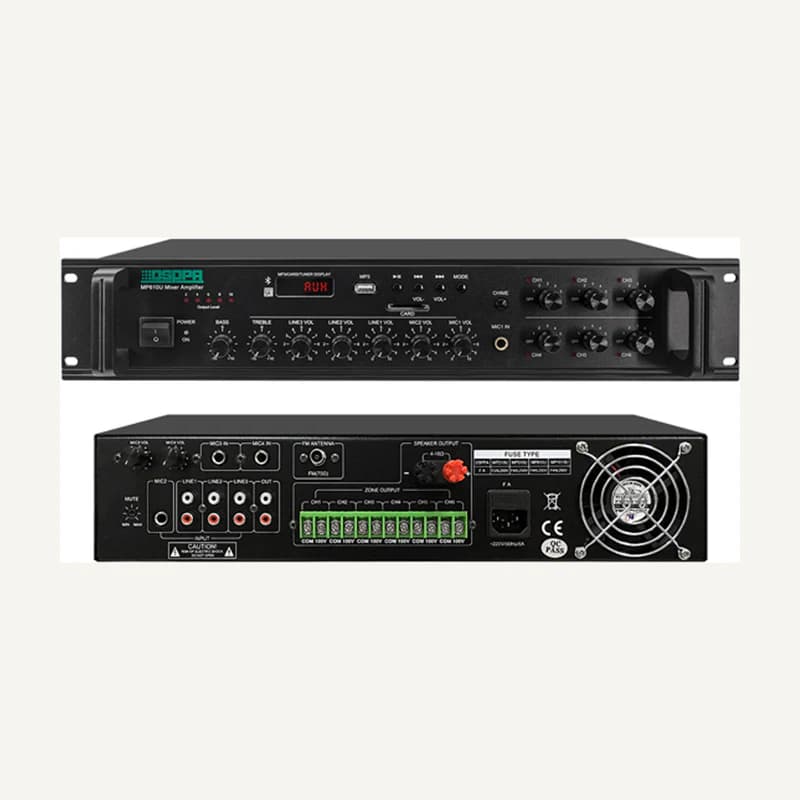 ↗
↗Combines audio sources and amplifies them for compatible loudspeakers.
Professional terms after sign-in
Availability: On request
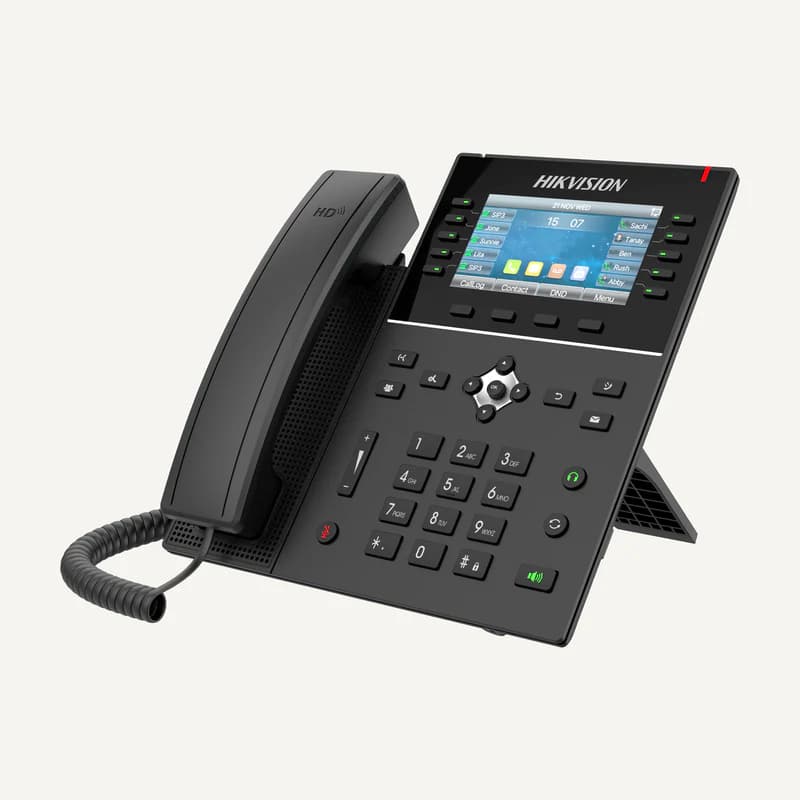 ↗
↗SIP desk phone with a 4.3-inch colour display, 20 SIP lines, HD audio, two Gigabit ports and PoE power.
Professional terms after sign-in
Availability: On request
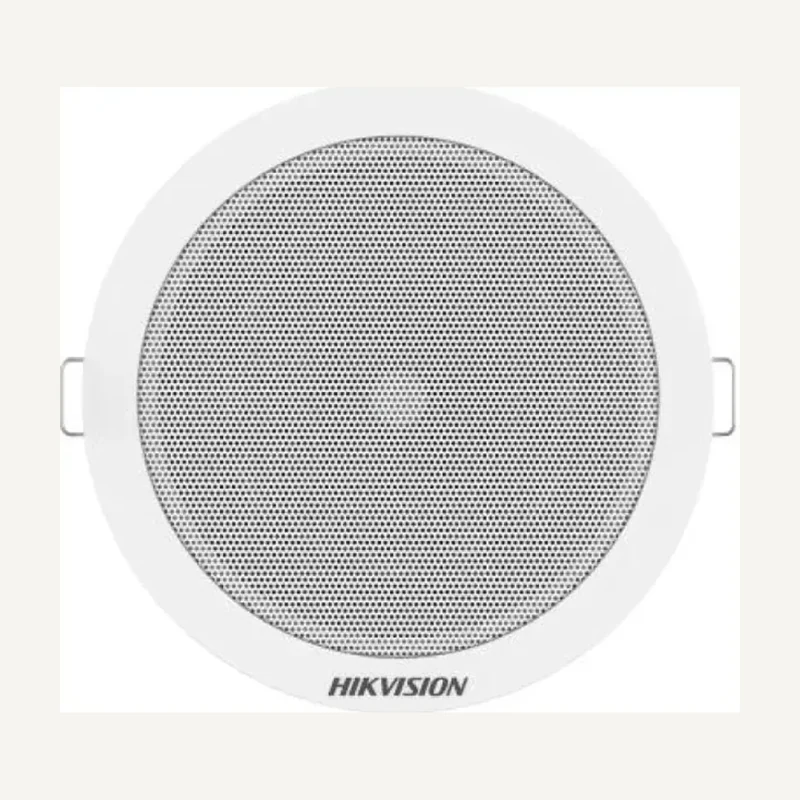 ↗
↗Inventory reference DS-QAE0203G1-V by Hikvision, catalogued under Audio and audiovisual. Compatibility and final configuration are confirmed during the project study.
Professional terms after sign-in
Availability: On request
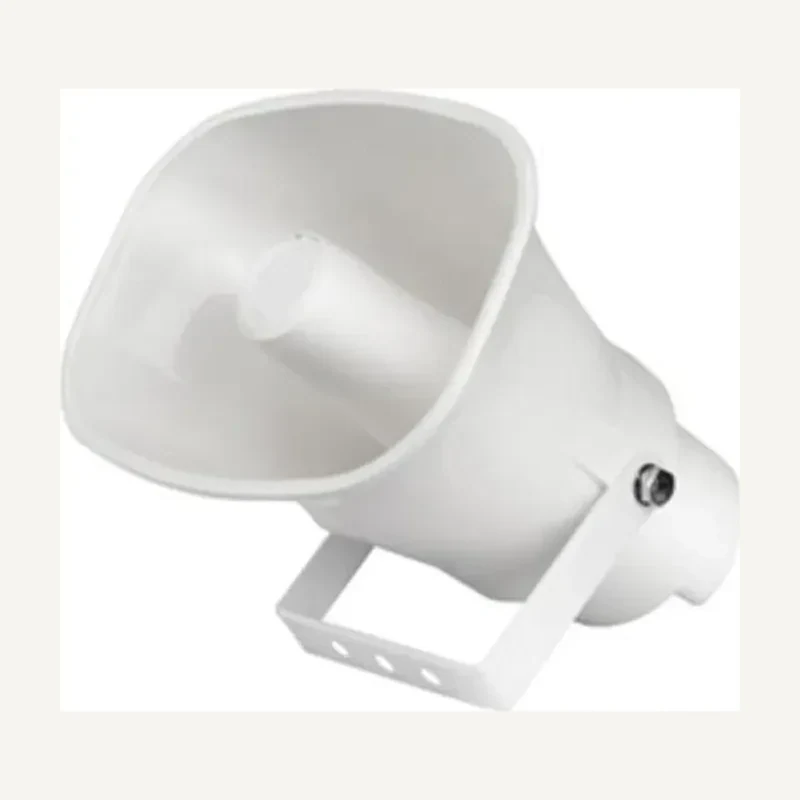
↗Inventory reference DS-QAE0206G1-V by Hikvision, catalogued under Audio and audiovisual. Compatibility and final configuration are confirmed during the project study.
Professional terms after sign-in
Availability: On request
 ↗
↗Inventory reference DS-QAE0330G1T-V by Hikvision, catalogued under Audio and audiovisual. Compatibility and final configuration are confirmed during the project study.
Professional terms after sign-in
Availability: On request
 ↗
↗Inventory reference DS-QAE0420G1-V by Hikvision, catalogued under Audio and audiovisual. Compatibility and final configuration are confirmed during the project study.
Professional terms after sign-in
Availability: On request
 ↗
↗Range illustration
Inventory reference DS-QAE0A120G1-VB by Hikvision, catalogued under Audio and audiovisual. Compatibility and final configuration are confirmed during the project study.
Professional terms after sign-in
Availability: On request
 ↗
↗Range illustration
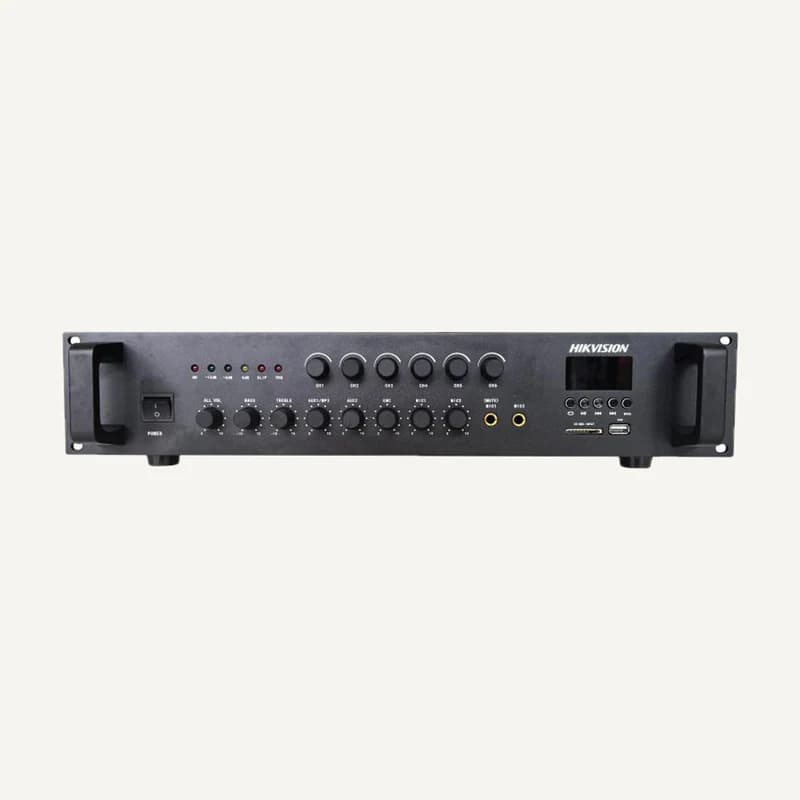
Inventory reference DS-QAE0A240G1-VB by Hikvision, catalogued under Audio and audiovisual. Compatibility and final configuration are confirmed during the project study.
Professional terms after sign-in
Availability: On request
 ↗
↗Range illustration
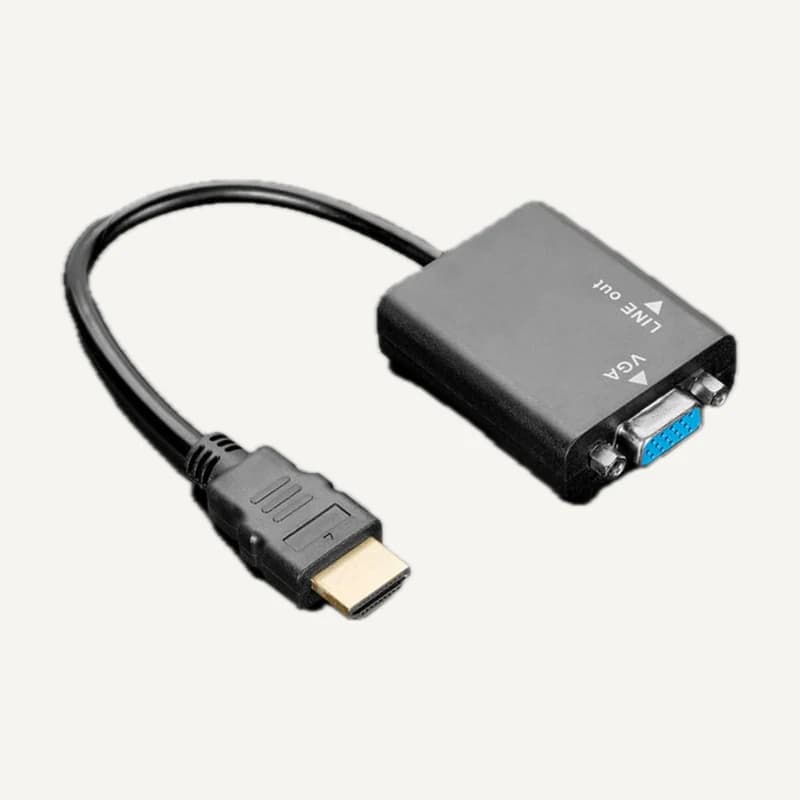
Adapts an HDMI source to a compatible VGA display.
Professional terms after sign-in
Availability: On request
 ↗
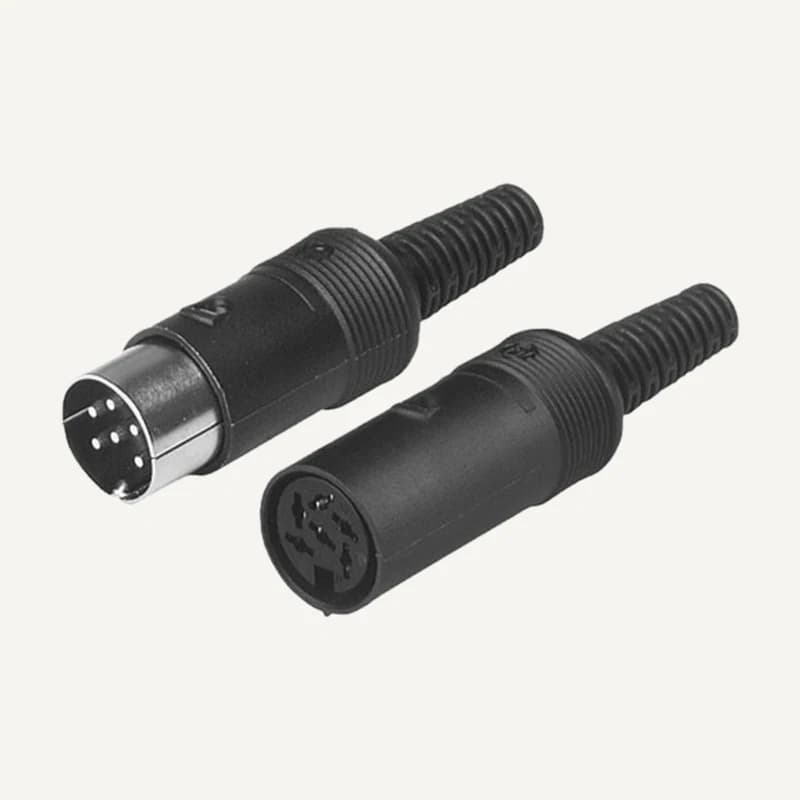
↗Dedicated connection matched to system and specified terminations.
Professional terms after sign-in
Availability: On request
 ↗
↗Dedicated termination for matching cable and equipment.
Professional terms after sign-in
Availability: On request
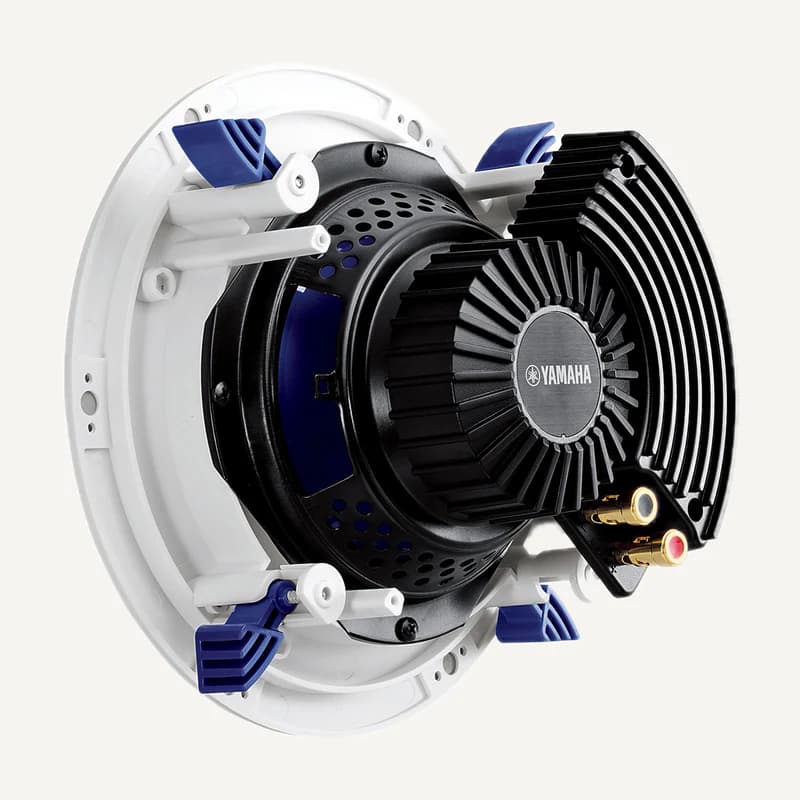 ↗
↗Two-way, 8 Ω ceiling speaker with a 16 cm woofer and 2.5 cm tweeter.
Professional terms after sign-in
Availability: On request
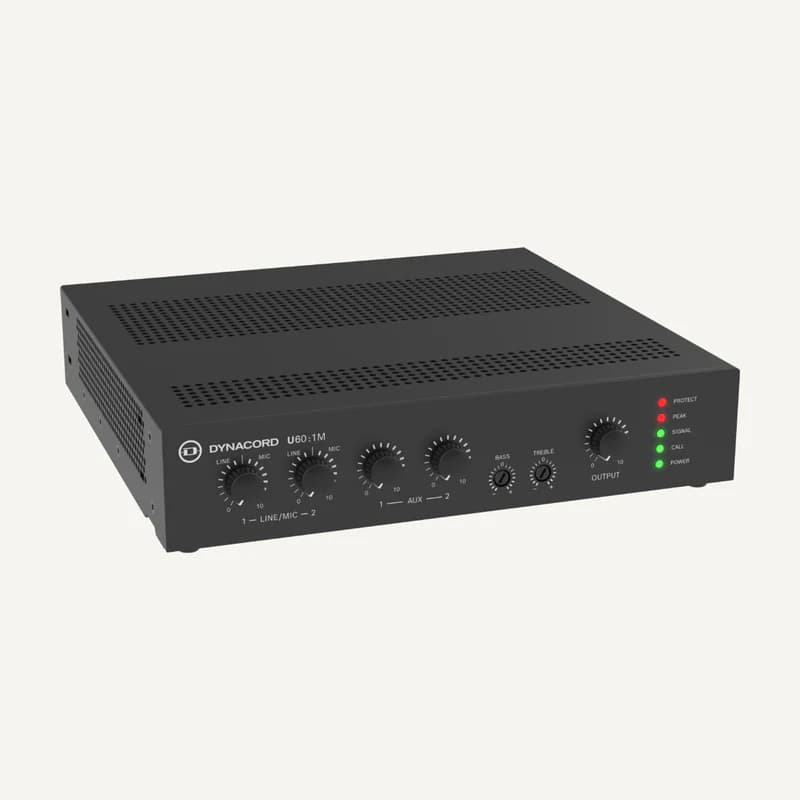 ↗
↗Combines audio sources and amplifies them for compatible loudspeakers.
Professional terms after sign-in
Availability: On request
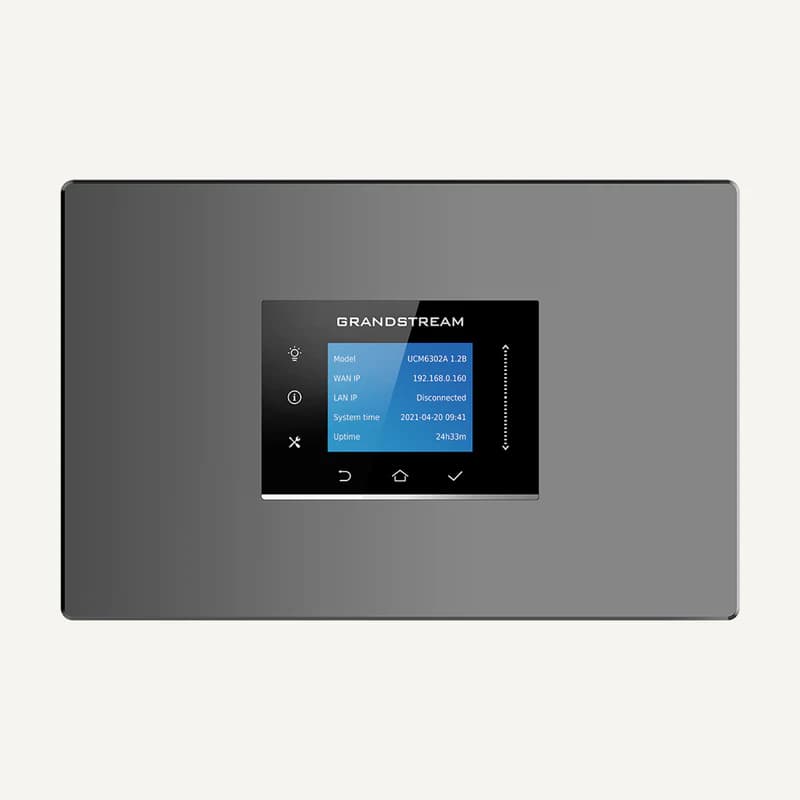 ↗
↗IP PBX with two FXS ports, two FXO ports and three Gigabit network interfaces.
Professional terms after sign-in
Availability: On request
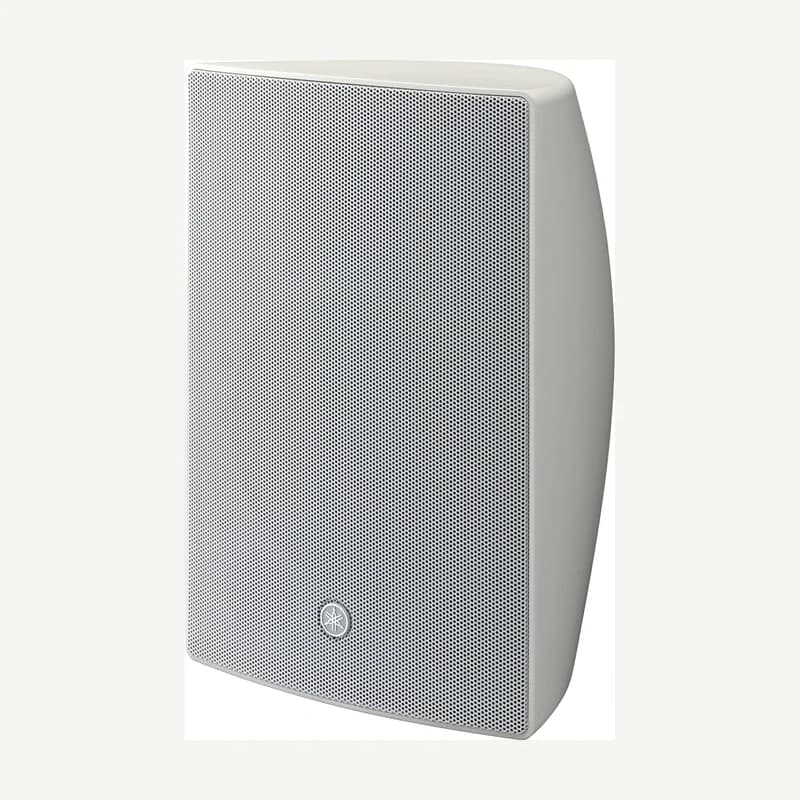 ↗
↗Passive two-way speaker with a 20 cm woofer, supporting 8 Ω or 70/100 V line operation.
Professional terms after sign-in
Availability: On request