
01
Describe the difficult moment, not just the location.
An entrance may look clear at noon but become unusable at morning opening. Record times, sunlight direction, lighting schedules and expected movement. Define useful detail: a passage, an agreed object or an operation. An attractive still does not necessarily answer that task.
Prepare a view sheet with a sanitised plan, known distances, excluded areas and conditions not reproduced. Use test objects without personal data. Separate observations from assumptions: future lighting, an always-open door or unmeasured passage speed are not established facts.
02
Four different difficulties.
Scroll the table horizontally to compare all three columns.
| Situation | Useful question | Required evidence |
|---|---|---|
| Dark scene | What light actually reaches the useful area? | Agreed object and movement visible in the retained stream. |
| Backlight | Must both the interior and bright exterior remain useful? | Detail checked in both areas, not merely a less-white background. |
| Moving object | Does detail remain readable during the passage? | A recorded moving sequence, not only a selected still. |
| Infrared mode | Does the task require colour or only shape? | A night-mode check; grayscale does not establish colour. |
03
Prepare a repeatable comparison.
Fix the task
Keep position, framing, distance and object identical between proposals. Define the route and test time. Record changed conditions before concluding. A commercial video and your test camera are not equivalent comparisons.
Record settings
Record resolution, frame rate, exposure, processing and recorded-stream settings. Longer exposure can brighten the image while increasing motion blur; gain can increase noise. Judge usable detail, not the brightest screen.
Inspect side effects
With WDR, inspect motion, possible ghosting and artificial lighting. A dB value does not summarise the result. With IR, inspect nearby reflecting surfaces too. Require justified settings or placement rather than enabling every enhancement.
Review the correct file
Live preview and archived streams may differ. Keep an authorised test clip at actual recording quality and verify playback on the intended workstation. Document export limitations; do not put site recordings in an ordinary commercial enquiry.
04
One entrance, two areas and a moving object.
ILLUSTRATIVE EXAMPLE
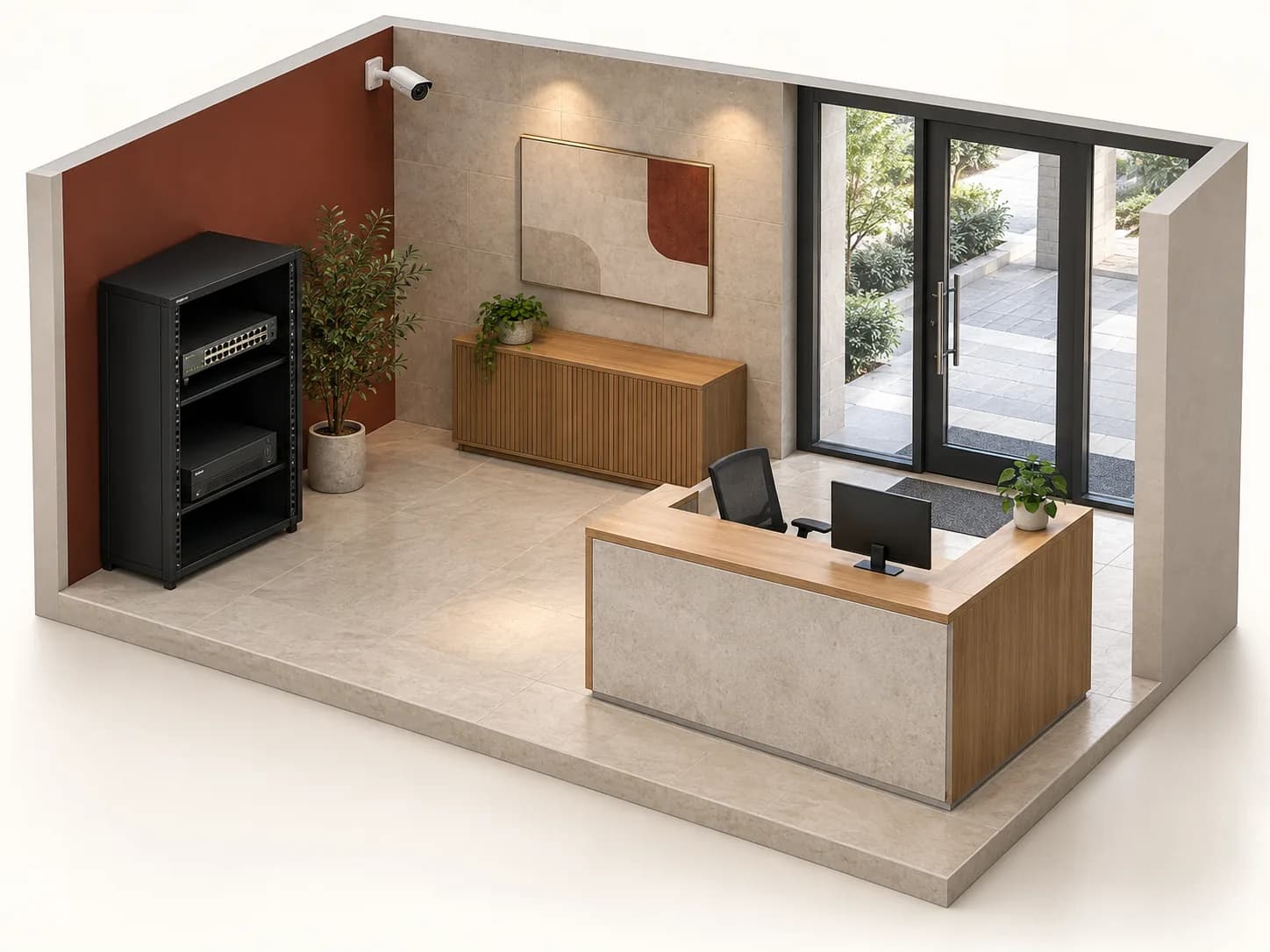
Fictional E-01: a dark interior, a door opening onto a bright yard and non-personal test object O-01. The test must retain agreed detail during passage and a useful yard view.
Establish the baseline
The first clip shows O-01 stationary, then on the agreed route. A fictional label readable at rest but lost in motion fails this task, even if the rest of the image looks bright.
Change one assumption
Compare one proposed setting or position. Repeat the passage and check the yard too: recovering indoor detail while losing the exterior fails the dual requirement. Keep both results and configurations; the second is not automatically better.
Check evening separately
An authorised evening test completes the brief. If the mode becomes monochrome, O-01’s colour remains unverified. Passing the opening-time test does not validate every hour. Record passed, failed and untested conditions.
This is a method, not a demonstration video or measured performance. No real security setting or light is changed here.
05
Keep evidence and reservations.
Test record
Attach view ID, model, version, date, task and conditions to each result. State who observed what and which stream. An unexplained OK box helps neither selection nor later diagnosis.
Missing conditions
Flag untested night conditions, seasonal lighting or planned signage. Do not convert a reservation into a commercial promise. Agree who arranges further checks and what acceptance depends on.
After a change
A new shopfront, moved light or reframing may require another test. Keep the accepted configuration and accountable access ownership. Maintenance and response times require separate agreement.
06
Ask for a scene-based proposal.
Provide sanitised view sheets, tasks and critical conditions. Separate equipment, accessories, settings to validate and tests. Inovexia matches documented references to the brief; the integrator arranges agreed on-site validation. WEXON can be named for installation if requested; supply and acceptance remain distinct.
07
What does good night imaging require?
Is the lowest lux figure enough to choose?
No. Check measurement conditions and the task. Compare light, motion and recording rather than figures produced by different methods.
Does more WDR improve every scene?
No. Contrast, motion and processing interact. Check useful areas and model-specific side effects; dB cannot replace testing.
Does infrared confirm colours?
Monochrome night mode does not. If colour matters, state it before selection and validate visible lighting and the recording.
Does a sharp still validate movement?
No. Include the intended movement. Record conditions and inspect the retained clip, not just its most favourable frame.
Must site footage accompany a quote request?
Not for an ordinary enquiry. Start with a sanitised plan, constraints and test description. Later sensitive-data sharing requires an appropriate need, channel and authorisation.
Technical sources
External reading references. These documents explain principles; they do not certify catalogue products or their combination.
- Lighting for network videoAxis Communications · Sources consulted on
- IR in surveillanceAxis Communications · Sources consulted on
- Wide dynamic rangeAxis Communications · Sources consulted on