
01
Count concurrent uses, not just employees.
Map a busy day: arrivals, video calls, guests, printing and service visits. One employee may use several devices; an occasionally booked room may concentrate many connections. Record applications, locations and sensitive periods before requesting a network design.
For a meeting room, describe who brings the computer, how content is shared and what the remote participant hears. Acoustics, noise and microphone placement also matter; replacing a device does not automatically fix the room.
02
Five spaces, five expected outcomes.
Scroll the table horizontally to compare all three columns.
| Space | Priority | Brief inputs |
|---|---|---|
| Reception | A directed visitor and separate guest access. | Reception desk, intercom call, hours and authorising person. |
| Desks | Useful connections and adaptable placement. | Fixed/mobile endpoints, telephony, outlets, furniture and planned expansion. |
| Meeting room | Clear start, sharing and listening workflows. | Seats, table layout, host computer, connectors and acoustic constraints. |
| Restricted areas | Permissions limited to agreed people and periods. | Doors, groups, contractors, access revocation and owner. |
| Equipment rack | Traceable patching and named priority loads. | Links, power, ventilation, service access and carrier dependencies. |
03
A brief IT and purchasing can review together.
Layout and occupancy
Desks per zone, peak occupancy, rooms and routes. Separate immediate needs from desired reserve; do not turn floor area into an AP count without assessment.
Allowed services
List resources available to staff, guests and technical devices. A different Wi-Fi name alone does not establish isolation; request the corresponding rules and tests.
Existing systems and owners
Models, versions, licences, providers and configuration ownership. Flag unavailable administrator access without putting passwords in the brief.
Change window
Define acceptable interruptions, attending staff and an agreed rollback. An out-of-hours change does not imply backups or remote services are idle.
Acceptance and handover
Prepare checks for guest connectivity, a remote call, denied access and service loss. Request labels, backups, roles and known limits; separate supply from operation.
04
Example: move a team without carrying uncertainty with it.
ILLUSTRATIVE EXAMPLE
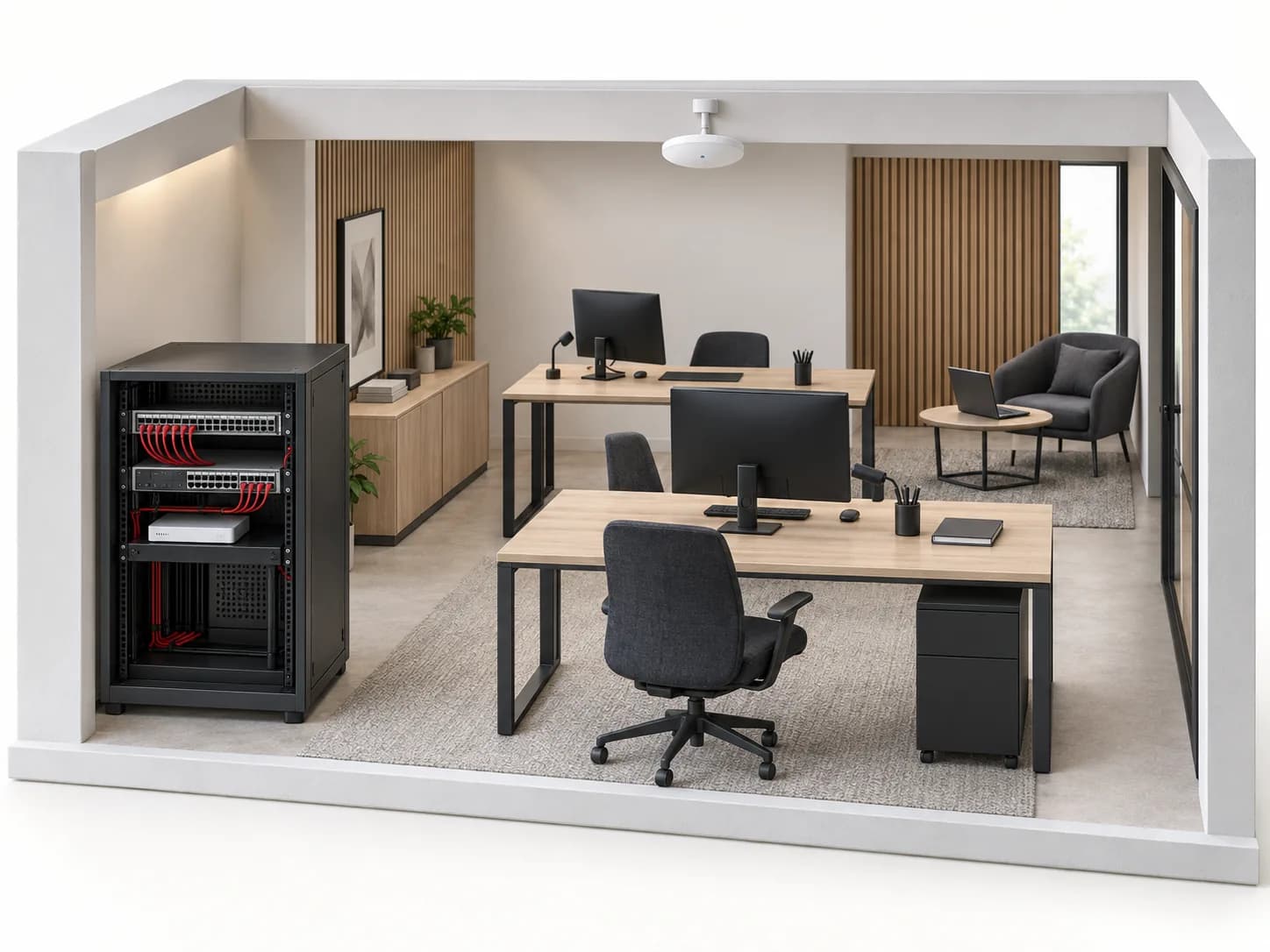
Fictional office with two meeting rooms and a team moving to another floor. Counts frame the brief; they size neither Wi-Fi nor power.
Name the journeys
Label reception R-01, rooms M-01/M-02 and rack T-01. Link each desk to required services and each room to its connection method.
Prepare a bounded change
Validate cabling and permissions before moving. Test a pilot zone, record unknowns and agree rollback conditions rather than moving the whole floor blindly.
Check both ends
A guest tests only intended resources; a remote participant checks their experience in each room. A connected status does not replace these usage tests.
No real deployment or zero-interruption promise. Tests require IT-owner approval and stay within the agreed scope.
05
Guest networking is more than another name.
Describe and verify separation: permitted destinations, administration and device access. Cisco illustrates these roles in its own architecture, not a universal catalogue configuration. For video, confirm usage rights and applicable procedures; no example here authorises employee surveillance.
06
Before selecting references.
Is a floor plan enough to choose the AP count?
It prepares assessment but measures neither interference, materials nor concurrent use. Include endpoints and applications; have placement and site tests confirmed.
Can one room support several meeting platforms?
Describe each workflow, computers and licences. USB or HDMI alone proves neither certification nor every feature; verify exact references and versions.
What should be backed up in the rack?
Start with priority services and their full chain. A powered AP without an available router or carrier link does not guarantee Internet. Select from documented loads and duration.
Who installs and who operates?
Inovexia is the B2B distributor. Separate supply, design, installation and follow-up; WEXON is the integration destination. Responsibilities and commitments belong in the accepted proposal.
Technical sources
External reading references. These documents explain principles; they do not certify catalogue products or their combination.
- Cisco Unified Wireless Network Solution GuideCisco · Sources consulted on
- Commissioning a Tesira Conference RoomBiamp · Sources consulted on