
01
Describe a class before selecting its equipment.
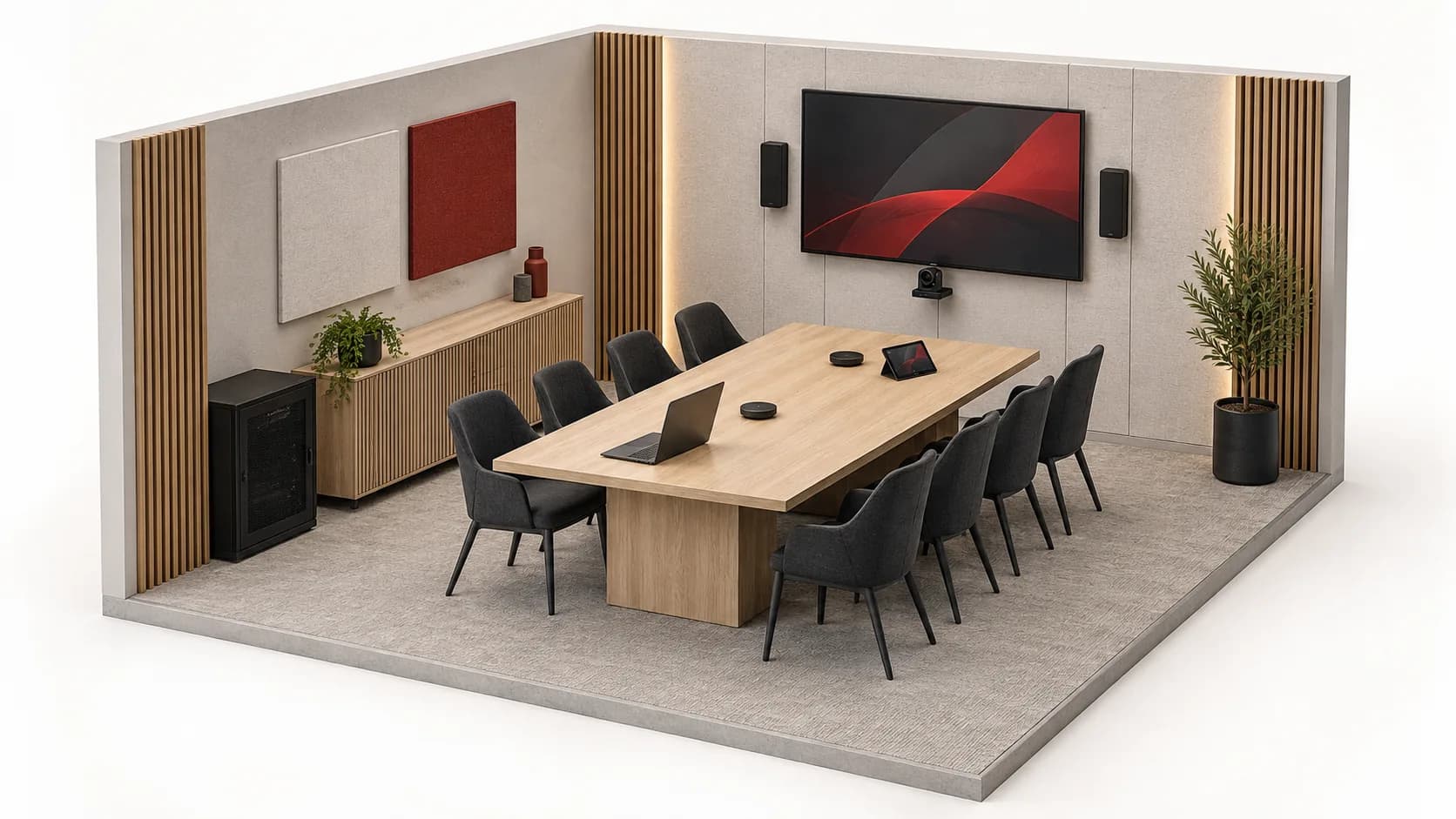
Who brings the computer? What must be visible from the back of the room? Must users hear a video, a learner question or a remote speaker? Also describe class changeovers and who can help. A larger display does not remove a confusing connection workflow.
For remote exchanges, check listening at both ends. Biamp notes the importance of room acoustics before electronic processing. Record noise, layout and speaking positions; do not generalise a manufacturer's setting or an intelligibility promise to every room.
02
Five spaces, different users.
Scroll the table horizontally to compare all three columns.
| Space | Priority | Clarify |
|---|---|---|
| Classroom | Start, share and end a session clearly. | Sources, connectors, ambient light, layout and controls. |
| Computer room | Connect workstations to intended services only. | Workstations, test accounts, ports, applications and IT owner. |
| Library and shared study | Support concurrent devices and uses. | Furniture, busy periods, personal devices and available outlets. |
| Administration | Separate restricted resources from learner access. | Roles, rooms, staffing changes and permission-revocation procedures. |
| Reception and shared areas | Inform without accidentally broadcasting class content. | Displays, allowed sources, visitors and technical-room access. |
03
Prepare the brief with users.
Session types
Distinguish presentations, group work, hybrid meetings and practical training. Describe required journeys rather than just a room count; a classroom and a lecture theatre may need different solutions.
Existing conditions
Plans, distances, furniture, outlets and existing equipment. Record models, interfaces and any licences. An identical connector does not guarantee every expected video, audio, USB or power function.
Network and accounts
Define resources allowed for teachers, learners, visitors and devices. Document peak usage and access renewal. Do not send named student lists or passwords in the quotation brief.
Staged deployment
Select a pilot room, window and acceptance criteria before wider rollout. Plan maintenance access, suitable physical protection and rollback; holidays do not mean every service is idle.
Staff handover
Request labels, a short user guide, configuration backup and agreed support contacts. Test with a teacher not involved in installation, then record difficulties and known limitations.
04
Example: a guest changes source, not destination.
ILLUSTRATIVE EXAMPLE
Fictional institution: room C-01 uses display E-01; the lobby uses E-02. A guest brings S-02 instead of S-01. This brief specifies no matrix model or compatible adapter.
Prepare the connection
Verify the documented interface and test content before the session. Guest networking keeps its defined permissions; bringing a laptop grants neither administrative access nor permission to record participants.
Verify the visible path
The control selects S-02 to E-01 only. Observe image and sound in C-01; E-02 retains its programme. Routing describes the intended outcome and still requires verification on the chosen architecture.
Leave the room ready
End the session and remove S-02 using the agreed guide. Check that the next user finds an understandable state, without a persistent personal session or residual broadcast. Do not reset other rooms.
Planning demonstration, not a recorded class or learning outcome. No automatic recording, platform subscription or learner-data access is included.
05
Equipment does not replace institutional rules.
Authorised owners decide account management, content distribution, image capture and room access. This page authorises no student surveillance, class recording or data sharing. Fire detection, evacuation and life safety require separate design; teaching audio is not advertised as a voice-alarm system.
06
Questions before equipping rooms.
Does the same equipment suit every room?
A common baseline can simplify use, but size, lighting, acoustics and activities vary. Validate room profiles and a representative pilot before repeating a bill of materials.
Can personal devices connect?
That is an institutional policy decision. Define interfaces, allowed resources, access duration and expected help. Wi-Fi access does not automatically grant printing, file or administrative-device access.
Is video recording included?
Not by default. Separate video calls, local display and recording. Capture requires an explicit need, permissions and institutional distribution/retention rules before technical selection.
How should I prepare a term-start enquiry?
Attach plans, room profiles, inventory and desired timing. Separate essentials from extensions; availability, lead times, work and any training require confirmation, not inference from catalogue presence.
Technical sources
External reading references. These documents explain principles; they do not certify catalogue products or their combination.
- Commissioning a Tesira Conference RoomBiamp · Sources consulted on
- Selecting the Right Matrix SwitcherExtron · Sources consulted on