
 ↗
↗Ajax47074.03.WH2
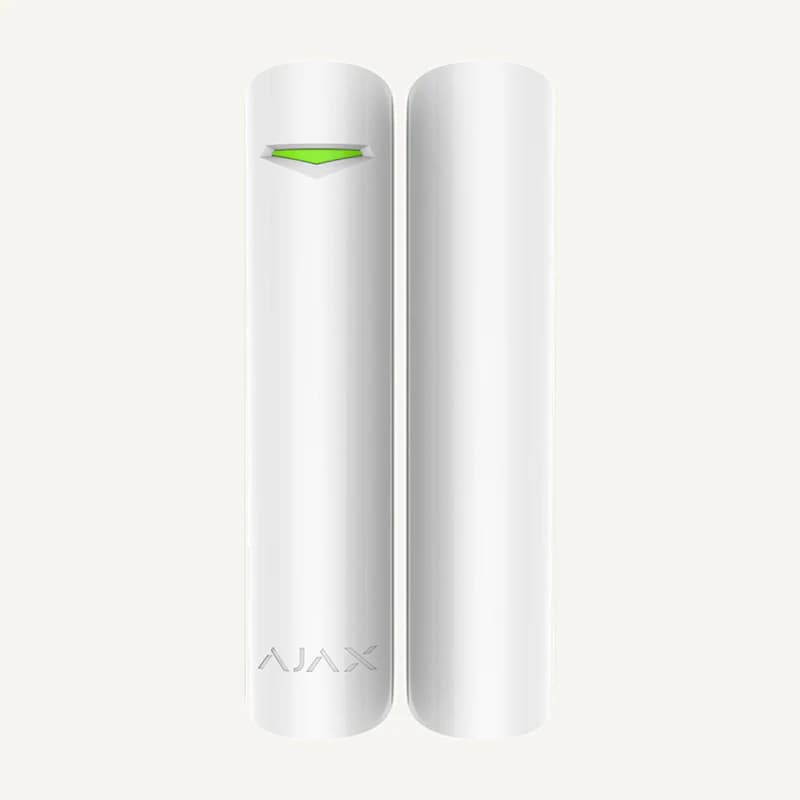
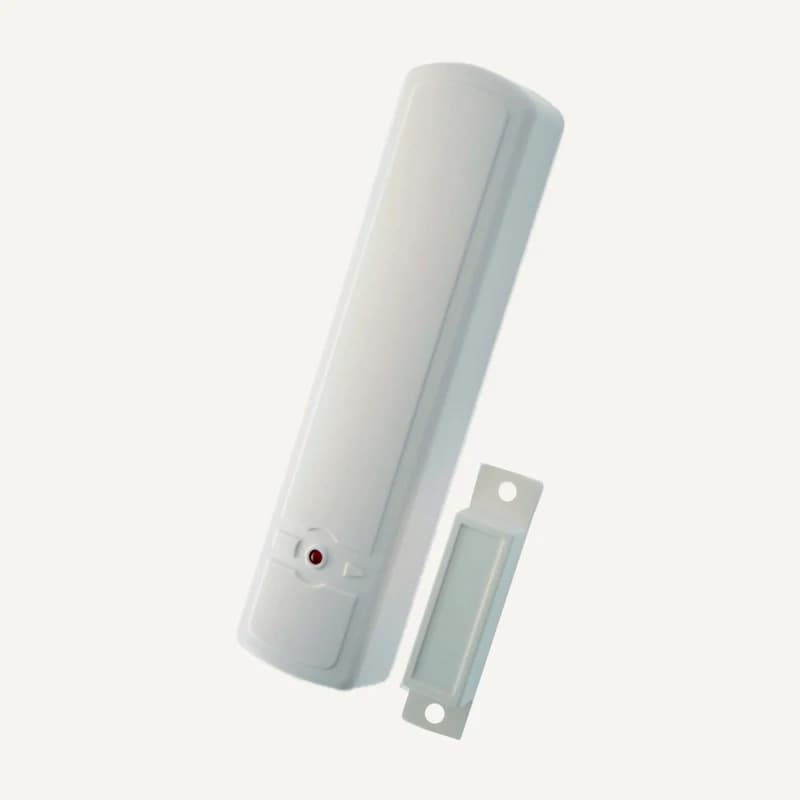
Ajax DoorProtect — white opening detector, 47074.03.WH2
Indoor wireless door or window opening detector with Jeweller communication and an external wired NC input.
Professional terms after sign-in
Availability: On request
Category references
67 references in Alarms & security.
67 referencesUNDERSTAND · COMPARE · PREPARE
An intrusion project is more than a panel and a few detectors. Start with entrances, schedules and the people present. Distinguish events to detect, areas that remain occupied and the expected response so equipment families can be compared against a precise brief.
Go to referencesThis selection brief certifies no protection level and includes no monitoring or response service. Fire detection needs a separate assessment; an alarm feature alone does not validate it.
Name points to assess: stockroom door, corridor, office or external entrance. Describe the event to detect and normal situations that should not become alerts.
Physical inputs, zones and partitions serve distinct roles: connection, monitored-point identification and grouping for separate management. Their counts are not interchangeable; verify capacity and expanders for the exact panel.
For each event, ask which warning device and transmission channel are planned and who receives it. Clarify dependencies: power, network access, mobile service or application.
Identify who reviews the event and what should happen next. A technical notification does not prove that someone will attend; any response service must be defined separately.
On small screens, scroll the table to compare all three columns.
| Option | Information needed | Check carefully |
|---|---|---|
| Wired | Existing wiring, points, panel, expanders | Have cable condition and assignment inspected before committing to reuse. |
| Wireless | Generation, protocol, placement, power | The same brand does not mean compatibility: some family generations cannot communicate with each other. |
| Hybrid or expansion | Panel reference and supported modules | Request an exact list of supported interfaces and functions. |
| Remote notification | Channel, any subscription, recipients | Separate equipment supply, service activation and response contracts. |
Include schedules, entrances, areas occupied at night, pets and routine movement. Describe desired home, night and away situations without assuming every system provides modes with those names.
List panel, detectors, keypads, sirens and communicators with their references. Separate retained equipment from new devices; proposed compatibility still requires confirmation before offline ordering.
Request a test record for each point, tested recipients and the procedure for replacing power components. Name the access and follow-up owner without submitting alarm codes or passwords in the project.
A plan prepares selection; it does not establish radio-link quality, cable condition or detector behaviour in its environment. Record observations, tests and outstanding issues before acceptance.
Keep intrusion, access and fire separate in the brief. If coordination is required, specify the event and expected action; request interface validation rather than inferring compatibility from a logo, range name or shared application.
Compare its exact contents with the plan: untreated points, controls, transmission, mounting and power items. The number of detectors in a box does not prove the site is adequately addressed.
Mark occupied areas, permitted routes and points to monitor on the plan. Confirm what the chosen panel can support and request a scenario test with the operator.
Reading references, not kit validation: citing a manufacturer implies neither a commercial partnership nor compatibility of all products. External links; no documents rehosted.
Narrow by brand or family and compare up to four references. Missing facts still need confirmation.
↗Indoor wireless door or window opening detector with Jeweller communication and an external wired NC input.
Professional terms after sign-in
Availability: On request
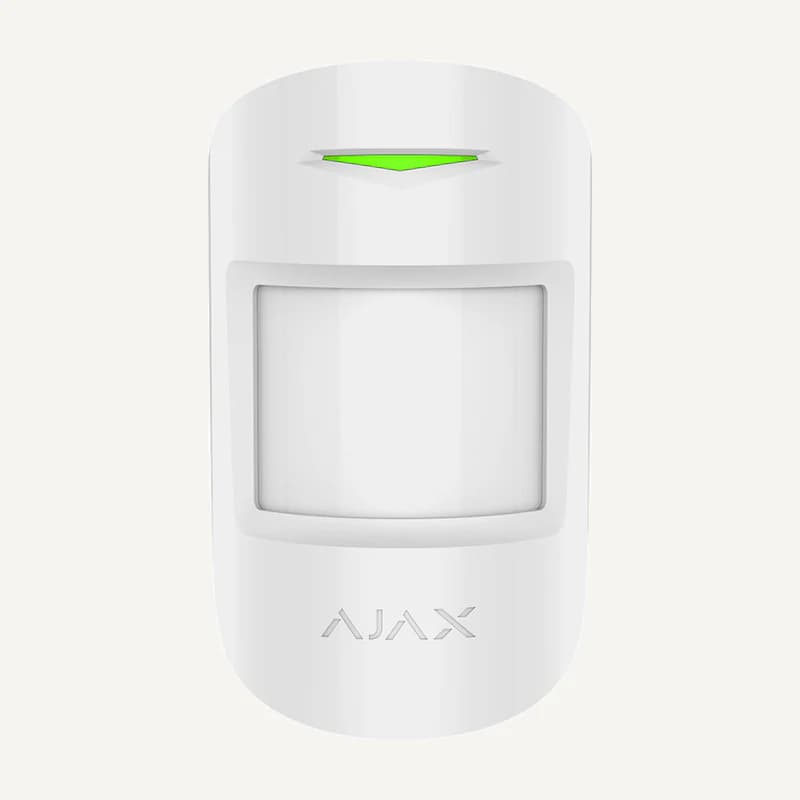 ↗
↗Indoor wireless infrared motion detector with coverage up to 12 m and Jeweller communication.
Professional terms after sign-in
Availability: On request
 ↗
↗Range illustration
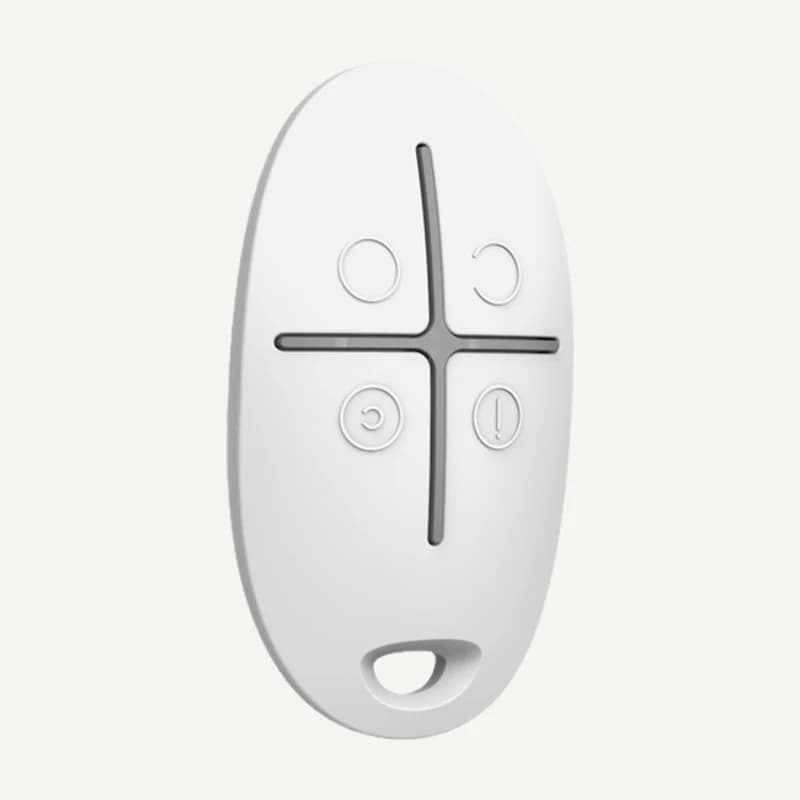
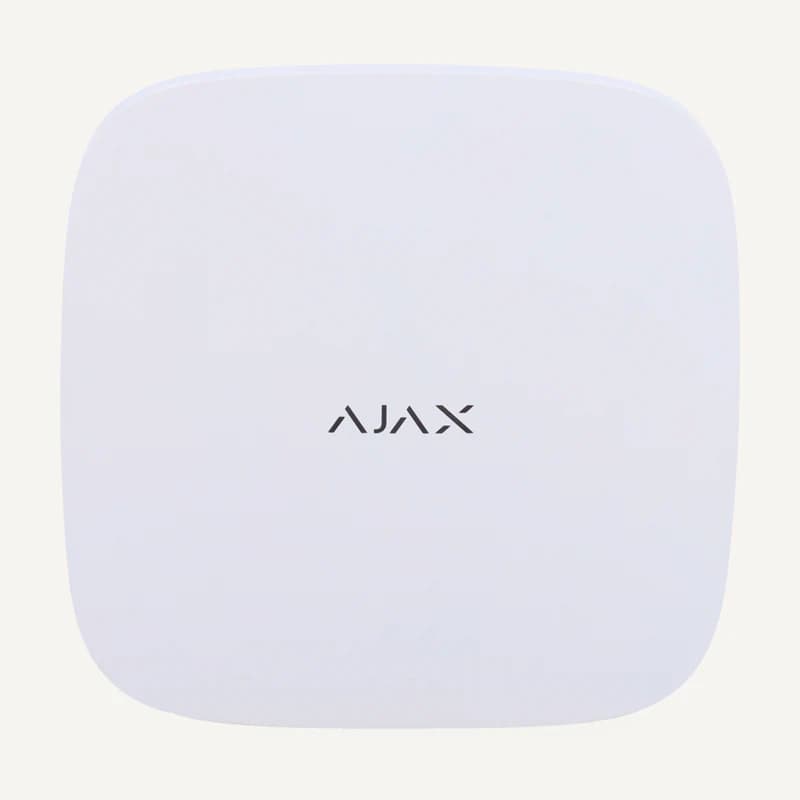
Inventory reference 47127.04.WH2 by Ajax, catalogued under Alarms and security. Compatibility and final configuration are confirmed during the project study.
Professional terms after sign-in
Availability: On request
 ↗
↗Range illustration
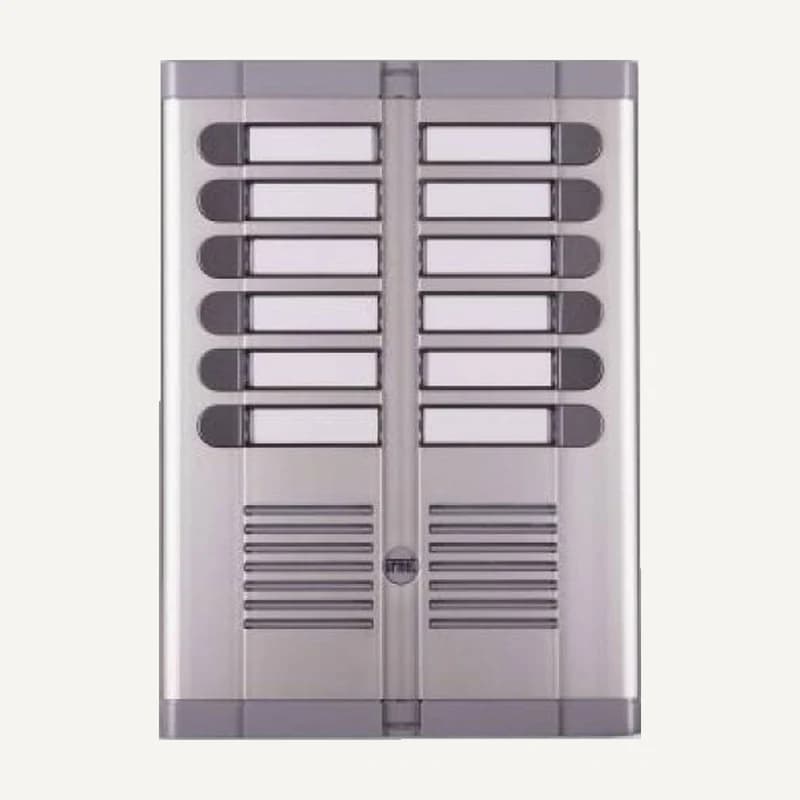
Urmet 925-series panel with 12 call buttons arranged in two rows.
Professional terms after sign-in
Availability: On request
 ↗
↗Range illustration
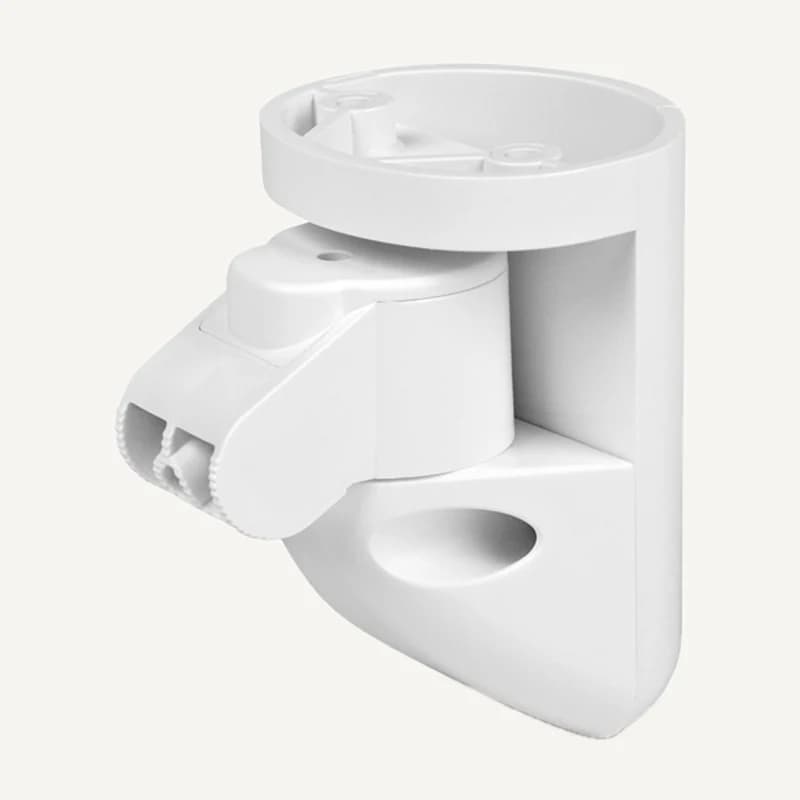
Inventory reference 94066.259.WH1 by Ajax, catalogued under Alarms and security. Compatibility and final configuration are confirmed during the project study.
Professional terms after sign-in
Availability: On request
 ↗
↗Range illustration
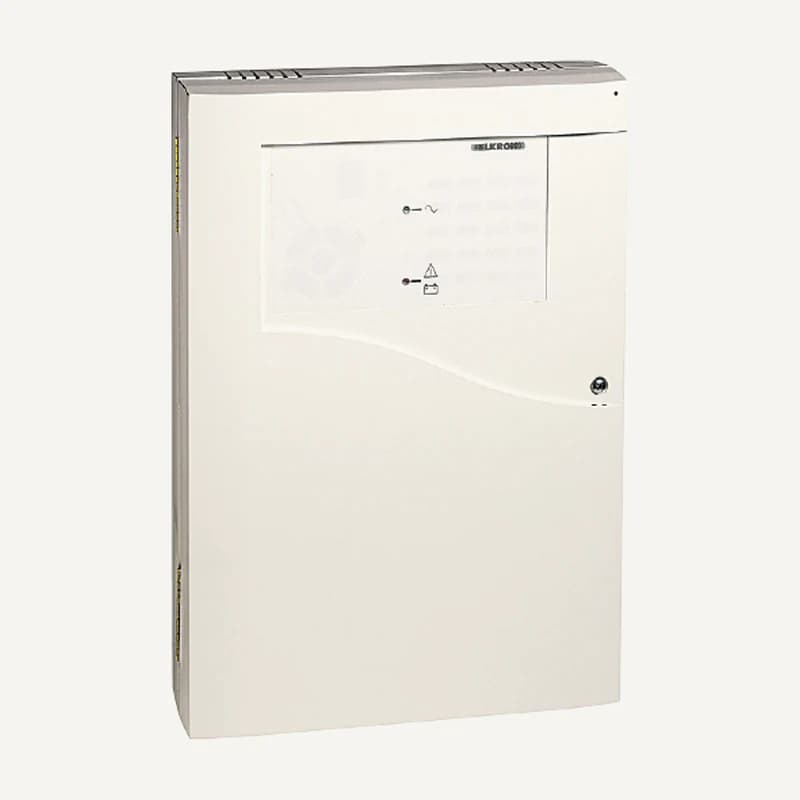
Inventory reference ACR, catalogued under Alarms & security. Compatibility and final configuration are confirmed during the project study.
Professional terms after sign-in
Availability: On request
 ↗
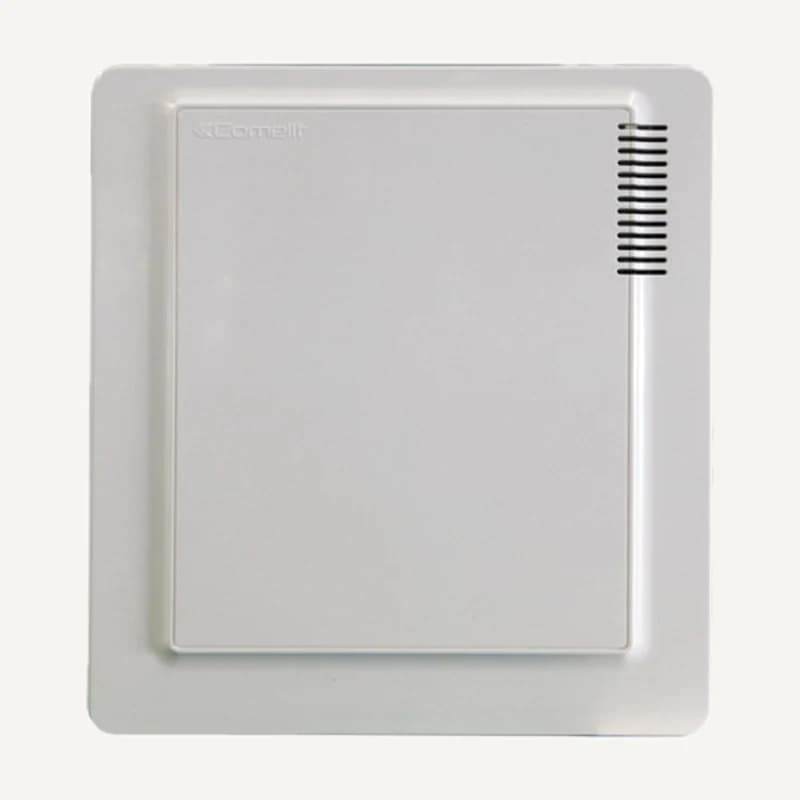
↗Inventory reference AS07_S, catalogued under Alarms & security. Compatibility and final configuration are confirmed during the project study.
Professional terms after sign-in
Availability: On request
 ↗
↗Range illustration
Groups a power supply and connections within an enclosure.
Professional terms after sign-in
Availability: On request
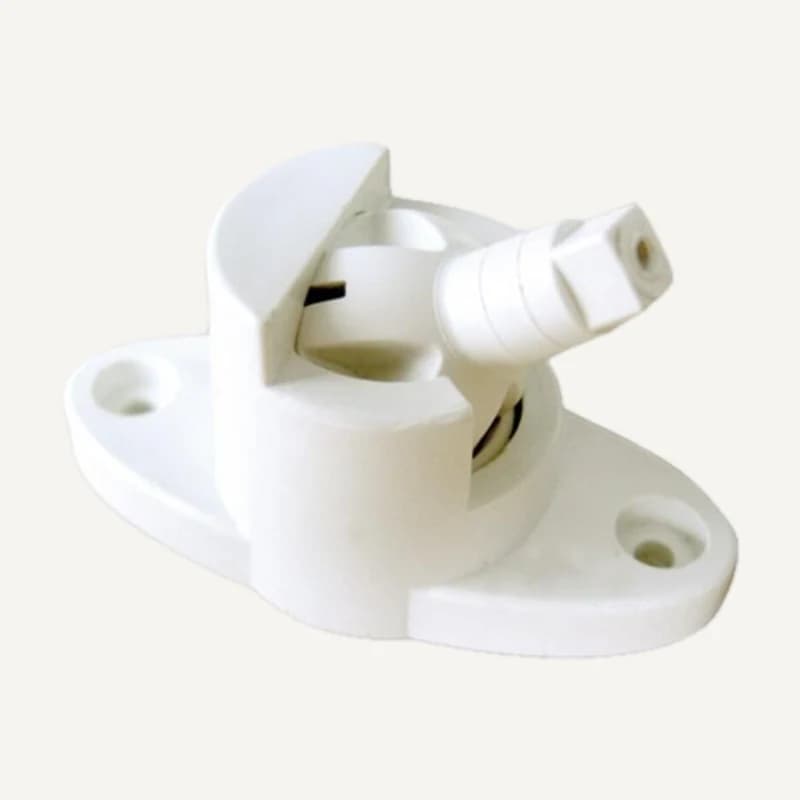 ↗
↗Range illustration
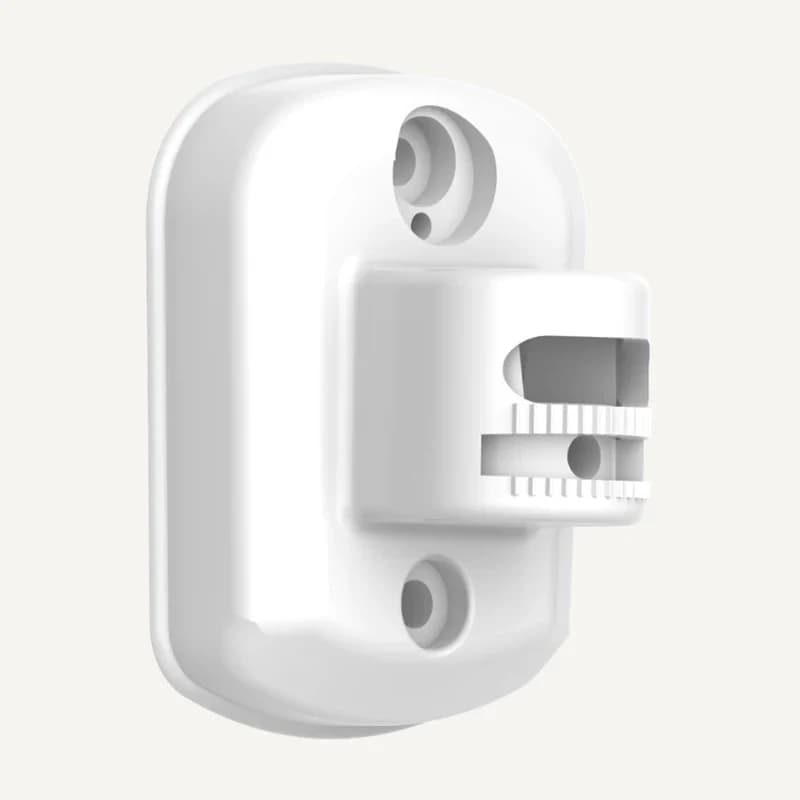
Mounting and positioning bracket for a compatible intrusion detector.
Professional terms after sign-in
Availability: On request
 ↗
↗Inventory reference DC200, catalogued under Alarms & security. Compatibility and final configuration are confirmed during the project study.
Professional terms after sign-in
Availability: On request
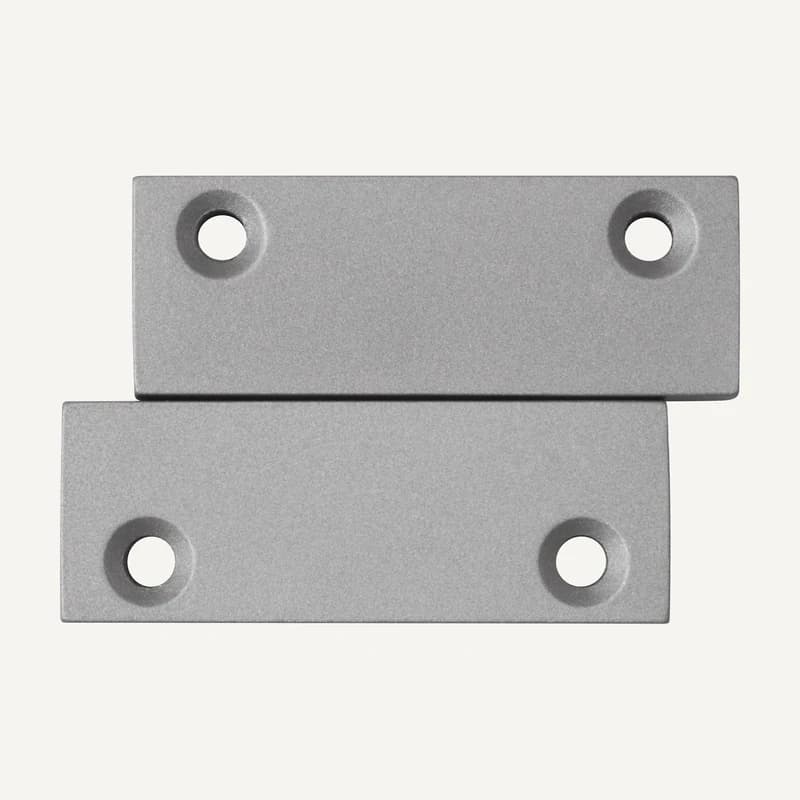 ↗
↗Door/window opening contact with metal housing and a normally closed output.
Professional terms after sign-in
Availability: On request
 ↗
↗Range illustration
Inventory reference DS-PDB-IN-WALL by Hikvision, catalogued under Alarms and security. Compatibility and final configuration are confirmed during the project study.
Professional terms after sign-in
Availability: On request
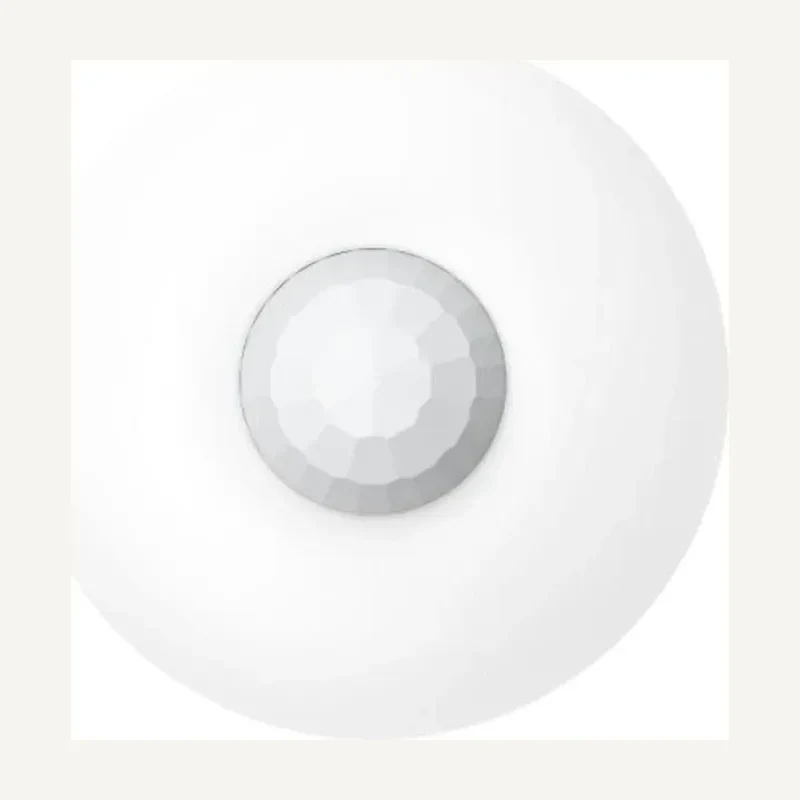 ↗
↗Inventory reference DS-PDCL12-EG2 by Hikvision, catalogued under Alarms and security. Compatibility and final configuration are confirmed during the project study.
Professional terms after sign-in
Availability: On request
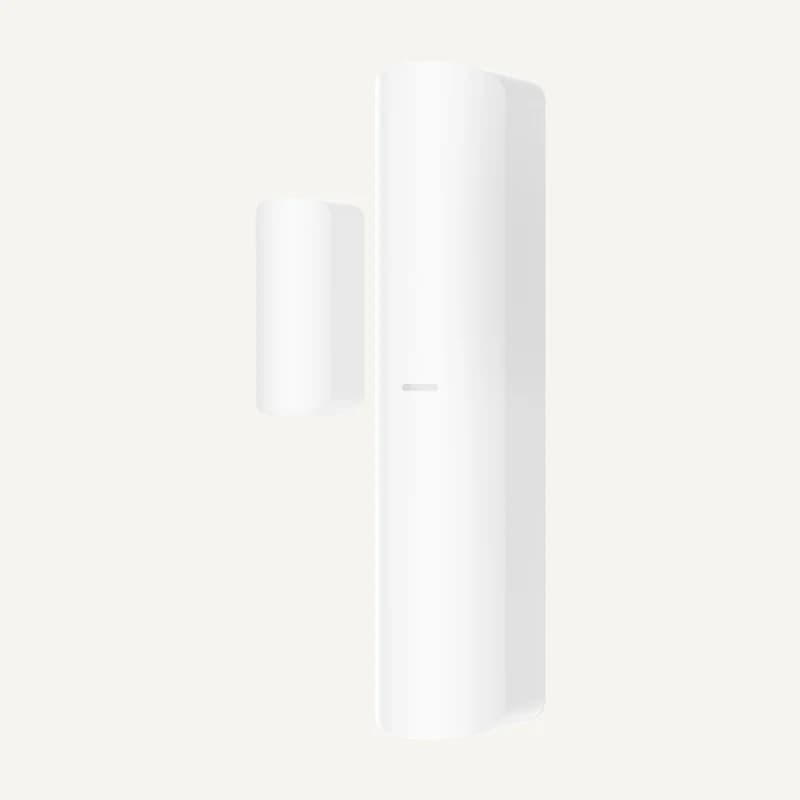 ↗
↗Inventory reference DS-PDMC-EG2-WB by Hikvision, catalogued under Alarms and security. Compatibility and final configuration are confirmed during the project study.
Professional terms after sign-in
Availability: On request
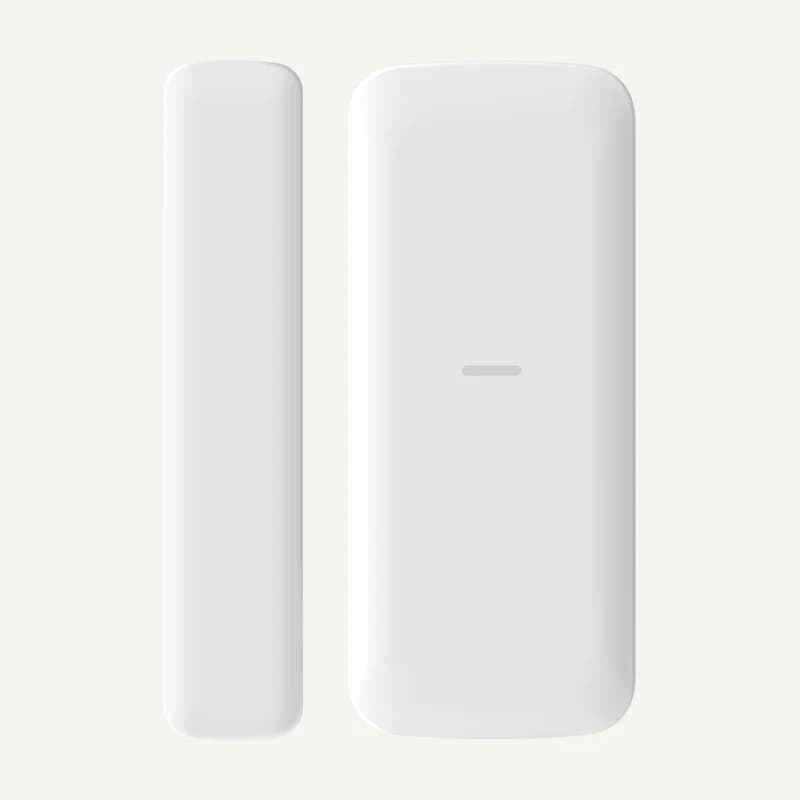 ↗
↗Inventory reference DS-PDMCS-EG2-WB by Hikvision, catalogued under Alarms and security. Compatibility and final configuration are confirmed during the project study.
Professional terms after sign-in
Availability: On request
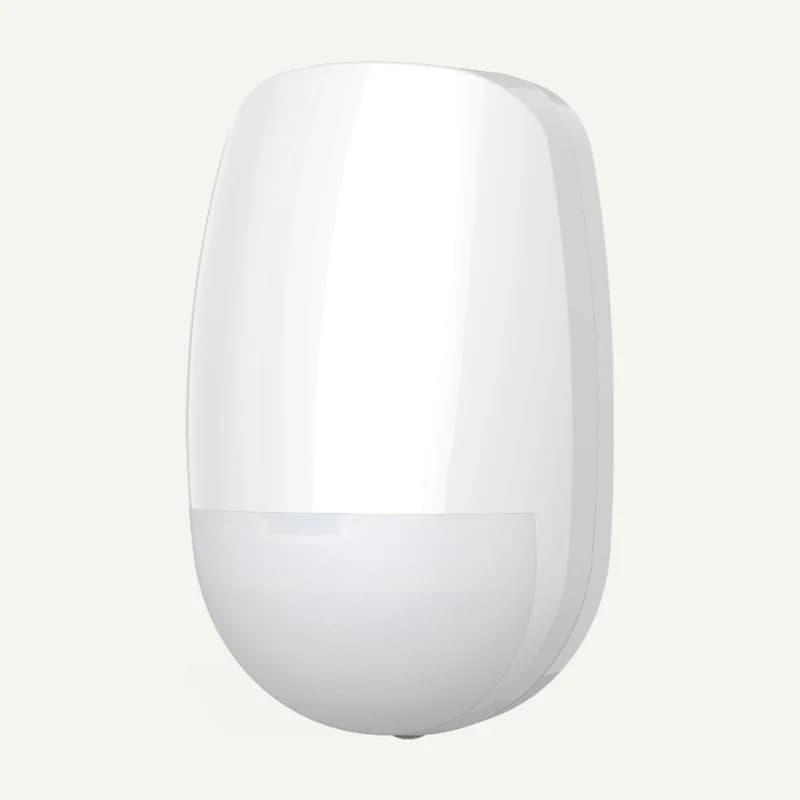 ↗
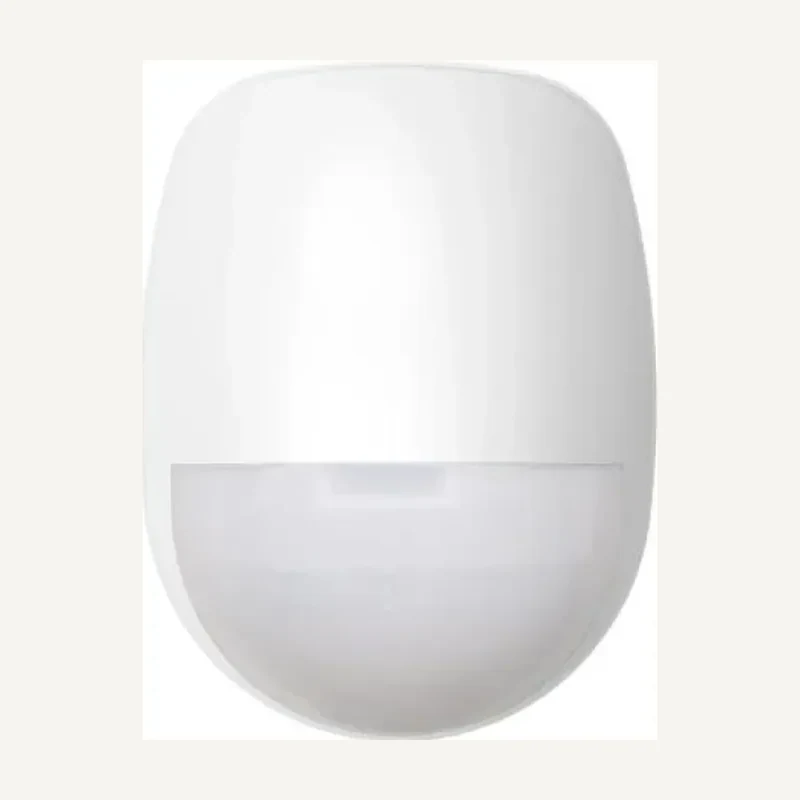
↗Inventory reference DS-PDP15P-EG2WB by Hikvision, catalogued under Alarms and security. Compatibility and final configuration are confirmed during the project study.
Professional terms after sign-in
Availability: On request
 ↗
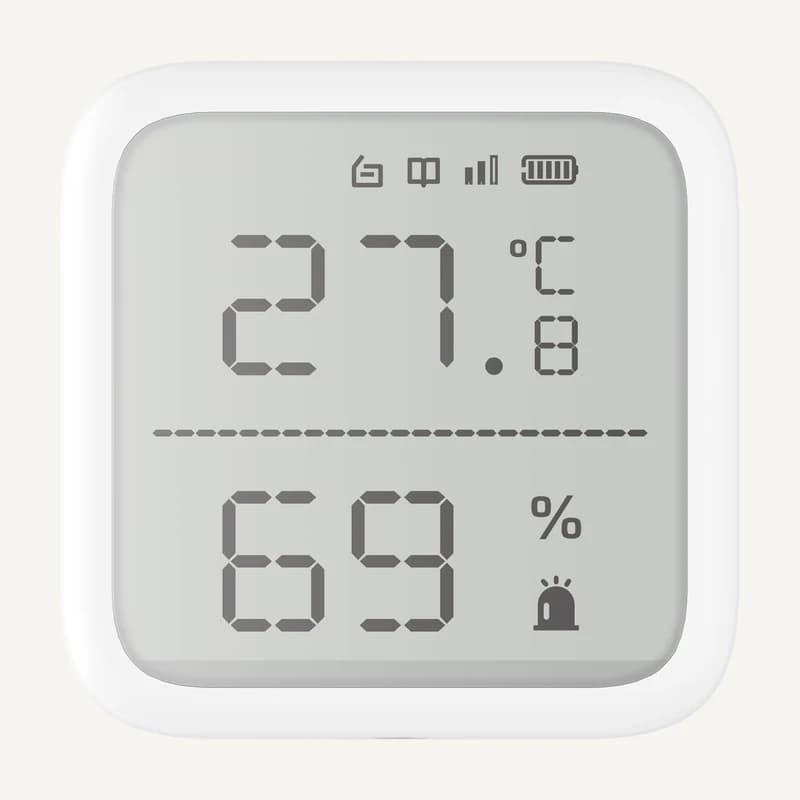
↗Inventory reference DS-PDP18-EG2 by Hikvision, catalogued under Alarms and security. Compatibility and final configuration are confirmed during the project study.
Professional terms after sign-in
Availability: On request
 ↗
↗Inventory reference DS-PDTPH-E-WB by Hikvision, catalogued under Alarms and security. Compatibility and final configuration are confirmed during the project study.
Professional terms after sign-in
Availability: On request
 ↗
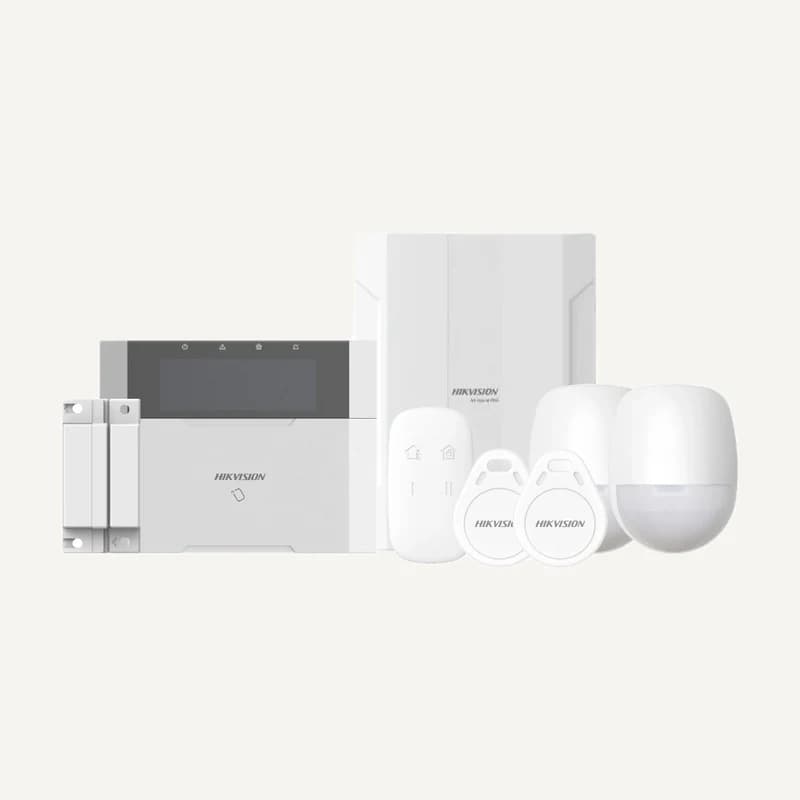
↗Inventory reference DS-PDWL-E-WB by Hikvision, catalogued under Alarms and security. Compatibility and final configuration are confirmed during the project study.
Professional terms after sign-in
Availability: On request
 ↗
↗Range illustration
Inventory reference DS-PHA64-KIT-WB by Hikvision, catalogued under Alarms and security. Compatibility and final configuration are confirmed during the project study.
Professional terms after sign-in
Availability: On request
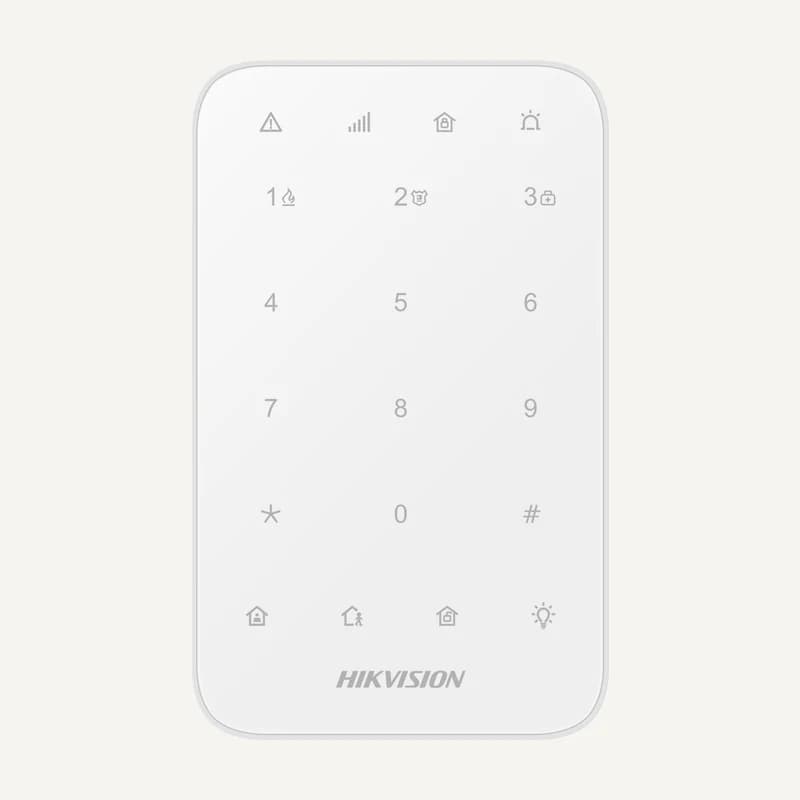 ↗
↗Inventory reference DS-PK1-E-WB by Hikvision, catalogued under Alarms and security. Compatibility and final configuration are confirmed during the project study.
Professional terms after sign-in
Availability: On request
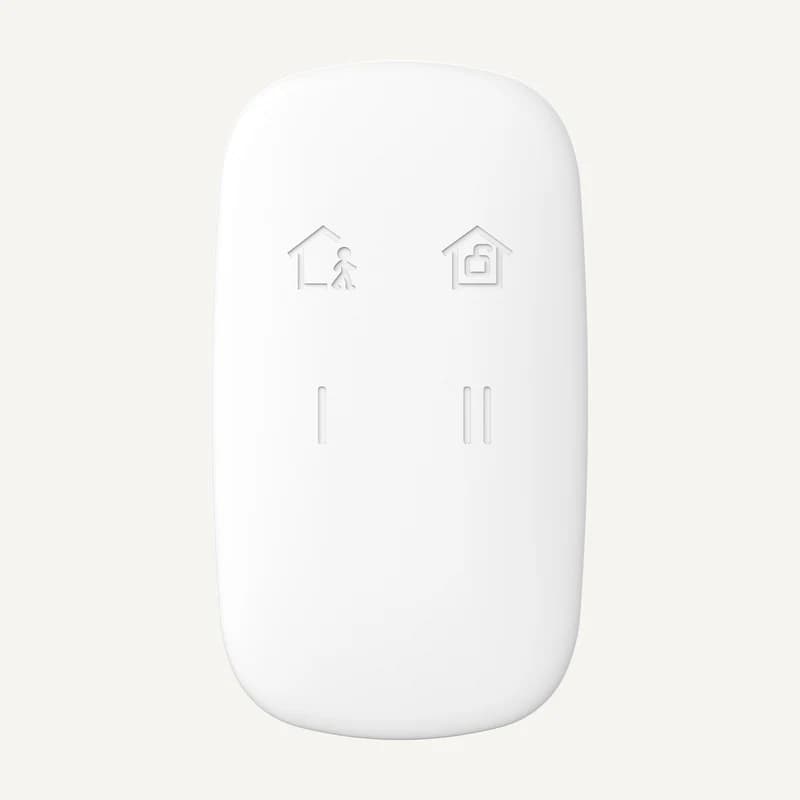 ↗
↗Inventory reference DS-PKF1-WB by Hikvision, catalogued under Alarms and security. Compatibility and final configuration are confirmed during the project study.
Professional terms after sign-in
Availability: On request
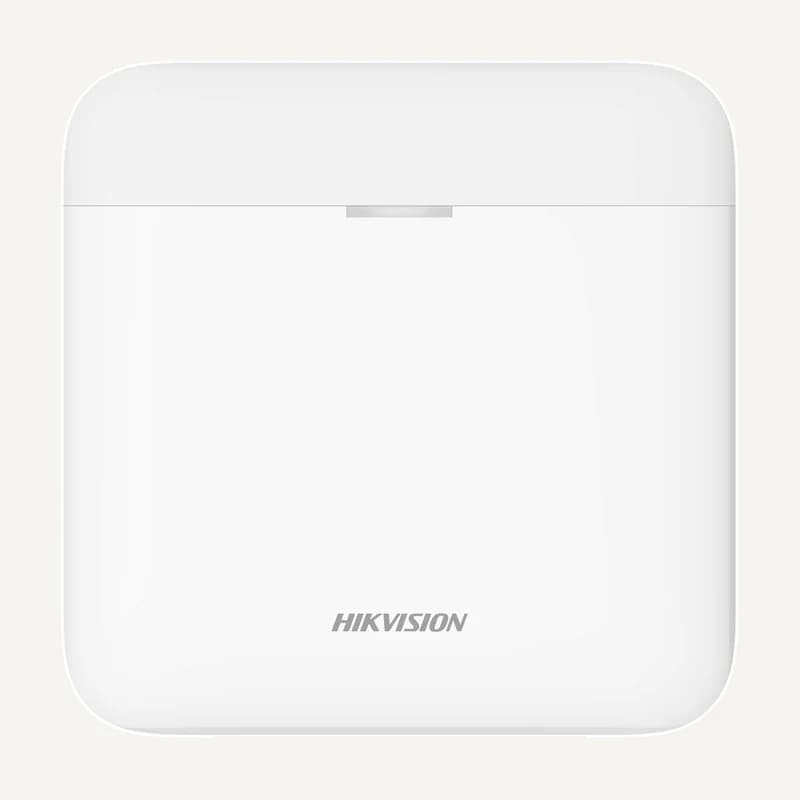 ↗
↗Inventory reference DS-PR1-WB by Hikvision, catalogued under Alarms and security. Compatibility and final configuration are confirmed during the project study.
Professional terms after sign-in
Availability: On request
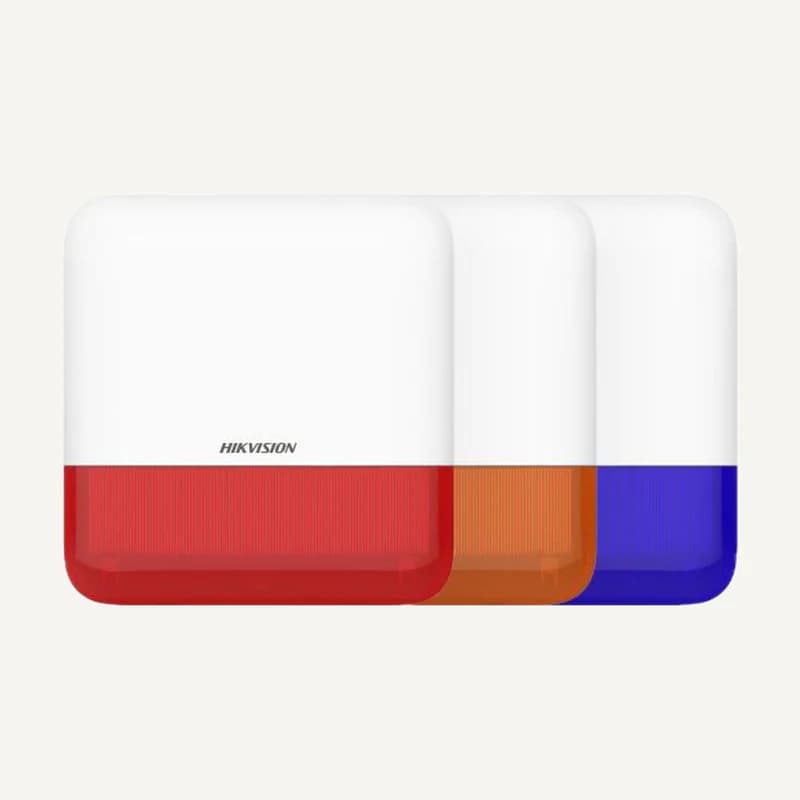 ↗
↗Inventory reference DS-PS1-E-WB by Hikvision, catalogued under Alarms and security. Compatibility and final configuration are confirmed during the project study.
Professional terms after sign-in
Availability: On request